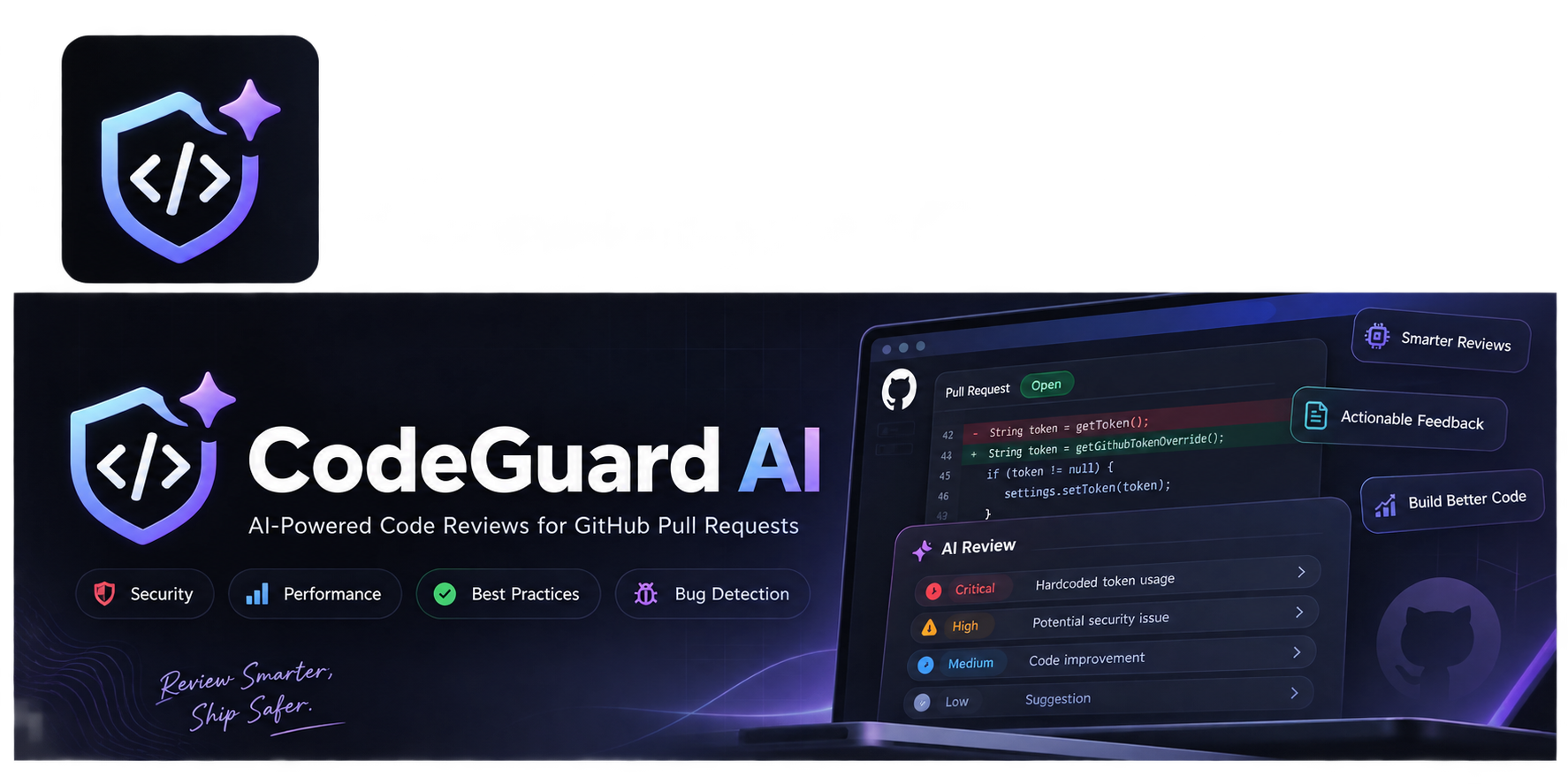
CodeGuard AI verdict
CodeGuard AI is the right pick for a solo Java developer who wants full data control over AI code review and is comfortable running a Spring Boot service. Compared to SaaS reviewers, it puts all infrastructure burden on you, and it only covers GitHub, not GitLab or Bitbucket. Teams expecting a plug-and-play tool should look elsewhere.
Strengths
One-time $15 purchase with no recurring subscription, and full source code access means you can modify the review logic to match your team's standards.
Ollama support enables fully local AI inference, so code never leaves your own network, a real advantage for teams with data-sovereignty requirements.
Weaknesses
GitHub-only: the application has no support for GitLab, Bitbucket, or Azure DevOps, which rules it out for any team not fully on GitHub.
No managed hosting, no auto-updates, and no support tier included in the purchase; you are responsible for running, patching, and scaling the Spring Boot service yourself.
Cursor verdict
Cursor is ideal for developers who want an editor that deeply understands their codebase and supports natural-language multi-file edits, thanks to features like Composer and Tab. It’s weaker for those tied to VS Code or JetBrains workflows or who need transparent usage dashboards. If you rely heavily on GitHub-centric workflows or need built-in PR review, GitHub Copilot may serve you better.
Strengths
Composer enables multi-file edits via natural-language prompts, a rare capability among AI editors.
Tab autocomplete powered by proprietary models predicts edits across lines and files.
Weaknesses
Cursor is a standalone editor, so developers deeply invested in VS Code or JetBrains must switch environments.
Usage caps (agent requests, model credits) can be hit unexpectedly without a clear in-editor dashboard.