Head-to-head
Cursor vs Roblox GUI Maker
Side-by-side on features, pricing, and our Editor's Score. No marketing fluff.
Cursor
AI Coding & Dev Tools
85
Editor's score
FREEMIUM
vs
Roblox GUI Maker
AI Coding & Dev Tools
82
Editor's score
FREE
Score breakdown
CursorRoblox GUI Maker
Capability
-
20
Ease of use
-
22
Value
-
18
Delivery
-
22
Pricing at a glance
Cursor
HobbyFree
Pro$20/month
Pro+$60/month
Ultra$200/month
Roblox GUI Maker
Free$0
Creator$12/month
Studio$39/month
Cursor verdict
Cursor is ideal for developers who want an editor that deeply understands their codebase and supports natural-language multi-file edits, thanks to features like Composer and Tab. It’s weaker for those tied to VS Code or JetBrains workflows or who need transparent usage dashboards. If you rely heavily on GitHub-centric workflows or need built-in PR review, GitHub Copilot may serve you better.
Strengths
Composer enables multi-file edits via natural-language prompts, a rare capability among AI editors.
Tab autocomplete powered by proprietary models predicts edits across lines and files.
Weaknesses
Cursor is a standalone editor, so developers deeply invested in VS Code or JetBrains must switch environments.
Usage caps (agent requests, model credits) can be hit unexpectedly without a clear in-editor dashboard.
Roblox GUI Maker verdict
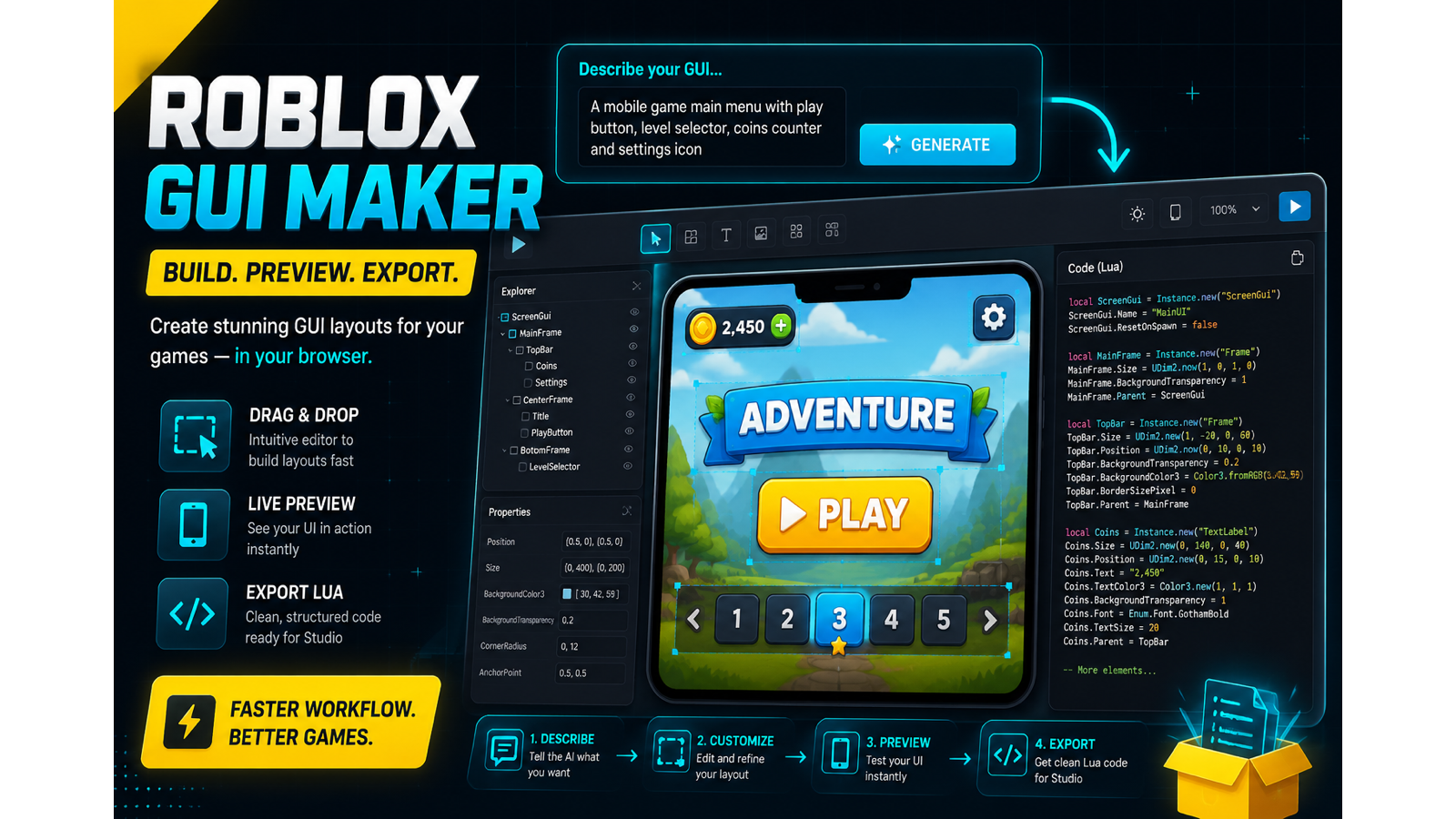
Best for solo Roblox creators who want to sketch UI screens quickly and export clean Luau code. It lacks cloud saves and full logic wiring, so teams or those needing built-in behavior should look elsewhere. Skip it if you need collaborative editing or plugin integration.
Strengths
Exports clean, real Roblox Luau code (Instance.new, UDim2, layout objects) ready for Studio.
Simple, transparent pricing: free tier plus $12/mo for 150 generations or $39/mo for 500 with team features.
Weaknesses
No cloud project saves or user accounts; work lives in browser local storage only.
Generated code covers layout only, you still must wire behavior, RemoteEvents, and validation manually.