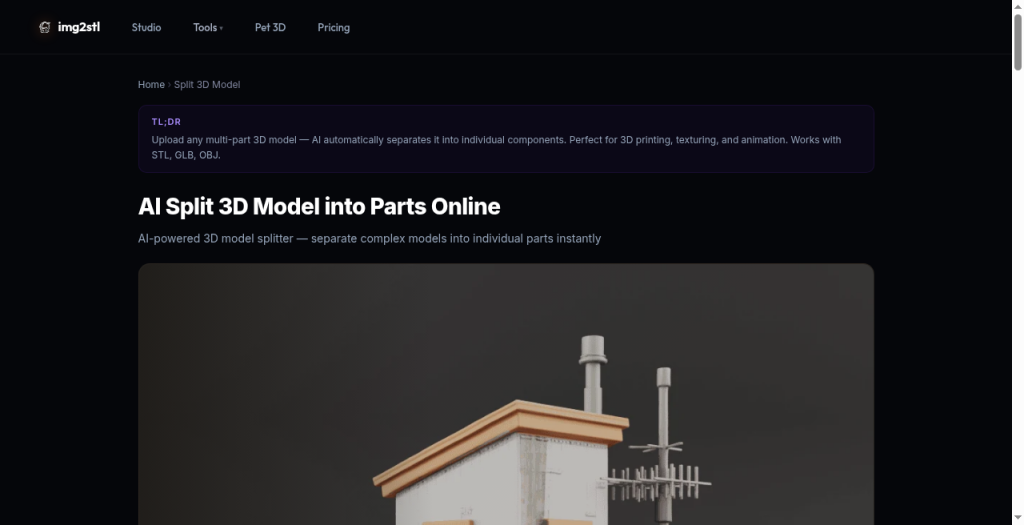
Img2STL 3D Model Splitter verdict
Best for makers who need a fast, no-install way to isolate loose-part assemblies before sending files to a slicer. It handles the easy case well, but it cannot cut through solid geometry, which means anyone with a fused single-island mesh still has to open Blender or a CAD tool first. If you need plane-cut splitting with connector pegs and printer-bed presets, Meshy's Auto Split or a dedicated free tool will serve you better.
Strengths
Handles the loose-parts separation case with no desktop install and a four-step workflow that requires no 3D modeling knowledge.
Supports five input formats (STL, GLB, OBJ, PLY, 3MF), covering both print-prep and game-asset pipelines in one upload.
Weaknesses
Cannot cut through solid geometry at all: if your model is one watertight island, the splitter produces nothing useful and you must pre-process in Blender or a CAD tool before returning. This is a hard architectural limit, not a missing premium feature.
Pricing is opaque: the Studio runs on a credit system, but the Split module's pricing page lists no named tiers, no per-credit cost, and no indication of how many credits a split operation consumes.
Img2STL verdict
Img2STL is the right pick for hobbyists who need a fast, no-install way to turn a logo or badge into a printable relief STL at zero cost. The AI true 3D mode is credit-gated and the per-generation cost is not published transparently, which makes it hard to budget for regular use. Anyone needing production-quality meshes or predictable monthly pricing should look at a dedicated 3D AI platform instead.
Strengths
Free relief STL mode runs entirely in the browser with no account, no upload, and no cost, making it genuinely zero-friction for logos and badges.
Multi-photo AI input (up to 4 views) reduces geometry artifacts on the back side of generated meshes, a real technical advantage over single-image competitors.
Weaknesses
Credit pack prices and per-generation credit costs are not published on the pricing page, making it impossible to budget AI 3D use before signing up, a specific transparency problem not shared by most credit-based competitors.
The free relief mode produces a height-map emboss, not a true 3D mesh; users expecting a sculptural 3D model from a single free upload will be disappointed and must spend credits to get one.