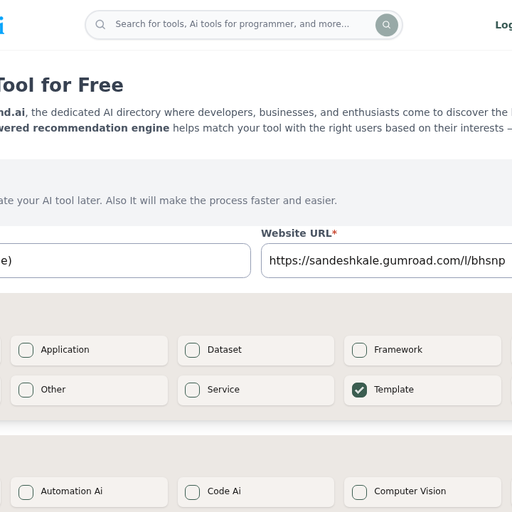
RAG Readiness Checklist (Free) verdict
Best for solo developers or small teams who have a working RAG demo and need a structured, no-cost sanity check before pushing to production. It covers more ground than most free checklists by pairing retrieval quality with guardrails and cost risk in one document, but it is a static PDF artifact, not an interactive tool, so it offers no scoring, no automated checks, and no updates when the RAG tooling landscape shifts. If you need ongoing evaluation infrastructure or a living framework tied to a specific stack, look elsewhere.
Strengths
Covers six distinct RAG risk domains in one document, including cost and guardrails that most free checklists omit.
Completely free with no account wall, no email capture beyond Gumroad's standard flow, and no paid upsell.
Weaknesses
Static PDF format means no scoring, no automated checks, and no version updates when RAG tooling or best practices change; a checklist that was current at publication can become misleading within months in this space.
No integration with any evaluation framework (Ragas, Promptfoo, LangSmith, or similar), so every item on the checklist requires the user to manually map it to their own stack.
Cursor verdict
Cursor is ideal for developers who want an editor that deeply understands their codebase and supports natural-language multi-file edits, thanks to features like Composer and Tab. It’s weaker for those tied to VS Code or JetBrains workflows or who need transparent usage dashboards. If you rely heavily on GitHub-centric workflows or need built-in PR review, GitHub Copilot may serve you better.
Strengths
Composer enables multi-file edits via natural-language prompts, a rare capability among AI editors.
Tab autocomplete powered by proprietary models predicts edits across lines and files.
Weaknesses
Cursor is a standalone editor, so developers deeply invested in VS Code or JetBrains must switch environments.
Usage caps (agent requests, model credits) can be hit unexpectedly without a clear in-editor dashboard.