
Describe Picture
Browser-based AI video analyzer that transcribes speech, detects scenes, and generates summaries with no software to install.
Are you the maker? Claim this listing to keep info, pricing and screenshots current. Verified via your tool's domain email.
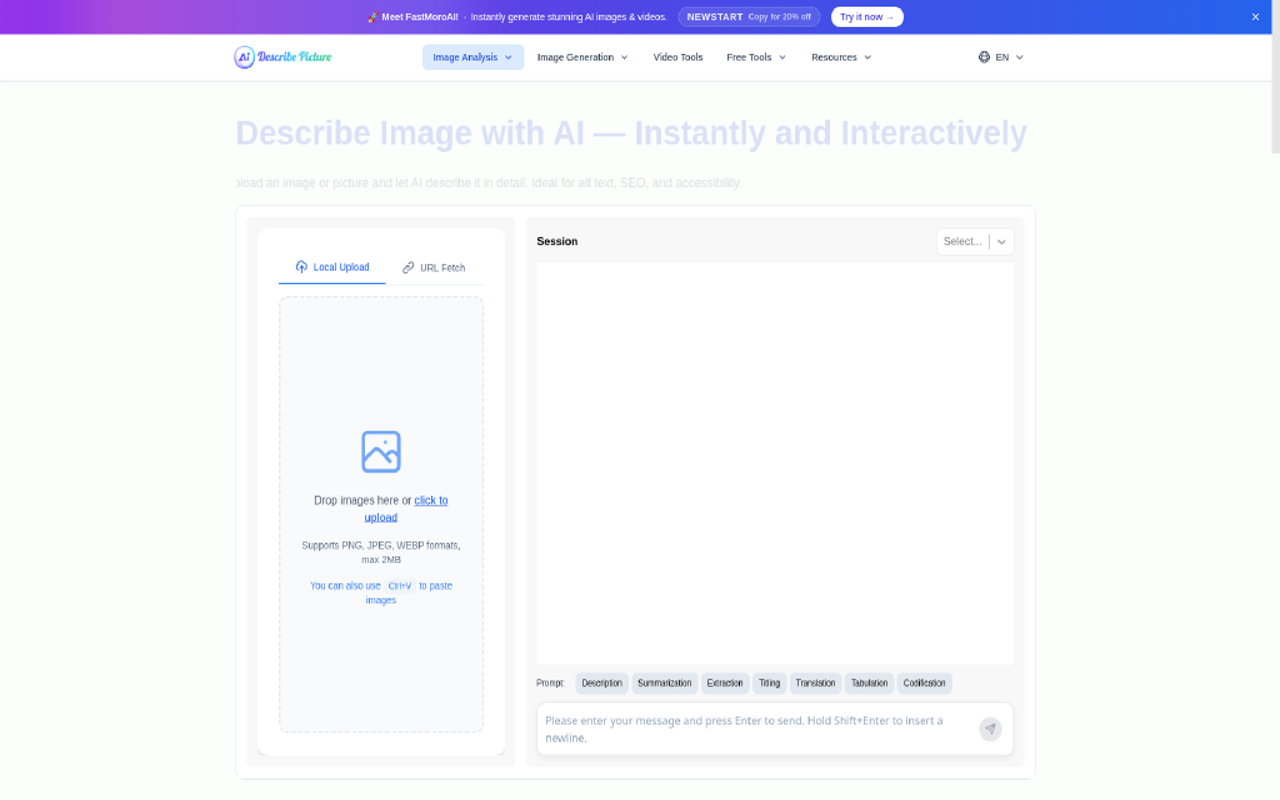
Describe Picture suits solo creators and accessibility workers who need a fast, no-install way to pull text and metadata out of short video clips. Its credit-based pricing is pay-as-you-go rather than a flat subscription, which keeps costs low for occasional use but gets expensive for anyone processing video regularly. Teams with serious editing or captioning workflows will find Descript or CaptionBolt far more capable.
What is Describe Picture?
Describe Picture is a web-based AI platform from describepicture.org that analyzes images and videos to produce structured text output. Its video module accepts nine file formats and runs up to eight analysis modes per clip, including speech transcription, scene detection, emotion analysis, object identification, key moment highlighting, thematic analysis, and multilingual translation, all without requiring any software installation.
The platform is built around a credit-based usage model with a free entry tier. It uses Google's Gemini Pro Vision for visual recognition tasks and also offers a RESTful API for developers who want to integrate its analysis capabilities into their own workflows. Primary users include content creators writing captions, accessibility teams generating alt text and transcripts, and marketers extracting searchable metadata from video libraries.
How we scored Describe Picture
Capability scores 15 because the eight analysis modes are genuinely useful but the 10MB upload cap and plain-text-only output mean it cannot handle real production workloads; both Descript and CaptionBolt offer editing and exportable caption formats this tool lacks entirely. Ease of use scores 17 because the browser-only, no-install approach is genuinely frictionless for a first use, though the lack of any visible pricing on the main video page creates unnecessary confusion before a user even starts. Value scores 12 because the $0.20-per-minute video rate has no subscription discount path, the API requires a $60 minimum purchase, and the free tier's actual credit limit is undisclosed, making it hard for a buyer to plan costs. Delivery scores 11 because there is almost no public user review record to validate the tool's claims, pricing information is scattered across third-party directories with conflicting figures, and the upload limit discrepancy between the live page and third-party sources suggests documentation is not well maintained.
Pros and cons
What we liked
- Eight named analysis modes (transcription, summary, scene detection, emotion analysis, object identification, highlight detection, translation, thematic analysis) run in a single upload session with no software to install.
- Credit-based pay-as-you-go pricing at $0.20 per minute of video means occasional users pay only for what they process, with no monthly commitment required.
- RESTful API with batch processing support and webhook integration lets developers pipe video analysis into their own content management or accessibility workflows.
Where it falls short
- The 10MB file size cap on video uploads is a hard ceiling that excludes anything longer than a very short clip at standard web bitrates, a constraint not shared by dedicated video tools like Descript or CaptionBolt.
- There is no timeline editor, caption export to SRT or VTT, or direct publishing integration; the tool outputs plain text only, so every downstream use requires manual copy-paste into another tool.
- Pricing transparency is poor: the main video page shows no pricing at all, credit costs are scattered across third-party directories, and the minimum $60 API purchase is buried in FAQ text rather than a clear pricing table.
Key features
Describe Picture pricing
Free tier available with basic access. Paid usage is credit-based: image analysis costs $0.08 per credit (one-time) or $0.05 per credit (monthly subscription); video description costs $0.20 per minute. API access requires a minimum purchase of $60 at $0.01 per credit. No flat monthly subscription tier was found for the video tool specifically.
| Plan | Price | Who it is for |
|---|---|---|
| Free | Free | Basic access to video and image analysis features. Specific credit allocation on the free tier is not disclosed on the pricing page. |
| Image Credits (One-Time) | $0.08 per credit | Pay-as-you-go image description credits with no recurring charge. Includes AI picture description and image-to-prompt conversion. |
| Image Credits (Monthly Subscription) | $0.05 per credit | Discounted per-credit rate for image analysis on a monthly subscription. Cancel at any time. |
| Video Description (One-Time) | $0.20 per minute | Pay-as-you-go video analysis covering transcription, summary, scene detection, and other analysis modes. No recurring commitment. |
| API Access | $0.01 per credit | Programmatic access to image and video analysis. Minimum purchase of $60 required. Supports batch processing and webhook integration. |
Pricing reflects what we saw at time of review (2026-10). Always confirm current pricing on the tool's own site.
Who should use Describe Picture?
A solo YouTuber or social media creator who needs a quick transcript and scene breakdown of a short clip before writing a caption or description will get real value here, especially on the free tier. Accessibility specialists who need to generate transcripts and object descriptions for short video assets, without committing to a full editing platform, will also find it practical for one-off jobs.
Anyone processing more than a handful of videos per month should look elsewhere. The 10MB upload cap rules out anything longer than a short clip at typical bitrates, and the per-minute pricing adds up fast at volume. Editors who want to cut video by editing a transcript should use Descript, which treats the transcript as the actual edit timeline. Creators focused on captioning short-form content for social platforms will get more purpose-built controls from CaptionBolt, which is designed specifically around caption accuracy and timing for short video.
Skip it if: Teams doing regular, high-volume video editing or professional captioning
Frequently asked questions
What video formats does Describe Picture support?+
The tool accepts MP4, MPEG, MOV, AVI, FLV, MPG, WebM, WMV, and 3GPP files. The maximum upload size is 10MB for the video tool.
Is there a free plan, and what does it include?+
Yes, a free tier exists. The site does not publicly disclose how many free credits or analyses it includes, so the exact limit is unclear without signing up.
How much does video analysis cost on a paid basis?+
Video description is priced at $0.20 per minute on a one-time purchase basis. There is no flat monthly subscription for the video module specifically.
Can I use Describe Picture via API?+
Yes. The platform offers a RESTful API with batch processing and webhook support. API access requires a minimum purchase of $60 at $0.01 per credit.
Does it export captions in SRT or VTT format?+
No. The tool outputs plain text and JSON. It does not produce SRT, VTT, or any other timed caption format compatible with video platforms.
What AI model powers the video analysis?+
The platform integrates Google's Gemini Pro Vision for visual recognition tasks. The specific model version used for video analysis is not separately disclosed.
More AI Video Tools
See all categoriesGet your tool listed on 300+ directories.
One listing here is a strong start. But the founders who get discovered everywhere are listed everywhere. Our sister site, Free AI Directories, submits your tool to 300+ AI directories for you, every single one by hand, by a real person.
It is a one-time payment of $49, no subscription, and you can follow along as the submissions land. Prefer the slow route? The same site keeps a free list of 450+ directories you can work through yourself.
Get my tool listed on 300+ directoriesOne-time payment, no subscription · 100% human submissions · Free list of 450+ directories included.