
Kling 4.0
Kuaishou's flagship AI video model for generating clips up to 30 seconds with multi-keyframe control and built-in stereo audio.
Are you the maker? Claim this listing to keep info, pricing and screenshots current. Verified via your tool's domain email.
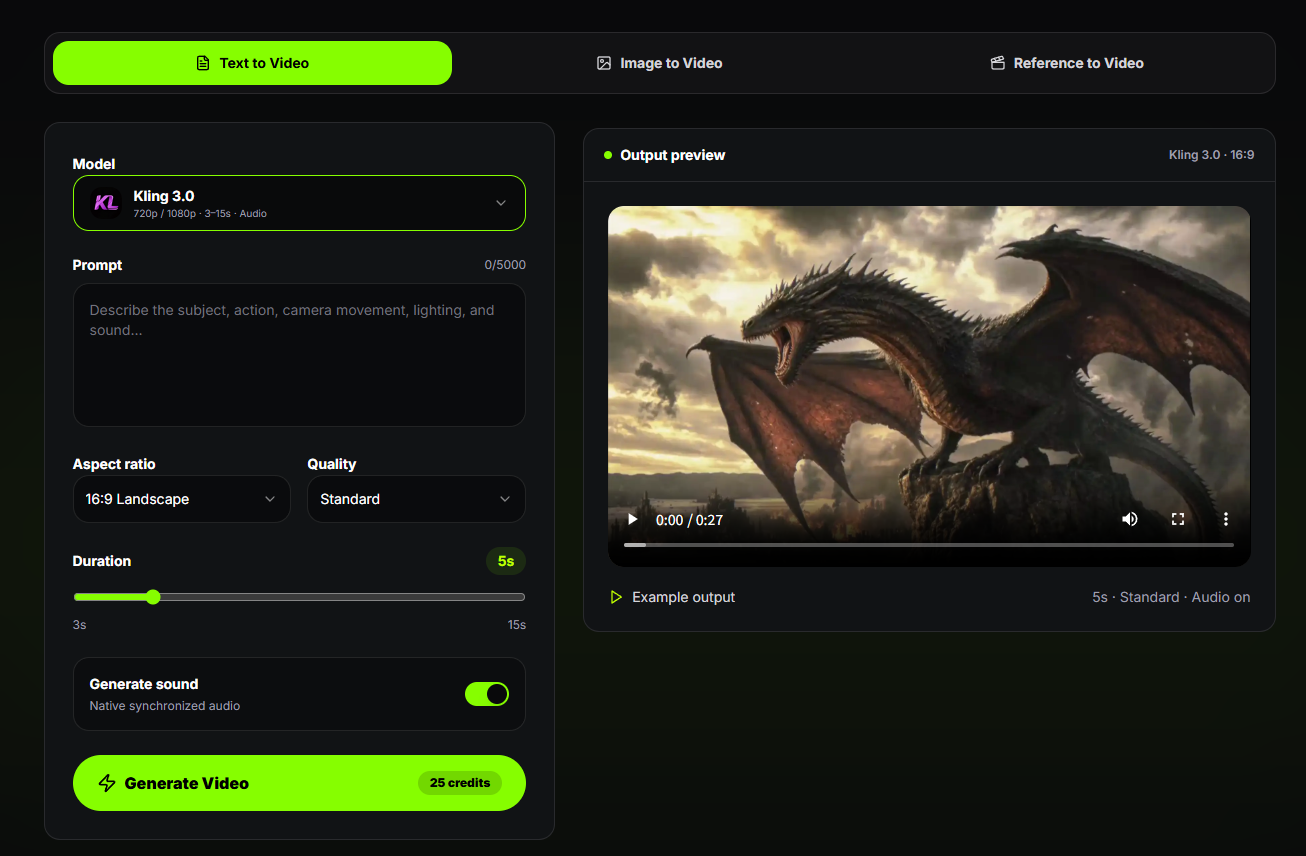
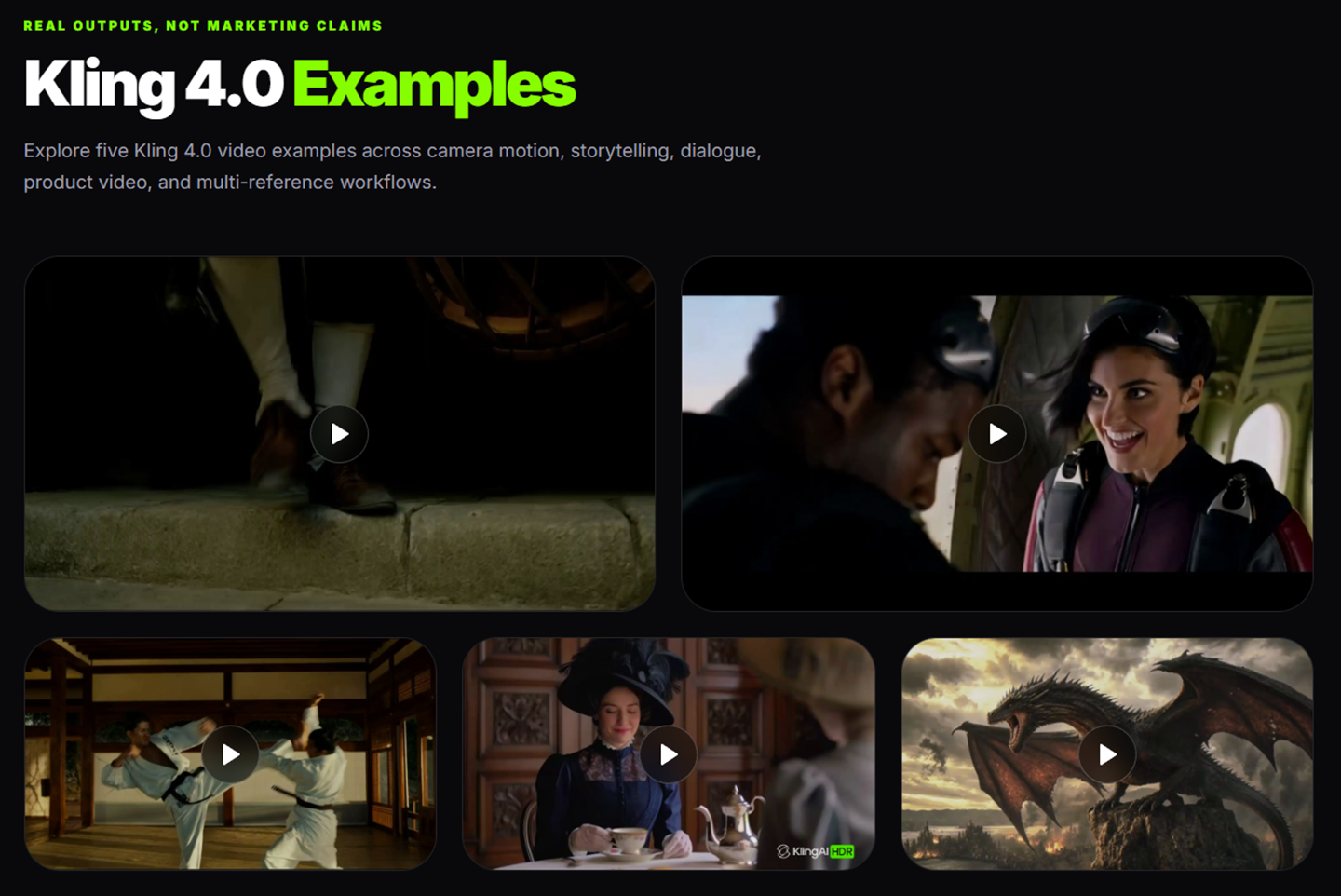
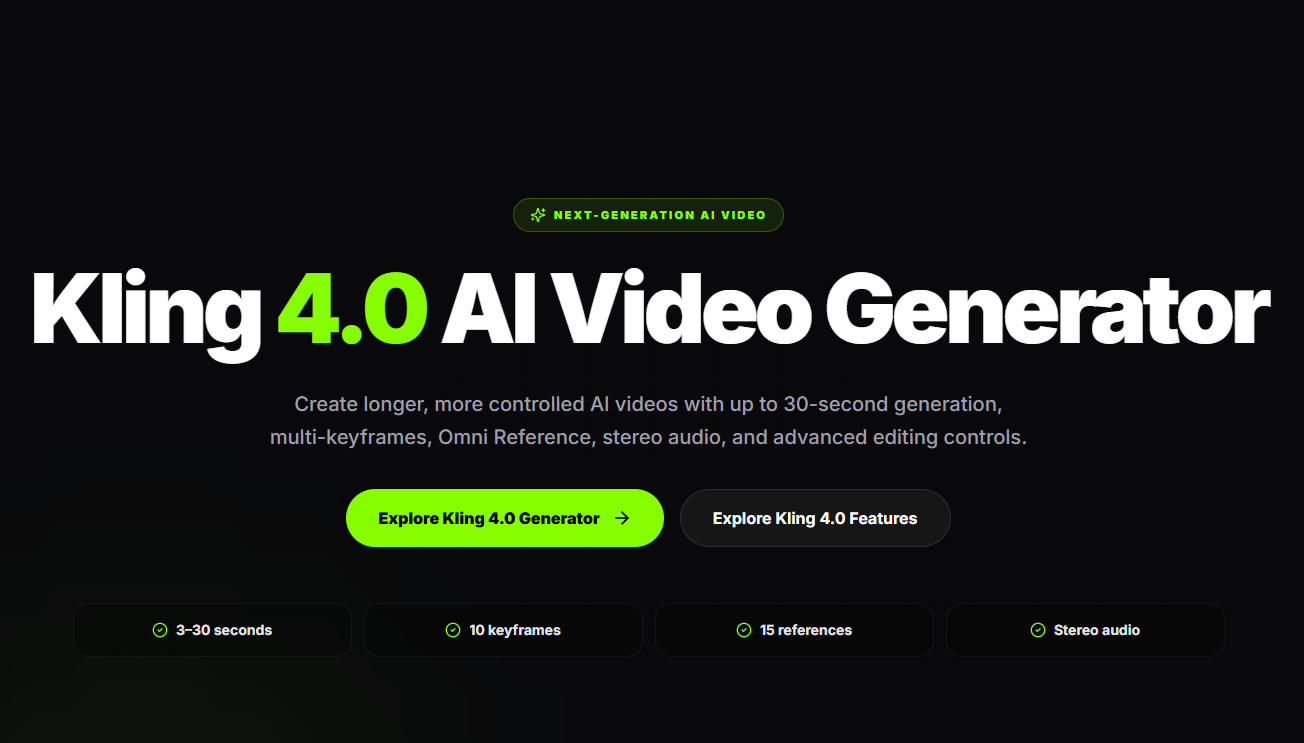
Kling 4.0 is the best fit for high-volume video creators who need long native clips and fine-grained keyframe control in a single generation. Runway still leads on real-time editing workflows and has a more open API, while Kling 4.0's full feature set sits behind the Ultra plan at $159.99 per month. Anyone on a tight budget or needing API access today should look elsewhere.
What is Kling 4.0?
Kling 4.0 is an AI video generation platform designed to transform text prompts, images, and visual references into high-quality, cinematic videos. Its planned features include text-to-video and image-to-video generation, multi-keyframe control, Omni Reference technology, advanced camera movements, stereo audio generation, and lip synchronization.
Built for content creators, filmmakers, marketers, and businesses, Kling 4.0 aims to simplify video production while providing greater creative control and visual consistency. It is designed for creating social media videos, marketing campaigns, product demonstrations, short films, and digital storytelling.
With AI-powered video generation and flexible creative tools, Kling 4.0 aims to make professional-style video creation faster, easier, and more accessible.
How we scored Kling 4.0
Capability scores well because 30-second native generation, 10-keyframe control, and 15-reference Omni Reference are genuinely ahead of most competitors at launch. Ease of use loses points because the access structure is confusing: five tiers, a discounted first month that auto-renews at a higher rate, and a flagship feature locked to annual Ultra billing create real friction before a user generates a single clip. Value is the weakest sub-score: the Standard plan's 660 credits covers roughly one 30-second 1080p clip per month at the reported 15-credits-per-second rate, making the lower tiers nearly non-functional for the headline feature, and Ultra annual billing at $1,429.99 is required just for early access. Delivery loses points because the API is not yet released, 10-bit HDR is listed as coming soon, and the submitted website URL points to a domain that appears to be a third-party site rather than the official kling.ai platform, raising questions about what buyers actually land on.
Pros and cons
What we liked
- Native 30-second clip generation with up to 10 keyframes eliminates the stitching workflow that shorter-limit tools require.
- Up to 15 combined references per generation, including images, video clips, and voice profiles, gives product and character consistency that is uncommon at this depth.
- Built-in two-channel stereo audio and multilingual lip sync across nine languages are model-level features, not add-ons requiring a separate tool.
Where it falls short
- Kling 4.0 Flash early access is locked to the Ultra annual plan at $1,429.99 per year, and the Standard plan's 660 monthly credits covers only about one 30-second 1080p clip at the reported 15-credits-per-second rate, making the lower tiers nearly useless for the flagship model.
- The API has not been released as of October 2026, and 10-bit HDR output is listed as coming soon, meaning several advertised capabilities are not yet available to any subscriber.
- The free Basic plan includes no monthly credits and outputs carry a Kling watermark with no commercial use rights, making it genuinely non-functional for evaluating the tool before paying.
Key features
Kling 4.0 pricing
Free Basic plan exists but includes no monthly credits and outputs are watermarked for personal use only. Paid plans run from $8.80 per month (Standard, 660 credits) to $159.99 per month (Ultra, 26,000 credits), with discounted first months. Kling 4.0 Flash early access is restricted to the Ultra plan on annual billing at $1,429.99 per year. Per-second credit rates for Kling 4.0 are reported at 15 credits per second at 1080p, making one 30-second clip cost 450 credits. Kling has not published official Kling 4.0 API pricing as of October 2026.
| Plan | Price | Who it is for |
|---|---|---|
| Basic | Free | No monthly credits. Outputs are watermarked and restricted to personal use only. No 1080p or 4K. No commercial use. No Kling 4.0 access. |
| Standard | $6.99 first month, then $8.80/month ($79.20/year) | 660 credits per month. 1080p and 4K video, watermark removal, commercial use, video extension, and up to 4 videos per generation. No Kling 4.0 access. |
| Pro | $25.99 first month, then $32.56/month ($293.04/year) | 3,000 credits per month. All Standard features plus priority access to new features and up to 150 elements. |
| Premier | $64.99 first month, then $80.96/month ($728.64/year) | 8,000 credits per month. Same as Pro, with up to 150 elements. |
| Ultra | $127.99 first month, then $159.99/month ($1,429.99/year) | 26,000 credits per month. All Pro features plus beta test invites, up to 500 elements, and Kling 4.0 Flash early access on the annual billing option only. |
Pricing reflects what we saw at time of review (2026-10). Always confirm current pricing on the tool's own site.
Who should use Kling 4.0?
A freelance video creator producing weekly social content who needs clips longer than 10 seconds without manual stitching will find the 30-second native generation genuinely useful. Marketing teams running product campaigns can use the 15-reference Omni Reference system to keep a product visually consistent across multiple generated shots, something that requires significant workarounds in most other tools.
Anyone working on a tight budget should skip Kling 4.0 for now. The free Basic plan has no monthly credits, and the Standard plan's 660 credits covers roughly one 30-second 1080p clip per month at the reported 15-credits-per-second rate. Developers who need API access today should go to Runway, which has an established API and a broader ecosystem of third-party integrations that Kling 4.0 cannot match at this stage.
Skip it if: Budget users or developers needing API access now; the free plan has no monthly credits and the API is not yet released.
Tags
Frequently asked questions
Does Kling 4.0 have a free plan?+
There is a free Basic plan, but it includes no monthly credits. Outputs are watermarked and cannot be used commercially. Kling has not confirmed whether Kling 4.0 generation will ever be available to free users.
How much does a 30-second Kling 4.0 clip actually cost in credits?+
At the reported rate of 15 credits per second at 1080p, one 30-second clip costs 450 credits. The Standard plan includes 660 credits per month, leaving room for roughly one full-length clip before credits run out.
Which plan gives access to Kling 4.0 Flash?+
Only the Ultra plan on annual billing at $1,429.99 per year includes Kling 4.0 Flash early access. No other plan tier lists it.
Is the Kling 4.0 API available?+
No. As of October 2026, the API has not been released. Kling describes API access for enterprise customers and developers as coming soon. MCP and CLI scripting hooks are available as a partial workaround.
What languages does Kling 4.0 lip sync support?+
Kling 4.0 supports lip synchronization in nine languages: English, Chinese, Japanese, Korean, Spanish, Portuguese, German, French, and Hindi.
Is 4K and HDR output available now?+
4K output is available on paid plans. 10-bit HDR output is listed as coming soon and is not yet available to any subscriber as of October 2026.
More AI Video Tools
See all categoriesGet your tool listed on 300+ directories.
One listing here is a strong start. But the founders who get discovered everywhere are listed everywhere. Our sister site, Free AI Directories, submits your tool to 300+ AI directories for you, every single one by hand, by a real person.
It is a one-time payment of $49, no subscription, and you can follow along as the submissions land. Prefer the slow route? The same site keeps a free list of 450+ directories you can work through yourself.
Get my tool listed on 300+ directoriesOne-time payment, no subscription · 100% human submissions · Free list of 450+ directories included.