Kling AI Video
A third-party browser workspace combining Kling, Veo, Wan, and Seedance video models with image, voice, and avatar tools under one
Are you the maker? Claim this listing to keep info, pricing and screenshots current. Verified via your tool's domain email.
Kling AI Video suits creators who want a single dashboard pulling together multiple AI video models without juggling separate accounts. The catch is significant: this is a third-party wrapper, not the official Kling or Kuaishou product, and its 10-trial-credit onboarding drops you straight into a paid subscription with a strict no-refund policy. Anyone who wants the real Kling experience, with its free daily credits and direct Kuaishou support, should go to kling.ai instead.
What is Kling AI Video?
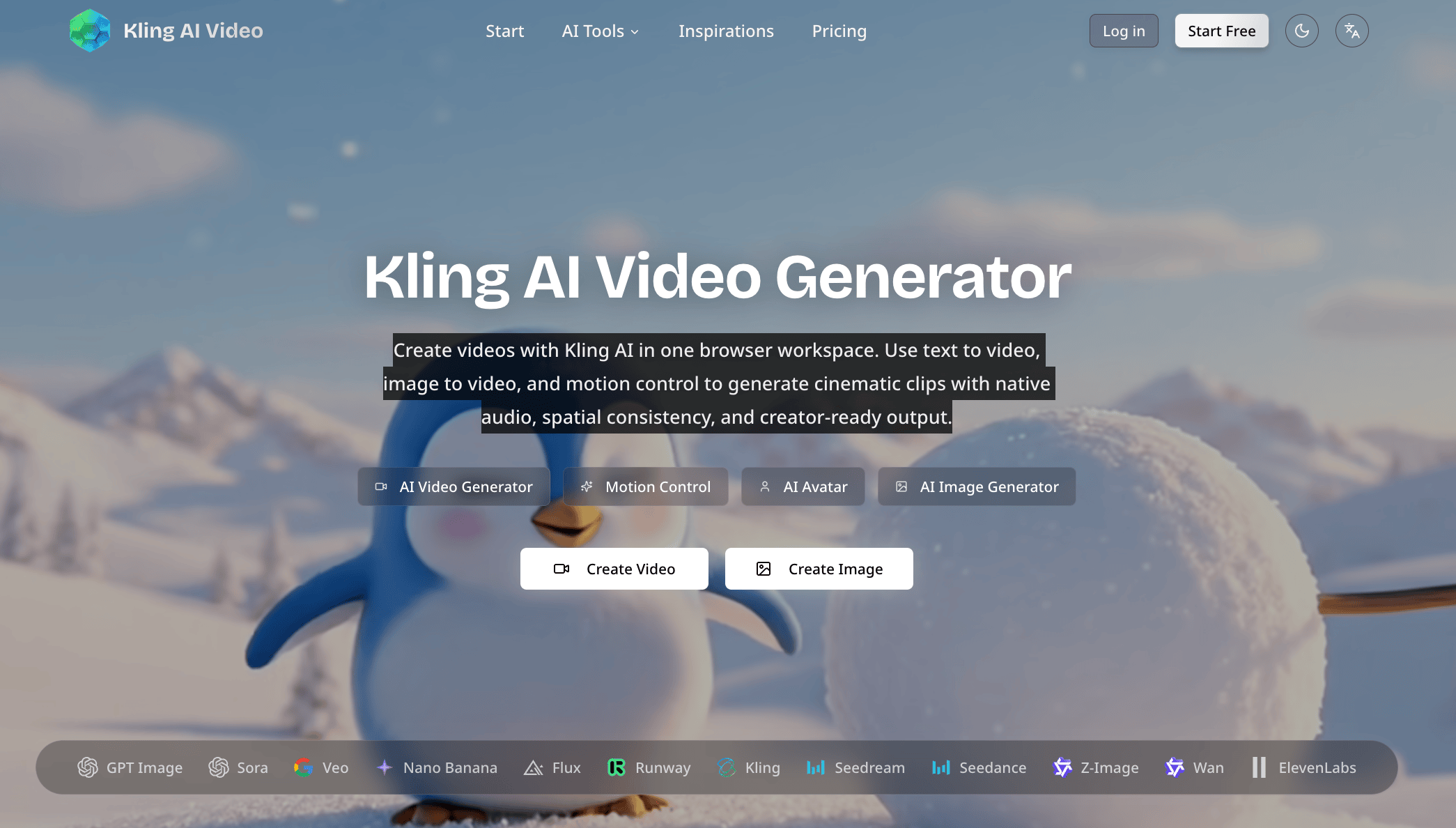
Kling AI Video is an independent browser-based workspace for creators and marketers. It combines text-to-video, image-to-video and motion control with image generation and editing, voice and avatar tools. New accounts receive 10 trial credits; continued use requires paid credits or a subscription. It is a third-party service, not the official Kling or Kuaishou website.
How we scored Kling AI Video
Capability lands at 15 because the platform aggregates real models (Kling 3.0, Veo, Wan, Seedance) and covers a broad feature list including motion control, 3D generation, and avatars, but as a third-party wrapper it cannot claim the depth or reliability of first-party tools like Runway, and the actual build quality of several listed features is unverifiable. Ease of use scores 15 because a browser-based all-in-one dashboard lowers friction conceptually, but the near-zero trial window (10 credits) and no-refund policy create real onboarding risk that a buyer would feel immediately. Value scores 11 because the Basic plan's 200 credits yield only about 10 videos per month for $6.99/month annual, credits expire with no rollover, and the official Kling AI at kling.ai offers 66 free daily credits with no upfront commitment, making this wrapper a worse deal for most buyers. Delivery scores 11 because the site's own description acknowledges it is not the official Kling product, no user sentiment data exists for this specific domain, the no-refund policy removes recourse if the tool underdelivers, and the intermediated nature of model access introduces continuity risk that a direct-to-model platform does not have.
Pros and cons
What we liked
- Aggregates multiple AI video models (Kling 3.0, Veo, Wan, Seedance) in one browser workspace, reducing the need for separate platform accounts.
- Annual billing cuts costs meaningfully: the Pro plan drops from $29/month to $18.99/month, saving 35% versus monthly.
- All paid tiers include commercial usage rights, no watermark, high-resolution output, and priority generation queue from the Basic level up.
Where it falls short
- This is a third-party wrapper, not the official Kling or Kuaishou product. Model access, data handling, and support accountability are all intermediated by an unaffiliated operator, which is a meaningful risk the site's own description acknowledges.
- The no-refund policy combined with a 10-credit trial (enough for roughly one or two test generations) gives buyers almost no real evaluation window before committing real money.
- Credit caps are low relative to price: the Basic plan's 200 credits allow only about 10 videos per month, and unused credits expire each cycle with no rollover, making it easy to pay for capacity you cannot use.
Key features
Kling AI Video pricing
Three paid tiers billed monthly or annually. Basic costs $9.99/month ($6.99/month annual, $83.88/year total) for 200 credits and up to 10 videos/month. Pro costs $29/month ($18.99/month annual, $227.88/year total) for 880 credits and up to 44 videos/month. Enterprise costs $49/month ($35/month annual, $420/year total) for 1,800 credits and up to 90 videos/month. No free tier; new accounts receive 10 trial credits only. Unused credits do not roll over. All sales are final with no refunds.
| Plan | Price | Who it is for |
|---|---|---|
| Basic | $6.99/month (annual) or $9.99/month (monthly) | 200 credits/month, up to 200 images/month, up to 10 videos/month. Includes AI image generator, AI video generator, AI voice generator, AI 3D model generator, downloads, high-resolution output, priority generation queue, no watermark, commercial usage rights, and priority support. Unused credits do not roll over. |
| Pro | $18.99/month (annual) or $29/month (monthly) | 880 credits/month, up to 880 images/month, up to 44 videos/month. Unlimited access to all AI models and features. All Basic inclusions plus expanded credit volume. Annual total: $227.88. |
| Enterprise | $35/month (annual) or $49/month (monthly) | 1,800 credits/month, up to 1,800 images/month, up to 90 videos/month. Unlimited access to all AI models and features. All Pro inclusions. Annual total: $420. |
Pricing reflects what we saw at time of review (2026-10). Always confirm current pricing on the tool's own site.
Who should use Kling AI Video?
Content creators and marketers who want to experiment with several AI video models, including Kling 3.0 and Veo, without maintaining separate accounts on each platform may find the consolidated workspace convenient. The Pro plan at $18.99/month annual gives 880 credits and up to 44 videos per month, which could work for a solo creator publishing a few short-form videos weekly.
Anyone who needs a genuine free tier, reliable customer support, or confidence that the underlying model access will remain stable should look elsewhere. The official Kling AI at kling.ai is the better choice for users who specifically want Kling-quality output: it offers 66 free daily credits, no-refund risk on a trial, and direct Kuaishou backing. For polished avatar-driven video, HeyGen is the stronger pick, with a purpose-built avatar pipeline and a documented track record.
Skip it if: Anyone expecting the official Kling AI platform or a meaningful free tier
Kling AI Video alternatives
Tags
Frequently asked questions
Is Kling AI Video the same as the official Kling AI from Kuaishou?+
No. Klingaivideo.com is an independent third-party service and is not affiliated with Kuaishou or the official Kling AI product at kling.ai. The site itself states this in its own description.
Is there a free plan?+
There is no ongoing free tier. New accounts receive 10 trial credits, which is enough for approximately one or two test video generations before a paid subscription is required.
What do the plans cost and how many videos do I get?+
Basic is $6.99/month (annual) for 200 credits and up to 10 videos/month. Pro is $18.99/month (annual) for 880 credits and up to 44 videos/month. Enterprise is $35/month (annual) for 1,800 credits and up to 90 videos/month.
Do unused credits carry over to the next month?+
No. The pricing page states explicitly that unused credits do not roll over to the next billing cycle. You lose any credits you do not use within the month.
Can I get a refund if the tool does not meet my needs?+
The platform's stated refund policy is that all sales are final, with no refunds except where required by applicable law. This makes the 10-credit trial the only real evaluation window before committing.
Which AI video models does the platform use?+
The pricing page lists Kling, Veo, Wan, and Seedance as the underlying models, with Kling 3.0 and Kling 3.0 Motion Control specifically named in the site navigation.
More AI Video Tools
See all categoriesGet your tool listed on 300+ directories.
One listing here is a strong start. But the founders who get discovered everywhere are listed everywhere. Our sister site, Free AI Directories, submits your tool to 300+ AI directories for you, every single one by hand, by a real person.
It is a one-time payment of $49, no subscription, and you can follow along as the submissions land. Prefer the slow route? The same site keeps a free list of 450+ directories you can work through yourself.
Get my tool listed on 300+ directoriesOne-time payment, no subscription · 100% human submissions · Free list of 450+ directories included.