
LiveFaceSwap AI
Real-time AI face swap for your webcam, routed as a virtual camera to OBS, Zoom, and streaming apps.
Are you the maker? Claim this listing to keep info, pricing and screenshots current. Verified via your tool's domain email.
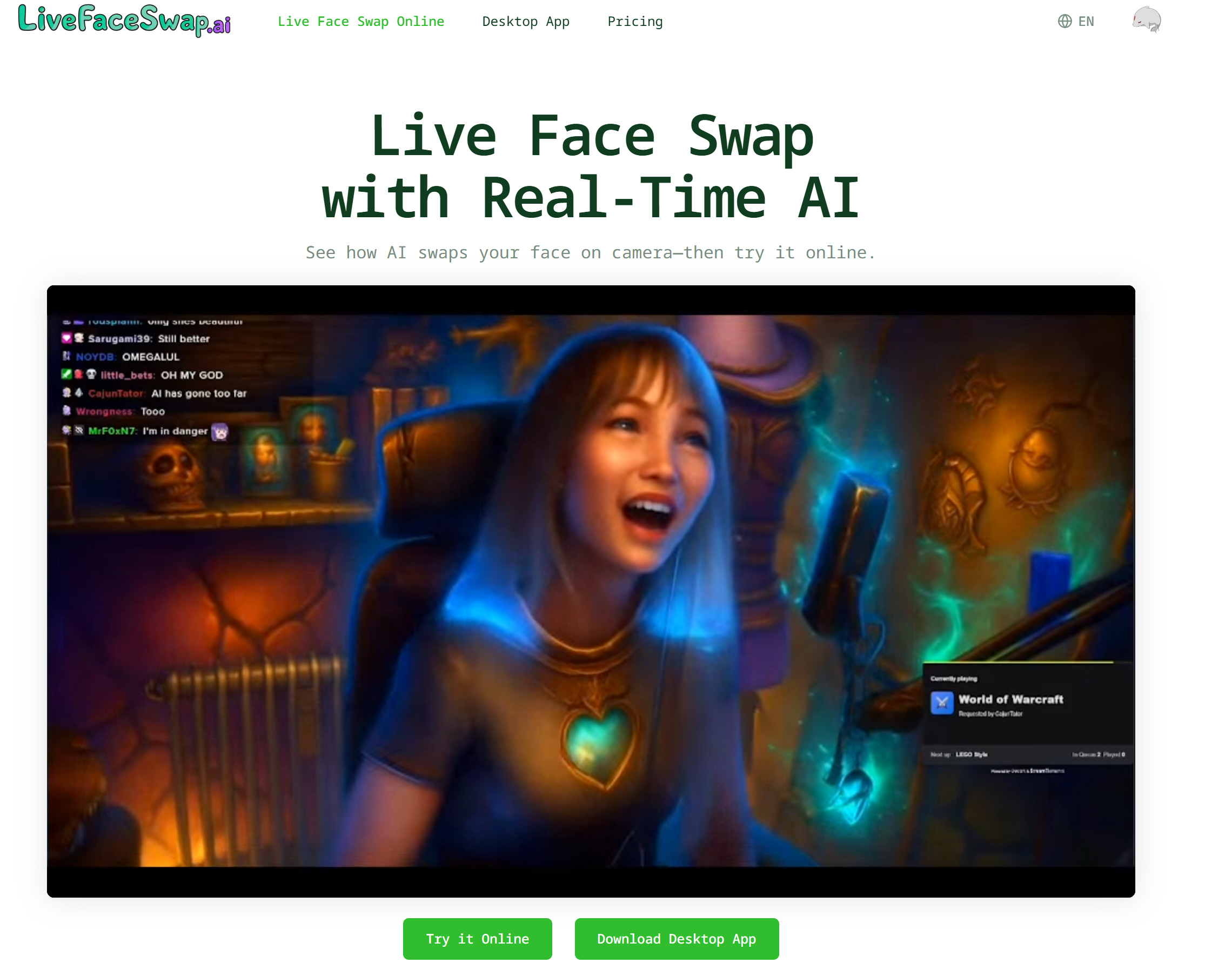
LiveFaceSwap AI is the clearest option for streamers and VTubers who want a live, GPU-free face swap piped directly into OBS or Zoom without building a local AI rig. The credit-per-second billing model means costs can climb fast during long sessions, and the Lucy model burns credits at 6x the rate of XMAX, a gap that catches new users off guard. If you need post-production face swapping on finished video rather than a live feed, HeyGen handles that workflow far better.
What is LiveFaceSwap AI?
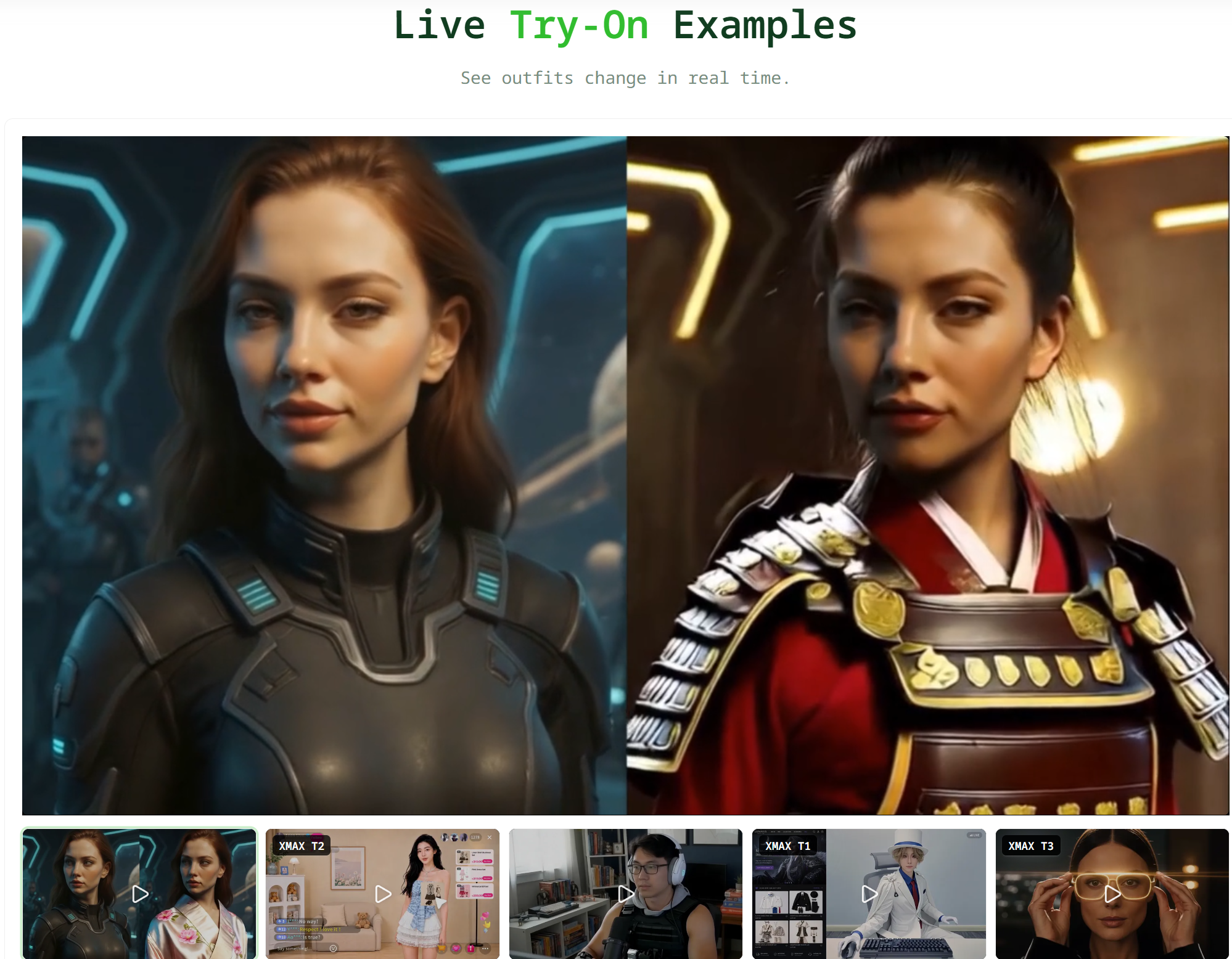
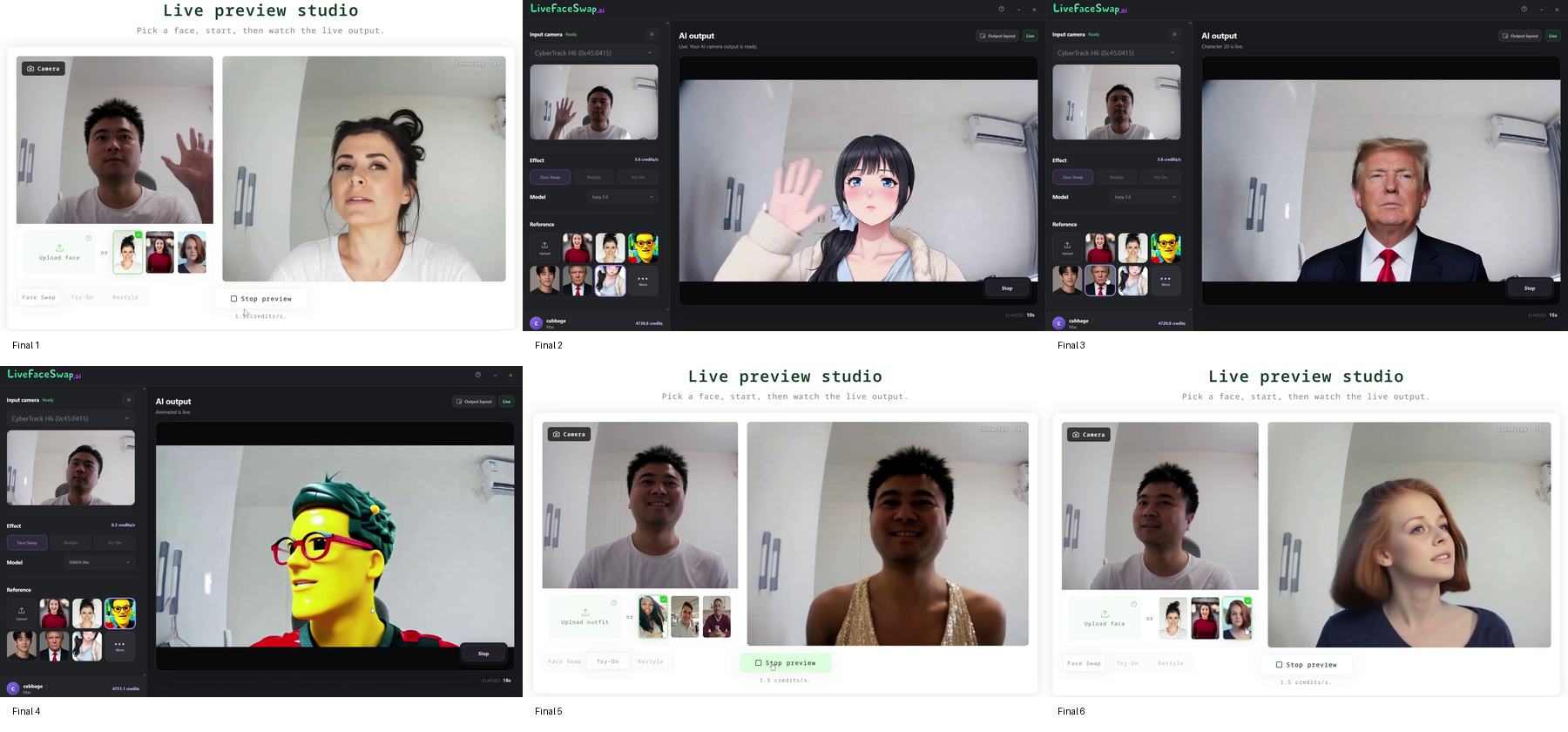
LiveFaceSwap AI is a cloud-based platform that applies AI face transformation to a live webcam feed in real time, through a web browser or dedicated desktop apps for Windows 11 and macOS 13 and later. The service offers three live modes: Face Swap, Try-On for virtual outfit changes, and Restyle for style transfer, all drawing from a shared credit balance billed per second of active AI output.
The desktop application routes the transformed video as a virtual camera, making it compatible with OBS Studio, Streamlabs, PRISM, Zoom, and other software that accepts a camera source. Two AI model families are available: XMAX 2.0 at 0.6 credits per second and Decart Lucy 2.5 at 3.6 credits per second. The platform is used primarily by live streamers, VTubers, and video creators who perform as characters on camera.
How we scored LiveFaceSwap AI
Capability scores 18 because the virtual camera output and GPU-free live face swap are genuinely differentiated features that no directory competitor offers, but the tool covers only live webcam use cases and has no API, leaving it narrow compared to broader video AI tools. Ease of use scores 19 because the browser-first preview with no install required is a low-friction entry point, and the desktop app targets a technically comfortable streaming audience who already use OBS. Value scores 15 because the Basic plan's 650 credits cover only about 18 minutes of XMAX face swap per month at $12, and the Lucy model's 3.6 credits-per-second rate can exhaust even the Pro plan's 2,500 credits in under 12 minutes of Lucy use, making real-world session budgets tight relative to the subscription cost. Delivery scores 16 because the product appears functional and the press release is recent (September 2026), but no independent user review corpus was found to corroborate latency or output quality claims, and the submitted 'FREEMIUM' label misrepresents a tool with no real free tier, which is a minor trust signal issue.
Pros and cons
What we liked
- Virtual camera output routes the live AI feed directly into OBS, Zoom, and streaming apps without any additional capture card or workaround.
- Cloud processing means no local GPU is needed; the site claims under 500 ms latency, and the browser preview lets users test before committing to a desktop install.
- One-time credit packs never expire and subscription credits carry over month to month, so unused balance is not lost at a billing reset.
Where it falls short
- The Basic plan's 650 monthly credits cover only about 18 minutes of XMAX live face swap per month, making it genuinely thin for anyone who streams more than a couple of short sessions weekly.
- Lucy 2.5 burns credits at 3.6 credits per second versus XMAX's 0.6, a 6x difference that is easy to miss when switching models mid-session, and the pricing page buries this rate table below the plan cards.
- No API access is listed at any tier, which blocks developers or production teams who want to integrate the live face swap output into a custom pipeline rather than routing through the desktop virtual camera.
Key features
LiveFaceSwap AI pricing
Three monthly subscription tiers billed quarterly: Basic at $12/month (650 credits/month), Pro at $23/month (2,500 credits/month), and Max at $55/month (7,500 credits/month). One-time credit packs also available: 4,000 credits for $59 (never expire) and 10,000 credits for $119. No ongoing free tier; new accounts receive up to 90 seconds of free credits at signup. Credit rates vary by model: XMAX 2.0 costs 0.6 credits/second, while Lucy 2.5 costs 3.6 credits/second.
| Plan | Price | Who it is for |
|---|---|---|
| Signup Credits | Free | Up to 90 seconds of free credits on account creation. No ongoing free tier after these are used. |
| Basic | $12/mo | 650 credits per month (billed $36 per 3 months). Covers roughly 18 minutes of XMAX live face swap or 3 minutes of Lucy per month. Includes Face Swap, Try-On, and Restyle across browser and desktop. No watermark. Unused credits carry over. |
| Pro | $23/mo | 2,500 credits per month (billed $69.60 per 3 months). Roughly 69 minutes of XMAX or 11 minutes of Lucy per month. All Basic features plus credit top-ups available. No watermark. Unused credits carry over. |
| Max | $55/mo | 7,500 credits per month (billed $165.60 per 3 months). Roughly 3 hours 28 minutes of XMAX or 34 minutes of Lucy per month. All Pro features. No watermark. Unused credits carry over. |
| 4,000 Credit Pack | $59 | 4,000 credits, one-time purchase with no subscription required. Credits never expire. Covers roughly 111 minutes of XMAX or 19 minutes of Lucy. |
| 10,000 Credit Pack | $119 | 10,000 credits, one-time purchase with no subscription required. Credits never expire. Covers roughly 4 hours 38 minutes of XMAX or 46 minutes of Lucy. |
Pricing reflects what we saw at time of review (2026-10). Always confirm current pricing on the tool's own site.
Who should use LiveFaceSwap AI?
A VTuber or live streamer who performs as a character and needs the face swap to appear inside OBS as a camera layer will find this tool purpose-built for that workflow. The virtual camera output and the no-GPU-required cloud processing remove the two biggest setup barriers for that audience. A content creator who goes live weekly for 30 to 60 minutes on the Basic plan (650 credits, roughly 18 minutes of XMAX session time per month) will likely need to upgrade or buy top-up credits fairly quickly.
Anyone who needs to swap faces on pre-recorded video clips, generate AI avatar videos from a script, or produce talking-head content without a live camera should look at HeyGen instead. HeyGen's avatar and video translation features are built for async production, not live routing, and that is a fundamentally different use case that LiveFaceSwap AI does not address.
Skip it if: Creators who need post-production face swapping on recorded video, or anyone expecting a meaningful free tier.
Frequently asked questions
Is there a free plan?+
There is no ongoing free tier. New accounts receive up to 90 seconds of free credits at signup to test the tool. After those are used, a paid subscription or credit pack is required.
How long will my credits last per session?+
It depends on the model. XMAX 2.0 costs 0.6 credits per second, so the Basic plan's 650 monthly credits cover about 18 minutes of XMAX face swap. Lucy 2.5 costs 3.6 credits per second, cutting that same 650 credits down to roughly 3 minutes.
Does it work on Mac?+
Yes, but only on macOS 13 or later running Apple Silicon. Intel Macs are not listed as supported.
Can I use this with OBS or Zoom without the desktop app?+
No. The browser version provides a preview only. Virtual camera output, which is what OBS, Zoom, and streaming apps need, requires the desktop app.
Do unused credits expire?+
Subscription credits carry over to the next month. One-time credit packs never expire. Top-up credits added by Pro or Max subscribers are valid for 90 days.
Can I cancel my subscription anytime?+
Yes. Cancellation is managed through Settings and Billing. The site states refund eligibility depends on usage and is reviewed case by case, with requests processed within one business day.
More AI Video Tools
See all categoriesGet your tool listed on 300+ directories.
One listing here is a strong start. But the founders who get discovered everywhere are listed everywhere. Our sister site, Free AI Directories, submits your tool to 300+ AI directories for you, every single one by hand, by a real person.
It is a one-time payment of $49, no subscription, and you can follow along as the submissions land. Prefer the slow route? The same site keeps a free list of 450+ directories you can work through yourself.
Get my tool listed on 300+ directoriesOne-time payment, no subscription · 100% human submissions · Free list of 450+ directories included.