Morphiqo
On-device face swap for iPhone, iPad and Mac that processes everything locally, with no account and no upload required.
Are you the maker? Claim this listing to keep info, pricing and screenshots current. Verified via your tool's domain email.
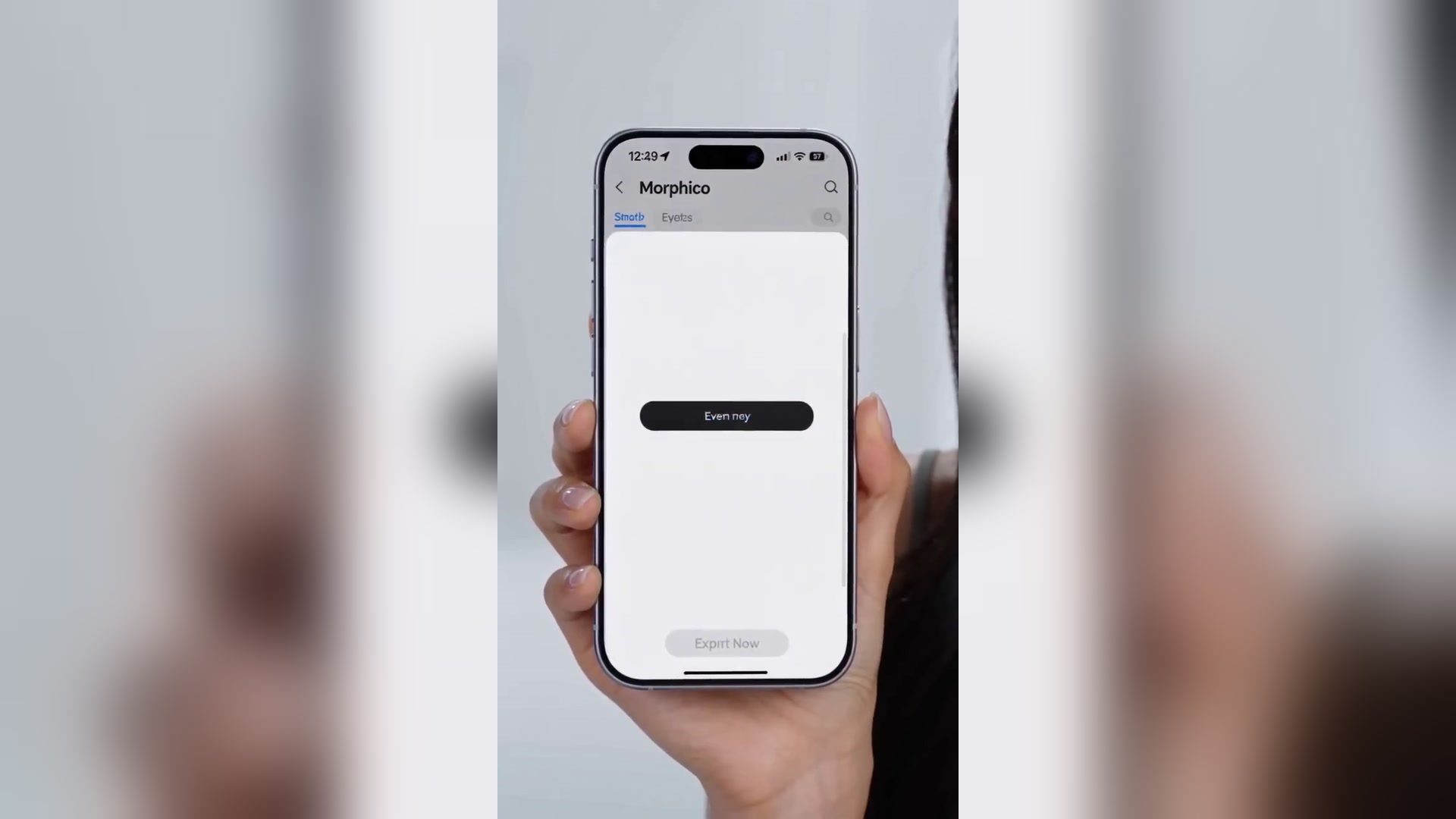
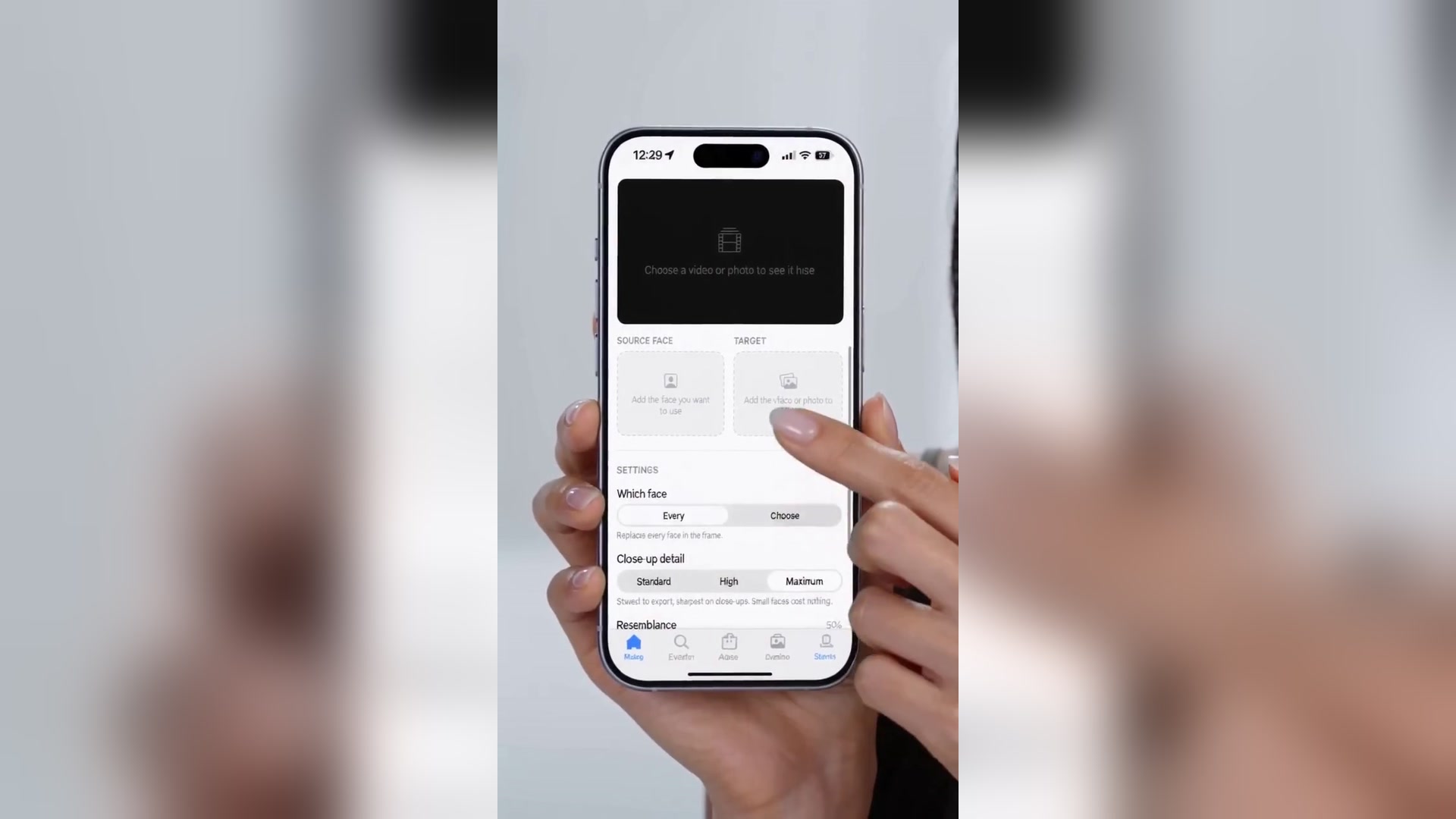

Morphiqo is the right pick for Apple users who need face swapping without surrendering their footage to a cloud server. The tradeoff is real: processing speed depends entirely on your hardware, and export is locked behind a Pro subscription whose price is only revealed inside the app. If you need browser access, Windows support, or avatar-based video generation, HeyGen handles those jobs and Morphiqo does not.
What is Morphiqo?
Morphiqo is a face swap app for iPhone, iPad and Mac that does all its work on your own device. Your clips and face photos never leave your device, there's no account, and it works offline. Pick a video, choose a clear photo of the face you want to use, and Morphiqo swaps it across the whole clip, tracking frame by frame through head turns, expressions and lighting changes. Free previews let you test before you commit; Morphiqo Pro unlocks export. Good for faceless and camera-shy creators who want a consistent AI-generated face, AI filmmakers who need the same character's face across shots, and private face swaps with people who have agreed to it. Requires iOS/iPadOS 17 or later or macOS 14 or later.
How we scored Morphiqo
Capability scores 17 because Morphiqo does one thing well (on-device face swap with multi-face selection and a close-up detail mode) but has no generative features, no avatar creation, and no editing tools beyond the swap itself; HeyGen and Runway both offer substantially broader video AI capabilities. Ease of use scores 20 because the three-step workflow, no-account setup, and offline operation after a one-time model download represent genuinely low friction for an Apple user. Value scores 14 because the Pro price is hidden inside the app and cannot be evaluated before downloading, which is an unusual and buyer-unfriendly practice; a tool that withholds its price from its own pricing page cannot score well here regardless of what that price turns out to be. Delivery scores 17 because the on-device architecture is a genuine and verifiable privacy guarantee rather than a policy claim, and active development (version 1.40.0 with close-up detail improvements released recently) is a positive signal, but the app has only 4 ratings on the US App Store at review time, making output quality claims hard to verify independently.
Pros and cons
What we liked
- Fully on-device processing means footage never touches a third-party server, enforced by architecture rather than policy.
- Works completely offline after the one-time model download, with no credit limits or usage quotas.
- Multi-face selection in group shots lets you choose exactly which person to swap, rather than relying on automatic matching.
Where it falls short
- Export speed is bounded by your own hardware; a one-minute 4K clip can take several minutes on older Apple devices, with no cloud fallback to offload the work.
- The Pro subscription price is hidden inside the app and not published on the pricing page, making it impossible to compare costs before downloading.
- Apple-only with no Android, Windows, or web version, which immediately excludes a large share of potential users and any cross-platform team workflow.
Key features
Morphiqo pricing
Free to download with unlimited previews. Photo and video export requires a Morphiqo Pro subscription; the exact USD price is only shown inside the app and was not publicly listed on the pricing page at review time.
| Plan | Price | Who it is for |
|---|---|---|
| Free (Preview) | Free | Unlimited previews of face-swapped photos and videos on-device. Photo and video export is not available without upgrading to Pro. |
| Morphiqo Pro | Price shown in-app only | Enables photo and video export. Exact price and subscription terms are only displayed inside the iOS, iPadOS, or Mac app; no public USD price was listed on the pricing page at review time. |
Pricing reflects what we saw at time of review (2026-10). Always confirm current pricing on the tool's own site.
Who should use Morphiqo?
Morphiqo suits creators who work with footage of real, identifiable people and cannot afford to have that footage sitting on a third-party server. A solo vlogger who wants to replace their face with an AI-generated portrait before publishing, an indie filmmaker who needs the same character face across multiple shots, or anyone doing private face swaps with consenting subjects will find the on-device model genuinely useful rather than just a marketing angle.
Anyone who needs Windows support, Android, or browser-based access should look elsewhere. HeyGen is the stronger choice for creators who want AI avatar generation, talking-photo features, or video translation rather than raw face replacement on their own footage. Runway fits teams who need a collaborative, browser-based video editing environment with generative AI tools beyond face swapping.
Skip it if: Windows users, teams needing cloud collaboration, or anyone wanting avatar generation rather than face replacement
Frequently asked questions
Does Morphiqo upload my videos to a server?+
No. Detection, matching, swapping, and enhancement all run on your own device. Your photos and videos are never transmitted, and there is no server involved.
What does the free version actually let me do?+
The free version lets you preview face-swapped results on-device without any limit. Exporting a finished photo or video requires a Morphiqo Pro subscription.
How much does Morphiqo Pro cost?+
The exact price is only shown inside the app and was not publicly listed on the pricing page at review time. You need to download the app to see the current subscription price before purchasing.
Which devices does Morphiqo support?+
Morphiqo requires iOS 17 or iPadOS 17 or later on iPhone and iPad, or macOS 14 or later on Mac. Both Apple silicon and Intel Macs are supported. There is no Android or Windows version.
How long does processing take?+
Processing time depends on your specific device, since everything runs on your own hardware. Older Apple devices are slower. The app added GPU-accelerated export in version 1.15.5 to improve speed, but there is no cloud fallback for underpowered hardware.
Can I swap faces in group shots with multiple people?+
Yes. When a scene has several people, you can replace every face, a single face, or choose exactly which individual to swap rather than relying on automatic selection.
More AI Video Tools
See all categoriesGet your tool listed on 300+ directories.
One listing here is a strong start. But the founders who get discovered everywhere are listed everywhere. Our sister site, Free AI Directories, submits your tool to 300+ AI directories for you, every single one by hand, by a real person.
It is a one-time payment of $49, no subscription, and you can follow along as the submissions land. Prefer the slow route? The same site keeps a free list of 450+ directories you can work through yourself.
Get my tool listed on 300+ directoriesOne-time payment, no subscription · 100% human submissions · Free list of 450+ directories included.