
Screen Issues
A free, browser-based screen test tool and guide library for diagnosing dead pixels, backlight bleed, and other display defects on any
Are you the maker? Claim this listing to keep info, pricing and screenshots current. Verified via your tool's domain email.
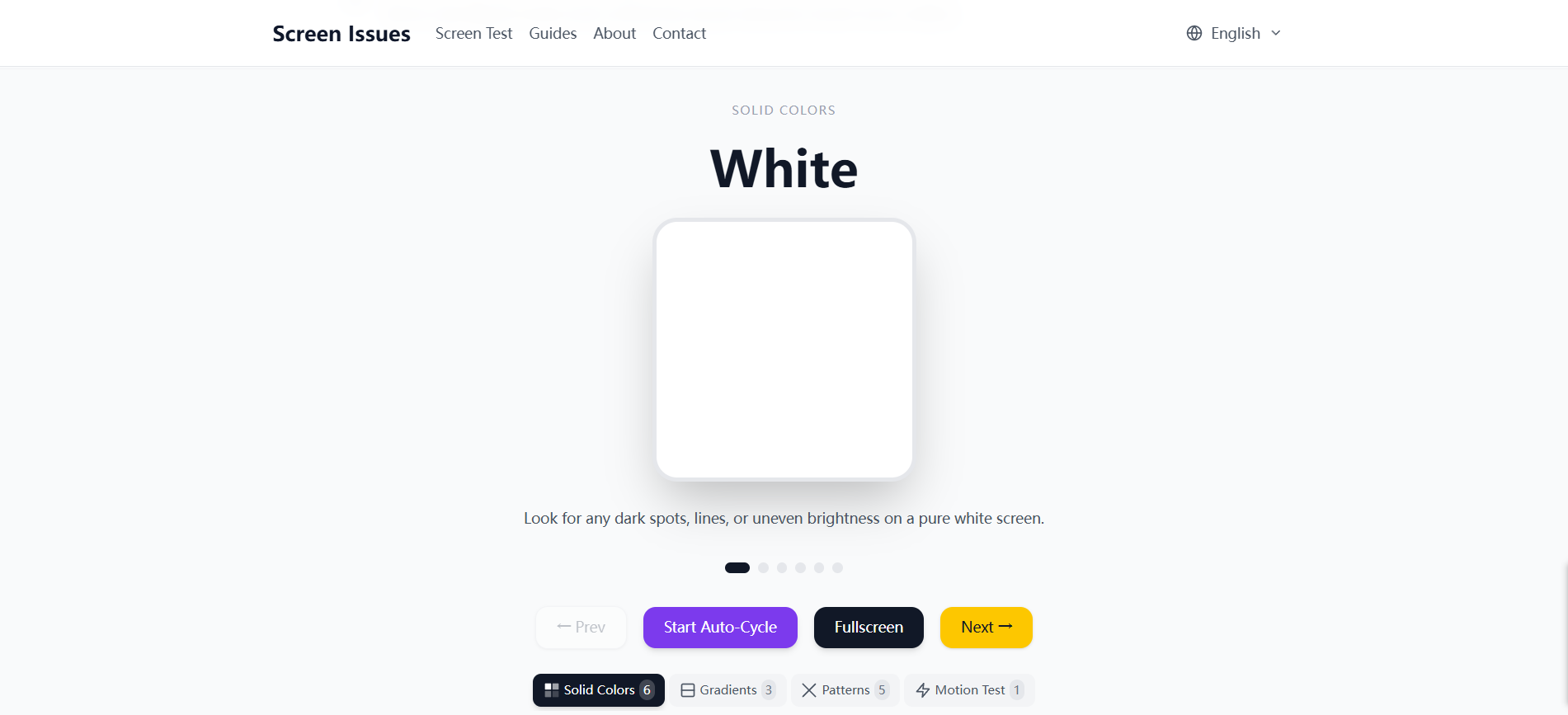
Screen Issues is the right call for anyone who needs a fast, zero-cost sanity check on a monitor or phone screen before deciding whether to repair or return it. It does one thing well: running full-screen color patterns in the browser to surface dead pixels, backlight bleed, and color uniformity problems. If you need anything beyond basic visual inspection, such as automated defect detection, hardware-level reporting, or integration with a repair workflow, this tool has nothing to offer.
What is Screen Issues?
Screen Issues is a free online resource for identifying, understanding, and troubleshooting display defects on monitors, laptops, phones, and tablets. The interactive Screen Test tool runs full-screen solid colors in the browser - no download - so you can spot dead pixels, stuck pixels, bright spots, black spots, backlight bleed, and color uniformity issues in seconds.
How we scored Screen Issues
Ease of use is the tool's genuine strength: zero friction, no account, no download, works on any device, and the test starts immediately. That earns a high sub-score. Capability is limited by design: 6 auto-cycling colors with no pause or manual control, no automated defect detection, and no output beyond what your eyes catch. The 102+ guide library adds real value but does not change the core tool's narrow scope, so capability lands in the low teens. Value is complicated: free is hard to beat on price, but the tool is submitted under an AI category it does not belong to, and the absence of any AI feature means it delivers less than the category implies. Delivery scores zero because the submitted category is 'AI Productivity Tools' and the tool has no AI component whatsoever, which is a fundamental mismatch between what is claimed and what is delivered. A sole-proprietorship operation with no support channel, no documented update cadence, and no confirmed social presence adds further delivery uncertainty.
Pros and cons
What we liked
- Completely free with no account, no download, and no usage caps: open the browser and the test runs immediately on any device.
- Covers 26 distinct screen defect types across 102+ expert guides, with real repair cost ranges and manufacturer warranty guidance, not just generic advice.
- Localized into at least 4 languages with guides, tools, and UI all translated, which is rare for a single-operator free utility.
Where it falls short
- No AI or automated analysis of any kind: the test requires you to stare at color fields and spot problems yourself, which means you can miss subtle defects that camera-based or algorithmic tools would catch.
- Operated as a one-person sole proprietorship with no stated SLA, support channel, or update cadence, so there is no recourse if the tool breaks or guides go stale.
- The screen test cycles through only 6 colors with no option to pause on a specific pattern, adjust cycle speed, or run individual test modes in isolation, limiting its usefulness for methodical professional inspection.
Key features
Who should use Screen Issues?
Screen Issues fits anyone doing a one-time visual check on a display: a consumer who just received a new monitor and wants to confirm there are no dead pixels before the return window closes, a laptop buyer inspecting a used machine before paying, or a student trying to figure out whether that faint glow in the corner of their screen is backlight bleed or something worse. The zero-friction setup, no account, no download, open the browser and go, makes it genuinely useful for that narrow moment of need.
It is not a good fit for repair technicians who need documented defect reports, IT teams managing device fleets, or anyone who wants automated analysis rather than eyeballing a color field. For broader browser-based utility needs without any installation, EveryTool4U covers a much wider range of productivity and file tasks and is also entirely free, making it the better bookmark if screen testing is only one of many occasional needs.
Skip it if: Anyone needing automated defect detection or professional repair reporting
Tags
Frequently asked questions
Is Screen Issues actually free, or is there a paid tier?+
It is entirely free. No paid plans, no account registration, and no usage limits were found on the site. The tool is operated as a sole proprietorship with no monetization layer visible.
Does the screen test work on phones and tablets, not just monitors?+
Yes. The tool runs in any modern browser, so it works on phones, tablets, laptops, and desktop monitors. No app download is required on any platform.
How many colors does the screen test cycle through?+
The test auto-cycles through 6 colors. There is no documented option to pause on a specific color or run individual test patterns in isolation.
Does Screen Issues use AI to detect defects automatically?+
No. There is no AI, camera analysis, or automated defect detection. The test displays color patterns and you visually identify any anomalies yourself. The submitted AI category label does not reflect the tool's actual technology.
What screen defect types does the guide library cover?+
The site covers 26 defect types across 102+ guides, including dead pixels, stuck pixels, backlight bleed, bright spots, black spots, green lines, pink screens, water damage, OLED burn-in, and mobile-specific display issues.
What languages is the site available in?+
The site supports at least 4 languages, confirmed to include English, German, and Spanish, with guides, tools, and UI all localized in each.
More AI Productivity Tools
See all categoriesGet your tool listed on 300+ directories.
One listing here is a strong start. But the founders who get discovered everywhere are listed everywhere. Our sister site, Free AI Directories, submits your tool to 300+ AI directories for you, every single one by hand, by a real person.
It is a one-time payment of $49, no subscription, and you can follow along as the submissions land. Prefer the slow route? The same site keeps a free list of 450+ directories you can work through yourself.
Get my tool listed on 300+ directoriesOne-time payment, no subscription · 100% human submissions · Free list of 450+ directories included.