Videoify
A credit-based AI image-to-video tool running MiniMax H3, Seedance 2.5, and Wan 3.0 with no watermarks on any paid plan.
Are you the maker? Claim this listing to keep info, pricing and screenshots current. Verified via your tool's domain email.
Videoify is a focused image-to-video tool for creators who want access to multiple frontier models, transparent per-clip pricing, and zero watermarks without hunting for a workaround. Compared to Runway, it offers no timeline editor, no text-to-video workflow, and no free tier to test quality before committing money. Anyone who needs avatar-based video, talking-head content, or a full editing environment should look elsewhere.
What is Videoify?
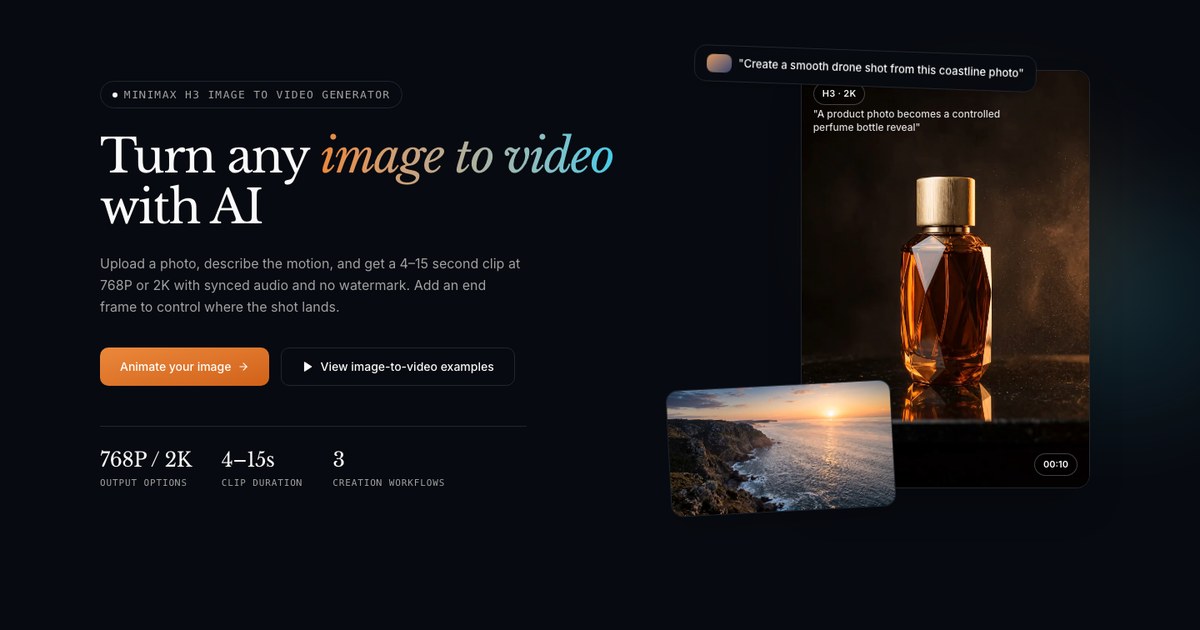
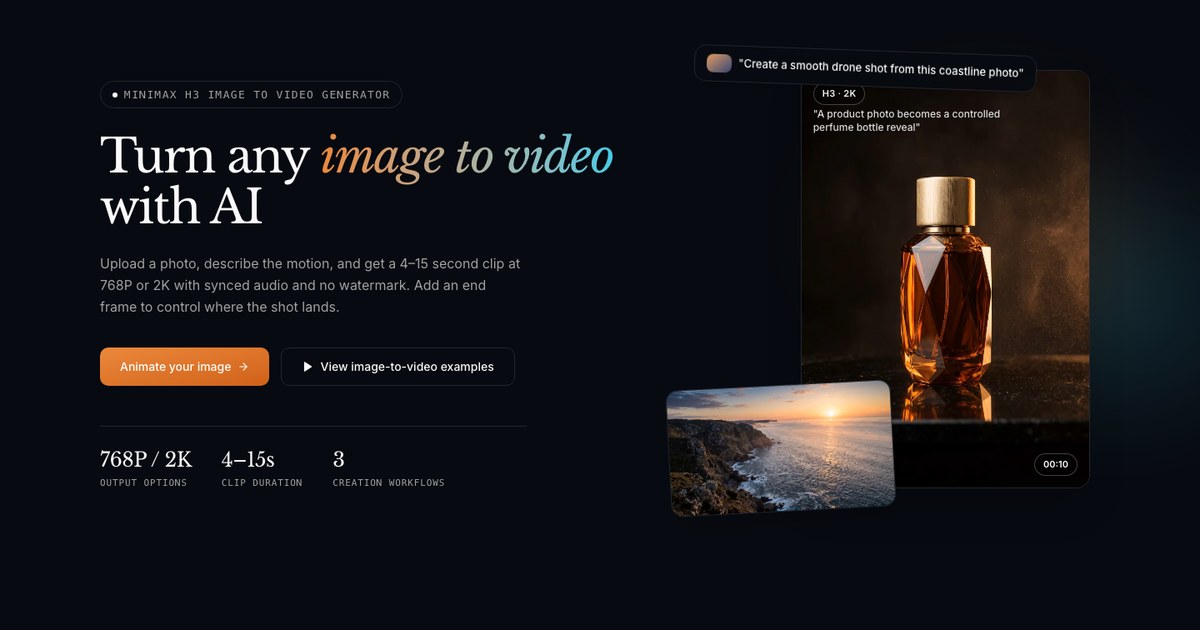
Videoify is an AI image-to-video generator. Upload a JPG, PNG or WebP image, write a motion prompt, choose duration and resolution, and generate a short clip with native synchronized audio and no watermark. Add an optional end frame to control where the shot lands, or use the reference workflow to guide character, wardrobe, setting and style with multiple images, video or an MP3/WAV audio track. Runs on MiniMax H3, Seedance 2.5 and Wan 3.0 with a shared credit balance, and shows the exact cost before every generation. Uploads are never used for training and are auto-deleted in 7 days.
How we scored Videoify
Capability scores 17 because three frontier models with shared credits and a reference workflow that accepts images, video, and audio is genuinely useful, but there is no text-to-video path, no editing tools, and no free output to evaluate quality against named competitors like Runway. Ease of use scores 19 because the interface appears deliberately minimal, cost is shown before every generation, and the workflow is straightforward for anyone who already knows what image-to-video means. Value scores 13 because the Starter plan's 80 credits at $19.99/month produce as few as 2 clips at 1080p, and Seedance 2.5 at 1080p costs 100 credits per clip, which exceeds the cheapest monthly allowance entirely; there is no free tier to offset this. Delivery scores 14 because no third-party reviews, user sentiment, or independent coverage of Videoify.net was found, making it impossible to verify that the tool delivers on its stated capabilities; the transparent credit pricing and no-training policy are positive signals, but the absence of any public track record is a real uncertainty that cannot be scored away.
Pros and cons
What we liked
- Three frontier models (MiniMax H3, Seedance 2.5, Wan 3.0) share one credit balance, so you can compare outputs without managing separate subscriptions.
- Credit cost is shown before every generation, a rare transparency feature that lets you budget per clip rather than discovering overages after the fact.
- No watermark on any paid plan, and uploads are auto-deleted in 7 days with an explicit no-training policy for user assets.
Where it falls short
- No free tier at all: the cheapest entry point is $19.99/month (or $9.99/month billed yearly), and the Starter plan's 80 credits yield as few as 2 clips at Wan 3.0 1080p, making it genuinely expensive to evaluate the tool before committing.
- Seedance 2.5 at 1080p costs 100 credits per 5-second clip, meaning Starter plan subscribers cannot generate a single Seedance 1080p clip in a month without buying additional credits.
- No editing, captioning, or post-generation tools: every clip leaves Videoify as a raw file, so any trimming, captioning, or audio mixing requires a separate application.
Key features
Videoify pricing
Four paid subscription tiers billed monthly or yearly: Starter at $19.99/month (or $9.99/month billed yearly) for 80 credits, Pro at $49.99/month (or $24.99/month yearly) for 250 credits, Max at $99.99/month (or $49.99/month yearly) for 600 credits, and Ultra at $349.99/month (or $174.99/month yearly) for 2,500 credits. One-time credit packs are also available and never expire. No free tier exists.
| Plan | Price | Who it is for |
|---|---|---|
| Starter | $19.99/month | 80 credits per month. Access to MiniMax H3, Seedance 2.5, and Wan 3.0. Text, start/end frame, and reference workflows. JPG, PNG, and WebP uploads up to 20MB. Cost shown before generation. Monthly credits expire at renewal. Also available at $9.99/month billed yearly ($119.88/year). |
| Pro | $49.99/month | 250 credits per month. Everything in Starter plus image, video, and audio references on all three models. Described as suited for creators iterating on ads, UGC, and storyboards. Also available at $24.99/month billed yearly ($299.88/year). |
| Max | $99.99/month | 600 credits per month. Everything in Pro plus capacity for longer Seedance 2.5 clips at 720p or 1080p. Support through the contact page. Also available at $49.99/month billed yearly ($599.88/year). |
| Ultra | $349.99/month | 2,500 credits per month. All supported video models and workflows. Yearly credits accumulate within the annual term rather than expiring monthly. Also available at $174.99/month billed yearly ($2,099.88/year). |
Pricing reflects what we saw at time of review (2026-10). Always confirm current pricing on the tool's own site.
Who should use Videoify?
Videoify fits a solo creator or small marketing team that already has strong source imagery and wants to animate it quickly across multiple AI models without watermarks cluttering the output. The transparent credit pricing, where you see the cost before you run a clip, suits anyone on a tight production budget who needs to control spend per asset. Ad teams testing motion variants for UGC or storyboard work will find the Pro plan's 250 monthly credits and reference workflow genuinely useful for iterating on visual styles.
If you need a free tier to evaluate output quality before spending money, Runway offers one. If your workflow centers on talking-head video, avatar presenters, or multilingual video translation, HeyGen is the right tool. Videoify has no editing timeline, so anyone who needs to cut, trim, or caption footage after generation should look at Descript or CaptionBolt instead.
Skip it if: Teams needing avatar video, timeline editing, or a free tier to evaluate quality first
Tags
Frequently asked questions
Is there a free plan or free trial?+
No. Videoify has no free tier and no stated free trial. The cheapest entry point is $9.99/month billed annually (Starter plan, 80 credits) or $19.99/month on a monthly basis.
How many videos can I make on the Starter plan?+
It depends on the model and resolution. On the Starter plan's 80 monthly credits, you can generate roughly 8 Wan 3.0 clips at 480p (10 credits each), 4 at 720p (20 credits each), or just 2 at 1080p (40 credits each). A single Seedance 2.5 clip at 1080p costs 100 credits, which exceeds the Starter monthly allowance entirely.
Do unused credits roll over?+
On monthly plans, credits expire at each monthly renewal. On yearly plans, credits accumulate throughout the annual term and expire at annual renewal. One-time credit packs never expire.
Are my uploaded images used to train the AI models?+
According to Videoify's own description, uploads are not used for model training and are auto-deleted after 7 days.
Can I use audio to guide a generation?+
Yes. The reference workflow accepts an MP3 or WAV audio file alongside image and video references to guide style and motion in the output clip.
What is the highest resolution available?+
MiniMax H3 supports up to 2K resolution at 15 credits per 5-second clip. Seedance 2.5 and Wan 3.0 top out at 1080p, costing 100 and 40 credits respectively for a 5-second clip.
More AI Video Tools
See all categoriesGet your tool listed on 300+ directories.
One listing here is a strong start. But the founders who get discovered everywhere are listed everywhere. Our sister site, Free AI Directories, submits your tool to 300+ AI directories for you, every single one by hand, by a real person.
It is a one-time payment of $49, no subscription, and you can follow along as the submissions land. Prefer the slow route? The same site keeps a free list of 450+ directories you can work through yourself.
Get my tool listed on 300+ directoriesOne-time payment, no subscription · 100% human submissions · Free list of 450+ directories included.