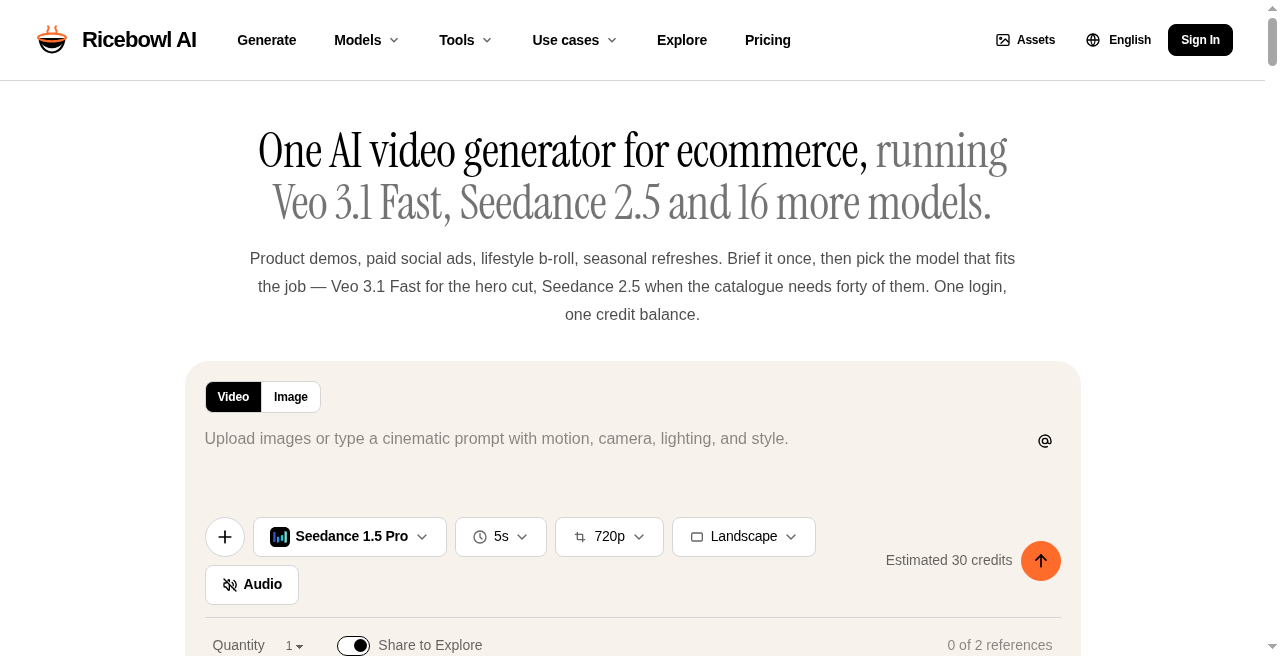
Ricebowl AI verdict
Ricebowl AI is the right pick for ecommerce marketers and solo creators who want to test multiple frontier video models without juggling separate subscriptions or watermarks. Its single credit pool covering Kling 3, Veo 3.1, Seedance 2.5, and 15 more models is genuinely useful, but Runway beats it on timeline editing and post-generation control. Teams that need avatar-based spokesperson videos or built-in translation should skip it and look at HeyGen instead.
Strengths
Single credit pool covers all 18 video models and 19 image models with no tier-locked model restrictions, giving even Starter subscribers access to Veo 3.1 Pro and Seedance 2.5.
No watermarks and commercial use rights included on every paid plan, which is a meaningful differentiator versus competitors that reserve clean exports for higher tiers.
Weaknesses
No ongoing free tier: the 30 trial credits are enough for only a handful of generations on cheaper models and fewer than one clip on Seedance 2.5 at 315 credits per video.
Credits expire after 12 months on annual plans, meaning a light user who does not consume their Starter allotment of 12,000 credits loses the remainder at renewal with no rollover.
Descript verdict
Best for creators and small teams who want to edit video or podcasts by editing text and use built-in AI tools like Studio Sound and Overdub. The trade-off is that media-minute and AI-credit limits can bite if you produce heavily, and larger teams may find the Business tier pricey compared to alternatives like Riverside.fm. Skip it if you need unlimited media usage or enterprise-scale editing without per-seat costs.
Strengths
Edit video and audio by editing the transcript, which simplifies cutting and rearranging media.
Built-in AI tools like Studio Sound, filler-word removal, Overdub, and Underlord co-editor speed up cleanup and editing.
Weaknesses
Media-minute and AI-credit limits can be restrictive for heavy users; overages require top-ups.
Per-seat pricing can get expensive for teams producing large volumes - Business tier is $65/month per seat.