
Descript
Edit video and podcasts by editing the transcript like a document.
Are you the maker? Claim this listing to keep info, pricing and screenshots current. Verified via your tool's domain email.
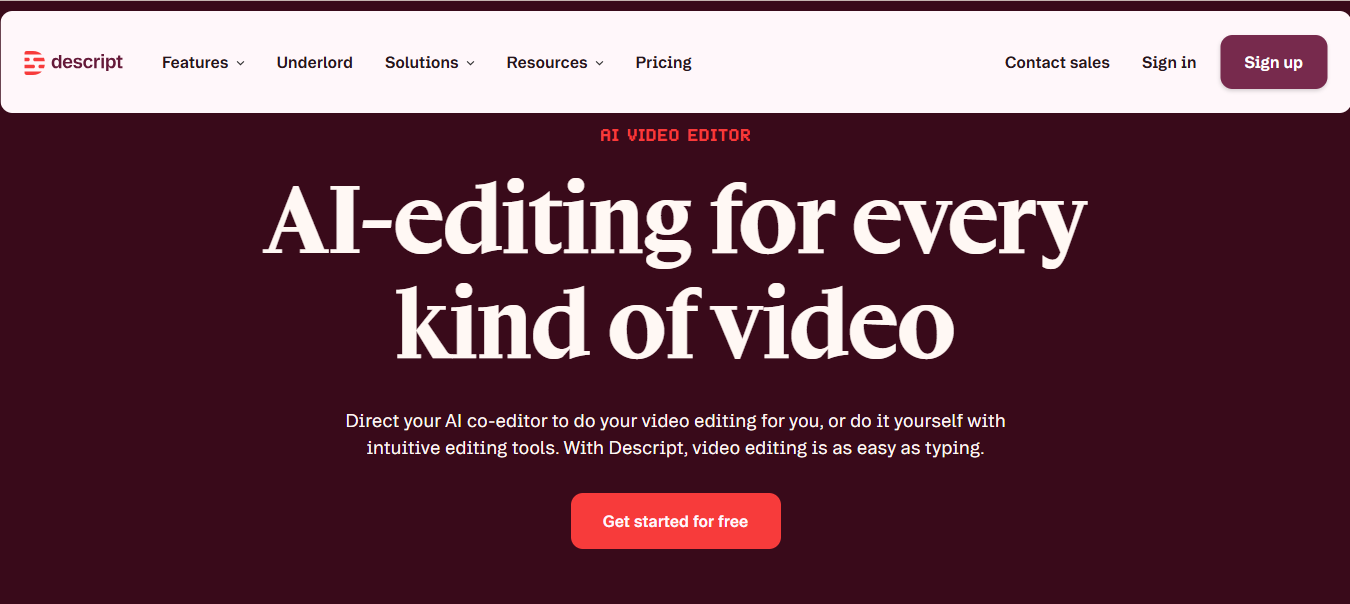
Best for creators and small teams who want to edit video or podcasts by editing text and use built-in AI tools like Studio Sound and Overdub. The trade-off is that media-minute and AI-credit limits can bite if you produce heavily, and larger teams may find the Business tier pricey compared to alternatives like Riverside.fm. Skip it if you need unlimited media usage or enterprise-scale editing without per-seat costs.
What is Descript?
Descript is an AI-powered editor for video and podcasts that lets users edit media by editing its transcript. It auto-transcribes imported or recorded audio/video and lets you cut, copy, paste, or delete text to change the media. It includes AI tools like Studio Sound for audio cleanup, filler-word removal, and Overdub voice regeneration. Users can apply scene layouts, add stock media, captions, and export in formats like MP4, MP3, or GIF. It runs on web, macOS, and Windows and is used by creators, podcasters, and small teams.
How we scored Descript
Descript earns high marks for capability with its transcript-based editing and AI tools like Underlord, Studio Sound, and Overdub. Ease of use is strong thanks to the intuitive text-based workflow. Value is solid for solo creators but drops for teams due to per-seat pricing and usage caps. Delivery is reliable with clear features and support, though limits and top-ups reduce flexibility.
Pros and cons
What we liked
- Edit video and audio by editing the transcript, which simplifies cutting and rearranging media.
- Built-in AI tools like Studio Sound, filler-word removal, Overdub, and Underlord co-editor speed up cleanup and editing.
- Flexible per-seat pricing with tiers offering increasing media-minute and AI-credit allowances, plus 4K export and team features.
Where it falls short
- Media-minute and AI-credit limits can be restrictive for heavy users; overages require top-ups.
- Per-seat pricing can get expensive for teams producing large volumes - Business tier is $65/month per seat.
- No unlimited usage tier; even Business caps media hours and AI credits, unlike some competitors.
Key features
Descript pricing
| Plan | Price | Who it is for |
|---|---|---|
| Free | $0/month | 60 media minutes/month, 100 one-time AI credits, 720p export. |
| Hobbyist | $24/month per seat (or $16/month billed annually) | 10 media hours/month, 400 AI credits/month, 1080p export, watermark-free. |
| Creator | $35/month per seat (or $24/month billed annually) | 30 media hours/month (+ bonus), 800 AI credits/month, 4K export, unlimited stock media, up to 3 seats. |
| Business | $65/month per seat (or $50/month billed annually) | 40 media hours/month, 1,500 AI credits/month, Brand Studio, translation/dubbing in 30+ languages, priority support, up to 5 seats. |
| Enterprise | Quote-only | Custom media hours and AI credits, advanced security (SSO/SCIM), flexible terms. |
Pricing reflects what we saw at time of review (2026-08). Always confirm current pricing on the tool's own site.
Who should use Descript?
If you edit podcasts or videos and prefer working with text rather than timelines, Descript gives you a fast, intuitive workflow with AI tools that clean audio, remove filler words, clone voices, and even co-edit via Underlord. The Free and Hobbyist tiers are great for solo creators or occasional editors. Creator and Business tiers add 4K export, more media minutes, AI credits, and team seats, making them suitable for regular content producers or small teams.
If you produce high volumes of media or need unlimited usage, or if you’re a larger team looking for per-seat pricing without media-minute caps, consider alternatives like Riverside.fm or traditional editors like Adobe Premiere Pro instead.
Descript alternatives
Frequently asked questions
What does the Free tier include?+
The Free tier costs $0/month and includes 60 media minutes per month, 100 one-time AI credits, and 720p export.
How many media minutes and AI credits do paid tiers include?+
Hobbyist includes 10 media hours and 400 AI credits; Creator includes 30 media hours (+ bonus) and 800 AI credits; Business includes 40 media hours and 1,500 AI credits.
Can I add more media minutes or AI credits if I run out?+
Yes, you can purchase top-ups for media minutes or AI credits without changing your subscription plan.
Does Descript support team collaboration?+
Yes, Creator supports up to 3 seats and Business up to 5 seats, with features like Brand Studio and priority support on Business.
What export resolutions are available?+
Free exports at 720p; Hobbyist at 1080p; Creator and Business support 4K export.
More AI Video Tools
See all categoriesGet your tool listed on 300+ directories.
One listing here is a strong start. But the founders who get discovered everywhere are listed everywhere. Our sister site, Free AI Directories, submits your tool to 300+ AI directories for you, every single one by hand, by a real person.
It is a one-time payment of $49, no subscription, and you can follow along as the submissions land. Prefer the slow route? The same site keeps a free list of 450+ directories you can work through yourself.
Get my tool listed on 300+ directoriesOne-time payment, no subscription · 100% human submissions · Free list of 450+ directories included.