
Vidmoat
Browser-based AI video editor that returns an editable timeline, not just a finished file, with Telegram and MCP access built in.
Are you the maker? Claim this listing to keep info, pricing and screenshots current. Verified via your tool's domain email.
Vidmoat is the right pick for solo creators and AI-agent builders who want prompt-driven edits that land on a real, inspectable timeline rather than a black-box render. Its MCP integration for Claude, Cursor, and custom agents is genuinely unusual in this category, but the Studio plan ($49/month) is the only tier that enables it fully, and the free Hobby plan caps exports at 720p with a watermark. Teams or anyone who needs avatar-based video or polished templates should look at HeyGen or Descript instead.
What is Vidmoat?
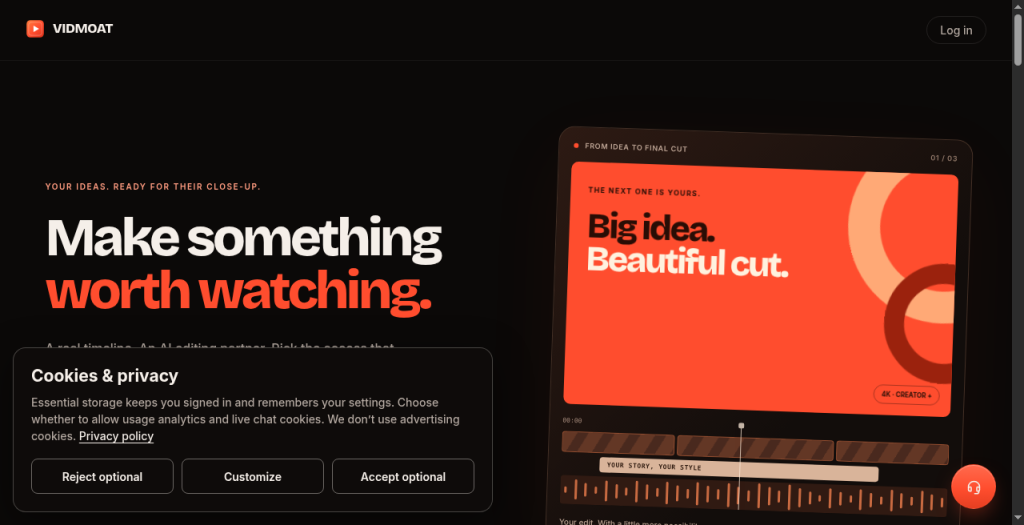
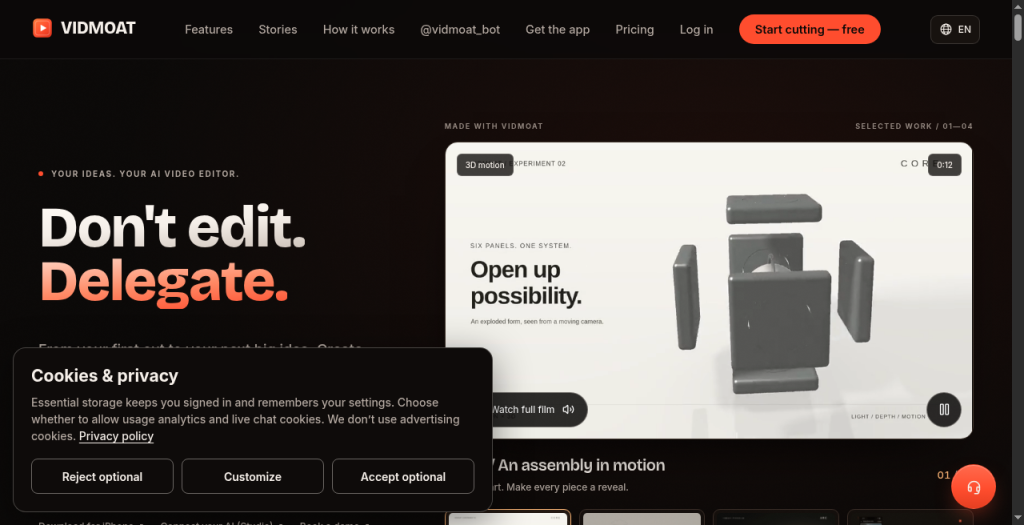
Vidmoat is a hosted AI video editor. Describe the edit in plain English, like cutting silence, adding captions, or making a video vertical. Its built-in agent applies the edit on a real multi-track timeline that you can review, adjust by hand, and render to MP4. Use the web editor, send a clip with a caption to @vidmoat_bot on Telegram, or connect an AI agent over MCP. Features include captions, silence and filler-word removal, auto-reframe for TikTok, Reels, Shorts and YouTube, background removal, color grading with LUTs, beat sync, and audio ducking. Hobby is free forever with a monthly allowance of AI credits; paid plans start at $19/month.
How we scored Vidmoat
Capability scores 20 because the MCP integration and 65-plus timeline commands are genuinely differentiated features not found in Descript or CaptionBolt, but AI object removal is still in beta and AI generation quality is unverified against competitors. Ease of use scores 19 because the Day Pass model and free-forever Hobby tier reduce onboarding friction significantly, and the prompt-driven interface requires no prior editing knowledge, though the MCP setup path adds complexity for non-developers. Value scores 20 because the free tier is permanent and functional, Day Passes at $2.99 are an unusually low-commitment entry point, and Creator at $19/month is competitively priced for 4K unlimited exports, though the $49/month Studio requirement for live MCP is a real cost for the developer audience most likely to want it. Delivery scores 13 because independent reviews are nearly absent, output quality at scale cannot be verified from available evidence, and several features including AI object removal and some generation capabilities are marked beta, which is a meaningful gap between what the marketing claims and what can be confirmed.
Pros and cons
What we liked
- MCP and API access let external AI agents drive the full editing timeline, a capability not found in Runway, Descript, or CaptionBolt at any price tier.
- Day Pass pricing ($2.99 for 24 hours, $4.99 for 3 days, $8.99 for 7 days) gives Creator-level 4K access with no subscription commitment and nothing to cancel.
- The free Hobby tier is permanent, not a trial, and includes the AI console, auto-captions, and effects at 720p, enough to fully evaluate the product before paying.
Where it falls short
- Live MCP access is locked to the $49/month Studio plan; Creator at $19/month gets only test keys, meaning developers who want to run real agent workflows must pay the highest individual tier.
- The Hobby plan's 40 AI credits per month is a tight allowance for anyone editing more than a handful of short clips, and the 720p cap with watermark makes free-tier output unsuitable for publishing.
- AI object removal is listed as beta, and the overall product shows signs of early-stage maturity: user sentiment data is sparse and independent reviews are nearly absent, making output quality at scale hard to verify.
Key features
Vidmoat pricing
Free Hobby tier forever (720p, watermark, 40 AI credits/month, 3 projects, 8 exports). Creator at $19/month adds 4K, no watermark, unlimited projects and exports, 1,500 AI credits, and 5 GB storage. Studio at $49/month adds AI image and video generation, live MCP and API access, 6,000 AI credits, 8 GB uploads, 5 concurrent renders, and 15 GB storage. Day Passes are available one-time: $2.99 for 24 hours, $4.99 for 3 days, $8.99 for 7 days, each with Creator-level access and 4K exports. Team plan is $29/seat/month with a minimum of 3 seats, pooling 2,000 AI credits per seat and 50 GB shared storage. A 20% discount applies on yearly billing.
| Plan | Price | Who it is for |
|---|---|---|
| Hobby | $0 | Free forever, no card required. 40 AI credits/month, 3 projects, 8 exports/month at up to 720p, AI editing and auto-captions, 500 MB cloud storage, small watermark and 2-second end card. |
| Creator | $19/mo | 1,500 AI credits/month, unlimited projects and exports, 4K exports with no watermark or end card, AI captions, stickers and voiceovers, pro effects, transitions and stock media, 5 GB storage, priority rendering. AI image and video generation requires Studio. |
| Studio | $49/mo | 6,000 AI credits/month, everything in Creator, AI image and video generation (Grok), live MCP and API access, 8 GB uploads, 5 concurrent renders, 15 GB cloud storage, AI object removal (beta), server-side agent runs. |
| 24-hour Pass | $2.99 | One-time purchase. Everything in Creator, 4K exports, no watermark, 120 AI credits. Access lasts 24 hours and ends automatically. |
| 3-day Pass | $4.99 | One-time purchase. Everything in Creator, 4K exports, no watermark, 300 AI credits. Access lasts 72 hours and ends automatically. |
| 7-day Pass | $8.99 | One-time purchase. Everything in Creator, 4K exports, no watermark, 600 AI credits. Access lasts 168 hours and ends automatically. |
| Team | $29/seat/mo | Minimum 3 seats, billed monthly. Everything in Studio for each seat, shared projects, media and brand kits, 2,000 pooled AI credits per seat per month, 50 GB shared cloud storage, roles (owner, admin, member, viewer), one invoice. |
Pricing reflects what we saw at time of review (2026-09). Always confirm current pricing on the tool's own site.
Who should use Vidmoat?
A solo YouTuber or podcaster who records talking-head footage and wants to cut silence, add captions, and reframe for Shorts without learning a traditional editor will get real value from Vidmoat's free tier before committing a dollar. The Day Pass structure also suits someone with an occasional project: $2.99 for a 24-hour burst of Creator access is a genuinely low-friction entry point.
Developers building AI agent pipelines are the other clear audience. If you want Claude or Cursor to drive a video edit end-to-end, Vidmoat's MCP integration and 65-plus timeline commands give you a programmable editing surface that nothing else in this directory currently offers. That said, the live MCP feature requires the $49/month Studio plan, so it is not cheap for experimentation. Anyone who needs transcript-first editing, where you cut by deleting words in a document, should look at Descript instead. Teams that need avatar-based video or multilingual dubbing will find HeyGen a better fit.
Skip it if: Teams needing avatar video, heavy template libraries, or transcript-first editing workflows
Vidmoat alternatives
Frequently asked questions
Is the free plan really free forever, or does it expire?+
The Hobby plan is free forever with no card required. It includes 40 AI credits per month, 3 projects, and 8 exports at up to 720p, with a small watermark and a two-second end card on every export.
What is a Day Pass and how does it work?+
A Day Pass is a one-time payment that gives Creator-level access for a fixed window: $2.99 for 24 hours, $4.99 for 3 days, or $8.99 for 7 days. Each pass includes 4K exports, no watermark, and a set number of AI credits. Access ends automatically with nothing to cancel.
Which plan do I need to connect Claude or Cursor over MCP?+
Live MCP access requires the Studio plan at $49/month. Test keys are available on any plan, including Hobby, but they do not support production agent runs. Creator at $19/month does not include live MCP.
Can I edit video from Telegram without using the browser?+
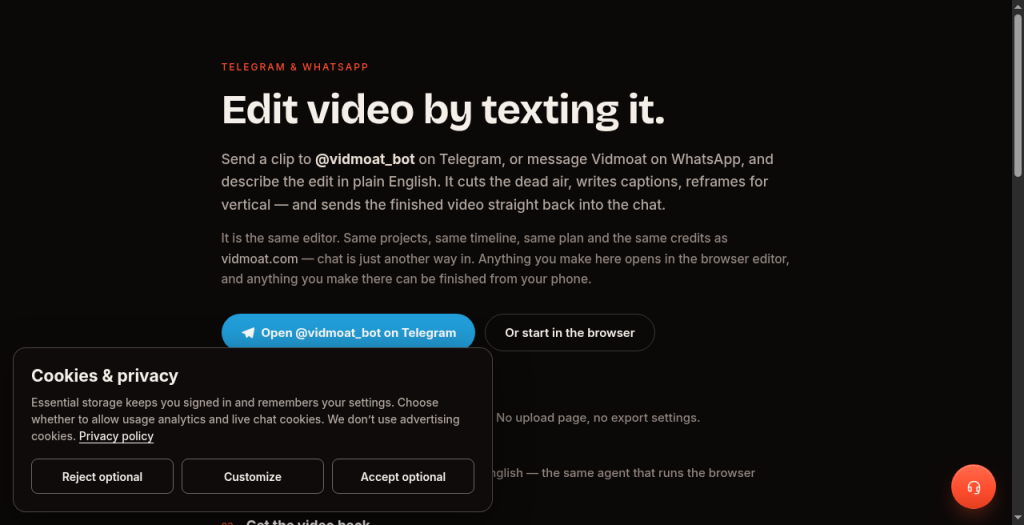
Yes. Send a clip to @vidmoat_bot on Telegram, WhatsApp, or Discord with a plain-English caption describing the edit, and the finished video comes back in the same conversation. The bot shares the same projects, timeline, and credits as the browser editor.
Does Vidmoat train on my footage?+
According to the Vidmoat site, uploads are used only to render your videos. Clip analysis such as transcripts and silence detection powers your edits, and the company states it does not train on footage or share it.
What is the Team plan minimum and what does it include?+
The Team plan requires a minimum of 3 seats at $29/seat/month. It includes everything in Studio for each member, shared projects and brand kits, 2,000 pooled AI credits per seat per month, 50 GB of shared cloud storage, and role-based access controls.
More AI Video Tools
See all categoriesGet your tool listed on 300+ directories.
One listing here is a strong start. But the founders who get discovered everywhere are listed everywhere. Our sister site, Free AI Directories, submits your tool to 300+ AI directories for you, every single one by hand, by a real person.
It is a one-time payment of $49, no subscription, and you can follow along as the submissions land. Prefer the slow route? The same site keeps a free list of 450+ directories you can work through yourself.
Get my tool listed on 300+ directoriesOne-time payment, no subscription · 100% human submissions · Free list of 450+ directories included.