
LumiYing
A browser-based credit marketplace giving creators access to a dozen AI video and image models from one workspace.
Are you the maker? Claim this listing to keep info, pricing and screenshots current. Verified via your tool's domain email.
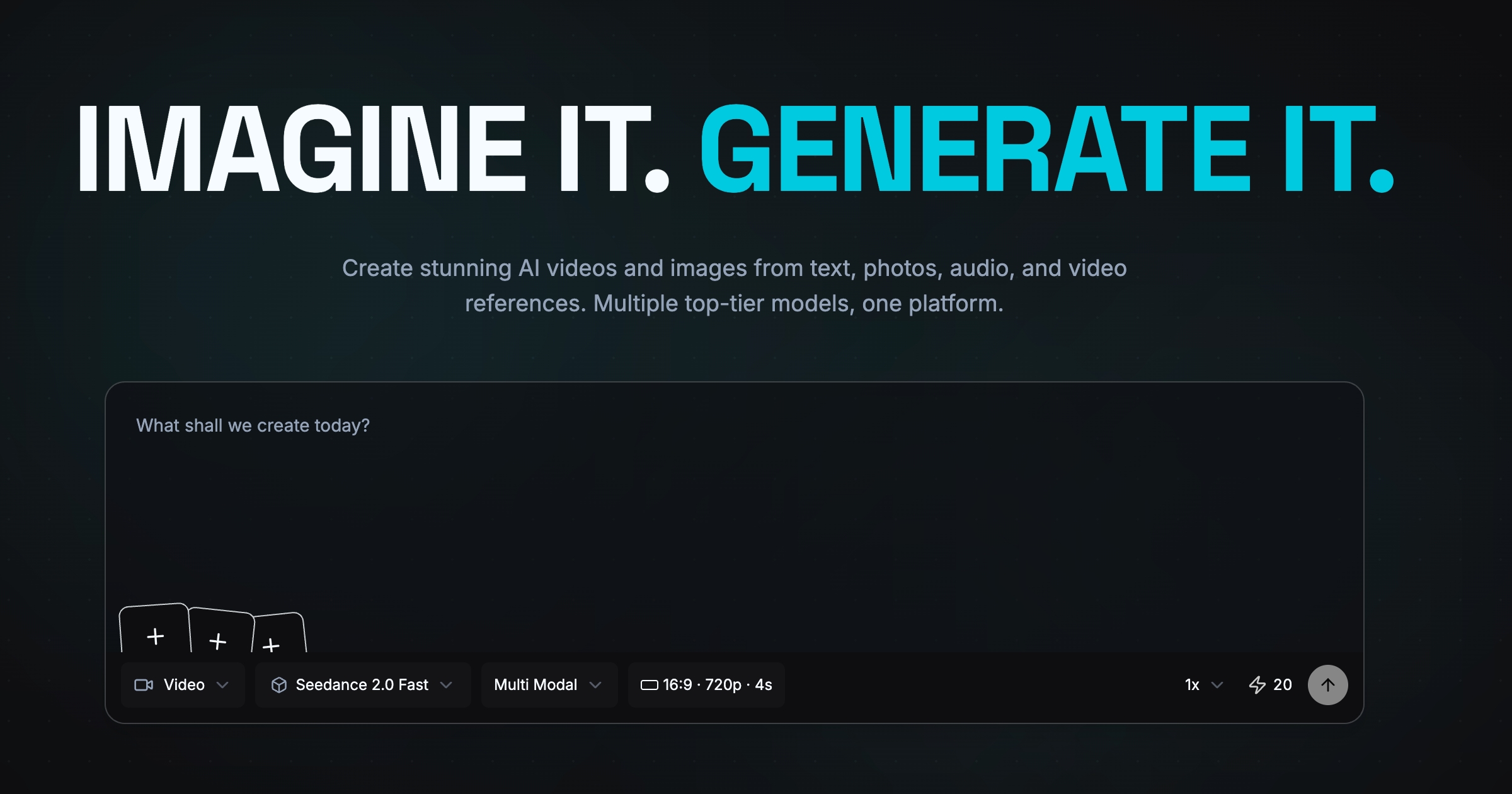
LumiYing suits creators who want to audition multiple frontier AI models without managing separate accounts or APIs, paying only for what they generate. The model roster is genuinely wide, but the platform is a thin aggregation layer with no post-generation editing, no free tier, and a domain registered in March 2026 that carries real new-entrant risk. Anyone who needs timeline editing, avatar-based video, or a proven vendor should look at Runway or HeyGen instead.
What is LumiYing?
LumiYing is a web-only platform for AI video and image generation that aggregates multiple third-party models into a single browser workspace. Users submit text prompts, reference images, audio clips, or existing video footage, then select from a roster that includes Seedance 2.5, Kling 3.0, GPT Image 2.5, Midjourney, and several others. Output settings such as resolution, aspect ratio, and duration vary by model.
Access is purchased as one-time credit packs rather than monthly subscriptions, and credits do not expire. The platform targets content creators, marketers, and designers who want to test or use multiple frontier generation models without managing separate accounts for each. It does not include a video editor, caption tools, or avatar-based video features.
How we scored LumiYing
Capability scores 17 because the model roster is genuinely wide (Seedance 2.5, Kling 3.0, GPT Image 2.5, Midjourney, and others in one picker), but the platform adds no proprietary generation capability and has zero post-production tooling, which Runway provides natively. Ease of use scores 18 because the credit-before-you-generate model and pre-generation cost display reduce billing surprises, and the workflow is straightforward, though the absence of any editing layer means users hit a wall the moment they want to refine output. Value scores 15 because the $19.90 entry price with no free trial is a real barrier, and the per-credit cost for premium models (up to 48 credits per image at 4K Max quality) can exhaust a Starter pack quickly; the non-expiring credit policy partially offsets this but does not close the gap against competitors that offer free tiers. Delivery scores 12 because the domain is only six months old at review time, the X account had 5 followers and 8 posts in March 2026, the Discord had roughly 150 members, and no independent user reviews exist beyond vendor-supplied copy; these are not signs of fraud, but they are signs of a vendor whose ability to sustain service, honor credits, and provide support is entirely unproven.
Pros and cons
What we liked
- Every credit pack enables all models simultaneously, including Seedance 2.5, Kling 3.0, GPT Image 2.5, and Midjourney, with no model locked behind a higher tier.
- Credits never expire and are purchased once with no subscription, which suits irregular or burst-style workflows where monthly resets would waste money.
- Seedance 2.0 accepts up to 12 reference assets per generation (9 images, 3 video clips, 3 audio tracks), giving unusually fine-grained multimodal control over a single output.
Where it falls short
- No post-generation editing tools at all: no timeline, no caption layer, no clip trimmer. Every refinement requires a new generation and burns more credits.
- The domain was registered in March 2026, the X account had 5 followers and 8 posts as of that month, and the Discord had roughly 150 members. Vendor longevity and support depth are genuinely unproven.
- No free tier and no trial credits mean a buyer must spend at least $19.90 before evaluating output quality on their own content.
Key features
LumiYing pricing
Three one-time credit packs, no subscription. Starter: $19.90 for 1,000 credits. Pro: $39.90 for 2,250 credits (12% bonus over Starter rate). Max: $69.90 for 4,500 credits (28% bonus). Credits never expire and all packs enable every model on the platform. No free tier.
| Plan | Price | Who it is for |
|---|---|---|
| Starter | $19.90 one-time | 1,000 credits. Access to all video and image models. One-time purchase, no subscription. Credits never expire. No priority support. |
| Pro | $39.90 one-time (was $44.80) | 2,250 credits (12% bonus over Starter per-credit rate). Access to all video and image models. One-time purchase, no subscription. Credits never expire. No priority support. |
| Max | $69.90 one-time (was $90.00) | 4,500 credits (28% bonus over Starter per-credit rate). Access to all video and image models. One-time purchase, no subscription. Credits never expire. Priority support included. |
Pricing reflects what we saw at time of review (2026-09). Always confirm current pricing on the tool's own site.
Who should use LumiYing?
A freelance motion designer or social media producer who regularly needs to compare outputs from different AI video models will find LumiYing's unified credit balance genuinely useful. Instead of paying for three separate subscriptions to test Seedance against Kling against GPT Image, they buy one pack and run all three. The non-expiring credits also suit occasional users who generate in bursts rather than every week.
Anyone who needs to edit footage after generation, add captions, build avatar-based explainer videos, or work with a vendor that has more than a few months of operating history should look elsewhere. Runway is the better call for creators who need a real post-production workspace alongside generation. HeyGen is the right choice for teams producing talking-head or avatar videos at scale.
Skip it if: Anyone needing post-production editing, avatar videos, or a vendor with a multi-year track record.
LumiYing alternatives
Tags
Frequently asked questions
Is there a free trial or free tier?+
No. LumiYing has no free plan and no trial credits. The minimum spend is $19.90 for the Starter pack of 1,000 credits.
Do credits expire if I don't use them?+
Credits never expire and there are no monthly resets. Once purchased, they stay in your account until you use them, and additional packs stack onto your existing balance.
Which AI models are available, and are any locked behind a higher tier?+
All credit packs enable every model on the platform, including Seedance 2.5, Seedance 2.0, Kling 3.0, Kling 3.0 Omni, GPT Image 2.5, GPT Image 2, Midjourney, Nano Banana Pro, and Seedream 4.5. No model is gated by tier.
What resolutions can I generate at?+
Video output ranges from 480p to 1080p depending on the model. Image output reaches up to 4K for models like GPT Image 2.5, with quality tiers that affect credit cost per image.
Can I edit a video after generating it?+
No. LumiYing is a generation platform only. There is no timeline editor, caption tool, or clip trimmer. Refinements require submitting a new generation job.
How many credits does a typical video generation cost?+
Credit cost depends on the model, resolution, and duration. The pricing page lists per-model rates; for example, image generation with GPT Image 2.5 at 1K Low quality costs 1.5 credits per image, while higher resolutions and quality settings cost up to 48 credits per image. Video costs vary similarly by model and settings.
More AI Video Tools
See all categoriesGet your tool listed on 300+ directories.
One listing here is a strong start. But the founders who get discovered everywhere are listed everywhere. Our sister site, Free AI Directories, submits your tool to 300+ AI directories for you, every single one by hand, by a real person.
It is a one-time payment of $49, no subscription, and you can follow along as the submissions land. Prefer the slow route? The same site keeps a free list of 450+ directories you can work through yourself.
Get my tool listed on 300+ directoriesOne-time payment, no subscription · 100% human submissions · Free list of 450+ directories included.