PDF to Markdown Converter by MarkItDown
A free, no-signup PDF-to-Markdown converter with on-device or cloud processing and OCR support for scanned documents.
Are you the maker? Claim this listing to keep info, pricing and screenshots current. Verified via your tool's domain email.
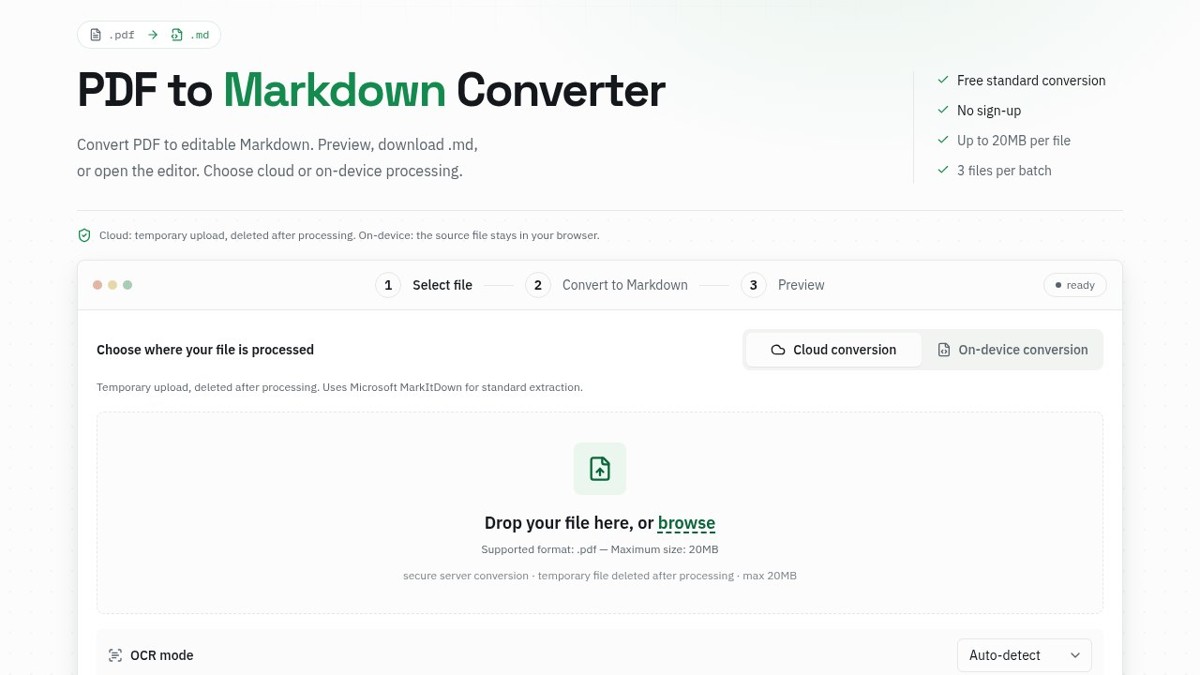
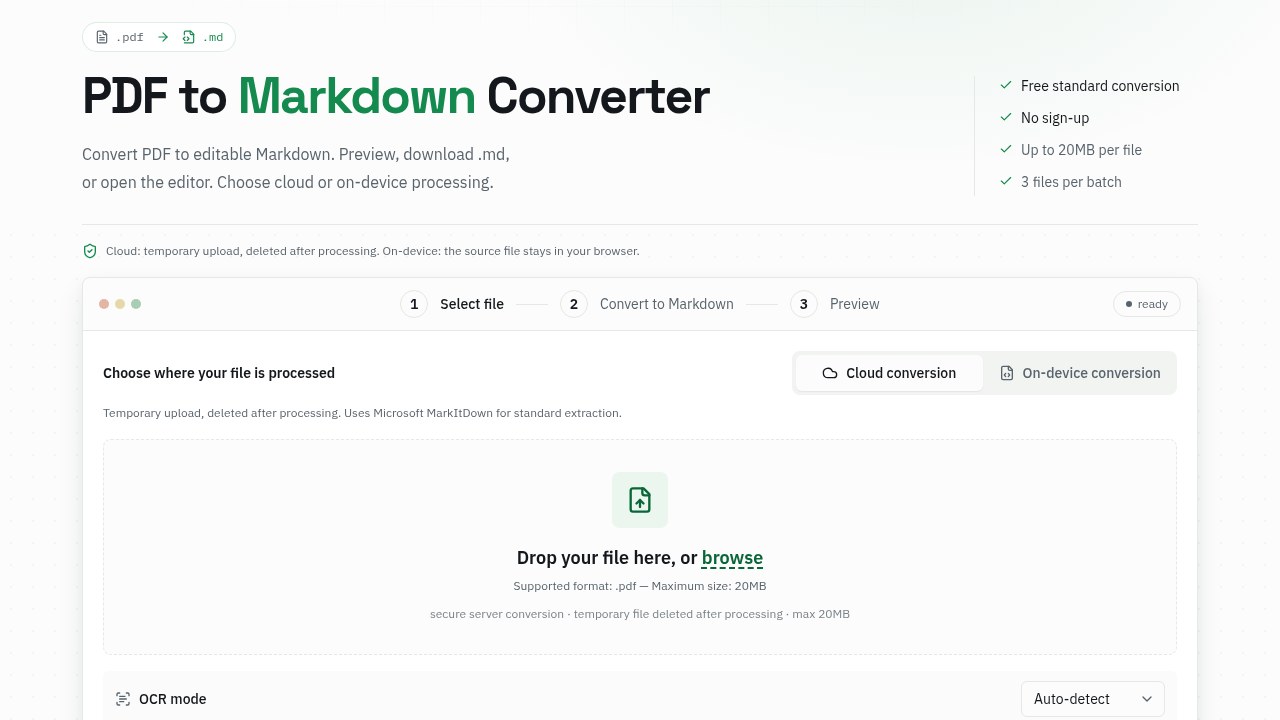
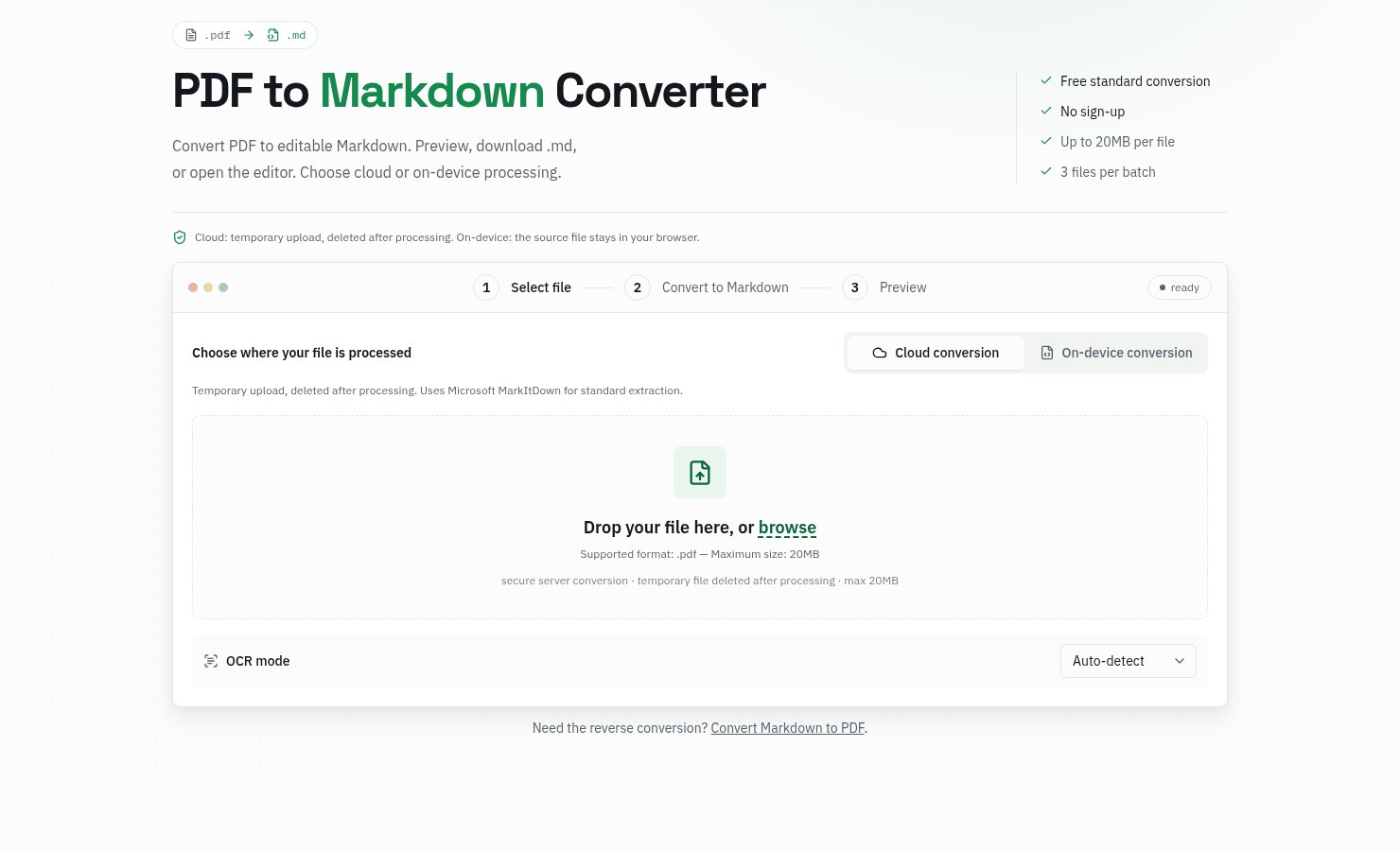
The best fit for developers, researchers, and writers who need a quick, private PDF-to-Markdown conversion without installing anything. The free tier is genuinely useful, but table output from complex PDFs still needs manual cleanup, and the 3-file batch cap on the free plan will frustrate anyone processing a document library. If you need bulk conversion at scale or ML-grade layout reconstruction, this tool is not built for that job.
What is PDF to Markdown Converter by MarkItDown?
MarkItDown's PDF to Markdown Converter turns PDFs into editable Markdown online. Preview headings, paragraphs and tables, then copy the result, download a .md file, or open it in the online editor. Standard conversion is free with no sign-up, up to 20MB per file and three files per batch. Scanned PDFs are supported with OCR: local OCR runs free in the browser, and AI OCR is available with an account (10 pages per month on Free). Cloud conversion deletes files after processing, or choose on-device conversion to keep files in your browser. Pro raises limits to 100MB files, batches of 30 and 500 AI OCR pages per month.
How we scored PDF to Markdown Converter by MarkItDown
Ease of use is the tool's strongest point: no install, no account for standard use, and a clear two-mode processing choice that most comparable converters skip. Value is solid given the genuinely functional free tier at $0 and a Pro plan at $4.90/month that includes 500 AI OCR pages and 30-file batches. Capability is held back by a documented weakness the site itself discloses: table extraction produces extra empty columns requiring manual cleanup, and figures are not exported at all, which are real gaps versus ML-based alternatives like Marker or Docling. Delivery scores low because no third-party user sentiment was findable to validate the tool's claims, the AI OCR output shown in the site's own examples is aligned text rather than proper Markdown table syntax even after processing, and the 10-page-per-month free OCR cap is thin enough to feel like a deliberate conversion funnel rather than a genuinely useful allowance.
Pros and cons
What we liked
- Genuinely free with no account required: standard cloud conversion has no page cap and supports files up to 20MB in batches of three, making it usable without any commitment.
- Two processing modes give real privacy control: on-device conversion keeps the source file in the browser entirely, while cloud mode deletes files immediately after processing.
- Honest, published output examples on the site show exactly what cloud versus local extraction produces on the same test PDF, including where tables flatten into plain text, so buyers know what they are getting before uploading anything.
Where it falls short
- Table extraction from complex PDFs is acknowledged by the site itself to produce extra empty columns and misaligned cells that require manual cleanup, a structural limitation the tool does not resolve even on Pro.
- Embedded figures are not exported alongside the Markdown output; images must be saved separately and references added by hand, which breaks the workflow for any document where figures carry meaning.
- The free batch cap of 3 files per conversion is low enough to make even modest document-processing tasks tedious, and the AI OCR allowance of 10 pages per month on the free tier is exhausted by a single short scanned report.
Key features
PDF to Markdown Converter by MarkItDown pricing
Free tier at $0 forever: up to 20MB per file, 3 files per batch, 10 saved results, 10 AI OCR pages per month, no account required. Pro at $4.90/month (discounted from $9.90): 100MB files, 30-file batches, unlimited saved results, 500 AI OCR pages per month, plus KaTeX math rendering and Mermaid diagrams in the editor. A Yearly and Lifetime Pro option are also listed but prices were not returned in search results.
| Plan | Price | Who it is for |
|---|---|---|
| Free | $0 | Unlimited server conversions, 20MB max file size, 3 files per batch, 10 most recent results saved, 10 AI OCR pages per month, local OCR with no page cap, no account required for standard conversion. |
| Pro (Monthly) | $4.90/month | 100MB max file size, 30 files per batch, unlimited saved results, 500 AI OCR pages per month, KaTeX math rendering and Mermaid diagrams in the Markdown editor, all file format conversions. Listed as discounted from $9.90/month. |
| Pro (Yearly) | Same features as Pro Monthly. Exact yearly price not returned in search results. | |
| Pro (Lifetime) | Same features as Pro Monthly and Yearly. Exact lifetime price not returned in search results. |
Pricing reflects what we saw at time of review (2026-10). Always confirm current pricing on the tool's own site.
Who should use PDF to Markdown Converter by MarkItDown?
Researchers and analysts who regularly pull text from PDF reports will find the free tier covers most one-off jobs without any friction. Developers preparing documents for LLM pipelines or RAG workflows get a fast sanity-check tool before committing to a scripted solution. The on-device mode makes it a reasonable choice for anyone handling confidential documents who cannot risk uploading files to a third-party server.
Anyone processing more than three PDFs at a time on a regular basis will hit the free batch cap quickly and should weigh the $4.90/month Pro plan against their actual volume. Teams needing ML-grade layout reconstruction for dense multi-column academic papers or complex financial reports should look at EveryTool4U, which runs entirely locally with no uploads, or consider the open-source Microsoft MarkItDown Python library for scripted pipelines where output quality can be tuned per document type.
Skip it if: High-volume batch processing or complex multi-column PDF layouts requiring ML-grade reconstruction
PDF to Markdown Converter by MarkItDown alternatives
Frequently asked questions
Do I need to create an account to convert a PDF?+
No. Standard cloud conversion and local conversion both work without signing in. An account is only required to use High-Accuracy AI OCR or to save more than 10 results to a history workspace.
What happens to my file after cloud conversion?+
The site states that source files are deleted immediately after conversion. For users who want the file to never leave their machine at all, the on-device processing mode keeps everything in the browser.
How much does Pro cost and what does it add?+
Pro is currently $4.90 per month (discounted from $9.90). It raises the file size limit from 20MB to 100MB, the batch size from 3 to 30 files, and the AI OCR allowance from 10 to 500 pages per month. It also adds KaTeX math rendering and Mermaid diagram support in the editor.
Will tables from my PDF convert correctly?+
It depends on the source. Cloud conversion preserves table rows as Markdown tables for text-layer PDFs, but the site's own published examples show extra empty columns that need cleanup. Scanned tables processed through AI OCR come out as aligned text rather than Markdown table syntax.
Are embedded images exported with the Markdown?+
No. The converter extracts text content and does not package figures as image files. Images must be saved separately from the original PDF and referenced manually in the Markdown output.
Is this the same as Microsoft's MarkItDown?+
No. markitdown.tech is an independent web converter inspired by Microsoft's open-source MarkItDown Python library, not a Microsoft product. The underlying library is MIT-licensed and installable via pip for scripted pipelines; this site adds the browser interface and AI OCR layer.
More AI Productivity Tools
See all categoriesGet your tool listed on 300+ directories.
One listing here is a strong start. But the founders who get discovered everywhere are listed everywhere. Our sister site, Free AI Directories, submits your tool to 300+ AI directories for you, every single one by hand, by a real person.
It is a one-time payment of $49, no subscription, and you can follow along as the submissions land. Prefer the slow route? The same site keeps a free list of 450+ directories you can work through yourself.
Get my tool listed on 300+ directoriesOne-time payment, no subscription · 100% human submissions · Free list of 450+ directories included.