
Pipp
A free shared email inbox for small teams, with optional AI assistance built for founders who want simple customer support.
Are you the maker? Claim this listing to keep info, pricing and screenshots current. Verified via your tool's domain email.
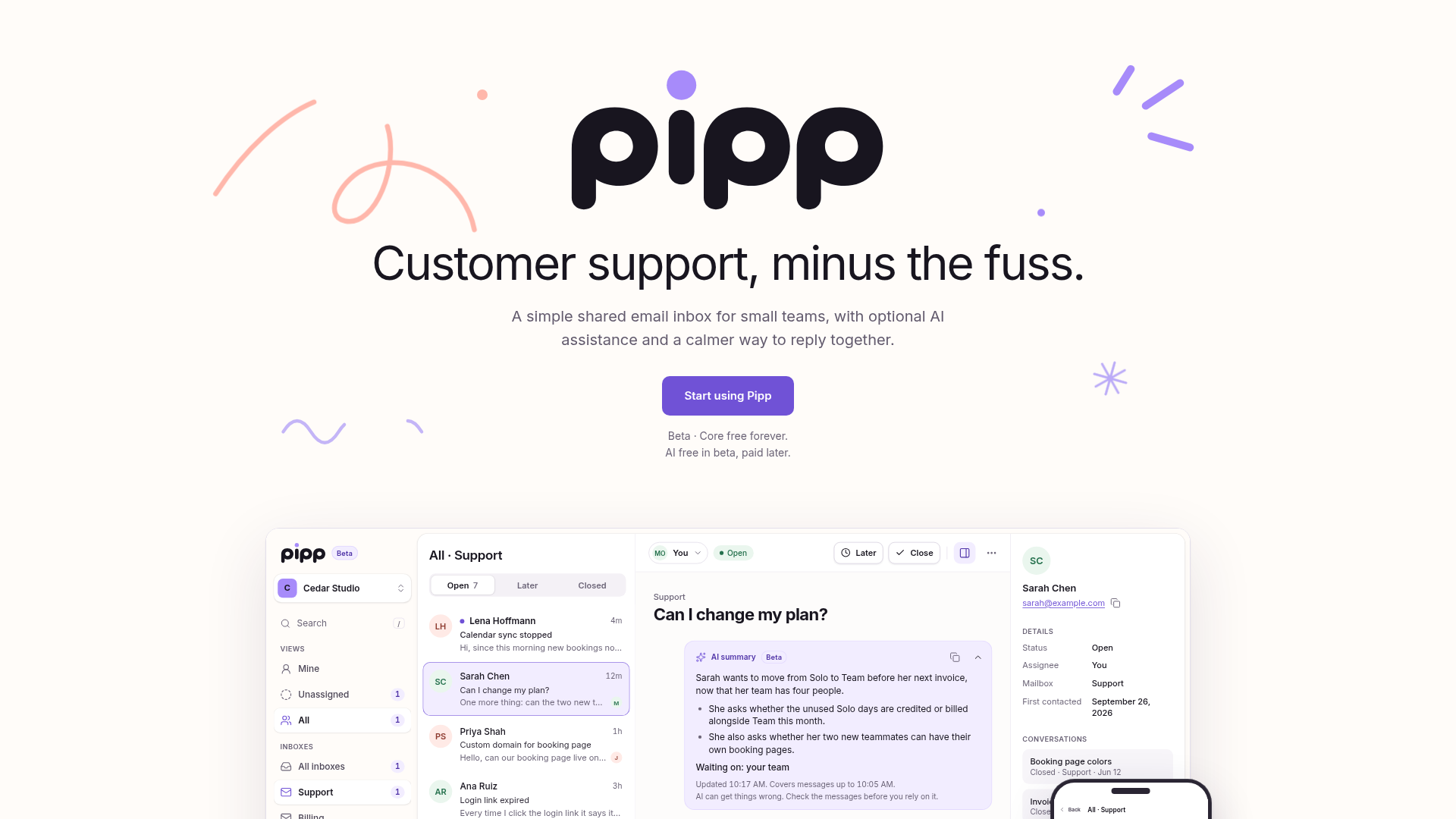
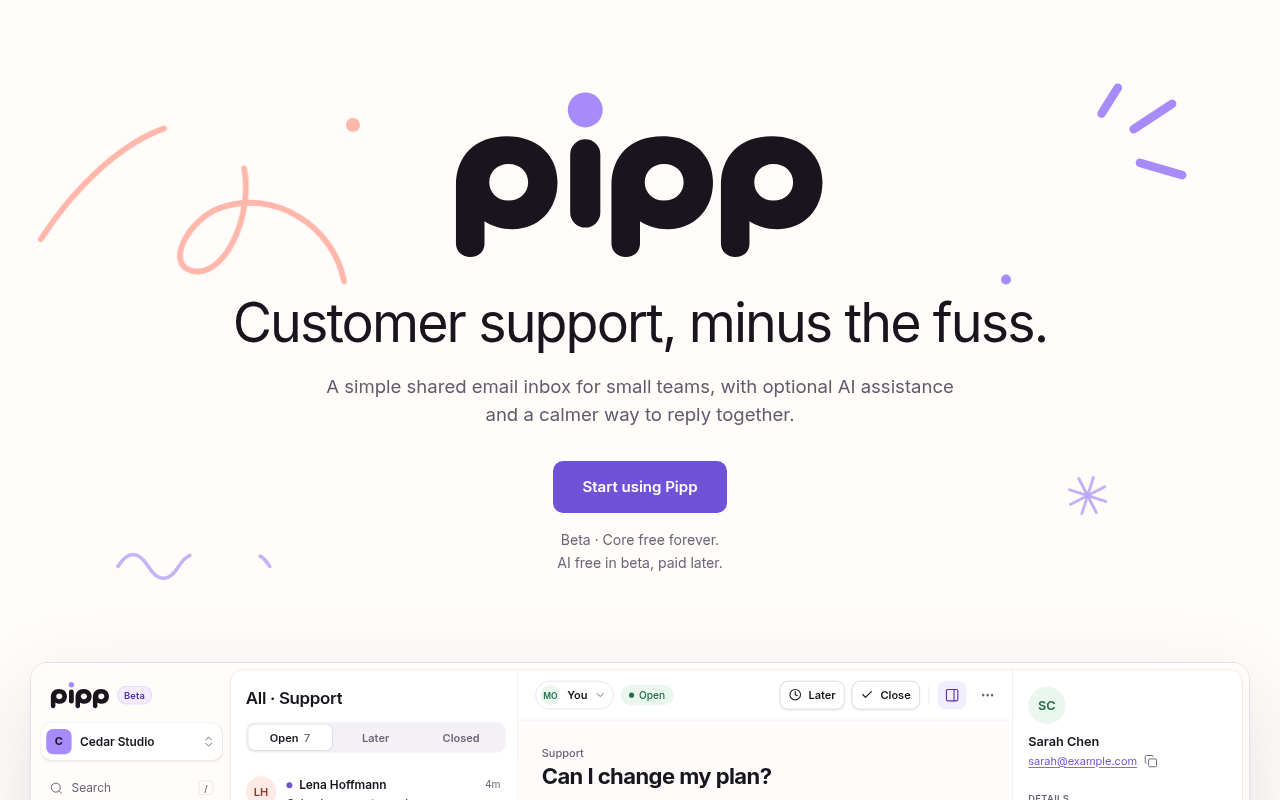
Pipp is the right pick for a founder or tiny dev team that wants a shared support inbox without paying anything or configuring a complex tool. The AI assistance is still gated behind a waitlist and its future pricing is unspecified, which makes it hard to plan around. Teams that need reporting, SLAs, or more than 100 outbound recipient deliveries per day should look at Maxdesk instead.
What is Pipp?
Pipp is simple email customer support for small teams: one shared inbox where your team keeps conversations in view and replies together, in a calm interface that keeps the focus on customers. It's built for founders, developers and small teams who want to stay close to their customers without a complicated support setup. The core inbox is free forever; optional AI assistance is free during beta and fairly priced afterward. Pipp is built for the AI age, with extensive agent support: connect your own AI agents via API and MCP.
How we scored Pipp
Capability scores in the low teens because Pipp currently ships only a shared email inbox; the AI assistance is waitlist-gated, the API and MCP integrations are unshipped, and chat support does not exist yet. Competitors like Maxdesk already deliver a fuller feature set. Ease of use scores well because the product is deliberately minimal, self-serve domain verification requires no Pipp approval, and the interface is described as calm and focused. Value scores solidly because the core inbox is genuinely free forever with no stated seat limit, which is a real benefit for its target audience. Delivery scores in the low range because the product is in open beta with a hard 100-recipient-per-day sending cap, AI access is gated behind a manual review process, and post-beta AI pricing is entirely unannounced, making it difficult to assess whether the tool will deliver on its AI promise at a fair price.
Pros and cons
What we liked
- Core inbox is free forever with no published seat limit, making it genuinely usable for a small team at zero cost.
- Builder-first roadmap: API and MCP agent connections are explicitly planned, which is rare among shared inbox tools at this price point.
- AI assistance is opt-in and does not route customer emails to an AI provider until access is explicitly approved, a privacy-conscious design choice.
Where it falls short
- The 100 recipient-delivery-per-day beta cap is a hard operational limit with no self-serve way to raise it; a team emailing more than a few dozen customers daily will hit it fast.
- AI pricing after beta is completely unspecified: the site says only 'fairly priced afterward,' which makes it impossible to budget for the feature that differentiates Pipp from a plain shared mailbox.
- Email is the only supported channel right now, and the product is in open beta with no published timeline for chat support or the API and MCP integrations that are central to its pitch.
Key features
Pipp pricing
The core inbox is free forever with no stated seat limit. AI assistance is free during the beta period; pricing afterward has not been published. Each workspace is capped at 100 recipient deliveries per day during beta, and each account can create up to 3 workspaces per day.
| Plan | Price | Who it is for |
|---|---|---|
| Core Inbox | Free | Shared email inbox, team collaboration on replies, custom sending domain via DNS verification, up to 3 workspaces per account per day, up to 100 recipient deliveries per workspace per day. Free forever with no stated expiry. |
| AI Assistance (Beta) | Free during beta | Optional AI assistance for support writing, available to workspace owners and admins who join the AI waitlist and are approved. Does not route customer emails to an AI provider until access is granted. Pricing after beta has not been announced. |
Pricing reflects what we saw at time of review (2026-10). Always confirm current pricing on the tool's own site.
Who should use Pipp?
Pipp fits a founder or a small product team of two to five people who are currently sharing a support@ address through a forwarded Gmail account and want something more organized without paying for it. If your daily support volume is well under 100 outbound emails, the beta sending cap will never bother you. Developers who want to eventually route AI agents through the inbox via API or MCP will find the roadmap appealing, even if those features are not live yet.
If your team sends more than 100 support emails a day, needs built-in reporting or SLA tracking, or cannot afford to depend on a product still in open beta with unannounced future pricing, Pipp is the wrong choice right now. Maxdesk, which is already in the directory, offers a cloud-hosted email help desk with unlimited agents and flat workspace pricing at a defined price point, making it a more predictable option for teams that have outgrown the free-tier stage.
Skip it if: Teams needing reporting, SLAs, or high-volume outbound email
Pipp alternatives
Tags
Frequently asked questions
Is Pipp really free, or does the free tier expire?+
The core inbox is free forever according to the pricing page. AI assistance is free during the beta period, but Pipp has not published what it will cost afterward.
How many emails can my team send per day?+
During beta, each workspace is capped at 100 recipient deliveries per day. Each address in To or Cc counts as one delivery, so an email to three recipients uses three of those 100 slots. The limit resets at 00:00 UTC. You can request an increase from Pipp operators, but it is not guaranteed.
How do I get AI features turned on?+
Workspace owners and admins can join the AI waitlist inside Settings under the AI section. Joining the waitlist does not automatically enable AI; requests are reviewed before access is granted.
Does Pipp support channels other than email?+
Not yet. Email is the only supported channel in the current version. Chat is the next channel Pipp plans to add, with no published timeline.
Can I connect my own AI agents to Pipp?+
Not at launch. An API and MCP connection for plugging in custom AI agents is on the public roadmap as the next major builder feature, but it has not shipped yet.
What do I need to send replies to customers?+
You need a domain you control and access to its DNS settings. You add the records Pipp shows you, wait for verification and activation, then select that domain for your inbox. Each workspace can connect one sending domain.
More AI Business Tools
See all categoriesGet your tool listed on 300+ directories.
One listing here is a strong start. But the founders who get discovered everywhere are listed everywhere. Our sister site, Free AI Directories, submits your tool to 300+ AI directories for you, every single one by hand, by a real person.
It is a one-time payment of $49, no subscription, and you can follow along as the submissions land. Prefer the slow route? The same site keeps a free list of 450+ directories you can work through yourself.
Get my tool listed on 300+ directoriesOne-time payment, no subscription · 100% human submissions · Free list of 450+ directories included.