
Recastia
AI platform that converts a single uploaded PDF into videos, flipbooks, presentations, landing pages, chatbots, and 3D exhibitions.
Are you the maker? Claim this listing to keep info, pricing and screenshots current. Verified via your tool's domain email.
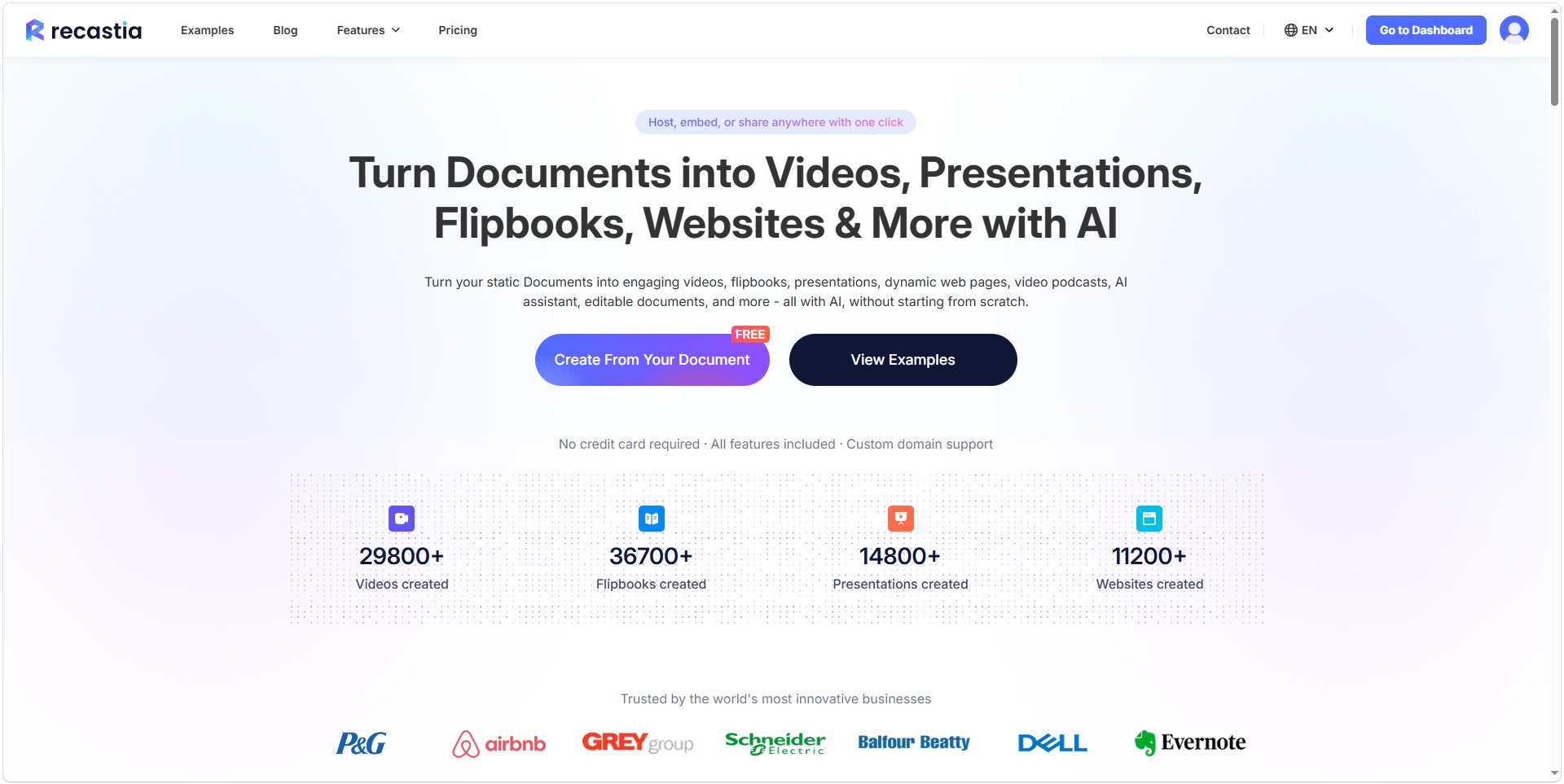
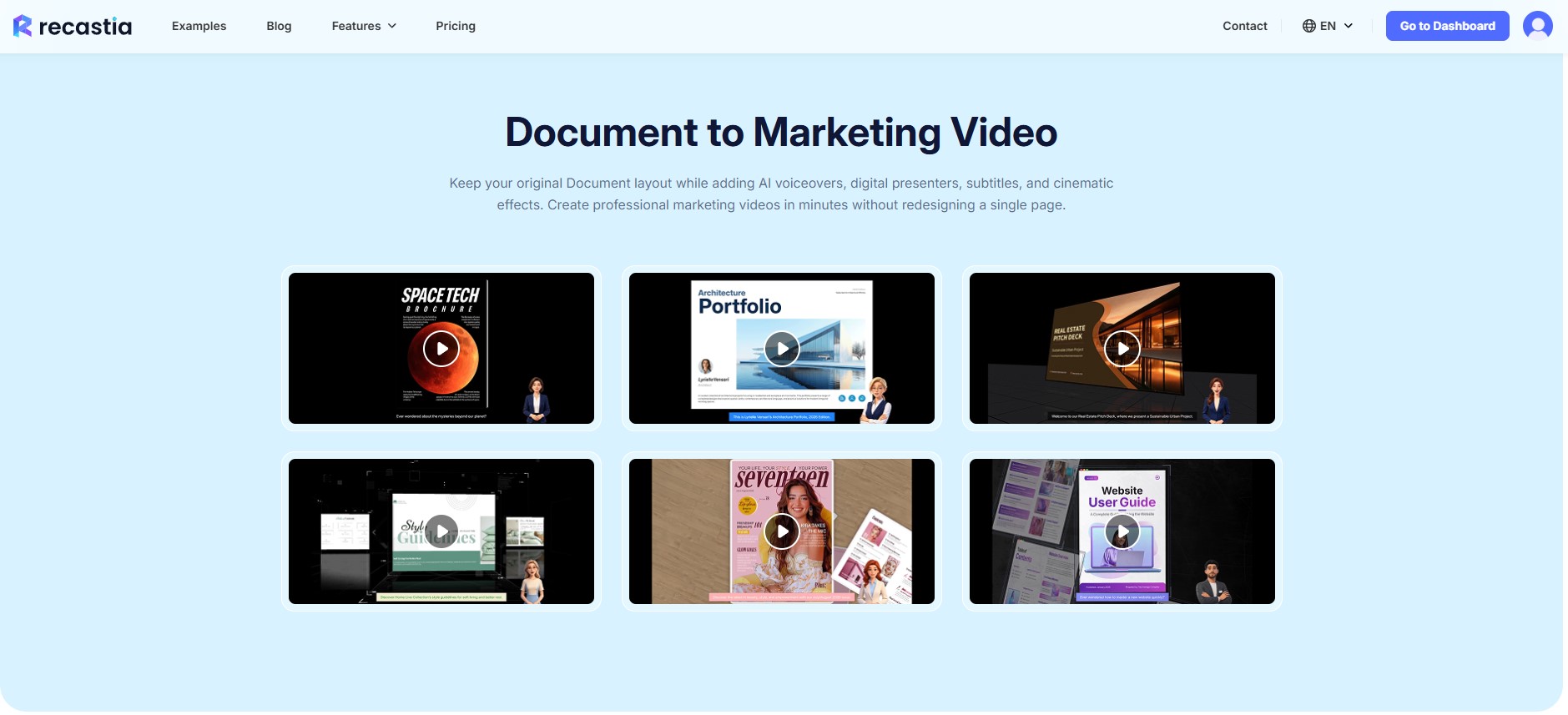
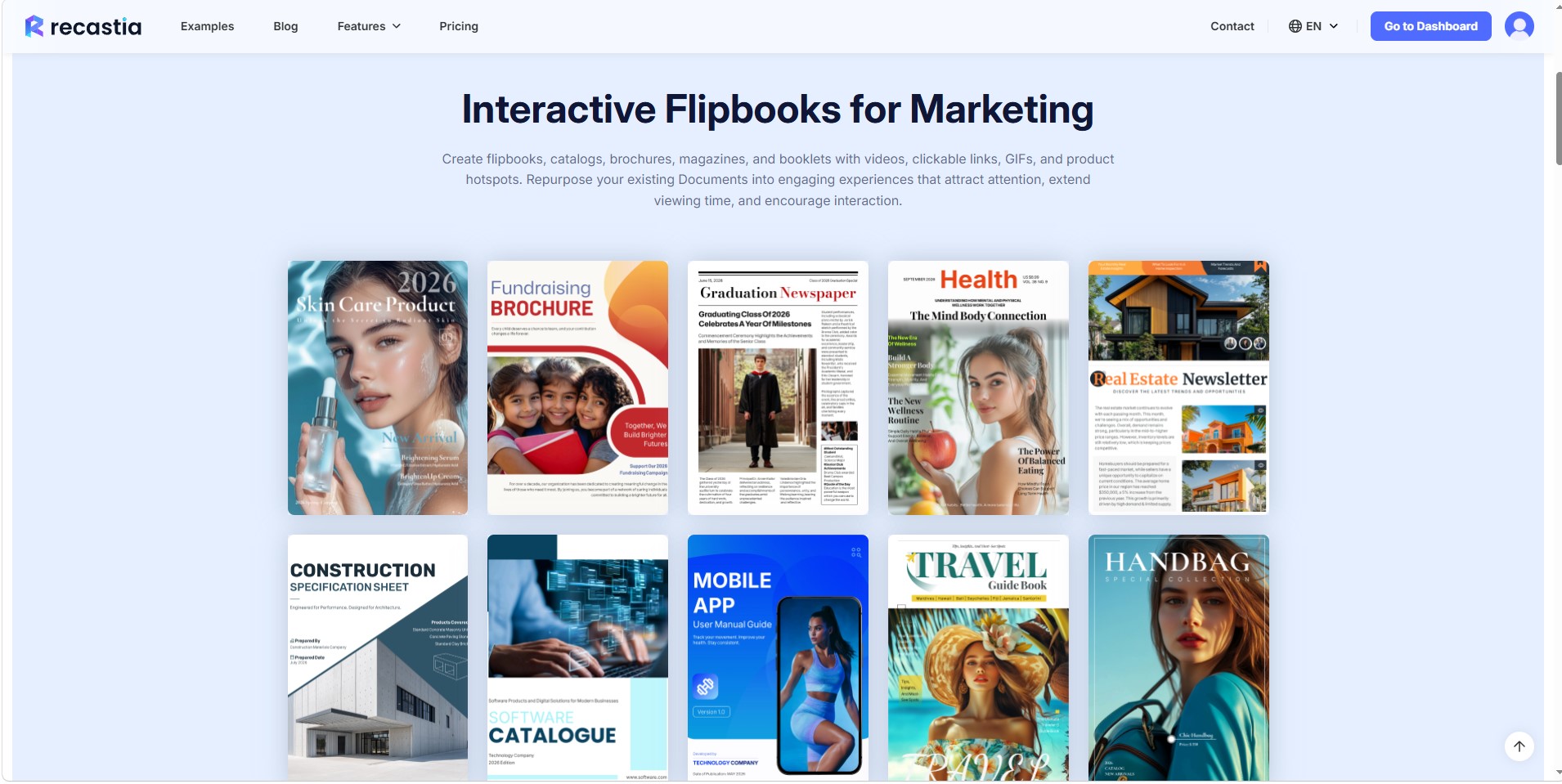
Recastia is the right pick for marketers and educators who have a library of PDFs and want to publish them in multiple formats without rebuilding anything from scratch. Its breadth is real, nine distinct output types from one upload, but the video output leans on AI-generated scripts and stock-style visuals rather than the kind of footage-based editing that HeyGen or Runway handle. Anyone who needs to produce original video from live footage, or who wants fine-grained control over the final cut, should look elsewhere.
What is Recastia?
Recastia is a web-based AI platform that converts PDF documents into multiple digital formats from a single upload. Supported outputs include AI-narrated videos with optional avatar presenters, interactive flipbooks with page-turning effects, browser-based slide presentations, responsive landing pages, AI chatbots trained on the uploaded content, video podcasts, 3D virtual exhibitions, and editable document exports in Word, PowerPoint, and Excel formats. PDF translation into other languages is also available.
The platform targets marketers, educators, publishers, sales teams, and agencies that want to repurpose existing document content without rebuilding it from scratch. Every output can be published online, shared by link or QR code, and optionally embedded on a website. Recastia runs in a web browser with no installation required and is operated by Wonder Idea Technology Limited.
How we scored Recastia
Capability scores 18 because the nine-output-from-one-PDF model is genuinely distinctive, but the video output lacks footage editing, custom voiceover control, or clip-level editing that named competitors HeyGen and Descript both offer, making it shallow for any serious video production need. Ease of use scores 20 because the consistent three-step workflow across all output types and the no-install browser-based approach keep onboarding friction low. Value scores 19 because the $8/month Pro tier is priced well below comparable tools and the free plan includes SEO optimization and basic analytics, though the 5-creation lifetime cap on the free plan is unusually restrictive and limits real evaluation. Delivery scores 11 because the tool is relatively new with limited independent user reviews, the vendor-reported creation counts cannot be independently verified, and the custom AI avatar feature is marketed prominently but gated in a way that creates ambiguity between plan tiers, which is a minor trust concern on top of the thin third-party evidence base.
Pros and cons
What we liked
- Nine distinct output formats from one PDF upload, including video, flipbook, chatbot, landing page, podcast, and 3D exhibition, with a consistent three-step workflow across all of them.
- Entry price is genuinely low: the Pro plan at $8/month (billed annually) removes watermarks, enables website embedding, and lifts upload limits to 500 pages, making it accessible for solo creators and small teams.
- The free plan includes SEO optimization and basic analytics with no credit card required, giving new users a real sense of the tool before committing.
Where it falls short
- The free plan caps users at only 5 creations total (not per month), which is unusually tight and makes meaningful evaluation before purchase difficult.
- Video output is entirely document-driven: there is no way to import footage, record a custom voiceover, or edit the generated video at the clip level, so the tool cannot replace a real video editor for any project that starts with a camera.
- The custom AI avatar feature, one of the more distinctive selling points, is locked behind the Enterprise plan at $16/month; Pro users at $8/month do not get it despite the feature being prominently marketed.
Key features
Recastia pricing
Free plan at $0 with 5 creations, 200-page upload limit, and Recastia branding. Pro at $8/month (billed yearly at $96) with unlimited flipbooks, videos, and slides, 50 creations, 500-page uploads, 15GB storage, and branding removal. Enterprise at $16/month (billed yearly at $192) adds a 1,000-page upload limit, unlimited PDF conversions, custom brand logo, custom AI avatar, and 30GB storage.
| Plan | Price | Who it is for |
|---|---|---|
| Free | $0 | 5 creations total, up to 200 pages per upload, 10+ PDF conversions, 30 PDF translation pages per upload, basic analytics, 5GB storage, 1 user account, no ads, but Recastia branding on all outputs. SEO optimization included. |
| Pro | $8/month | Billed yearly at $96 (saves $24/year). 50 creations, unlimited flipbooks, videos, and slides generation, up to 500 pages per upload, 100+ PDF conversions, 60 PDF translation pages per upload, password protection, analytics and insights, white branding (branding removal), website embedding, no watermarks, 15GB storage, custom AI avatar, custom background music, flipbook settings, multilingual settings, 200 AI copywriting uses per month, 100 multilingual translations per month, 2,000 chatbot replies per month, basic support. |
| Enterprise | $16/month | Billed yearly at $192 (saves $36/year). Everything in Pro plus 200 creations, up to 1,000 pages per upload, unlimited PDF conversions, 100 PDF translation pages per upload, custom brand logo, custom AI avatar, 30GB storage, 500 AI copywriting uses per month, 500 multilingual translations per month, 5,000 chatbot replies per month, priority support. |
Pricing reflects what we saw at time of review (2026-10). Always confirm current pricing on the tool's own site.
Who should use Recastia?
Recastia fits content marketers and sales teams sitting on a backlog of PDFs, brochures, or reports they want to publish in more engaging formats. A marketer who needs to turn a product catalog into a video, a flipbook, and a landing page simultaneously gets real value from the single-upload, multiple-output model. Educators converting course materials into narrated slide presentations or chatbots that answer student questions are another natural fit. The free plan is genuinely usable for light experimentation, and the $8/month Pro tier is low enough that a solo creator can justify it.
Anyone who needs to produce video from original footage, record and edit custom audio, or achieve broadcast-level production quality should skip Recastia and look at HeyGen instead, which offers purpose-built AI avatar video with far more control over the presenter and output, or Descript, which lets you edit video and audio by editing a transcript and handles real recorded content rather than document conversions.
Skip it if: Video producers who need footage-based editing or original video creation
Recastia alternatives
Tags
Frequently asked questions
How many outputs can I create on the free plan?+
The free plan allows 5 creations total across all output types. This is a lifetime cap, not a monthly reset, so it is enough to test the tool but not for ongoing production use.
Does the Pro plan remove Recastia branding from my outputs?+
Yes. The Pro plan at $8/month (billed annually) includes white branding, which removes Recastia's logo from published outputs. The free plan always shows Recastia branding.
Is the custom AI avatar available on the Pro plan?+
The pricing page comparison table shows the custom AI avatar as included on the Pro plan, though the Enterprise plan at $16/month also explicitly lists it. Buyers should confirm this detail on the live pricing page before purchasing.
What is the maximum PDF size I can upload?+
Upload limits are 200 pages on the free plan, 500 pages on Pro, and 1,000 pages on Enterprise. PDF translation is capped separately at 30, 60, and 100 pages per upload respectively.
Can I embed Recastia outputs on my own website?+
Website embedding is available on the Pro plan and above. Free plan outputs cannot be embedded externally.
Does Recastia support languages other than English?+
Yes. The platform supports multilingual settings and PDF translation. Pro users get 100 multilingual translations per month; Enterprise users get 500. The interface itself is available in over 25 languages including German, French, Spanish, Japanese, Arabic, and others.
More AI Video Tools
See all categoriesGet your tool listed on 300+ directories.
One listing here is a strong start. But the founders who get discovered everywhere are listed everywhere. Our sister site, Free AI Directories, submits your tool to 300+ AI directories for you, every single one by hand, by a real person.
It is a one-time payment of $49, no subscription, and you can follow along as the submissions land. Prefer the slow route? The same site keeps a free list of 450+ directories you can work through yourself.
Get my tool listed on 300+ directoriesOne-time payment, no subscription · 100% human submissions · Free list of 450+ directories included.