
SimilarClip
SimilarClip automates faceless YouTube channels end-to-end: script, visuals, voiceover, and scheduled publishing, all from a niche you name.
Are you the maker? Claim this listing to keep info, pricing and screenshots current. Verified via your tool's domain email.
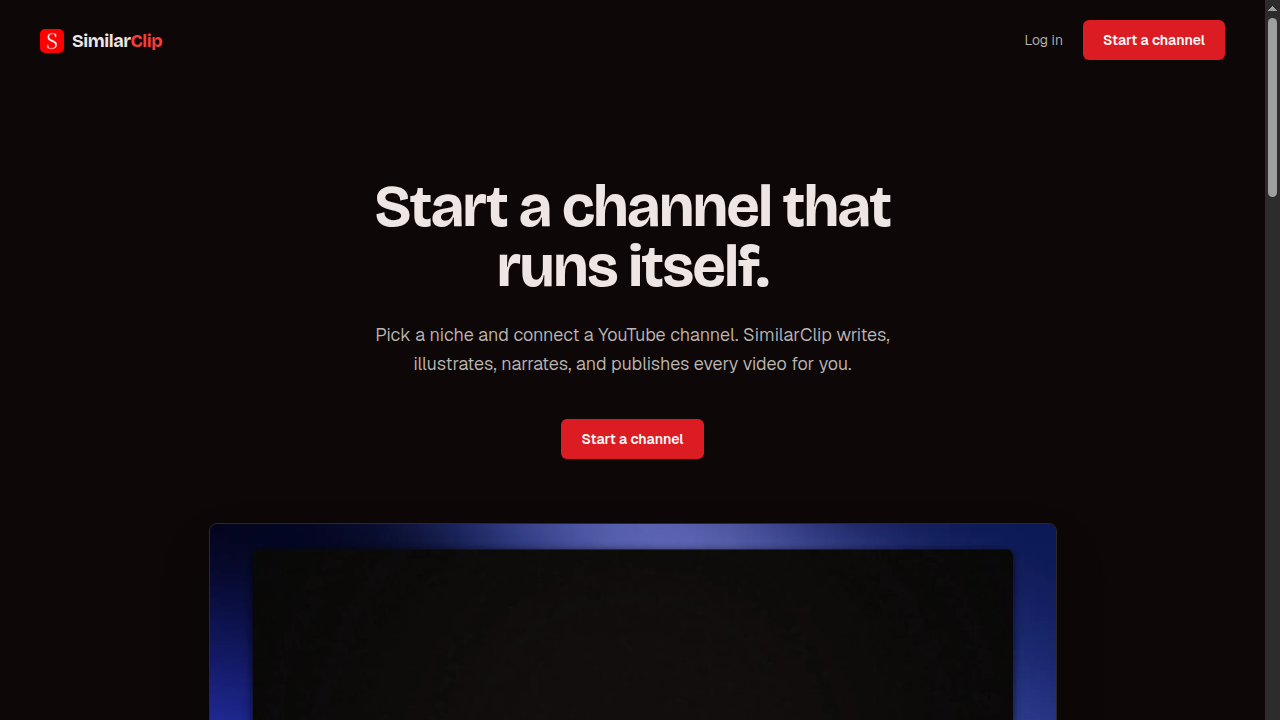
SimilarClip is the clearest option for someone who wants a faceless YouTube channel to run without touching a timeline or camera. The tradeoff is real: you get a fully automated pipeline but almost no manual editing controls, which puts it behind Runway or Descript the moment you need to adjust a single scene. If you want to shape your content rather than just schedule it, this tool will frustrate you.
What is SimilarClip?
SimilarClip is a web-based AI video platform that automates faceless YouTube channels from start to finish. Users pick a niche, and the system researches it, writes a script, generates scene-by-scene visuals across 11 visual styles, adds narration from 35 AI voices, and publishes each video to a connected YouTube channel on a user-defined schedule, complete with title, tags, and thumbnail.
The platform requires no footage, camera, or video editing experience. It is built for operators running one or more faceless channels and is also accessible to developers and AI agents through a REST API and MCP server, allowing automated video generation and publishing via tools like Claude or Cursor. Plans start at $39 per month.
How we scored SimilarClip
Capability scores 17 because the end-to-end automation pipeline is genuinely differentiated, but the absence of any manual editing layer and the minute-based output cap (18 minutes on Starter) mean the tool does less than named competitors like Runway or Descript for anyone who needs control over individual scenes. Ease of use scores 20 because the three-step onboarding (pick niche, choose style and voice, connect YouTube) is about as frictionless as this category gets. Value scores 14 because $39/month with no free trial and a cap of roughly 18 video minutes is a steep ask for an unproven tool with no visible third-party reviews; the Studio tier at $199/month for ten channels is more defensible per-channel, but the entry price is high relative to what a buyer can verify before paying. Delivery scores 15 because no independent user sentiment, reviews, or output samples were findable via search, making it impossible to confirm the tool delivers on its fully-automated promise; the MCP server and REST API are credible differentiators, but the overall delivery picture is thin on evidence.
Pros and cons
What we liked
- Full end-to-end automation from niche selection to YouTube upload, including title, tags, and thumbnail, with no editing step required.
- REST API and MCP server support lets developers and AI agents generate and publish videos programmatically, a rare capability among consumer YouTube automation tools.
- Multi-channel management at scale: the Studio plan supports ten simultaneous channels for $199/month, which undercuts the cost of managing separate tools or contractors for each channel.
Where it falls short
- No free tier and no trial period visible on the pricing page, so buyers must commit $39 before seeing a single output video from their own niche.
- Output is capped in minutes per month rather than video count, and the Starter plan's approximately 18 minutes per month limits you to roughly two to four short videos, which is thin for channels that need daily publishing.
- No manual editing layer: once a scene is generated, the platform gives no indication of controls to adjust visuals, swap a clip, or revise narration before publishing, which means errors or off-brand outputs go live unless you catch them in YouTube Studio after the fact.
Key features
SimilarClip pricing
Three paid tiers, no free plan. Starter at $39/month covers approximately 18 video minutes per month and one channel. Pro at $99/month covers approximately 55 video minutes and three channels. Studio at $199/month covers approximately 128 video minutes and ten channels. Annual billing saves two months. Credit packs are available for mid-month overages and never expire.
| Plan | Price | Who it is for |
|---|---|---|
| Starter | $39/mo | Approximately 18 video minutes per month, 1 YouTube channel. Annual billing available with 2 months free. |
| Pro | $99/mo | Approximately 55 video minutes per month, 3 YouTube channels. Annual billing available with 2 months free. |
| Studio | $199/mo | Approximately 128 video minutes per month, 10 YouTube channels. Annual billing available with 2 months free. |
Pricing reflects what we saw at time of review (2026-10). Always confirm current pricing on the tool's own site.
Who should use SimilarClip?
SimilarClip fits operators who treat YouTube as a publishing system rather than a creative outlet. A solo creator running a faceless educational or entertainment channel on topics like history, animals, or science can set a weekly cadence and let the tool fill it without touching a video editor. At the Studio tier, someone managing ten channels simultaneously gets a cost-per-channel that is hard to replicate by hiring freelancers or stitching together separate tools for scripting, voiceover, and scheduling.
Developers building content pipelines for clients or internal tools will find the MCP server and REST API genuinely useful, since most consumer YouTube automation tools do not expose programmatic access at all. That said, anyone who cares about the look and feel of individual scenes, wants to drop in their own footage, or needs to publish to platforms beyond YouTube should look elsewhere. Runway is the better pick for creators who want AI-assisted video with real editing controls, and Descript suits anyone whose workflow starts with recorded footage or a transcript they want to shape manually.
Skip it if: Creators who need hands-on editing control or produce content beyond YouTube
SimilarClip alternatives
Frequently asked questions
Is there a free trial or free plan?+
No. The pricing page lists three paid tiers starting at $39/month with no free tier or trial period mentioned.
How many videos can I publish per month on the Starter plan?+
The Starter plan includes approximately 18 video minutes per month. How many videos that translates to depends on length, but a typical 5-minute faceless video would leave room for roughly three to four videos per month.
Can I use SimilarClip to run multiple YouTube channels?+
Yes. The Pro plan supports 3 channels and the Studio plan supports 10 channels. The Starter plan is limited to 1 channel.
Does SimilarClip work with AI agents or developer tools?+
Yes. The platform exposes a REST API and an MCP server, so tools like Claude or Cursor can generate and publish videos using your API key without any manual steps.
What happens if I run out of video minutes before the month ends?+
You can purchase additional credit packs at any time. These packs never expire, so any unused credits carry over rather than being lost at the end of the billing period.
Do I need to provide footage, a script, or a voiceover?+
No. SimilarClip generates the script, visuals, and narration from scratch based on the niche you name. You only need to connect a YouTube channel and set a publishing schedule.
More AI Video Tools
See all categoriesGet your tool listed on 300+ directories.
One listing here is a strong start. But the founders who get discovered everywhere are listed everywhere. Our sister site, Free AI Directories, submits your tool to 300+ AI directories for you, every single one by hand, by a real person.
It is a one-time payment of $49, no subscription, and you can follow along as the submissions land. Prefer the slow route? The same site keeps a free list of 450+ directories you can work through yourself.
Get my tool listed on 300+ directoriesOne-time payment, no subscription · 100% human submissions · Free list of 450+ directories included.