AI Tool Productivity vs EveryTool4U

AI Tool Productivity vs EveryTool4U: score breakdown
EveryTool4U scores 85/100 against 52/100 for AI Tool Productivity, a 33-point gap. EveryTool4U is ahead on Capability (20 vs 12), Value (25 vs 16) and Delivery (20 vs 4); they tie on Ease of use (20). Each sub-score is out of 25.
Features and platforms
| Feature | AI Tool Productivity | EveryTool4U |
|---|---|---|
| Pricing model | Free | Free |
| Free plan | Yes | Yes |
| Platforms | Web | Web (browser‑based) |
| Best for | Casual browsers who want a quick, pre-filtered shortlist of mainstream AI productivity tools | Private, zero-friction file and utility tasks |
| Skip if | Researchers or buyers who need more than 16 tools or coverage beyond the four listed categories | Users needing cloud sync, team workflows, or polished e-sign features |
Cost and usage limits
AI Tool Productivity has a free plan. EveryTool4U has a free plan.
Prices from each vendor's pricing page. AI Tool Productivity checked November 2026 · EveryTool4U checked August 2026
Pros and cons
AI Tool Productivity
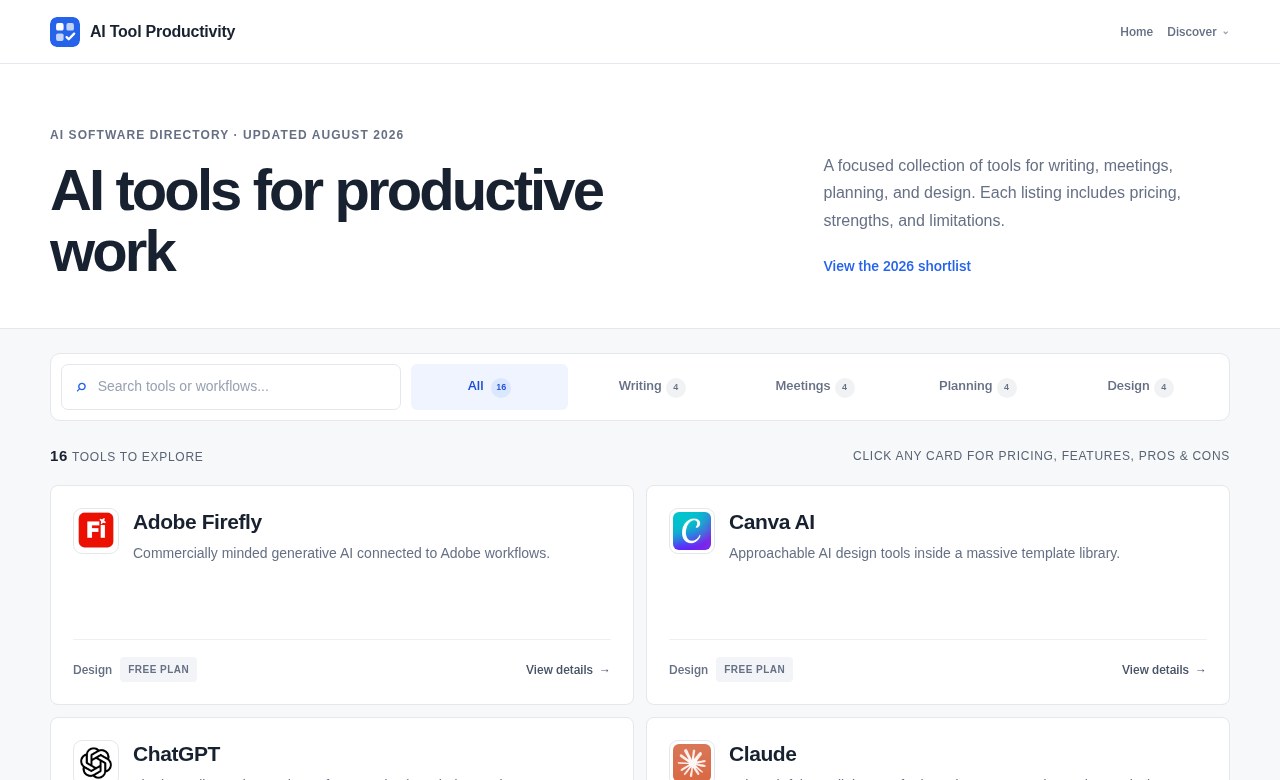
- Completely free with no account required, no paywalled listings, and no upsell path cluttering the experience.
- Model guides go beyond a plain directory by explaining recent AI releases, including practical details like Gemini Omni 1.2 Flash's $0.07-per-second video pricing, in plain language.
- Each of the 16 listings includes an explicit pricing model label (free plan or paid) alongside strengths and limitations, so a visitor can filter by budget at a glance.
- The catalog is capped at 16 tools across exactly four categories, which means entire domains, including coding assistants, voice tools, and image generators, have zero representation. No other directory in this space imposes such a hard ceiling.
- All 16 tools are already household names. The directory adds no discovery value for anyone trying to find newer or more specialized alternatives to the obvious choices.
- The weekly new-tool ranking and yearly shortlist imply ongoing curation, but with only 16 slots in the main directory, it is unclear how or whether the core listing actually rotates to reflect new entrants.
EveryTool4U
- Over 100 tools across PDF, image, video, text, office, finance, and generators, all free and browser-based.
- Processes everything locally using open-source libraries, so files never leave your device and privacy is strong.
- No limits, no watermarks, no account required, use as much as you want, whenever you want.
- User interface and editing polish are less refined than paid tools like Smallpdf.
- No cloud storage, team collaboration, or multi-party e-sign workflows.
- Ads appear on the free web version via Google AdSense, which may distract some users.
Our verdict
AI Tool Productivity verdict
Best for someone who wants a fast, opinionated shortlist of mainstream AI tools without wading through a bloated aggregator. The catalog tops out at 16 tools across four categories, which makes it easy to scan but means anything outside writing, meetings, planning, or design simply is not here. If you need breadth, FutureStoreAI covers a far wider range of tool types in a single destination.
Read full AI Tool Productivity review →EveryTool4U verdict
EveryTool4U is ideal for anyone who needs many file and productivity tools without signing up or uploading files, it runs entirely in your browser, free and unlimited. The trade-off is that it lacks advanced polish, cloud integrations, or e-sign workflows that tools like Smallpdf offer. If you need collaborative or cloud-based features, you should look elsewhere.
Read full EveryTool4U review →