
AI Image To Video
A credit-based web tool that animates still images and generates videos from text, with four pricing tiers starting free.
Are you the maker? Claim this listing to keep info, pricing and screenshots current. Verified via your tool's domain email.
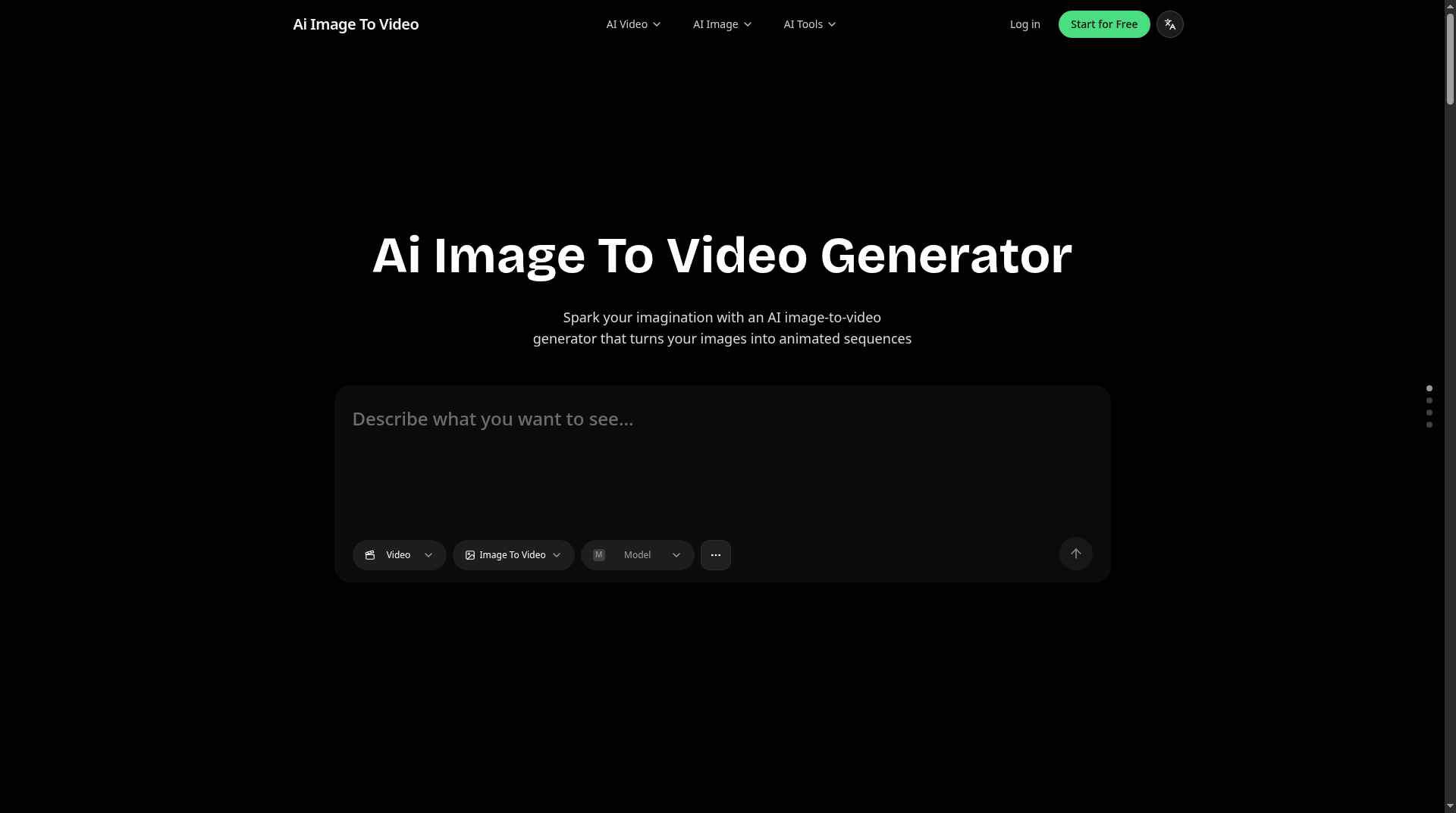
AI Image To Video suits casual creators and social media users who want a quick, low-cost way to animate photos without touching editing software. Its free tier is genuinely usable but limited to a shared queue and no commercial rights, and the credit system makes output costs harder to predict than flat-rate rivals. Anyone who needs professional-grade motion control or reliable output quality should look at Runway instead.
What is AI Image To Video?
AI Image To Video is an image-to-video converter for creators, marketers and social media users. Upload a picture and the AI animates it into a short video clip, with no editing skills needed.
How we scored AI Image To Video
Capability scores 16 because the platform offers a genuinely wide model menu (Kling 3.0, Veo 3.1, Seedance 2.0) and useful bundled image tools, but has no timeline editor, motion-brush controls, or audio sync, features that Runway provides at a comparable or lower effective cost per output. Ease of use scores 20 because the browser-only, no-editing-skills workflow is genuinely simple and the free tier requires no credit card. Value scores 16 because the Starter plan at $7.99/month is priced attractively on paper, but the failure to disclose the credit cost per video generation makes it impossible for a buyer to know what they are actually purchasing, which is a real pricing transparency problem rather than a minor omission. Delivery scores 10 because the opaque credit system, the inability to confirm social presence or track record, and the lack of any documented output quality benchmarks or user review corpus leave significant uncertainty about whether the platform consistently delivers on its model claims.
Pros and cons
What we liked
- Four named AI video models (Kling 3.0, Veo 3.1, Seedance 2.0, Seedream 5.0) accessible from a single account, giving more model variety than most tools at this price point.
- Bundled image utility tools (background remover, upscaler, colorizer, manga translator, photo restorer) add real value beyond video generation for the same subscription.
- Free tier provides 40 starter credits plus 20 daily check-in credits with no time limit, making it genuinely usable for occasional personal projects without a credit card.
Where it falls short
- The pricing page never states how many credits a single video generation costs, so buyers on any plan cannot calculate their actual video output before subscribing.
- Free tier output goes into a shared generation queue with no commercial rights, meaning anything produced for a client or monetized channel requires a paid plan from day one.
- No timeline editor, motion-brush controls, or audio sync tools exist anywhere on the platform; users who need to adjust how motion is applied to specific parts of an image have no mechanism to do so.
Key features
AI Image To Video pricing
Four tiers: Free ($0, 40 starter credits plus 20 per daily check-in, shared queue, no commercial rights), Starter ($7.99/month, 5,000 credits, commercial rights, fast queue), Premium ($15.99/month, 13,000 credits), and Deluxe ($25.99/month, 21,000 credits). All paid tiers include 365-day history, private generations, and commercial rights. Yearly billing is available but per-month figures were not broken out on the pricing page at review time.
| Plan | Price | Who it is for |
|---|---|---|
| Free | $0 | 40 credits for new users plus 20 credits per daily check-in; 5 free AI tool uses per day; shared generation queue; 15-day history. No premium AI video features, no commercial rights, no private generations. |
| Starter | $7.99/month | 5,000 credits per month; fast generation queue; private generations; 365-day history; commercial rights; unlimited use of free tools; AI video and video effect features; cancel anytime. |
| Premium | $15.99/month | 13,000 credits per month; all Starter features including fast queue, private generations, 365-day history, and commercial rights; cancel anytime. |
| Deluxe | $25.99/month | 21,000 credits per month; all Premium features; cancel anytime. |
Pricing reflects what we saw at time of review (2026-11). Always confirm current pricing on the tool's own site.
Who should use AI Image To Video?
Solo content creators publishing regularly to TikTok or Instagram Reels will find the Starter plan at $7.99/month a low-risk entry point, especially if they also want bundled image tools like background removal and photo colorization without paying for separate subscriptions. Small e-commerce operators who need product photos animated into short ad clips, and hobbyists experimenting with AI animation for the first time, are the clearest fit for the free and Starter tiers.
Anyone running a production workflow that demands precise motion control, audio synchronization, or frame-level editing should look elsewhere. Runway offers a proper editing environment with motion brushes and a documented credit-to-second model, making it the better choice for professional video work. HeyGen is the stronger pick if the goal is talking-head or avatar video rather than animating a landscape or product shot.
Skip it if: Teams needing professional motion control, fine-tuned editing, or predictable per-video costs.
Frequently asked questions
Does the free plan put a watermark on videos?+
The pricing page does not explicitly list watermarks as a free-tier restriction, but free users lack commercial rights and are placed in a shared generation queue. Paid plans from $7.99/month include private generations and commercial rights, which implies free output is not intended for commercial use.
How many videos can I make per month on the Starter plan?+
The Starter plan provides 5,000 credits per month, but the site does not state how many credits a single video generation consumes. The actual video count per month is not calculable from the public pricing page alone.
Which AI models are available for video generation?+
The platform lists Kling 3.0, Veo 3.1, Seedance 2.0, Seedream 5.0, and LTX-2.3 among its video generation models. Model availability may vary by plan tier.
Is there a yearly billing option?+
The pricing page shows both Yearly and Monthly toggle options, confirming annual billing exists. The specific discounted monthly rates under annual billing were not broken out in the visible page text at review time.
Can I use generated videos for commercial projects?+
Commercial rights are included on all three paid plans (Starter at $7.99/month, Premium at $15.99/month, Deluxe at $25.99/month). The free tier explicitly excludes commercial rights.
Does the platform offer anything beyond video generation?+
Yes. The same account gives access to text-to-image, image-to-image editing, background removal, image upscaling, photo colorization, manga translation, and photo restoration tools, all bundled into paid plans.
More AI Video Tools
See all categoriesGet your tool listed on 300+ directories.
One listing here is a strong start. But the founders who get discovered everywhere are listed everywhere. Our sister site, Free AI Directories, submits your tool to 300+ AI directories for you, every single one by hand, by a real person.
It is a one-time payment of $49, no subscription, and you can follow along as the submissions land. Prefer the slow route? The same site keeps a free list of 450+ directories you can work through yourself.
Get my tool listed on 300+ directoriesOne-time payment, no subscription · 100% human submissions · Free list of 450+ directories included.