
AI Stem Separation (Stem Splitter)
Browser-based Demucs stem splitter that separates vocals, drums, bass, guitar, and piano with no plugin and no subscription.
Are you the maker? Claim this listing to keep info, pricing and screenshots current. Verified via your tool's domain email.
Best for musicians, DJs, and content creators who need occasional stem splits without committing to a monthly subscription. The pay-as-you-go model is genuinely flexible, but WAV export is locked behind the $11.99 Session pack and there is no unlimited plan for heavy users. If you process stems daily or want a desktop app with local processing, look elsewhere.
What is AI Stem Separation (Stem Splitter)?
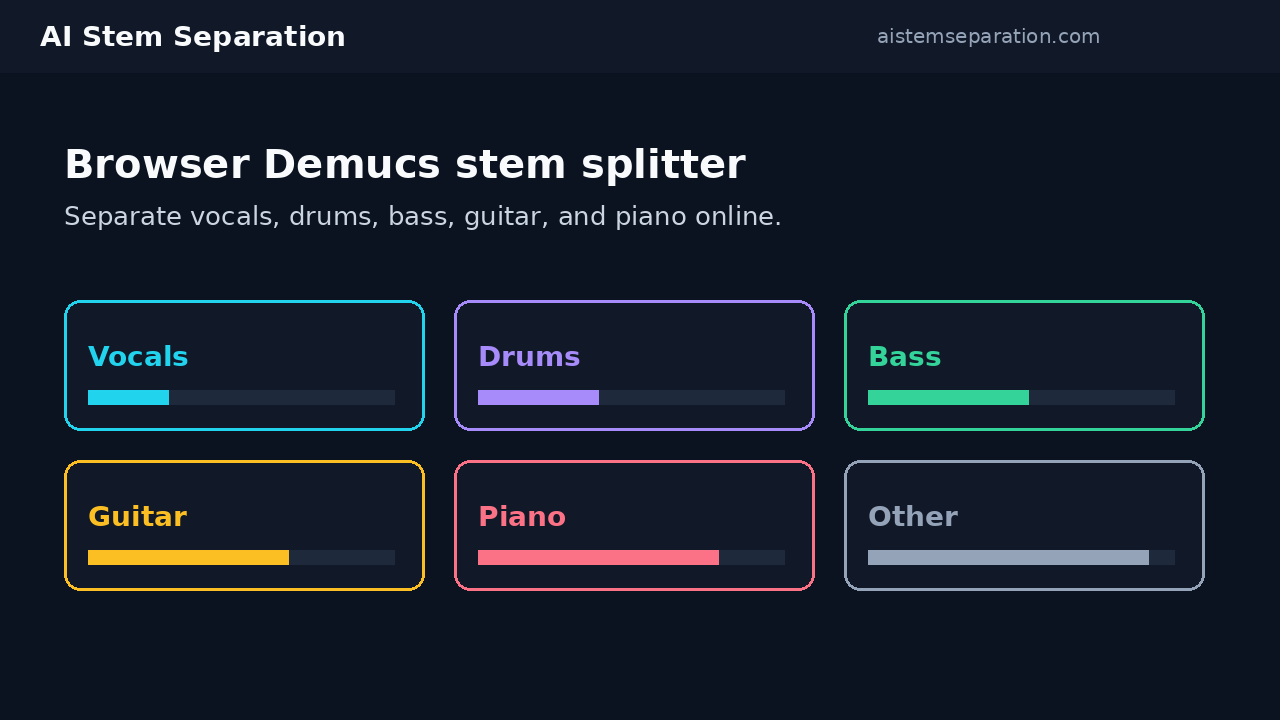
AI Stem Separation is an online audio tool that uses Meta's Demucs AI models to split mixed music tracks into individual stems in a web browser. Users can upload MP3, WAV, FLAC, M4A, OGG, or WEBM files, or paste a YouTube or SoundCloud link, then choose between 2-stem vocal/instrumental separation or 6-stem isolation covering vocals, drums, bass, guitar, piano, and other. No software installation or local GPU is required.
The service runs on a pay-as-you-go credit system. New accounts receive 5 free minutes valid for the signup month, after which users purchase one-time minute packs ranging from 30 to 300 minutes. Paid packs never expire. Output formats are MP3 on all tiers and WAV on the two larger paid packs. The platform targets musicians, DJs, producers, content creators, and music teachers who need occasional stem splits without a recurring subscription.
How we scored AI Stem Separation (Stem Splitter)
Capability scores 18 because the tool runs genuine named Demucs models (htdemucs and htdemucs_6s) and covers 6-stem separation, but it lacks an API, no batch queue priority, and no note-level editing that rivals like RipX offer; it does the core job well without leading the category. Ease of use scores 20 because the three-step flow (upload or paste link, choose stems, download) is about as frictionless as browser tools get, with no install and automatic minute refunds on failures. Value scores 18 because the never-expiring pack model is genuinely fair for occasional users at $0.10 to $0.17 per minute, but WAV export being locked behind the $11.99 tier and the complete absence of an unlimited plan hurts anyone processing more than a few tracks a month. Delivery scores 12 because no independent user sentiment data was found to verify output quality claims, no social presence was confirmable, and the tool is a relatively new entrant with thin third-party validation; the Demucs model itself is well-regarded open-source technology, which provides some confidence floor, but the wrapper service has not yet built a documented track record.
Pros and cons
What we liked
- Never-expiring paid minute packs mean credits bought today are still valid months later, with no subscription pressure.
- Supports both 2-stem and 6-stem Demucs models (htdemucs and htdemucs_6s), giving users a choice between speed and granularity without extra cost.
- YouTube and SoundCloud link ingestion means you can split a track without downloading it first, which saves a step most browser-based rivals skip.
Where it falls short
- WAV export is locked behind the $11.99 Session pack; the $4.99 Spark pack and the free tier both output MP3 only, which is a real limitation for producers working in lossless workflows.
- No unlimited plan exists at any price point, so studios or power users processing large volumes have no ceiling-free option and must keep buying packs.
- All tiers share the same standard queue priority with no fast-lane option, meaning a free user and a Batch pack holder wait in the same line during peak periods.
Key features
AI Stem Separation (Stem Splitter) pricing
Four tiers: 5 free minutes on signup (expire within the month), then one-time packs of 30 minutes for $4.99, 100 minutes for $11.99, or 300 minutes for $29.99. Paid packs never expire. WAV export requires the 100-minute or 300-minute pack. No subscription option exists.
| Plan | Price | Who it is for |
|---|---|---|
| Free | $0 | 5 minutes after signup, valid within the signup month only. Up to 4 minutes per file, up to 50 MB per file. MP3 downloads only. All stem and vocal tools included. Standard queue priority. |
| Spark | $4.99 | 30 minutes, one-time purchase, never expire. Up to 15 minutes per file, up to 200 MB per file. MP3 downloads only. All stem and vocal tools. Standard queue priority. Effective rate $0.17/min. |
| Session | $11.99 | 100 minutes, one-time purchase, never expire. Up to 20 minutes per file, up to 280 MB per file. MP3 and WAV downloads. All stem and vocal tools. Standard queue priority. Effective rate $0.12/min. |
| Batch | $29.99 | 300 minutes, one-time purchase, never expire. Up to 30 minutes per file, up to 400 MB per file. MP3 and WAV downloads. All stem and vocal tools. Standard queue priority. Effective rate $0.10/min. |
Pricing reflects what we saw at time of review (2026-10). Always confirm current pricing on the tool's own site.
Who should use AI Stem Separation (Stem Splitter)?
A DJ who needs to pull an acapella from a track for a one-off set, a music teacher isolating a guitar part for a lesson, or a content creator stripping vocals from a song for a backing track will find this tool fits the job cleanly. The never-expiring paid packs mean you can buy 100 minutes in October and still use them in March without losing anything.
Anyone processing stems as a regular part of their workflow, say a producer splitting 20 or 30 tracks a week, will hit the economics ceiling fast. At $0.10 per minute on the largest pack, 300 minutes of audio costs $29.99 with no unlimited ceiling above it. For that kind of volume, LALAL.AI offers subscription-style credit packs that scale more favorably, and Ultimate Vocal Remover (free, open-source, local) costs nothing beyond electricity. If you need a desktop app, stem editing at the note level, or API access, this tool does not offer any of those.
Skip it if: High-volume users or anyone needing an unlimited monthly plan
Tags
Frequently asked questions
Do the free 5 minutes expire?+
Yes. The 5 free minutes granted after signup must be used within the signup month. Unused free minutes expire at the end of that period. Paid pack minutes never expire.
Can I get WAV files on the cheapest paid plan?+
No. WAV export is only available on the Session pack ($11.99 for 100 minutes) and the Batch pack ($29.99 for 300 minutes). The Spark pack ($4.99 for 30 minutes) outputs MP3 only.
Is there a subscription or unlimited plan?+
No. The pricing page explicitly states there is no unlimited plan and no monthly subscription. All purchases are one-time minute packs.
What happens if a job fails?+
Failed jobs are automatically refunded in minutes, so you do not lose credits for processing errors.
What audio formats can I upload?+
The tool accepts MP3, WAV, FLAC, M4A, OGG, and WEBM files. You can also paste a YouTube or SoundCloud link instead of uploading a file directly.
Which Demucs model does it use?+
The tool uses htdemucs for 2-stem and 4-stem separation and htdemucs_6s for 6-stem separation into vocals, drums, bass, guitar, piano, and other.
More AI Voice, Audio & Music tools
See all categoriesGet your tool listed on 300+ directories.
One listing here is a strong start. But the founders who get discovered everywhere are listed everywhere. Our sister site, Free AI Directories, submits your tool to 300+ AI directories for you, every single one by hand, by a real person.
It is a one-time payment of $49, no subscription, and you can follow along as the submissions land. Prefer the slow route? The same site keeps a free list of 450+ directories you can work through yourself.
Get my tool listed on 300+ directoriesOne-time payment, no subscription · 100% human submissions · Free list of 450+ directories included.