AI Zombie Trend
A one-trick, no-subscription video generator that turns two photos into the viral 15-second zombie love story clip, ready for TikTok.
Are you the maker? Claim this listing to keep info, pricing and screenshots current. Verified via your tool's domain email.
AI Zombie Trend is the right pick for anyone who wants the zombie love story video done in minutes without touching a timeline or writing a prompt. It does exactly one thing, and the pay-per-video model means you are never locked into a subscription for a trend that may cool off next month. Runway or HeyGen will serve you better the moment you need anything beyond this single fixed narrative.
What is AI Zombie Trend?
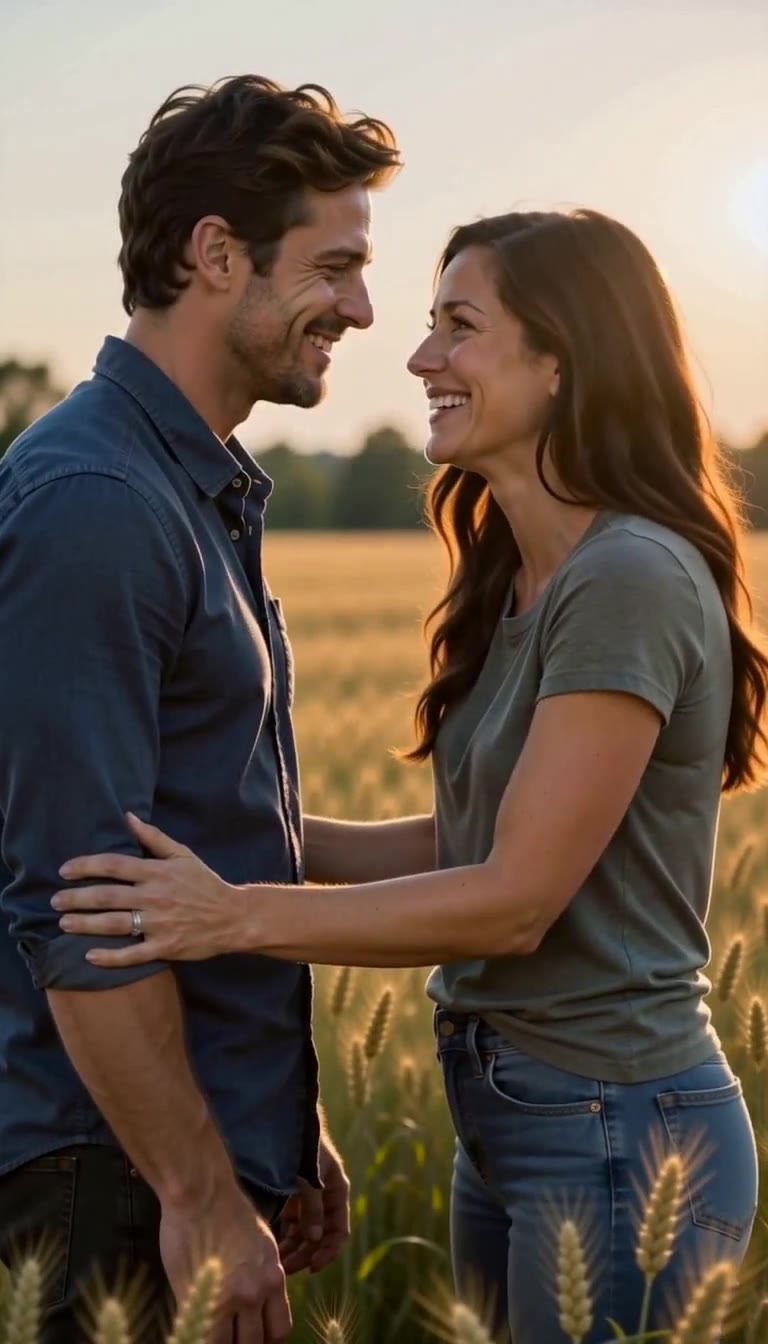
AI Zombie Trend is a web-based video generator that produces the viral zombie love story short from two uploaded photos. Users select two images, one for the person who turns into a zombie and one for the person holding a gun, and the tool renders a 15-second clip covering the full four-beat story: the zombie turn, the gun standoff, a warm memory, and the embrace. Output is a 768p MP4 with sound and no watermark, available in 9:16 vertical or 16:9 widescreen, downloadable immediately after generation.
The service runs on a pay-per-video credit model with no subscription. Three one-time packs cover 1, 3, or 10 videos at prices ranging from $4.99 to $29.99. Credits do not expire and failed renders are refunded automatically. The tool targets short-form content creators publishing to TikTok, Instagram Reels, and YouTube Shorts, and requires no video editing experience or prompt writing.
How we scored AI Zombie Trend
Capability scores 13 because the tool does one fixed 15-second narrative at 768p with no adjustable story beats, no prompt control, and no output format beyond the zombie template; Runway and HeyGen both offer orders of magnitude more creative range. Ease of use scores 21 because the two-photo upload with zero prompt writing and automatic aspect ratio handling is genuinely frictionless for a non-technical user. Value scores 15 because $4.99 for a single 768p clip with no free trial is a hard sell when the site's own guide names free DIY alternatives (Dreamina, CapCut, Google Flow), and the 10-video pack at $29.99 only makes sense if the trend stays relevant long enough to use all the credits. Delivery scores 9 because there is no verifiable user sentiment corpus for this specific domain, the underlying model is undisclosed, the output resolution is below what competing zombie-trend tools advertise, and the no-free-trial policy means buyers cannot evaluate quality before spending money.
Pros and cons
What we liked
- No subscription required: all three credit packs are one-time purchases, and the 60 credits per video never expire, so there is no recurring cost if you only need one or two clips.
- Automatic credit refund on failed renders means you are not charged for GPU time that produced nothing, which is a concrete consumer protection most AI video tools do not offer.
- Zero editing required: the four-beat narrative, sound, and aspect ratio are all handled by the tool, so a non-technical user can go from two photos to a downloadable MP4 without touching any settings beyond photo upload.
Where it falls short
- Output is capped at 768p, which is below the 1080p or HD tiers advertised by at least two direct competitors in the same zombie-trend niche, meaning the video may look soft on larger screens or when zoomed in on Reels.
- The tool does one fixed narrative and nothing else. There is no way to adjust the story beats, swap the memory scene, change the pacing, or produce any video format outside the zombie love story template.
- No free trial and no preview of the finished video before purchase. The site mentions a free scene preview, but the full rendered MP4 requires buying credits first, so buyers cannot evaluate output quality before spending money.
Key features
AI Zombie Trend pricing
Three one-time credit packs: $4.99 for 1 video (60 credits), $11.99 for 3 videos (180 credits), $29.99 for 10 videos (600 credits). No subscription, credits never expire, failed renders refund credits automatically. No free tier and no free trial video.
| Plan | Price | Who it is for |
|---|---|---|
| 1 Video | $4.99 | 60 credits, enough for one 15-second zombie video. Output is 768p MP4with sound, no watermark, in 9:16 or 16:9. One-time payment, credits never expire, failed renders refunded automatically. |
| 3 Videos | $11.99 | 180 credits, enough for three 15-second zombie videos at 60 credits each. Same output spec as the 1-video pack. One-time payment, credits never expire. |
| 10 Videos | $29.99 | 600 credits, enough for ten 15-second zombie videos at 60 credits each, working out to $3.00 per video. Same output spec. One-time payment, credits never expire. |
Pricing reflects what we saw at time of review (2026-11). Always confirm current pricing on the tool's own site.
Who should use AI Zombie Trend?
This tool makes sense for a couple, family, or pet owner who has seen the zombie trend on TikTok and wants their own version without spending an afternoon in CapCut. The single-video pack at $4.99 is a low-stakes entry point, and the no-subscription model means you pay once and walk away. Weekly content creators who post trend-driven short videos and want to batch a few clips at once will get the best per-video rate from the 10-video pack at $29.99, which works out to $3.00 per clip.
If you need a tool that will still be useful after this trend fades, look elsewhere. Runway gives you a full browser-based video studio with generative tools, inpainting, and multi-scene editing that stays relevant across trends. HeyGen is the better choice if your goal is talking-head or avatar video for brand content rather than a one-off social clip.
Skip it if: Anyone needing general-purpose video creation, a free trial, or more than one video format
Frequently asked questions
How much does one zombie video cost?+
One video costs $4.99 as a one-time purchase (60 credits). Buying the 3-video pack drops the per-video price to $4.00, and the 10-video pack brings it to $3.00 per video.
Is there a free trial or free video?+
No. The site offers a free scene preview before you commit, but every finished MP4 render requires credits. The pricing FAQ on the site points to Dreamina, CapCut, and Google Flow as free DIY alternatives if you want to try the trend without paying.
What resolution is the output?+
Videos render at 768p. Output is a 15-second MP4 with sound and no watermark, in either 9:16 or 16:9 aspect ratio.
What happens if my video fails to generate?+
The 60 credits are returned to your account automatically, and your uploaded photos stay in the generator so you can retry immediately at no extra cost.
Can I get a cash refund instead of credit refunds?+
Cash refunds are reviewed case by case. You submit your Stripe receipt to support, and approved refunds go back to the original payment method. Credits already spent on finished videos cannot be refunded because each render uses real GPU time.
Does the tool work for pets or non-romantic pairs?+
Yes. The site explicitly states that a partner, parent, best friend, or pet can fill either photo role in the zombie story.
More AI Video Tools
See all categoriesGet your tool listed on 300+ directories.
One listing here is a strong start. But the founders who get discovered everywhere are listed everywhere. Our sister site, Free AI Directories, submits your tool to 300+ AI directories for you, every single one by hand, by a real person.
It is a one-time payment of $49, no subscription, and you can follow along as the submissions land. Prefer the slow route? The same site keeps a free list of 450+ directories you can work through yourself.
Get my tool listed on 300+ directoriesOne-time payment, no subscription · 100% human submissions · Free list of 450+ directories included.