
BananaShop AI
AI product photoshoot tool for ecommerce sellers that turns a phone photo into a listing-ready image while preserving logos, colors, and
Are you the maker? Claim this listing to keep info, pricing and screenshots current. Verified via your tool's domain email.
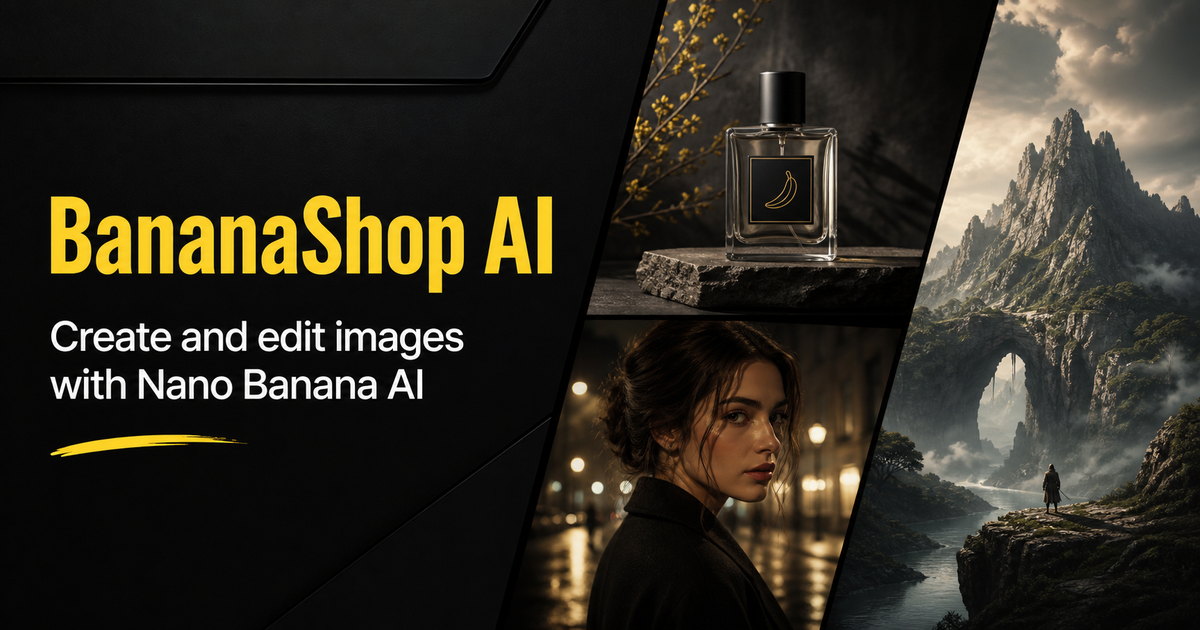
BananaShop AI is best suited for solo ecommerce sellers who need a fast, low-friction way to produce listing images from phone photos without hiring a photographer. Its explicit focus on preserving product accuracy (logo text, shape, color) sets it apart from general-purpose image generators, but the tool is narrow by design and lacks the creative breadth of directory rivals like Leonardo.Ai or GenImageAI. Sellers who need batch processing, API access, or consistent brand-asset management across a full catalog should look elsewhere.
What is BananaShop AI?
BananaShop AI is a web-based AI product photoshoot tool aimed at ecommerce sellers on platforms such as Amazon, Shopify, and Etsy. Users upload a single product photo taken on a phone, select a backdrop and lighting preset, choose an aspect ratio and file format, and receive a generated image sized for their target listing or ad.
The tool is built around product accuracy: its generation instructions explicitly preserve the original item's shape, colors, logo, and label text while replacing only the background and lighting. Scene options include studio, white minimal, and marble backdrops. Output is delivered as a downloadable file after a side-by-side comparison with the source photo. A credit-based pricing model is used, with the cost shown before each generation.
How we scored BananaShop AI
Capability scores 15 because the tool does one job (single-image product photoshoot from a phone photo) with a thoughtful accuracy-preservation approach, but it has no batch mode, no text-to-image, no API, and a small fixed set of scene presets; directory rivals GenImageAI and Leonardo.Ai cover substantially more ground. Ease of use scores 20 because the four-step flow, pre-submission credit display, and built-in before-and-after comparison are genuinely well-designed for a non-technical seller. Value scores 10 because pricing tier names and prices could not be verified at all, making it impossible for a buyer to budget; a tool where pricing is opaque before sign-in is a real friction point that penalizes value regardless of the underlying price. Delivery scores 13 because no user reviews, third-party coverage, or sentiment data for bananashop.art could be found, the product page itself acknowledges AI errors on specific product types (redrawn hinges, altered drawstrings), and the total absence of verifiable social presence or external validation makes it difficult to confirm the tool delivers consistently at scale.
Pros and cons
What we liked
- Product-accuracy instructions are baked into every generation, explicitly preserving logo text, colors, and shape rather than leaving fidelity to chance.
- Credit cost is shown before each submission, so sellers know exactly what they will spend before committing a generation.
- The built-in before-and-after comparison step lets sellers catch AI-introduced errors (redrawn hinges, altered drawstrings, color casts) before publishing to a marketplace.
Where it falls short
- The tool generates one image per submission with no batch mode, which makes processing even a modest catalog of 50 SKUs a slow, manual process compared to tools that support bulk generation.
- Pricing tier names, credit allotments, and monthly costs are not clearly surfaced in the available page content, making it genuinely difficult to budget before signing up.
- Scene and backdrop options appear limited to a small set of presets (Studio, White minimal, Marble, and a few lighting variants); sellers needing lifestyle scenes with props, outdoor settings, or custom environments have no obvious path to get them.
Key features
Who should use BananaShop AI?
A solo seller on Etsy or Amazon who photographs products on a kitchen counter with a phone and needs a clean studio-style image before listing is the clearest fit. The four-step flow requires no design background, no prompt writing, and no external editing software. The side-by-side comparison step is genuinely useful for catching model errors on products with printed text or complex logos before those errors go live on a marketplace.
Sellers running large catalogs, agencies managing multiple brands, or developers who need to automate image generation via API should look elsewhere. GenImageAI, also in this directory, supports GPT Image 2 and is built for product teams and marketers who need more flexible generation from text or image inputs. Leonardo.Ai offers far broader creative control and a token-based plan structure that scales better for higher-volume creative work.
Skip it if: High-volume catalog sellers or teams needing API access and batch workflows
Frequently asked questions
What file types and sizes can I upload?+
The tool accepts JPG, PNG, and WebP files up to 10MB. A clear phone photo with the whole item in frame is the recommended starting point.
How much does each image generation cost?+
BananaShop AI uses a credit system and displays the credit cost before you submit each generation. Specific tier prices and credit allotments were not publicly available at review time; check the pricing page directly for current figures.
Will the AI change my product's logo or label text?+
The generation instructions explicitly tell the model to preserve logo, label text, colors, shape, and proportions. However, the tool's own example reviews note cases where the model redrew partially obscured parts (such as a headband hidden by a hand), so a post-generation comparison against the original is recommended.
Can I generate images in bulk for a large catalog?+
No. The current workflow generates one image per submission. There is no batch mode, so processing a large catalog requires repeating the four-step process for each SKU.
Which ecommerce platforms are the output images sized for?+
Aspect ratio and file format are selectable at generation time, so you can produce a square image for Amazon, a portrait for Shopify, or a landscape for an ad. The tool does not auto-detect the platform; you choose the ratio manually.
Is there an API for integrating BananaShop AI into my store or workflow?+
No API access is mentioned anywhere on the product page or in available documentation. The tool appears to be web-only with no programmatic integration path at this time.
More AI Image Generators tools
See all categoriesGet your tool listed on 300+ directories.
One listing here is a strong start. But the founders who get discovered everywhere are listed everywhere. Our sister site, Free AI Directories, submits your tool to 300+ AI directories for you, every single one by hand, by a real person.
It is a one-time payment of $49, no subscription, and you can follow along as the submissions land. Prefer the slow route? The same site keeps a free list of 450+ directories you can work through yourself.
Get my tool listed on 300+ directoriesOne-time payment, no subscription · 100% human submissions · Free list of 450+ directories included.