
Build to Launch MCP
An MCP server connecting Claude and other AI agents to 300+ curated workflows, guides, and live data tools for solo builders.
Are you the maker? Claim this listing to keep info, pricing and screenshots current. Verified via your tool's domain email.
Build to Launch MCP is the clearest option for solo founders who want structured, step-by-step AI guidance rather than a blank chat window. Its 10-job library and 143 live-data helpers give Claude real context to work with, but the tool is tightly scoped around solo building and does not suit teams or enterprise workflows. If you need multi-agent coordination or governance controls, Orkas or TRam Studio are better fits.
What is Build to Launch MCP?
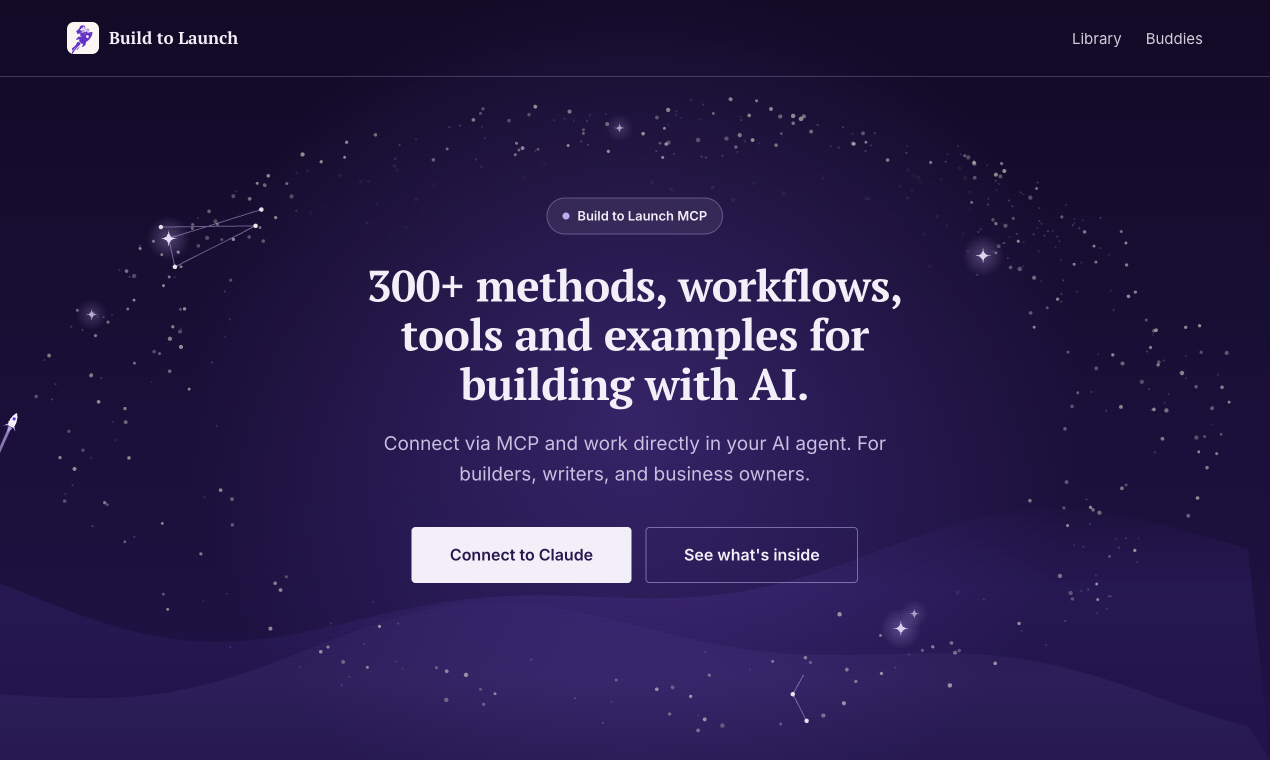
Build to Launch MCP connects your AI agent (Claude, ChatGPT, Cursor and others) to a library of 300+ methods, workflows, tools and examples for building with AI. The library is sorted into 10 jobs, from getting started, research and building an app to automation, writing, images and video, and selling. Ask Claude for a job in your own words and it opens the right item and works through it with you, one step at a time. 132 helpers look up live data for you, such as keyword volume, page speed or a domain check. It is made by Jenny Ouyang, who writes the Build to Launch newsletter. Connect it to Claude in under a minute.
How we scored Build to Launch MCP
Capability scores 18 because the 10-job structure with 300+ items and 143 live-data buddies is genuinely more organized than a blank MCP prompt library, but the tool covers solo-builder breadth rather than depth in any single category, and it has no multi-agent coordination that directory competitors like Orkas offer. Ease of use scores 19 because the job-based navigation and tool-first entry point lower the learning curve significantly for the target user, and MCP connection is described as taking under a minute. Value scores 12 because pricing tiers are entirely undisclosed on the public page, making it impossible for a buyer to evaluate what they get at what cost before committing, which is a real barrier regardless of the underlying quality. Delivery scores 14 because there is no external user sentiment, no third-party coverage, and no verifiable track record available from search results; the product may deliver exactly what it promises, but the absence of any corroborating evidence outside the creator's own page means this sub-score cannot be higher without something to verify against.
Pros and cons
What we liked
- The 10-job library with 300+ items gives Claude genuine structure to work from, replacing blank-prompt guesswork with step-by-step guided sessions.
- 143 live-data helpers covering SEO, social media, code repositories, and podcasts make the MCP genuinely dynamic rather than a static prompt library.
- The tool-first entry point (62 tool-specific guides) lets users start from software they already use instead of learning a new taxonomy.
Where it falls short
- The library reflects one creator's workflow philosophy, so builders whose process differs significantly from Jenny Ouyang's approach may find many items misaligned with how they actually work.
- Pricing tiers and what is gated behind a paid plan are not disclosed on the public page, making it impossible to evaluate value before connecting the MCP.
- There is no apparent team or multi-user mode: the product is designed for solo use, which means any organization with more than one builder cannot share sessions, track usage, or assign workflows across members.
Key features
Who should use Build to Launch MCP?
This tool is built for the solo founder or indie hacker who spends time staring at a blank Claude window wondering what to ask. If you are building an app on weekends, growing a newsletter, or trying to automate your own operations without a team, the 10-job structure gives you a map that a raw chat interface does not. The App Prompter and Weekend Ship Template are particularly useful for people who know what they want to build but keep getting stuck at the planning or deployment stage.
Writers who want AI to draft in their voice and then self-check the output will find the Write job category and its 12 workflows more useful than a generic writing assistant. That said, if you are part of a team of more than one or two people, or if you need audit trails, role-based access, or multi-agent pipelines, look elsewhere. Orkas is a better fit for coordinating specialist agents across complex workflows, and TRam Studio is the right call for any organization that needs enterprise governance and Azure-backed auditability.
Skip it if: Teams needing multi-agent orchestration, auditability, or enterprise governance
Build to Launch MCP alternatives
Frequently asked questions
Which AI agents does Build to Launch MCP work with?+
The product is described as connecting to Claude, ChatGPT, and Cursor via the MCP protocol. The homepage specifically highlights Claude as the primary integration and says setup takes under a minute.
How many workflows and guides are in the library?+
The library contains over 300 items in total, including guides, setups, workflows, prompts, and examples, spread across 10 job categories. The Build category alone has 43 guides, 17 setups, 37 workflows, and 41 prompts.
What are the live-data buddies and what do they cover?+
There are 143 buddies organized into four groups: 17 for search, SEO, and the web; 101 for social media and creators; 13 for builders, research, and markets; and 12 for music and podcasts. They fetch live data into your agent session rather than returning static information.
Is there a free plan, and what does a paid plan cost?+
The submitted pricing model is freemium, suggesting a free tier exists, but the live pricing page does not display explicit tier names or prices. Exact costs and what is gated behind a paid plan could not be verified and require direct confirmation on the pricing page.
Is this tool suitable for a team or just solo users?+
The product is explicitly built for solo builders, writers, and business owners. There is no documented team mode, shared workspace, or multi-user access described anywhere in the available page content.
Who built Build to Launch MCP?+
It was built by Jenny Ouyang, who also writes the Build to Launch newsletter. The library content reflects her own solo-building workflow experience.
More AI Agents & Automation tools
See all categoriesGet your tool listed on 300+ directories.
One listing here is a strong start. But the founders who get discovered everywhere are listed everywhere. Our sister site, Free AI Directories, submits your tool to 300+ AI directories for you, every single one by hand, by a real person.
It is a one-time payment of $49, no subscription, and you can follow along as the submissions land. Prefer the slow route? The same site keeps a free list of 450+ directories you can work through yourself.
Get my tool listed on 300+ directoriesOne-time payment, no subscription · 100% human submissions · Free list of 450+ directories included.