
CleanAudio
Browser-based AI noise remover that cleans background sound from audio and video files without any software install.
Are you the maker? Claim this listing to keep info, pricing and screenshots current. Verified via your tool's domain email.
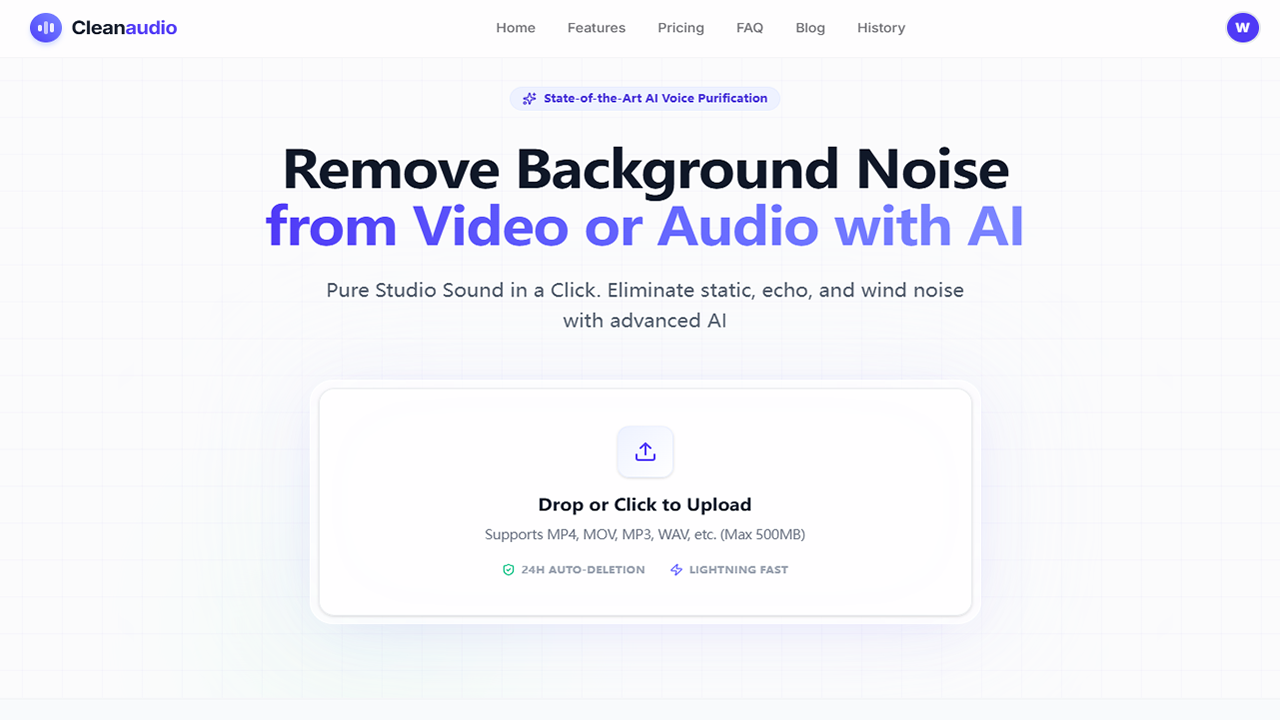
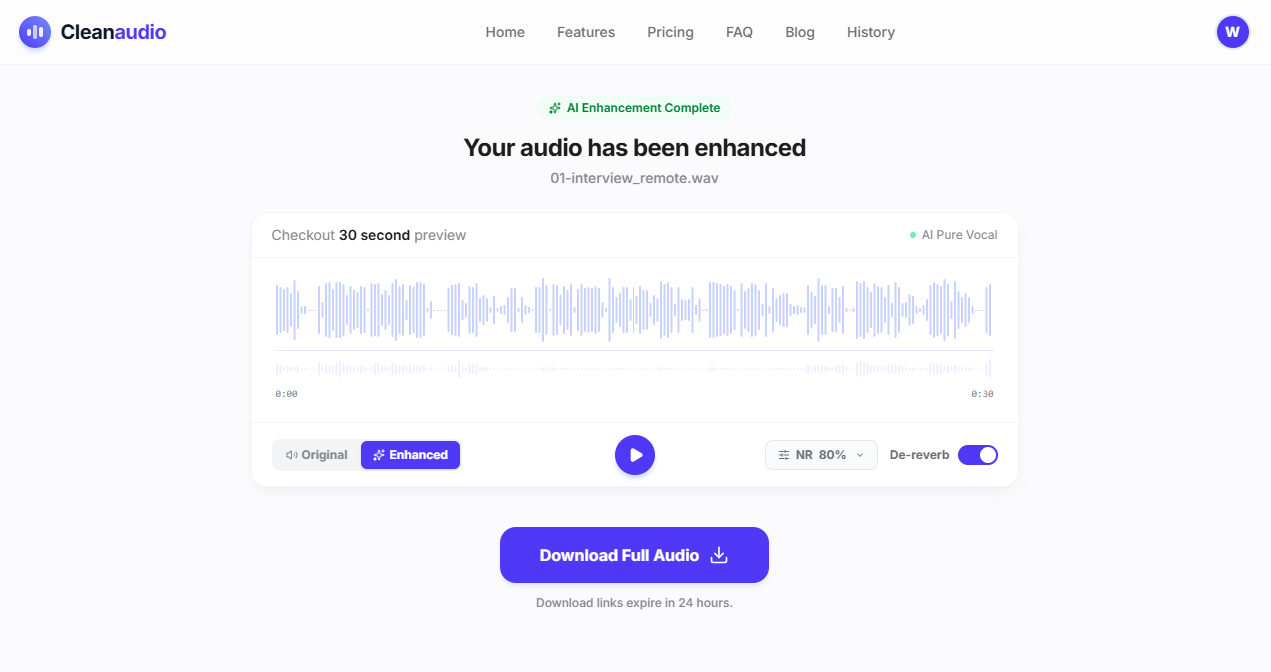
CleanAudio is the right pick for solo podcasters and video creators who need a fast, no-install noise fix and are comfortable paying per file or subscribing monthly. Its free 30-second preview before any payment is a genuine differentiator, but the tool is narrowly focused on speech cleanup and offers no API, no batch processing, and no advanced audio editing. If you need voice generation, text-to-speech, or anything beyond denoising, look elsewhere.
What is CleanAudio?
CleanAudio is a browser-based AI audio and video noise removal service at cleanaudio.io. It accepts common audio formats (MP3, WAV, AAC, M4A, FLAC, AIFF) and video formats (MP4, MOV, MKV, AVI) up to 2GB or 60 minutes, processes them through a deep-learning denoising pipeline, and returns a cleaned file with the original video track intact. A 30-second preview is available before any payment, and all uploaded files are automatically deleted after 24 hours.
The tool targets podcasters, YouTubers, marketers, and educators who record in imperfect environments and need a fast cleanup pass without installing desktop software. Beyond background noise removal, it also offers an AI vocal remover that separates a track into vocal and instrumental stems. Pricing follows a free-preview model with two paid options: one-time Pay As You Go credit packs and a monthly PRO Unlimited subscription.
How we scored CleanAudio
Ease of use is the clear strength: no account required for the preview, a genuinely frictionless upload-and-hear workflow, and broad format support including video re-mux push it to 22 out of 25. Capability lands at 17 because the tool does its narrow job well, but it has no API, no batch processing, and no features that go beyond denoising and stem separation, leaving it well behind broader audio platforms for any creator with more complex needs. Value scores 16 because the Pay As You Go credit pack prices are not publicly confirmed, the PRO plan at approximately $12/month is sourced only from a third-party directory, and the free tier is a 30-second preview rather than any meaningful free usage, making it hard for a buyer to assess value before reaching checkout. Delivery scores 13 because the changelog documents recurring reliability issues around payment flow, mobile browser interruptions, and stalled processing states as recently as May 2026, and the terms of service explicitly disclaim guaranteed results, which together suggest the gap between the marketing promise and the actual experience is wider than average for this category.
Pros and cons
What we liked
- Free 30-second preview on your actual file before any payment, with no account or credit card required, so you know the result works before committing.
- Processes both audio and video files and re-muxes cleaned audio back into the video container, so you download a ready-to-publish MP4 rather than a separate audio track to sync manually.
- 24-hour automatic file deletion is a concrete, documented privacy safeguard, not just a policy statement, and is reinforced across the changelog and terms of service.
Where it falls short
- No API and no batch processing: every file must be uploaded and handled individually through the browser, which makes it impractical for any workflow involving more than a handful of files at a time.
- Exact pricing for Pay As You Go credit packs is not clearly surfaced in the tool's own public-facing pages, making it hard to budget before you reach the checkout step.
- The AI is tuned specifically for speech isolation, so music tracks, sound design, or any non-voice audio content will likely produce artifacts or poor results, a limitation the terms of service acknowledge directly.
Key features
CleanAudio pricing
Free 30-second preview with no sign-up or credit card required. Two paid tiers: Pay As You Go (one-time credit packs, valid for 1 year) and PRO Unlimited (monthly subscription). A third-party directory lists the PRO plan at approximately $12/month, but the live pricing page does not display hard figures in its extracted text. Exact credit pack prices could not be confirmed from available sources.
| Plan | Price | Who it is for |
|---|---|---|
| Free Preview | Free | 30-second cleaned audio or video preview on any uploaded file. No account or credit card required. File is not downloadable at full length without payment. |
| Pay As You Go | Credit packs (exact prices not confirmed from available sources) | One-time credit purchases deducted by audio duration as files are processed. Credits are valid for 1 year from purchase date; unused credits expire and do not roll over. |
| PRO Unlimited | ~$12/mo (third-party source; verify against live pricing page) | Monthly subscription with unlimited cleaning under a fair-use policy. Cancel anytime; cancellation takes effect at end of the current billing cycle. |
Pricing reflects what we saw at time of review (2026-10). Always confirm current pricing on the tool's own site.
Who should use CleanAudio?
A solo podcaster who recorded an episode with an AC unit running in the background, or a YouTuber who shot outdoor footage with wind buffeting the mic, will get genuine value here. The free preview lets you hear the result on your actual file before spending anything, which removes the usual risk of buying a tool that turns out to be wrong for your specific noise problem. Educators recording lectures in reverberant rooms and remote consultants cleaning up client call recordings are also well-served by the one-click workflow.
If you need voice generation, text-to-speech, or voice cloning alongside your audio work, CleanAudio has nothing to offer in those areas. ElevenLabs covers voice generation and cloning at a professional level and is the better choice for that use case. If you need automatic audio mastering rather than noise removal, Waveroom Mastering, which is also in this directory, handles that job with free starter credits and is purpose-built for the mastering step CleanAudio does not touch.
Skip it if: Teams needing API access, batch workflows, or voice generation capabilities
Frequently asked questions
Do I need to create an account to try CleanAudio?+
No. The free 30-second preview requires no sign-up and no credit card. An account is only needed if you want to purchase credits or a subscription to download the full cleaned file.
What file formats does CleanAudio support?+
For noise removal, it accepts MP4, MOV, MKV, AVI, MP3, WAV, and other common formats up to 2GB or 60 minutes. The vocal remover accepts MP3, WAV, AAC, M4A, FLAC, and AIFF for audio, plus MP4, MOV, MKV, and AVI for video, up to 500MB or 60 minutes.
How much does CleanAudio cost?+
There is a free 30-second preview tier. Beyond that, Pay As You Go credit packs (exact prices not publicly confirmed in available sources) and a PRO Unlimited monthly subscription (approximately $12/month per a third-party directory listing) are available. Check the pricing page directly for current figures.
How long does CleanAudio keep my uploaded files?+
All uploaded files are automatically deleted from CleanAudio's servers after 24 hours. This policy is documented in both the terms of service and the product changelog.
Does CleanAudio work on mobile?+
Yes. The site is described as fully responsive and optimized for mobile browsers. On iPhone, you can open cleanaudio.io in Safari or Chrome and upload directly from your Photos library without installing an app.
Can CleanAudio process music tracks or non-speech audio?+
The AI is specifically tuned for speech isolation. The terms of service note that output quality depends on the nature of the background noise, and the tool does not guarantee results for every file. Music, sound design, or heavily layered audio is likely to produce artifacts.
More AI Voice, Audio & Music tools
See all categoriesGet your tool listed on 300+ directories.
One listing here is a strong start. But the founders who get discovered everywhere are listed everywhere. Our sister site, Free AI Directories, submits your tool to 300+ AI directories for you, every single one by hand, by a real person.
It is a one-time payment of $49, no subscription, and you can follow along as the submissions land. Prefer the slow route? The same site keeps a free list of 450+ directories you can work through yourself.
Get my tool listed on 300+ directoriesOne-time payment, no subscription · 100% human submissions · Free list of 450+ directories included.