
Couch Approved
A free, no-account tool that tells parents exactly what age a kids' movie or TV show is right for and where to stream it.
Are you the maker? Claim this listing to keep info, pricing and screenshots current. Verified via your tool's domain email.
CouchApproved is the right pick for parents who want a fast, friction-free answer to 'can my seven-year-old watch this?' without signing up for anything or paying a cent. Its edge over Common Sense Media is simplicity: no account walls, no review clutter, and a 'calm pace' filter that most rivals skip entirely. Parents who want community reviews, editorial depth, or book and game coverage alongside movies should look at Common Sense Media instead.
What is Couch Approved?
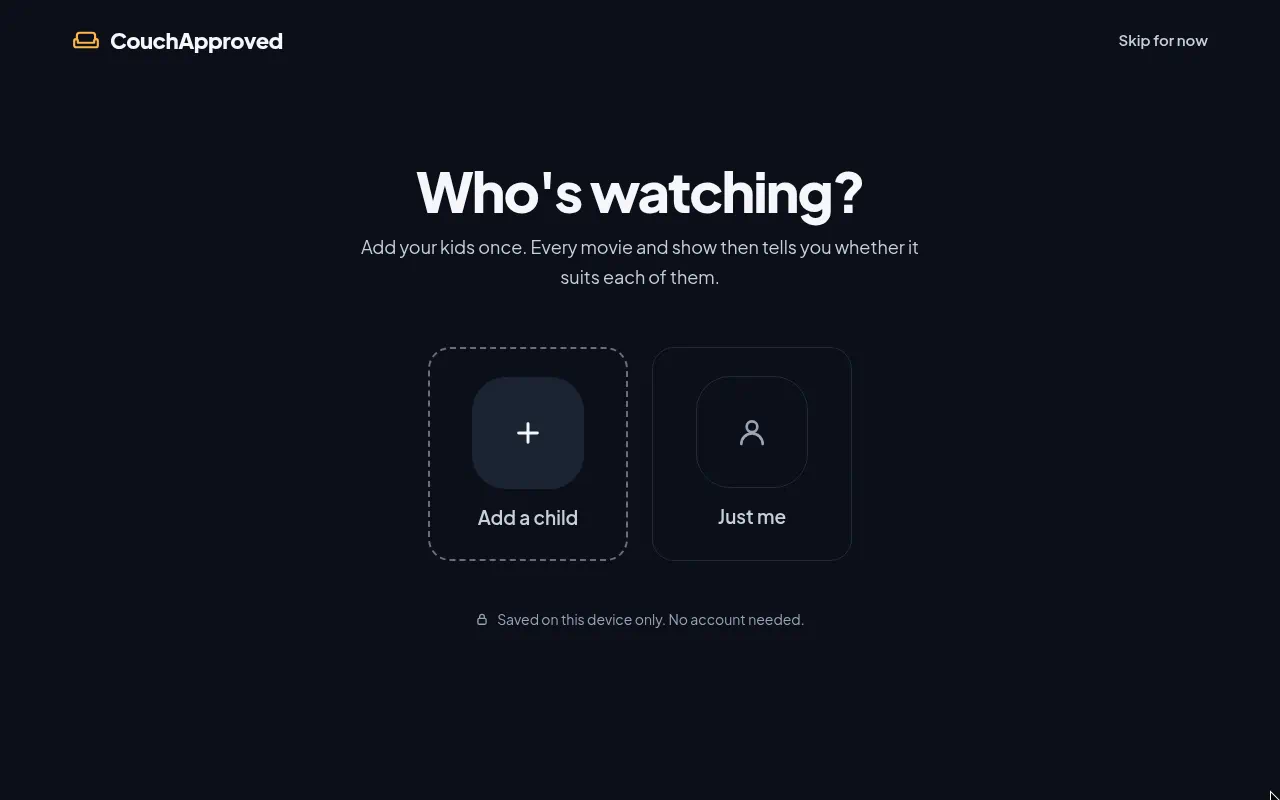
CouchApproved helps parents choose movies and TV for their kids. Enter who's watching and see age fit, scary moments, violence/language scores, pace, and where to stream in your country. Free to use, no accounts, and kids' details stay on your device.
How we scored Couch Approved
Ease of use scores high because the tool genuinely removes every friction point: no account, no paywall, no setup, and a single-question interface that gets to an answer fast. Value is near its ceiling because the tool is free with no upsell. Capability is limited to movies and TV only, with no community reviews, no editorial depth, and no coverage of games or apps, which puts it clearly below Common Sense Media on breadth. Delivery takes a steep hit because no independent user sentiment, third-party coverage, or verifiable track record could be found for couchapproved.com in web search; the score reflects that the tool's claims cannot be externally corroborated at this time, not that there is a known trust problem.
Pros and cons
What we liked
- Completely free with no account required and no children's data sent off-device, which is a meaningful privacy distinction from most parental guide services.
- The 'calm picks' filter for pace and editing style is a specific, practical feature that Common Sense Media and most rivals do not offer.
- Streaming availability is localised across 30-plus countries via JustWatch integration, so the 'where to watch' answer is actually useful outside the US.
Where it falls short
- Coverage is limited to movies and TV shows; parents looking for age guidance on games, apps, books, or music have no equivalent feature here.
- The site has no user community, no written reviews, and no editorial commentary, so parents who want to understand the context of a scary moment rather than just its existence will find the data thin.
- There is no way to save a watchlist or share a curated list with a co-parent or caregiver, since the tool deliberately avoids accounts, which is a real usability gap for households that plan viewing collaboratively.
Key features
Who should use Couch Approved?
Parents of children aged roughly 2 to 14 who regularly face the 'is this okay for my kid?' question will get the most out of CouchApproved. It is particularly well-suited to households with children at different ages, since the age-fit filter makes it easy to find something the whole group can watch. The calm-pace filter is a genuine differentiator for parents of toddlers or children who are easily overstimulated by fast editing.
Parents who want more than a quick age check should look elsewhere. If you want community ratings, user-written reviews, or coverage of books, games, and apps alongside movies, Common Sense Media is the more complete resource. CouchApproved does one thing well and stops there; it is not trying to be a full media literacy platform.
Skip it if: Parents who want community reviews, book/game ratings, or deep editorial content
Couch Approved alternatives
Frequently asked questions
Does CouchApproved cost anything?+
No. The tool is fully free and the live site lists no paid tiers or subscription options.
Do I need to create an account?+
No account or registration is required. The site explicitly states that children's details stay on the user's device.
Which countries does the streaming availability cover?+
The tool supports more than 30 countries including the US, UK, Australia, Canada, Germany, France, Japan, South Korea, Brazil, India, and the UAE, with streaming data sourced from JustWatch.
What age groups does the browse-by-age feature cover?+
Five buckets: toddlers (0 to 2), pre-school (3 to 5), early primary (6 to 8), tweens (9 to 12), and young teens (12+).
Does CouchApproved cover games, apps, or books?+
No. The catalog is limited to movies and TV shows. Parents looking for age guidance on games or apps will need a separate resource such as Common Sense Media.
Where does the content data come from?+
Title metadata comes from TMDB (The Movie Database) and streaming availability data comes from JustWatch. The site notes it is not endorsed or certified by TMDB.
More AI Productivity Tools
See all categoriesGet your tool listed on 300+ directories.
One listing here is a strong start. But the founders who get discovered everywhere are listed everywhere. Our sister site, Free AI Directories, submits your tool to 300+ AI directories for you, every single one by hand, by a real person.
It is a one-time payment of $49, no subscription, and you can follow along as the submissions land. Prefer the slow route? The same site keeps a free list of 450+ directories you can work through yourself.
Get my tool listed on 300+ directoriesOne-time payment, no subscription · 100% human submissions · Free list of 450+ directories included.