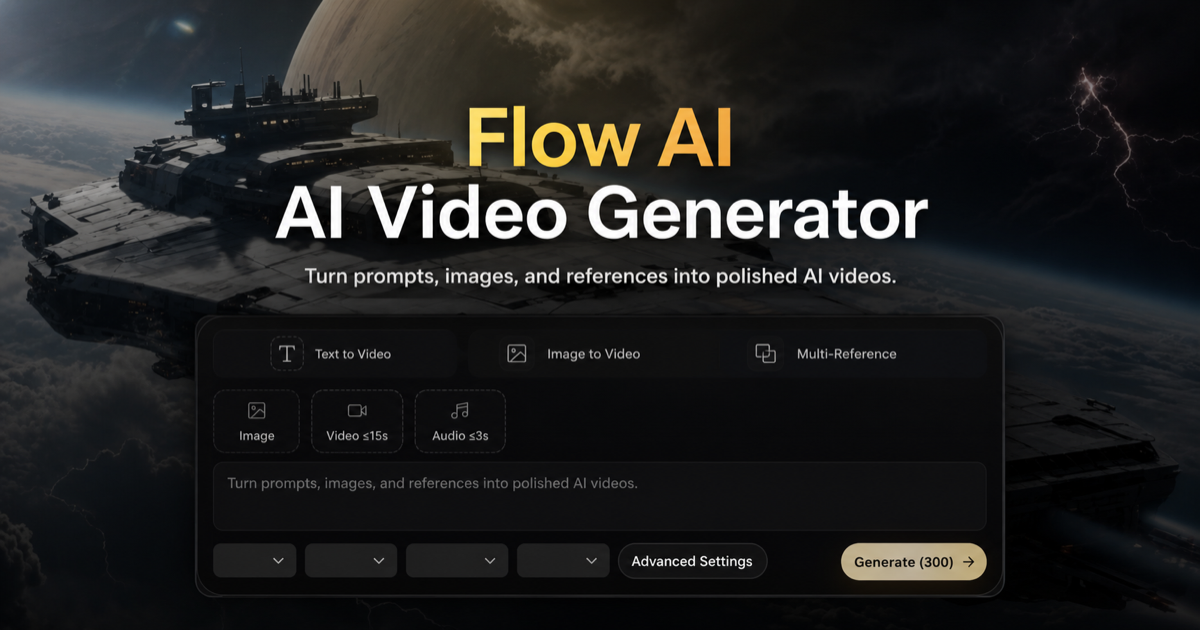
Flow AI
Browser-based AI video generator for text-to-video, image-to-video, and first/last-frame control, with credit-based paid plans.
Are you the maker? Claim this listing to keep info, pricing and screenshots current. Verified via your tool's domain email.
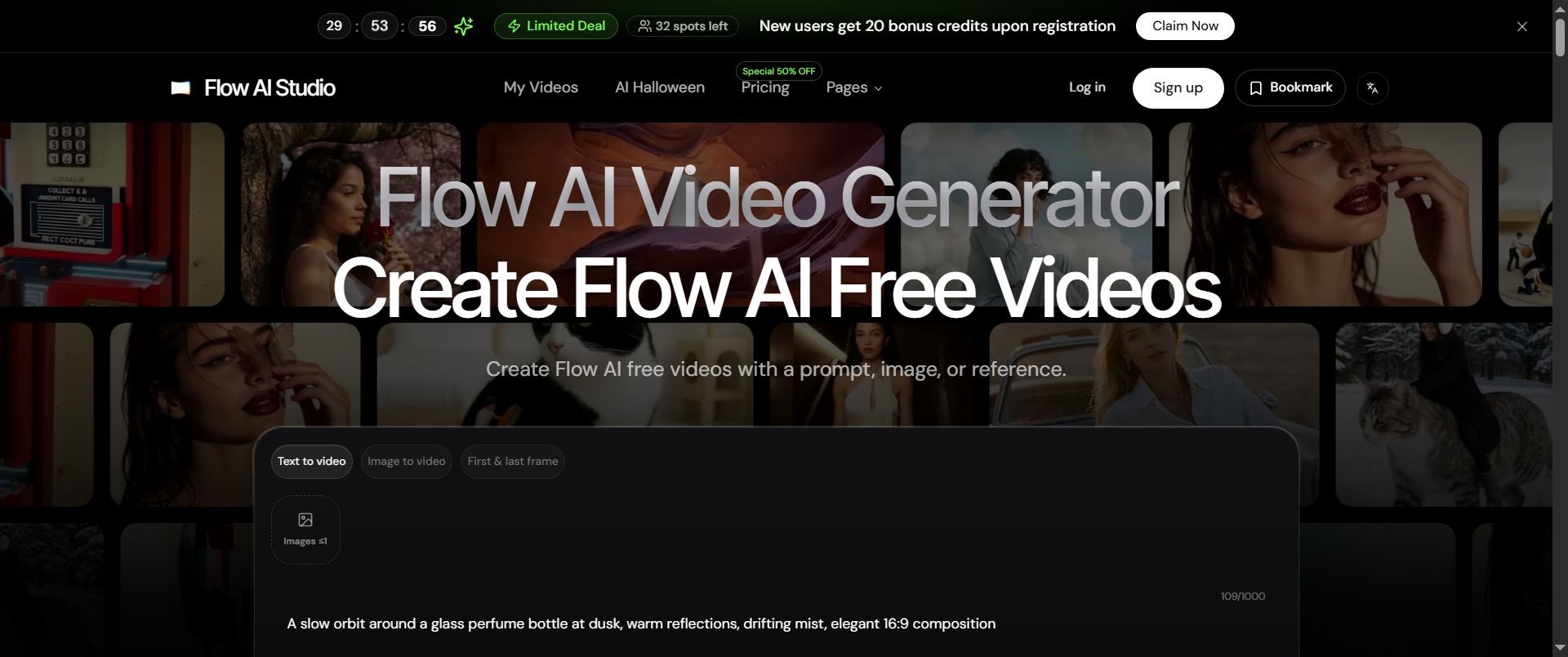
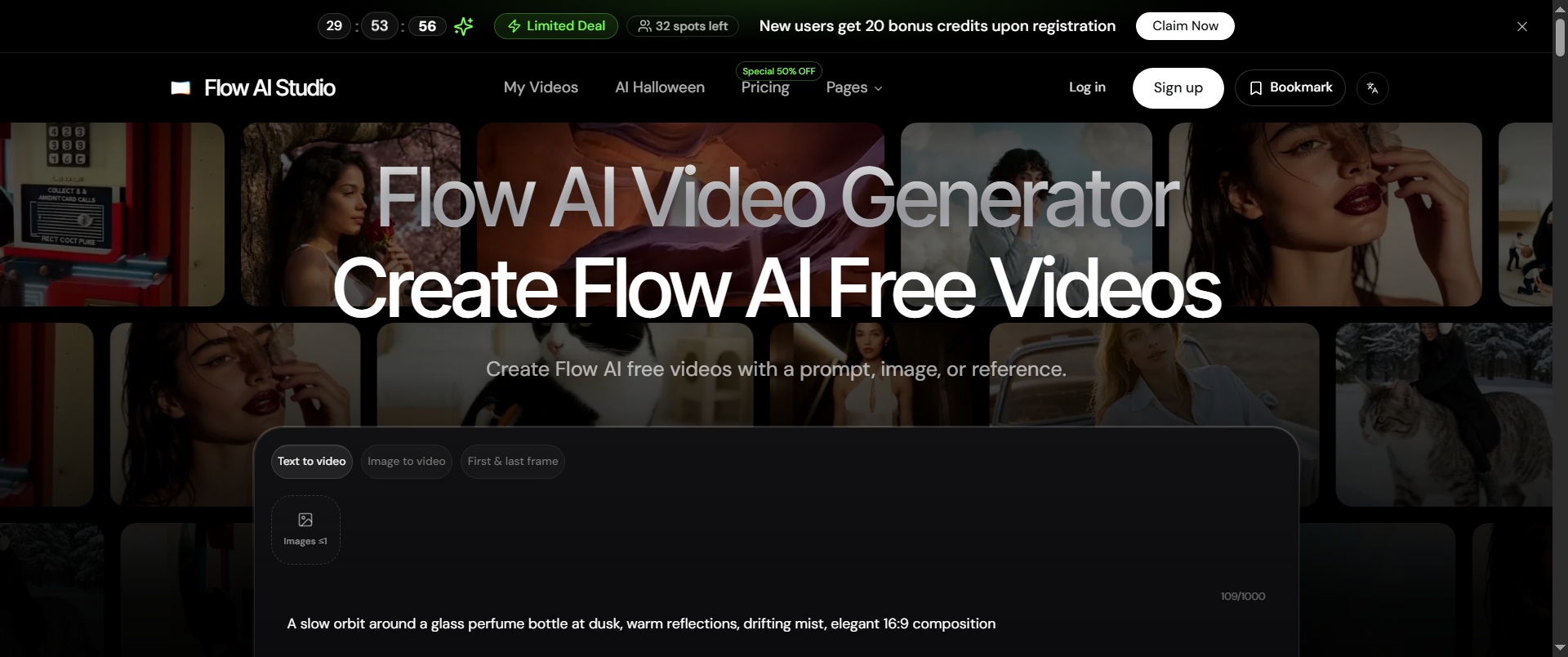
Flow AI suits solo creators and small production teams who want a no-install, browser-based tool for generating short-form AI videos from text prompts or reference images. Its first-and-last-frame control and batch generation are genuinely useful features, but Runway offers a more mature editing environment and a clearer free tier for anyone who needs to iterate heavily before committing to a paid plan. If you need avatar-based or talking-head video, skip this entirely.
What is Flow AI?
Flow AI is a browser-based AI video generation tool available at flowai.studio. It accepts text prompts, uploaded images, and paired first-and-last frames as inputs, converting them into short video clips at up to 1080p HD. The platform runs entirely in the browser with no installation required and operates on a monthly credit system across three annual subscription tiers.
The tool targets content creators, marketing teams, and agencies that need to produce short-form video without a dedicated editing suite. Key capabilities include text-to-video, image-to-video, multi-reference generation, batch processing, and first-and-last-frame control for guided motion. API access is available on Pro and Ultra plans, and all paid tiers include a commercial use license and no-watermark output.
How we scored Flow AI
Capability lands at 16 because the four named input modes (text-to-video, image-to-video, first/last-frame, multi-reference) are genuinely useful, but the tool has no editing environment, no avatar capability, and no documented model quality benchmarks to compare against Runway's more mature feature set. Ease of use scores 17 for the browser-only, no-install setup, which is a real friction reducer, though the 'Yearly Only' feature gating adds confusing complexity to onboarding. Value scores 13 because the Basic plan's 800 monthly credits at $9.80/month (promotional price) is reasonable on paper, but credits expire with no rollover, the monthly billing option is materially worse than annual, and the free tier is effectively undefined, making it hard for a buyer to evaluate before committing. Delivery scores 12 because no independent user reviews were found for flowai.studio, the promotional pricing banner raises questions about what the real ongoing price is, and the underlying model provider is not disclosed, which makes the site's output quality claims unverifiable.
Pros and cons
What we liked
- First-and-last-frame control lets you define both the opening and closing image of a clip, giving compositional guidance that pure text-to-video cannot match.
- API access on Pro and Ultra tiers means teams can integrate generation into their own pipelines rather than working only through the browser UI.
- Pro plan's quantity multiplier (up to 5x with up to 25% bonus credits) gives agencies a flexible way to scale credit volume without jumping straight to the $99.95/month Ultra tier.
Where it falls short
- Credits expire at the end of each monthly period and do not roll over, so any unused capacity on a given month is simply lost, which penalizes irregular publishing schedules.
- Several features explicitly marked 'Yearly Only' (free video upscaler, frame interpolation, additional AI tools) are withheld from monthly subscribers even at the same nominal tier, making the monthly billing option materially worse than the annual one rather than just more expensive.
- The free workspace is referenced in the FAQ but the pricing page lists no defined free credit allowance, making it impossible for a prospective buyer to evaluate output quality before entering a paid plan.
Key features
Flow AI pricing
Three paid tiers billed annually: Basic at $9.80/month ($117.60/year, 800 credits/month), Pro at $19.95/month ($239.40/year, 4,800 credits/month), and Ultra at $99.95/month ($1,199.40/year, 30,000 credits/month). A free workspace is mentioned on the site but no free credit allowance or ongoing free tier with specific limits is listed on the pricing page. Monthly billing is available at higher rates ($19.80/month Basic, $39.90/month Pro, $199.90/month Ultra). Credits expire monthly and do not roll over.
| Plan | Price | Who it is for |
|---|---|---|
| Basic | $9.80/month | 800 credits/month, billed annually at $117.60/year. Includes commercial use license, no watermark, 1080p HD output, priority queue, private generations, copy protection, free video upscaler (annual only), free frame interpolation (annual only), and additional AI tools (annual only). No API access. Monthly billing available at $19.80/month without the annual-only features. |
| Pro | $19.95/month | 4,800 credits/month, billed annually at $239.40/year. Includes everything in Basic plus API access, batch generation, custom enterprise service (annual only), and a quantity multiplier up to 5x (with up to 25% bonus credits). Monthly billing available at $39.90/month. |
| Ultra | $99.95/month | 30,000 credits/month, billed annually at $1,199.40/year. Includes everything in Pro plus dedicated support. All features available on both annual and monthly billing. Monthly billing available at $199.90/month. |
Pricing reflects what we saw at time of review (2026-11). Always confirm current pricing on the tool's own site.
Who should use Flow AI?
A solo YouTuber or social media creator who publishes short-form clips weekly and wants to test visual directions from a written brief before committing to a shoot will find the Basic plan ($9.80/month annually, 800 credits/month) a low-friction starting point. The browser-only setup means no local GPU, no install, and the first-and-last-frame mode lets a single person control the arc of a clip without frame-by-frame editing.
Small agencies running multiple client campaigns are the clearest fit for the Pro tier, where the 4,800 monthly credits and optional 5x quantity multiplier give room for volume. That said, anyone who needs to do serious post-generation editing, add captions, or work from existing footage rather than generated clips should look at Runway instead, which has a more developed editing environment and a documented free tier. If the primary need is avatar or talking-head video for marketing or training content, HeyGen is the better choice and is purpose-built for that format.
Skip it if: Teams needing avatar or talking-head video, or anyone wanting a meaningful free tier before paying
Flow AI alternatives
Frequently asked questions
Is there a free plan I can use to test the output before paying?+
The site references a free workspace in its FAQ, but the pricing page does not list a free tier with a defined credit allowance. It is not clear whether the free workspace allows actual video generation or is limited to previewing the interface. Contact support before assuming you can generate videos for free.
How many videos can I make per month on the Basic plan?+
The Basic plan provides 800 credits per month. The number of videos that produces depends on clip length and resolution, since longer or higher-resolution clips consume more credits per generation. The pricing page does not publish a per-video credit cost.
Do unused credits carry over to the next month?+
No. Credits are issued monthly and expire at the end of each monthly period. Unused credits do not roll over, regardless of which tier you are on.
Can I use generated videos commercially?+
Yes. A commercial use license is included on all three paid tiers: Basic, Pro, and Ultra.
Is API access available, and on which plans?+
API access is available on the Pro plan ($19.95/month annually, 4,800 credits/month) and the Ultra plan ($99.95/month annually, 30,000 credits/month). It is not included on the Basic plan.
What is the difference between monthly and annual billing beyond the price?+
Annual billing is materially better beyond just the lower monthly rate. Several features, including the free video upscaler, free frame interpolation, and additional AI tools, are marked 'Yearly Only' and are not available to monthly subscribers even at the same tier.
More AI Video Tools
See all categoriesGet your tool listed on 300+ directories.
One listing here is a strong start. But the founders who get discovered everywhere are listed everywhere. Our sister site, Free AI Directories, submits your tool to 300+ AI directories for you, every single one by hand, by a real person.
It is a one-time payment of $49, no subscription, and you can follow along as the submissions land. Prefer the slow route? The same site keeps a free list of 450+ directories you can work through yourself.
Get my tool listed on 300+ directoriesOne-time payment, no subscription · 100% human submissions · Free list of 450+ directories included.