
GPT Image 2.6
A browser-based image generator and editor on PWZ AI, wrapping OpenAI's GPT Image 2.6 Flare and Sunburst models for non-technical creators.
Are you the maker? Claim this listing to keep info, pricing and screenshots current. Verified via your tool's domain email.
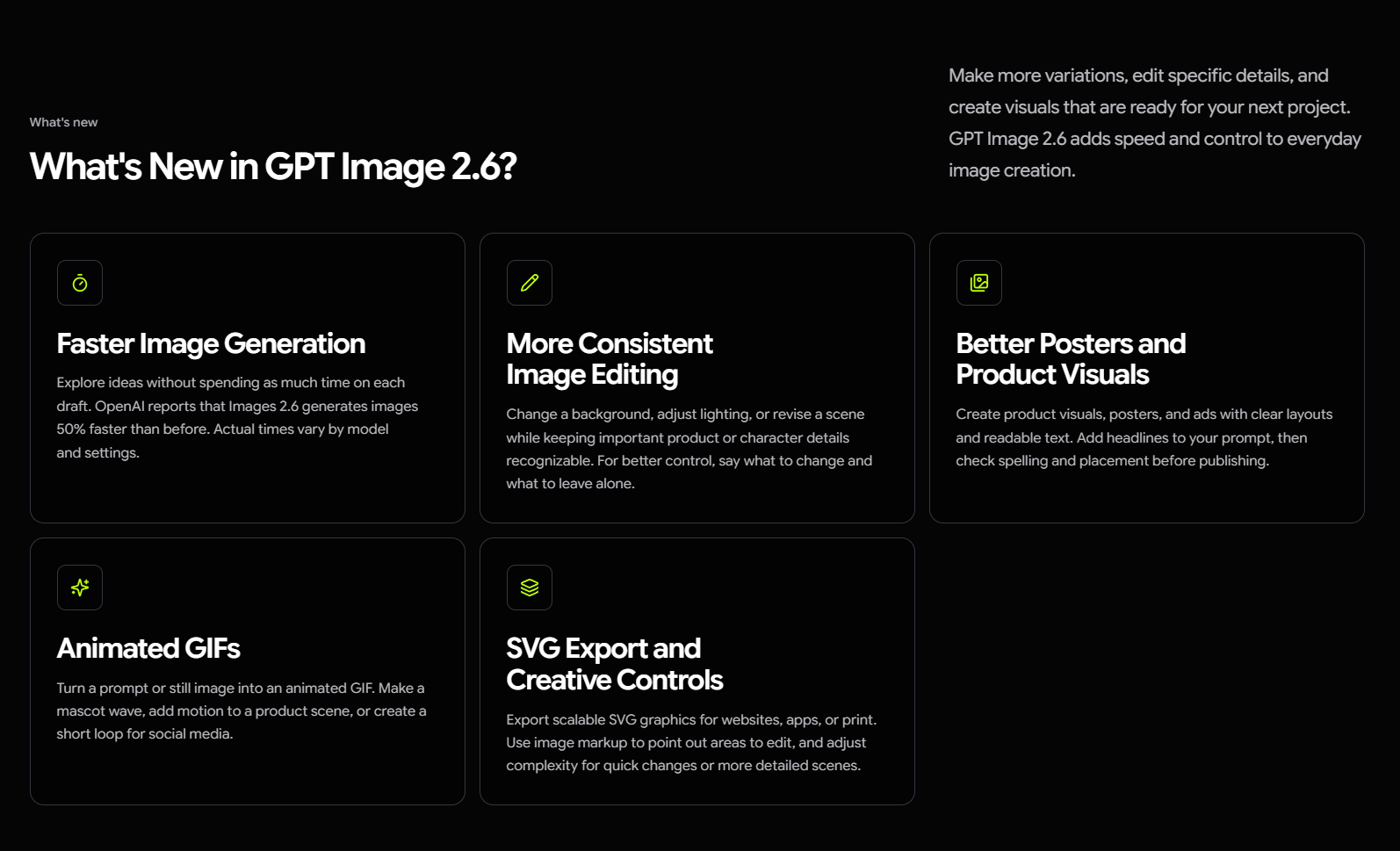
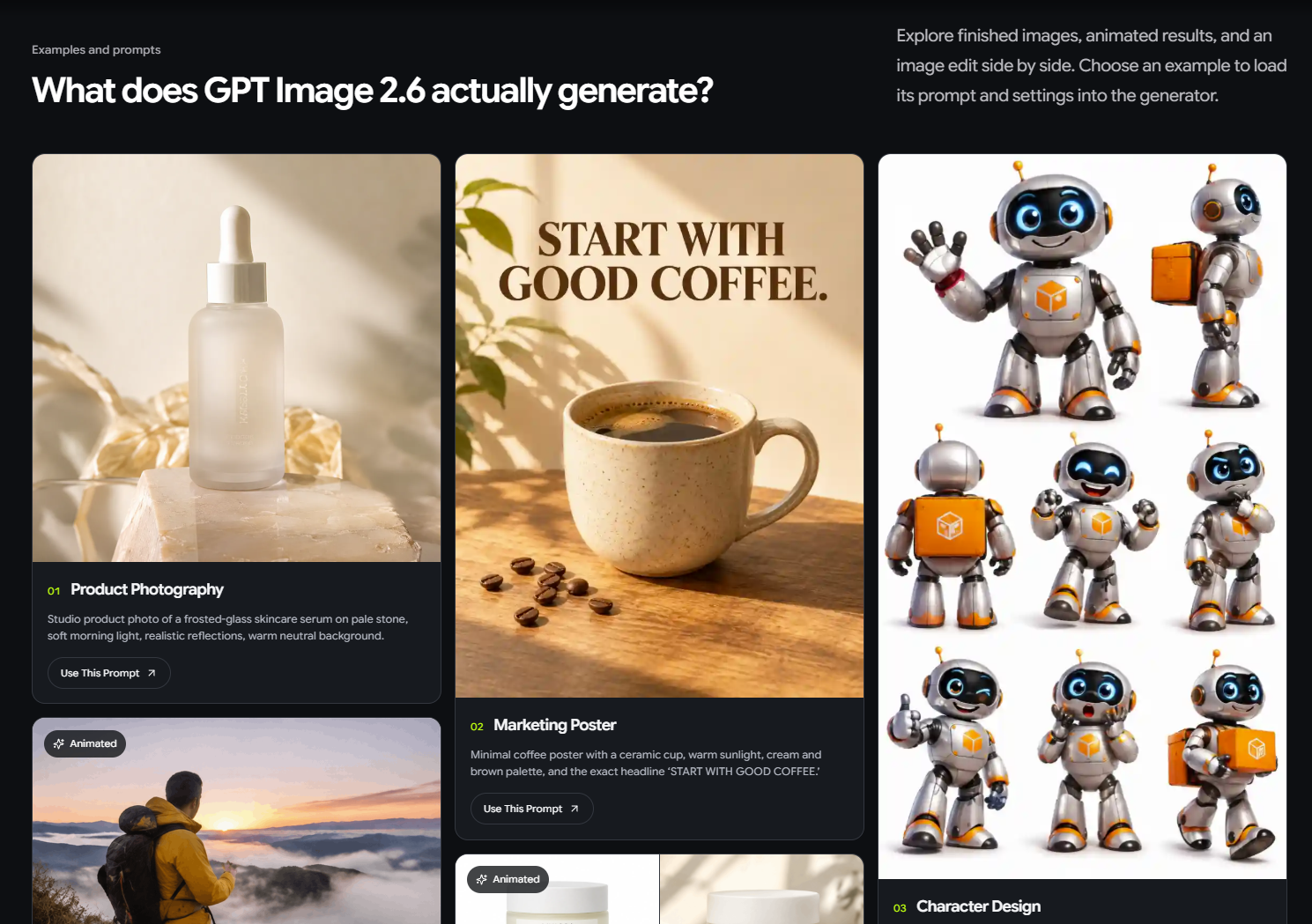
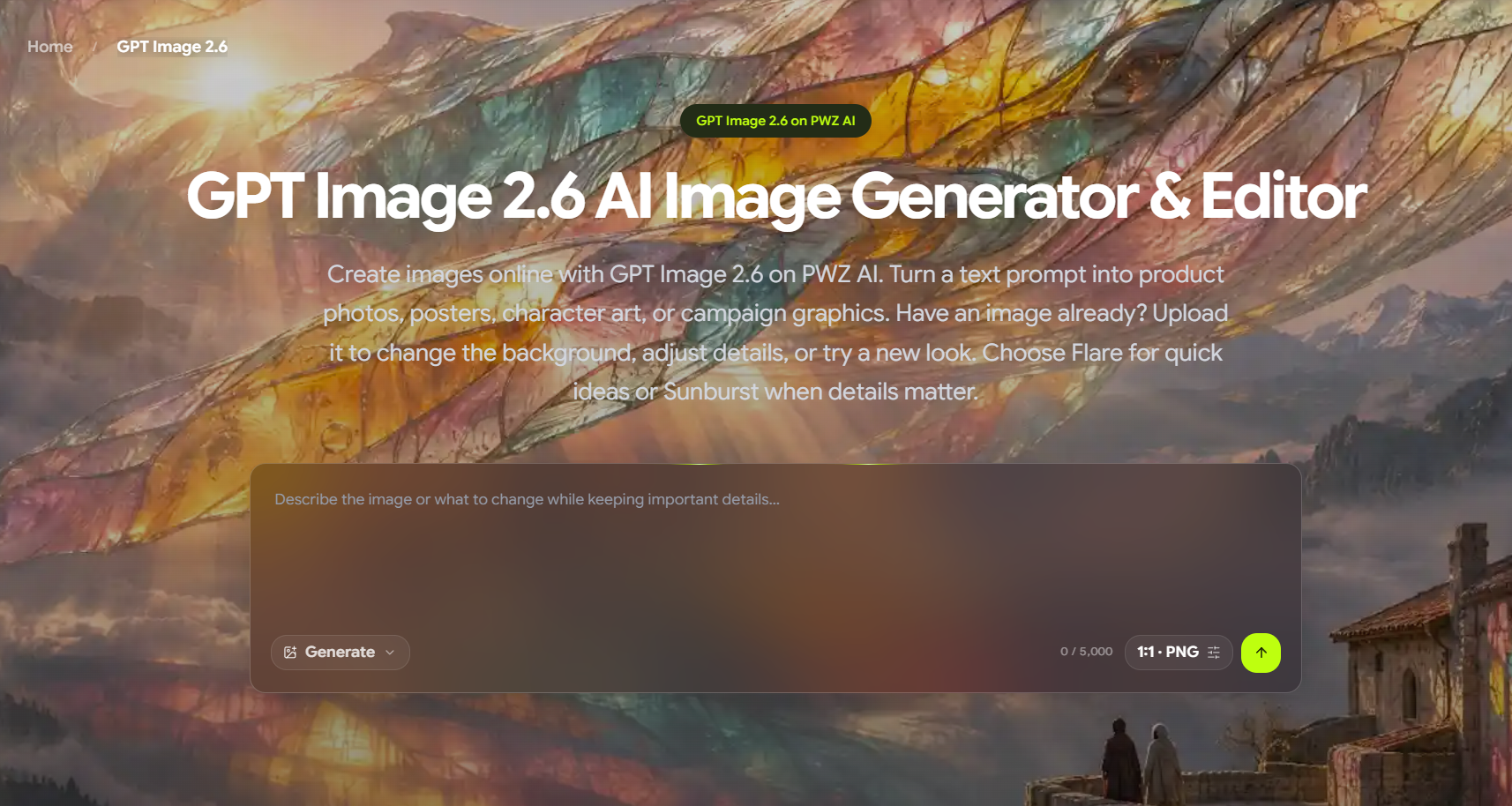
GPT Image 2.6 on PWZ AI suits content creators and small-business marketers who want access to OpenAI's Flare and Sunburst image models without touching an API. The platform adds a browser interface and a two-model workflow, but it sits on top of OpenAI's own infrastructure, so any capability edge over competitors like GenImageAI (which also wraps GPT Image 2) is thin. Developers or teams who need batch processing or the Responses image tool should go directly to the OpenAI API, since GPT Image 2.6 does not support either at launch.
What is GPT Image 2.6?
GPT Image 2.6 is a browser-based image generation and editing tool hosted on PWZ AI, built on OpenAI's GPT Image 2.6 model family. It gives content creators, marketers, and small-business owners a no-code path to text-to-image generation, image-to-image editing, and output formats including animated GIFs and SVGs, without requiring API credentials or token management.
The platform exposes two generation modes drawn from the underlying OpenAI models: Flare for rapid drafts and visual exploration, and Sunburst for more detailed work where composition accuracy and subject consistency are priorities. Users can upload an existing image and describe a targeted change, such as a background swap or lighting adjustment, or start from a text prompt to produce article illustrations, product mockups, or social media graphics.
How we scored GPT Image 2.6
Capability scores in the mid-teens because every feature (GIF output, SVG export, markup editing, complexity control) originates from OpenAI's model release, not from PWZ's own engineering; the platform adds no documented capability that a direct API call or a competing wrapper like GenImageAI cannot match. Ease of use earns 18 because the browser-only, no-API-key workflow is a genuine convenience for non-technical users, and the Flare-to-Sunburst framing gives a clear mental model for the two-stage process. Value lands at 11 because PWZ's own pricing could not be verified at all, making it impossible to confirm whether the freemium claim is real or what a free tier includes; a tool where the buyer cannot determine cost before signing up cannot score well here. Delivery scores 13 because the platform is unverifiable beyond the submitted description: no confirmed social presence, no accessible pricing page, and no independent user sentiment found, which means the gap between marketing claims and actual product reality cannot be assessed.
Pros and cons
What we liked
- Access to both GPT Image 2.6 Flare and Sunburst in a single browser interface, covering fast drafts and detailed edits without switching tools or managing API keys.
- Supports newer output formats from the underlying model: animated GIFs, static SVGs, and transparent-PNG markup editing for targeted in-image changes.
- The Flare model renders at low quality in as little as six seconds, making rapid visual iteration practical for creators comparing layout or style directions.
Where it falls short
- PWZ is a wrapper around OpenAI's model, not an independent image engine. Any quality ceiling is set by OpenAI, and competitors wrapping the same model offer identical output quality at potentially lower cost.
- Batch API support is absent from GPT Image 2.6 at launch, meaning high-volume production workflows (e-commerce catalogs, bulk asset generation) are not viable through this platform.
- PWZ AI's own pricing tiers, credit amounts, and free-tier limits could not be confirmed from publicly available sources, making it impossible for a buyer to compare true cost against direct API access or rival wrappers before signing up.
Key features
Who should use GPT Image 2.6?
A solo content creator or small marketing team that needs to produce article illustrations, campaign visuals, or product mockups regularly will find the Flare-to-Sunburst workflow genuinely useful. Flare's speed (as little as six seconds per image at low quality) makes it practical for comparing several visual directions before committing time to a refined version in Sunburst. The browser-only setup means no local installation and no API key management, which matters for non-technical users.
Anyone who needs batch processing, programmatic integration, or the Responses image tool should skip PWZ entirely and access the OpenAI API directly, since GPT Image 2.6 does not support batch API calls at launch. Teams with a developer on staff who can manage token-based billing will also find direct API access cheaper and more flexible. For creators who want a polished no-code wrapper with a verified pricing structure and a longer track record, GenImageAI is a direct alternative already in this directory that also wraps GPT Image 2 and targets the same creator and marketer audience.
Skip it if: Developers needing batch API access or teams requiring verifiable per-seat pricing
GPT Image 2.6 alternatives
Tags
Frequently asked questions
What is the difference between Flare and Sunburst on PWZ AI?+
Flare maps to the gpt-image-2.6-flare API model and prioritizes speed, rendering at low quality in as little as six seconds. Sunburst maps to gpt-image-2.6-sunburst and is slower but better at preserving subject detail and scene composition in refined work.
Does GPT Image 2.6 on PWZ support animated GIFs?+
Yes. Animated GIF output is a new capability in GPT Image 2.6 (not available in version 2.5) and is accessible through the PWZ browser interface without API setup.
How much does it cost to generate an image?+
PWZ AI's own subscription or credit pricing could not be confirmed from public sources. The underlying OpenAI model costs $30 per 1M image output tokens; a 1024x1024 image at high quality costs roughly $0.211 in output tokens at the API level. Whether PWZ passes this through directly or bundles it into a plan is unverified.
Is there a free tier?+
This could not be confirmed from available sources. The submitted pricing model is listed as freemium, but no specific free-tier credit amount or generation limit was found on PWZ AI's pricing page during research.
Can I use GPT Image 2.6 on PWZ for bulk or batch image generation?+
No. GPT Image 2.6 does not support the Batch API at launch, which means high-volume automated workflows are not viable through this platform or through the underlying OpenAI API.
Does PWZ AI support SVG export?+
Yes, SVG export is available. It is a generation-only feature introduced in GPT Image 2.6, meaning the model can produce an SVG from a prompt, but SVG editing of existing files is not part of the feature set.
More AI Image Generators tools
See all categoriesGet your tool listed on 300+ directories.
One listing here is a strong start. But the founders who get discovered everywhere are listed everywhere. Our sister site, Free AI Directories, submits your tool to 300+ AI directories for you, every single one by hand, by a real person.
It is a one-time payment of $49, no subscription, and you can follow along as the submissions land. Prefer the slow route? The same site keeps a free list of 450+ directories you can work through yourself.
Get my tool listed on 300+ directoriesOne-time payment, no subscription · 100% human submissions · Free list of 450+ directories included.