
H3 Image
A browser-based AI image studio powered by MiniMax H3 Image, offering text-to-image generation and photo editing up to 4K with
Are you the maker? Claim this listing to keep info, pricing and screenshots current. Verified via your tool's domain email.
H3 Image suits occasional creators who want 4K AI image generation without a monthly subscription, buying credits only when needed. The credit math is transparent and unused credits are refundable, but the tool is a thin wrapper around MiniMax's open-weight model with no features that distinguish it from several near-identical competing sites. Anyone wanting a richer creative environment with multiple models, video, or community features should look at Leonardo.Ai instead.
What is H3 Image?
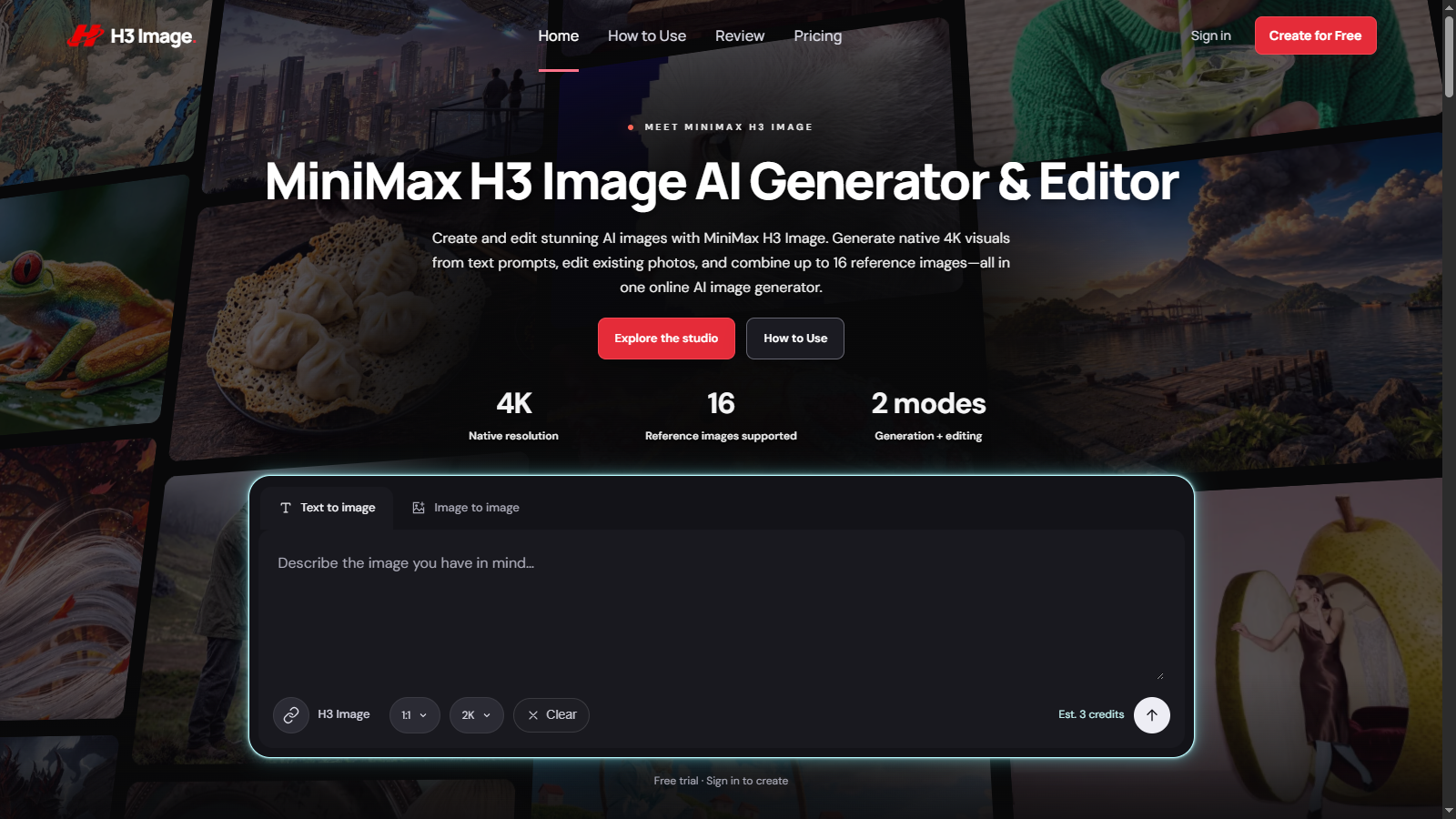
H3 Image is a browser-based AI image generator and editor built around the MiniMax H3 Image model. According to the product page, it creates images up to 4K from a written text prompt or edits reference photos, and asks you to choose a canvas and check the credit estimate before generating. The workflow: start from a text prompt or upload a reference photo to edit, pick a canvas, review the credit estimate, sign in to run the job. Example: describe a matte ceramic mug on a linen cloth in soft morning light, choose a landscape canvas, check the estimate, generate, then refine. This makes H3 Image a fit for designers, marketers and creators who want prompt-based generation and photo editing in one place.
How we scored H3 Image
Capability scores 15 because the tool is a direct pass-through to a single open-weight model with no additional models, no video, no API, and no batch features; Leonardo.Ai and Midjourney both offer meaningfully more at comparable or lower cost. Ease of use scores 18 because the workflow is genuinely simple, the pre-generation credit estimate is a real usability win, and no install is required. Value scores 16 because the $9.90 Starter pack is accessible and the no-expiry refund policy is buyer-friendly, but the per-image credit cost is not clearly cheaper than competing wrappers for the same model, and there is no subscription path for regular users. Delivery scores 9 because the tool launched in November 2026 with no user reviews, no documented track record, and sits in a crowded field of near-identical wrappers for the same open-weight model, making it impossible to verify that it delivers reliably or that it will remain operational.
Pros and cons
What we liked
- One-time credit packs with no subscription and a genuine refund policy on unused paid credits, which is rare among AI image tools.
- Pre-generation credit estimate shown on the Generate button before any credits are spent, so there are no surprise charges.
- Native 4K output (up to 4096 x 4096) via the MiniMax H3 Image model, which MiniMax claims generates a 4K image in under 10 seconds.
Where it falls short
- The site is one of several near-identical wrappers around the same open-weight MiniMax H3 Image model launched in November 2026, with no proprietary features, no additional models, and no clear reason to choose it over competing wrappers at similar or lower per-image prices.
- No API access, no batch export, and no integrations, which rules it out for any automated or production workflow.
- The free credit amount at sign-up is not stated on the pricing page, making it impossible to evaluate the free tier before creating an account.
Key features
H3 Image pricing
Three one-time credit packs: Starter at $9.90 for 500 credits, Creator at $29.90 for 1,600 credits, and Studio at $99.90 for 6,000 credits. No subscription, no expiry on purchased credits, and unused paid credits can be refunded. A free tier exists at sign-up (the site says 'Create for Free' but the pack page does not specify a free credit amount; see reviewer flag).
| Plan | Price | Who it is for |
|---|---|---|
| Starter | $9.90 | 500 credits, one-time payment. Covers up to 166 standard 1K or 2K images, or up to 62 standard 4K images, or 125 standard 2K edits with one reference each. Credits do not expire; unused paid credits are refundable. |
| Creator | $29.90 | 1,600 credits, one-time payment. Covers up to 533 standard 1K or 2K images, or up to 200 standard 4K images, or 400 standard 2K edits with one reference each. |
| Studio | $99.90 | 6,000 credits, one-time payment. Covers up to 2,000 standard 1K or 2K images, or up to 750 standard 4K images, or 1,500 standard 2K edits with one reference each. |
Pricing reflects what we saw at time of review (2026-11). Always confirm current pricing on the tool's own site.
Who should use H3 Image?
H3 Image fits a solo creator or small-business owner who generates images in bursts rather than daily. A product photographer who occasionally needs AI-edited variants of a hero shot, or a freelance designer who wants to test a concept at 4K before committing to a full shoot, can buy the $9.90 Starter pack, use it, and walk away without a recurring charge. The refundable-credits policy makes it low-risk for a first purchase.
Anyone who generates images at volume, needs multiple model options, or wants video output alongside stills should skip this tool. Leonardo.Ai offers a much deeper feature set including multiple models, a community gallery, and video generation under a subscription that works out cheaper per image at scale. Midjourney's $10/month Basic plan also delivers a richer creative environment with a large community and consistent model updates that h3imageai.net cannot match.
Skip it if: Teams or power users who need multiple models, video output, or a feature-rich creative platform
H3 Image alternatives
Frequently asked questions
How much does a 4K image cost on H3 Image?+
A standard 4K image costs 8 credits. Each reference image you supply adds 1 credit per output. So a 4K image with two references costs 10 credits total.
Do credits expire?+
Purchased credits do not expire according to the pricing page. The site also states that unused paid credits can be refunded to the original payment method at any time.
Is there a free tier?+
The site shows a 'Create for Free' option, suggesting a sign-up credit grant, but the pricing page does not state the exact free credit amount. You need to create an account to see the starting balance.
What resolution options are available?+
The tool supports 1K, 2K, and 4K output. The 500-credit Starter pack covers up to 166 standard 1K or 2K images or up to 62 standard 4K images.
Can I use this for photo editing, not just generation?+
Yes. The studio has an Edit mode where you upload reference images and describe the change in text. The same MiniMax H3 Image model handles both generation and editing, and each reference image adds 1 credit to the job cost.
Is there an API or batch export?+
The pricing page and site features make no mention of API access or batch export. The tool appears to be browser-only with no programmatic access at any tier.
More AI Image Generators tools
See all categoriesGet your tool listed on 300+ directories.
One listing here is a strong start. But the founders who get discovered everywhere are listed everywhere. Our sister site, Free AI Directories, submits your tool to 300+ AI directories for you, every single one by hand, by a real person.
It is a one-time payment of $49, no subscription, and you can follow along as the submissions land. Prefer the slow route? The same site keeps a free list of 450+ directories you can work through yourself.
Get my tool listed on 300+ directoriesOne-time payment, no subscription · 100% human submissions · Free list of 450+ directories included.