
handup
An approval inbox that lets one developer review and approve or deny AI agent actions from the terminal, desktop app, or Android phone.
Are you the maker? Claim this listing to keep info, pricing and screenshots current. Verified via your tool's domain email.
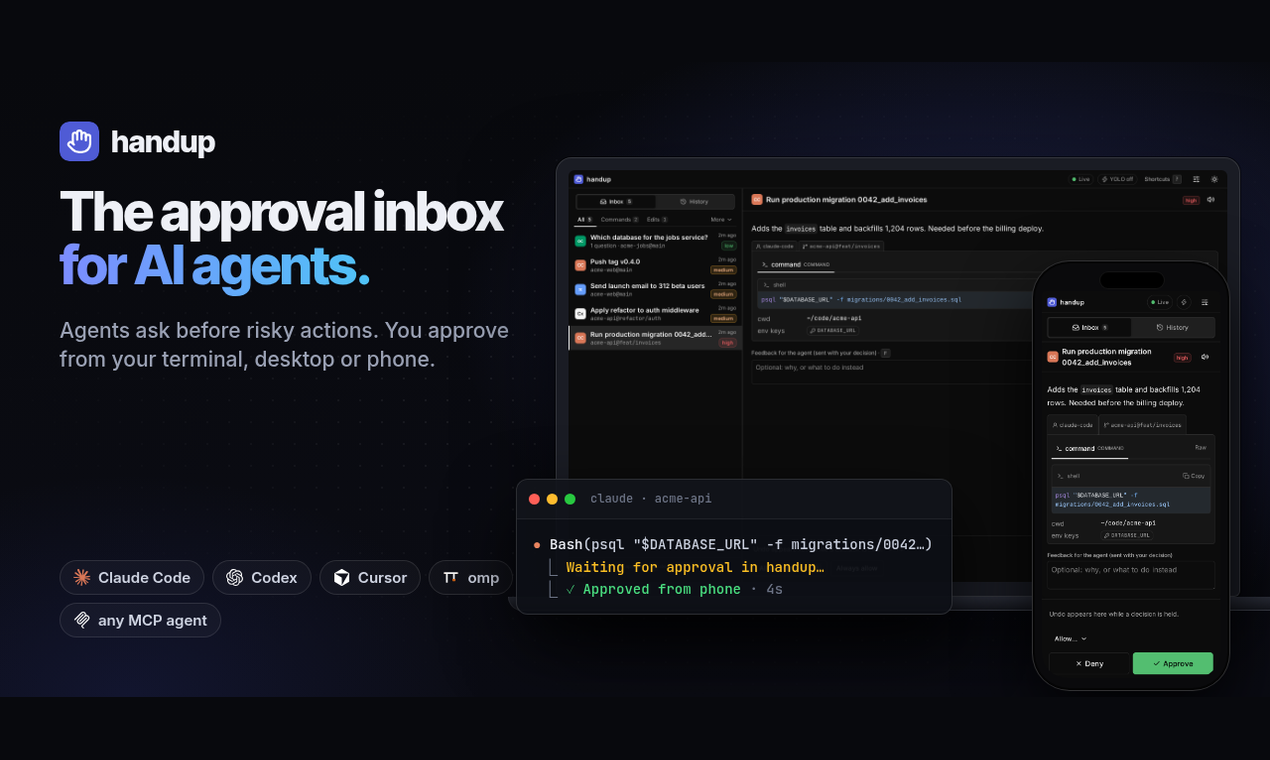
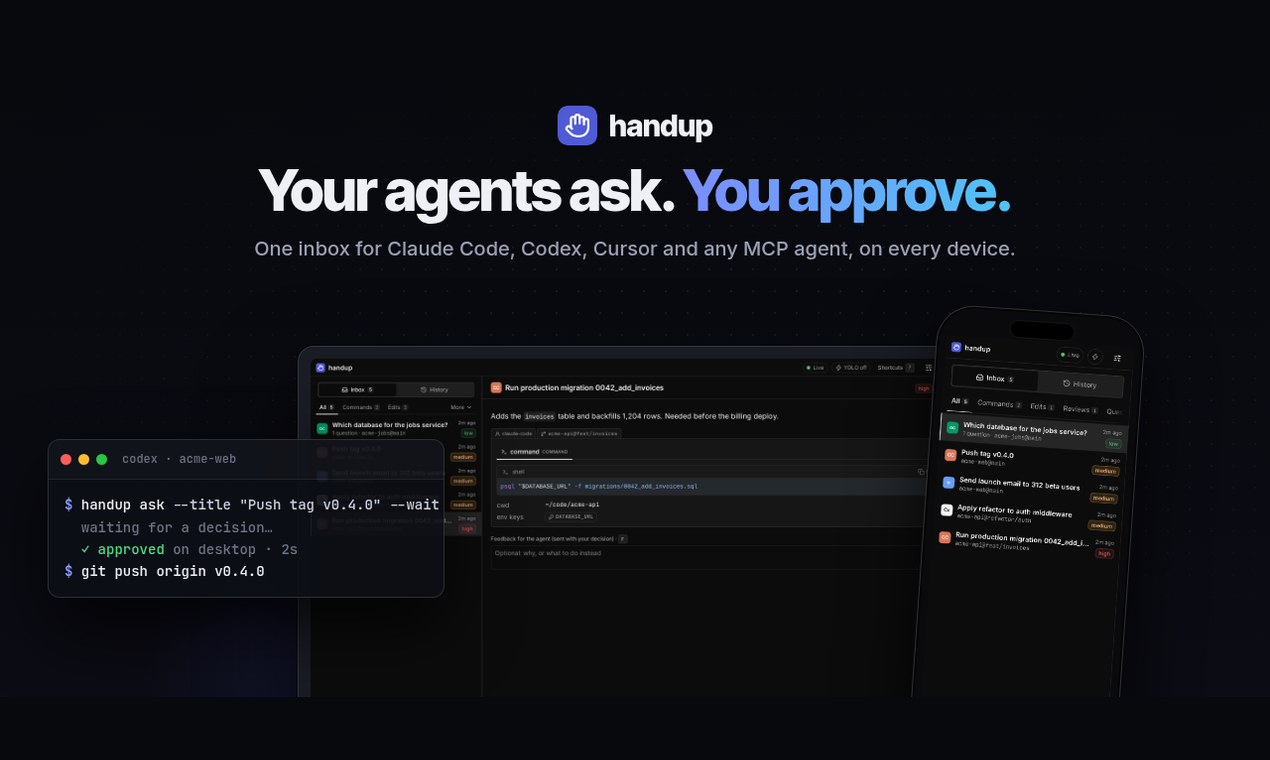
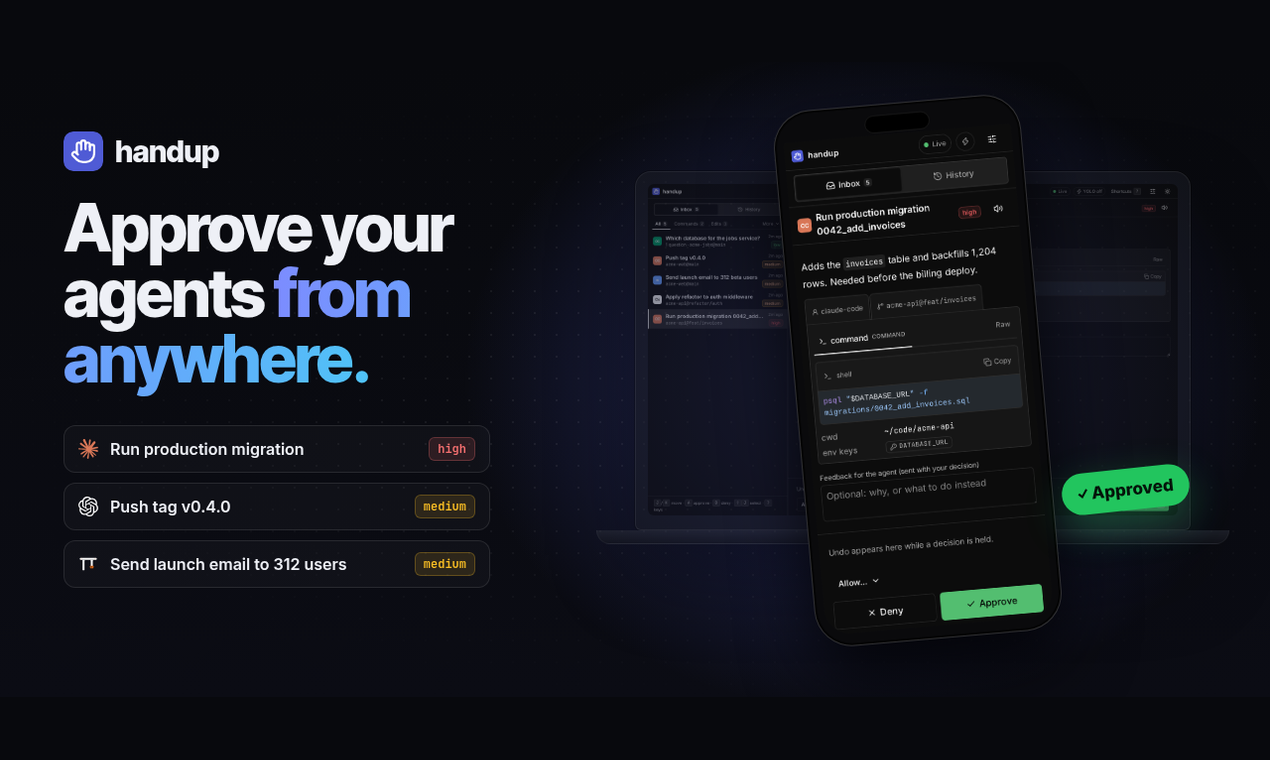
handup is the right tool for a solo developer who runs agentic coding workflows and wants a single place to approve or block consequential actions before they happen. It does one thing and does it with real depth: previews are hash-bound to the exact content you approved, denials reach the agent as structured feedback rather than errors, and the Android app wakes even when closed. The tradeoff is that team licensing does not exist yet, and the planned managed relay is not available for purchase, so anyone who needs multi-seat access or a hosted relay today will hit a hard wall.
What is handup?
handup is an approval inbox for AI coding agents. When an agent wants to do something consequential, like run a database migration, push a release or send an email, it sends a request with the real thing attached: the command, the diff, the file, the email draft or an image. You approve it, or deny it with feedback such as "use staging instead", from `handup inbox` in the terminal, the desktop app or the Android app. A denial reaches the agent as a normal answer, so it changes course instead of retrying.
Runs on Linux, macOS and Windows (beta) with an Android companion. 14 days free with every feature and no signup, then $30 one-time per person, released updates included, 30-day refunds.
How we scored handup
Capability scores well because the hash-bound approval mechanism, structured denial feedback, and multi-surface inbox (terminal, desktop, Android with push) are genuinely differentiated features not found in the directory competitors. It loses points because team licensing is absent entirely and the managed relay is not yet available, leaving real gaps for any workflow beyond a single developer. Ease of use is strong: a 14-day no-signup trial, a single handup setup command that auto-detects agents, and QR-code phone pairing keep onboarding friction low, though Windows beta status and the self-hosted relay requirement add friction for some users. Value is the clearest strength: $30 one-time with perpetual use and all future updates included is genuinely fair pricing for a developer tool, and the 30-day refund policy removes purchase risk. Delivery scores low because handup is a self-described beta with a very thin public track record: no substantial independent reviews were found, the managed relay is unshipped, Windows support is unsigned and beta, and the product's own pricing page explicitly states no guarantee of indefinite development, which is an honest disclosure but a real uncertainty for buyers.
Pros and cons
What we liked
- Hash-bound approvals tie your decision to the exact content you reviewed, preventing agents from substituting a different command after approval
- Denials return structured feedback to the agent so it revises and asks again rather than erroring out, keeping agentic workflows moving
- 14-day fully featured trial with no account or credit card, and a $30 one-time price with no subscription and a 30-day refund window
Where it falls short
- Team licensing does not exist yet, so a two-person team cannot share an approval queue at any price
- The managed relay for reaching your phone without running a server is planned but not for sale; you must run the relay binary on your own Linux server today
- Windows support is beta and unsigned, requiring users to click through SmartScreen warnings during installation
Key features
handup pricing
One tier: handup Personal at $30 one-time (plus tax where applicable), covering one person on all their own machines, perpetual use, and all future released updates. A 14-day free trial with every feature and no signup or credit card required. 30-day refund policy. No subscription, no hosted service included.
| Plan | Price | Who it is for |
|---|---|---|
| Trial | Free | Every feature for 14 days, no account or credit card required. Expires after 14 days. |
| handup Personal | $30 | One person on all their own machines. Desktop, mobile, and CLI. Linux, macOS, and Windows. All future released handup updates included. Perpetual use. License key from Polar, recoverable anytime. Does not include any hosted service or the planned managed relay. 30-day refund policy. |
Pricing reflects what we saw at time of review (2026-11). Always confirm current pricing on the tool's own site.
Who should use handup?
handup is built for the solo developer who has moved beyond single-agent workflows and now runs several agents in parallel, Claude Code in one terminal, Codex in another, and wants one place to catch the moments that matter before they become incidents. If you have ever let an agent push a migration to production because you were not watching closely enough, this is the tool that puts that checkpoint back in your hands without forcing you to babysit a terminal.
It is also a reasonable fit for any developer who works from their phone during the day and wants to approve or block agent actions without being at a desk. The Android push gateway, which went live in v0.1.7, means your phone wakes when an agent asks even if the app is closed.
If you need shared approval queues across a team, look elsewhere for now. GitHub Copilot's agentic workflows inside VS Code handle multi-developer environments and have the backing of an established platform. If you want a fully managed, no-server-required setup today, handup's relay is self-hosted only, and that gap is real.
Skip it if: Teams needing shared approval queues or users who want a hosted relay without running their own server
handup alternatives
Tags
Frequently asked questions
Does handup require an internet connection or a cloud account to work?+
No cloud account is required. The 14-day trial needs no signup. After purchase, you activate with a license key from Polar using handup license activate. Phone pairing works over Tailscale or a self-hosted relay; no hosted service is included in the personal license.
What does the $30 one-time price actually cover?+
One person on all the machines they personally use, perpetual use of the versions they receive, and every handup update that is released going forward. It does not promise indefinite development or include any hosted relay service.
Can I use handup with my team?+
Not yet. Team licensing is not offered. The personal license covers one person only and must not be shared.
How does the Android app get notified when an agent asks for approval?+
As of v0.1.7, license holders using the official Android app get push notifications through a licensed push gateway at push.gethandup.dev. The phone registers a proof-of-possession device ticket, so only verified phones receive wake-up notifications. The app wakes even when closed.
What happens if I deny a request?+
Your denial and any note you add are returned to the agent as a normal structured answer. The agent treats it as feedback, revises its approach, and can ask again rather than throwing an error or retrying the same action.
Is there a refund policy?+
Yes. You can request a full refund within 30 days of purchase, no reason needed, by contacting support or replying to the Polar order email.
More AI Coding & Dev Tools
See all categoriesGet your tool listed on 300+ directories.
One listing here is a strong start. But the founders who get discovered everywhere are listed everywhere. Our sister site, Free AI Directories, submits your tool to 300+ AI directories for you, every single one by hand, by a real person.
It is a one-time payment of $49, no subscription, and you can follow along as the submissions land. Prefer the slow route? The same site keeps a free list of 450+ directories you can work through yourself.
Get my tool listed on 300+ directoriesOne-time payment, no subscription · 100% human submissions · Free list of 450+ directories included.