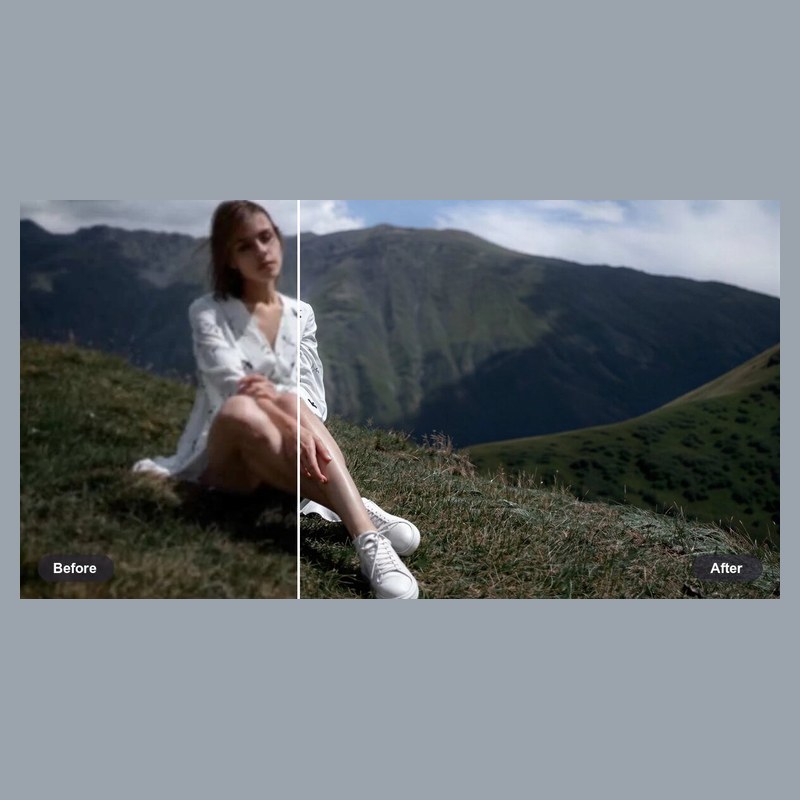
HD Image Enhancer
Browser-based AI photo upscaler that sharpens and restores images to 4K free, no account needed.
Are you the maker? Claim this listing to keep info, pricing and screenshots current. Verified via your tool's domain email.
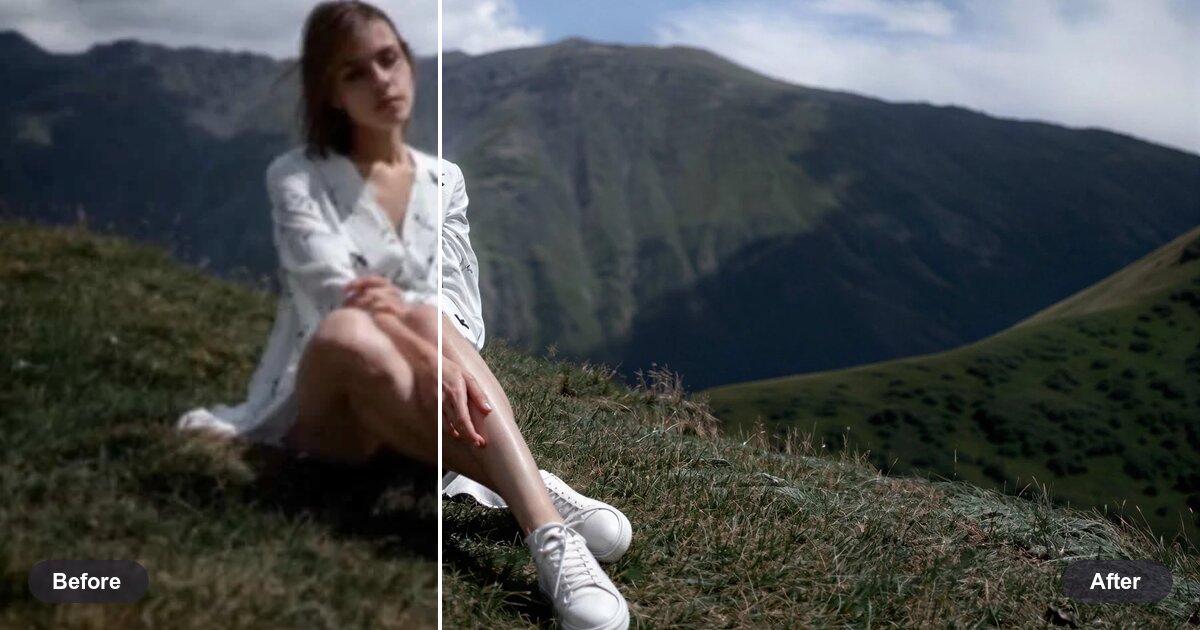
HD Image Enhancer is the right pick for someone who needs to fix a handful of blurry or low-res photos each day without creating an account or paying anything. The free tier is genuinely usable at 7 images per day up to 4K, but paid plan pricing is not publicly visible in a straightforward way, making it hard to evaluate long-term value against tools like Leonardo.Ai that publish clear subscription tiers. Anyone needing consistent high-volume output or AI image generation rather than restoration should look elsewhere.
What is HD Image Enhancer?
HD Image Enhancer is a browser-based AI tool for photo restoration and resolution upscaling. It accepts JPG, PNG, WEBP, and HEIC files up to 25 MB and returns sharpened, artifact-reduced output in approximately five seconds, with free daily usage requiring no account creation. Six enhancement modes cover portraits, text, scenery, objects, pets, and general photos, and the free plan supports output up to 4K resolution.
The tool is aimed at individuals and small teams who need to recover detail from blurry, compressed, or low-resolution images, including old scans, product shots, and screenshots. Paid plans extend the resolution ceiling to 8K and beyond, and batch processing is available for processing multiple images with consistent settings.
How we scored HD Image Enhancer
Capability scores 16 because the six scene-specific modes and no-signup 4K output are genuinely useful, but the tool does only one thing (restore and upscale existing images) and lacks API access, a desktop app, or any generation capability that named directory competitors offer. Ease of use scores 20 because the one-click workflow, no-account requirement, and five-second turnaround are as frictionless as this category gets. Value scores 13 because the free tier is real and usable at 7 images per day, but paid tier prices are completely opaque, making it impossible for a buyer to evaluate whether upgrading is worth it compared to tools like Leonardo.Ai with published token costs. Delivery scores 9 because no third-party reviews, no confirmed social presence, and no transparent paid pricing all point to a thin public track record; the absence of verifiable user sentiment and the inability to confirm what paid plans actually cost are meaningful trust gaps, not minor omissions.
Pros and cons
What we liked
- Genuinely free daily quota of 7 images at 4K with no account or credit card required, resetting every 24 hours at 00:00 UTC.
- Six scene-specific enhancement modes (Portrait, Text, Scenery, Object, Pets, General) let the AI apply the right model behavior rather than a one-size-fits-all filter.
- Broad format support including HEIC straight from iPhone cameras, with no conversion step before upload.
Where it falls short
- Paid tier names and prices are not clearly published on the pricing page, making it impossible to budget for regular use or compare cost-per-image against competitors.
- The free plan hard-caps output at 4K and 7 images per day; anyone processing a product catalogue or a batch of event photos will exhaust the daily quota in minutes.
- The tool is web-only with no API, no desktop app, and no integration hooks, so it cannot fit into an automated image processing workflow the way more developer-oriented tools can.
Key features
HD Image Enhancer pricing
A free tier gives 30 credits per day (resetting at 00:00 UTC), with each image costing 4 credits, yielding 7 free images daily at up to 4K resolution. Paid plans enable 8K output and higher resolution caps up to 16K, but specific paid tier names and prices were not surfaced by the live pricing page or web search. A flag has been added for the human editor to verify.
| Plan | Price | Who it is for |
|---|---|---|
| Free | Free | 30 credits per day (resets at 00:00 UTC), 4 credits per image, up to 7 images daily, output capped at 4K resolution, no account required. |
Pricing reflects what we saw at time of review (2026-11). Always confirm current pricing on the tool's own site.
Who should use HD Image Enhancer?
A solo photographer or e-commerce seller who occasionally needs to rescue a soft product shot or an old scanned photo will get real value from the free tier: seven images a day at 4K costs nothing and requires no login. The six scene modes mean a portrait photographer and a product cataloguer are both served without manual parameter tuning.
Anyone who needs to generate images from scratch, run hundreds of images through a pipeline daily, or compare costs across clearly published subscription tiers should look elsewhere. Leonardo.Ai is the stronger choice for creators who want both generation and upscaling in one platform with transparent token-based pricing. For high-volume batch restoration with a published per-credit cost, the free tier here will hit its daily ceiling fast and the opaque paid pricing makes budgeting difficult.
Skip it if: Teams or creators needing bulk processing with transparent paid pricing
Frequently asked questions
How many free images can I enhance per day without signing up?+
You get 30 free credits daily, and each image costs 4 credits, so that works out to 7 images per day. Credits reset at 00:00 UTC.
What is the maximum output resolution?+
The free plan outputs up to 4K. Paid plans raise the ceiling to 8K, and the site lists a maximum possible output of 16K.
What image formats does it accept?+
It accepts JPG, PNG, WEBP, and HEIC files up to 25 MB per upload, and exports in PNG, JPG, or WEBP.
How much do paid plans cost?+
Specific paid tier names and prices were not clearly published on the pricing page at the time of this review. The human editor should verify current paid pricing directly before this publishes.
Does it work for batch processing?+
Yes, the site lists batch enhancement as a feature for processing multiple images with consistent settings, though this appears to be restricted to paid plans.
Is there an API or desktop app?+
No. HD Image Enhancer is web-only with no documented API or desktop application, which limits its use in automated workflows.
More AI Image Generators tools
See all categoriesGet your tool listed on 300+ directories.
One listing here is a strong start. But the founders who get discovered everywhere are listed everywhere. Our sister site, Free AI Directories, submits your tool to 300+ AI directories for you, every single one by hand, by a real person.
It is a one-time payment of $49, no subscription, and you can follow along as the submissions land. Prefer the slow route? The same site keeps a free list of 450+ directories you can work through yourself.
Get my tool listed on 300+ directoriesOne-time payment, no subscription · 100% human submissions · Free list of 450+ directories included.