
JXP Kling 4.0 AI Video Generator
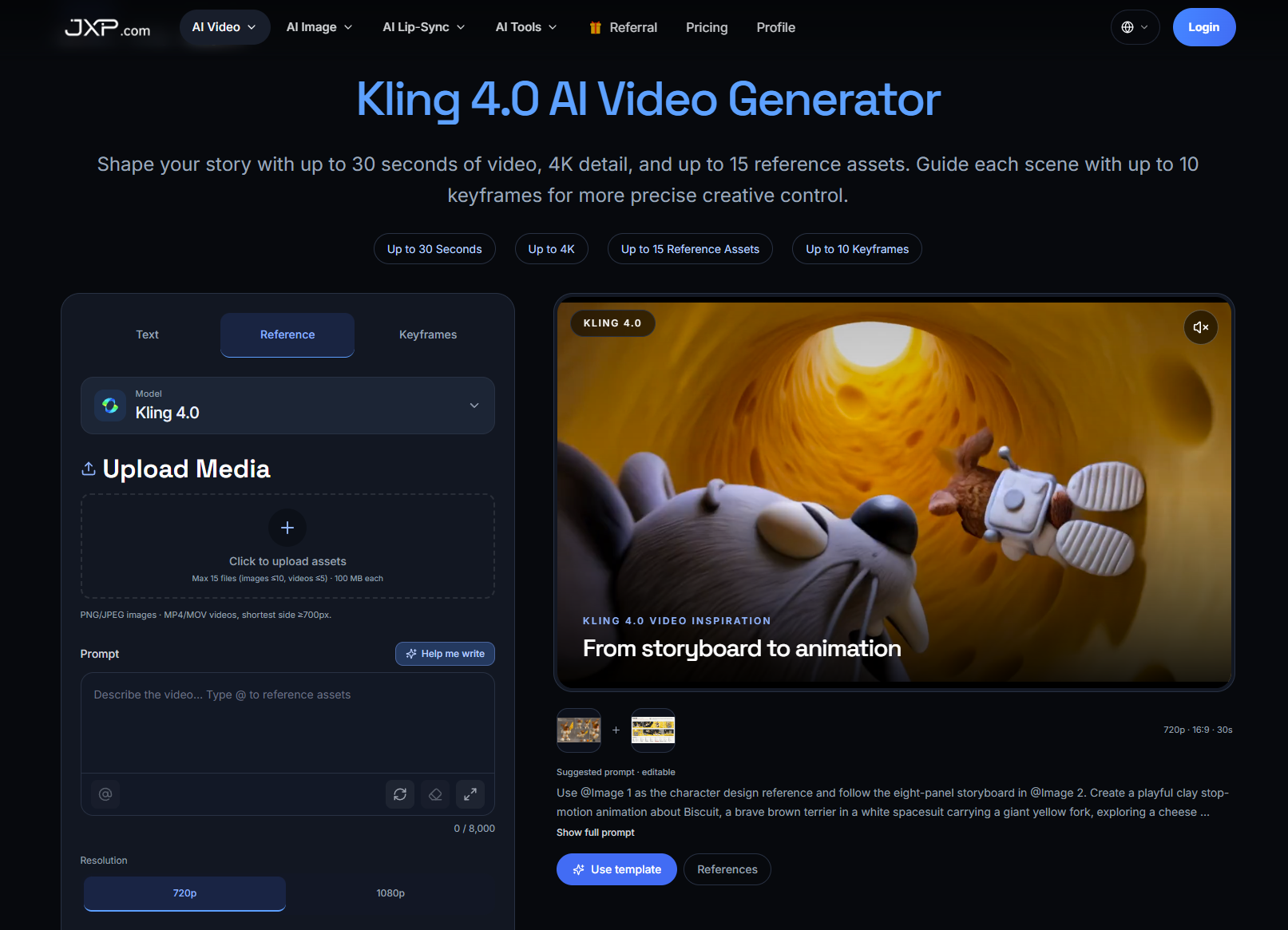
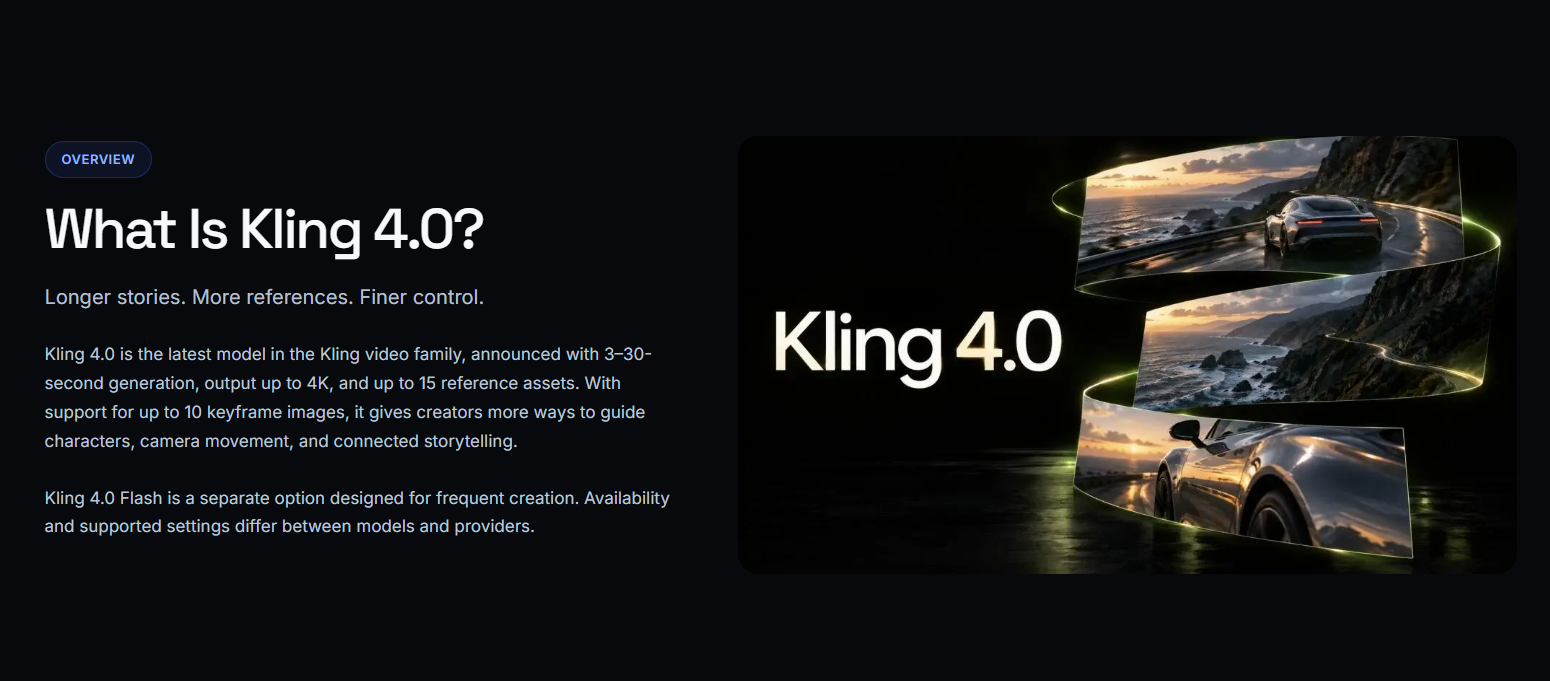
A third-party web studio for running Kling 4.0, letting you generate up to 30-second AI videos with up to 15 reference assets and 10
Are you the maker? Claim this listing to keep info, pricing and screenshots current. Verified via your tool's domain email.
JXP's Kling 4.0 studio suits creators who want keyframe-guided, reference-heavy video generation without building a direct account on kling.ai. The tradeoff is that JXP is a wrapper, not the source model, and several headline features including 10-bit HDR and two-minute clip extension are not yet live. If you need a purpose-built AI video editor with timeline tools and collaboration, Runway is the stronger choice.
What is JXP Kling 4.0 AI Video Generator?
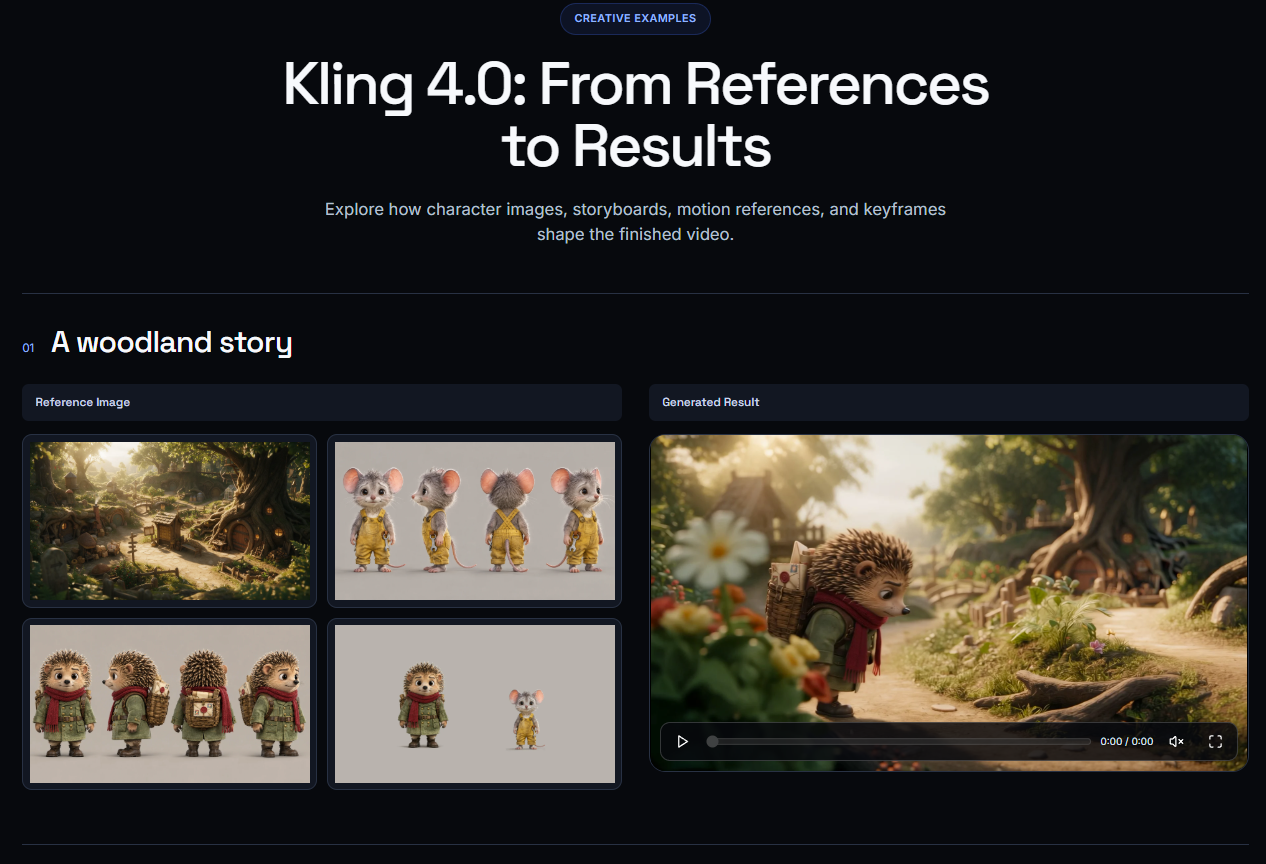
Kling 4.0 AI Video Generator is an AI video tool on JXP that creates clips from text prompts, reference images and videos, or a sequence of keyframes. Use it to storyboard a scene, draft a product reveal, or turn a still image into a short video. Reference files help guide how a subject looks or moves, while keyframes let you define what should happen at specific points in the scene. JXP’s studio offers clips from 3 to 30 seconds in 720p or 1080p.
How we scored JXP Kling 4.0 AI Video Generator
Capability scores 17 because the 10-keyframe and 15-reference-asset system is genuinely differentiated, but two headline features (10-bit HDR and two-minute clip extension) are not yet live, and the tool does no editing, collaboration, or post-generation work that Runway handles. Ease of use scores 17 because the interface is a single web page with transparent credit costs shown before generation, but the free voucher restriction to 5-second 720p clips means new users cannot meaningfully evaluate the product's core features before paying. Value scores 14 because the Starter tier is only $10 one-time, but JXP is a wrapper around a model available directly at kling.ai from $8.80 per month with a broader feature set and clearer subscription terms, making the value proposition for JXP specifically weak. Delivery scores 13 because the marketing prominently features 4K HDR and 30-second generation while two of those capabilities are not shipping, and the third-party wrapper relationship introduces an additional layer of uncertainty about feature parity and long-term reliability.
Pros and cons
What we liked
- Up to 15 reference assets per generation and 10 keyframes give more directorial control over character consistency and scene structure than most comparable web tools offer.
- The multi-model studio means you can switch between Kling 4.0, Seedance, Veo, Wan, and other models in a single interface without managing separate accounts.
- Credit costs are transparent before you generate: the page shows the per-second rate at each resolution so you can estimate spend before committing.
Where it falls short
- JXP is a third-party wrapper around Kuaishou's kling.ai model, which means you are dependent on a middleman for access, pricing, and feature parity with the upstream model.
- Two headline features, 10-bit HDR color and clip extension up to two minutes, are listed as coming soon and are not available at the time of this review, making the top-line marketing misleading.
- Free vouchers are restricted to 720p, text-to-video, and 5-second clips only, which is too limited to meaningfully test the keyframe and reference-asset features that define the product.
Key features
JXP Kling 4.0 AI Video Generator pricing
JXP offers a one-time Starter purchase at $10, with credit-based generation priced at 5 credits per second at 720p and 7 credits per second at 1080p without a reference video. Free vouchers are available but restricted to 720p, text-to-video, and 5-second clips only. Subscription tiers enable 1080p, advanced effects, and early feature access, but exact monthly subscription prices for JXP's own plans were not fully enumerated on the pricing page beyond the Starter one-time tier.
| Plan | Price | Who it is for |
|---|---|---|
| Free Vouchers | Free | Limited free credits on signup, restricted to 720p resolution, text-to-video only, and a maximum of 5 seconds per clip. Not sufficient to test keyframe or reference-asset features. |
| Starter | $10 one-time | One-time credit purchase giving access to AI image and video generation including Kling 4.0, Seedance 2.5, and 1080p video quality. |
| Higher Subscription Tiers | Prices not fully listed on JXP pricing page | Advanced video effects, early access to new features, and 1080p quality. Exact monthly prices for JXP's subscription plans above Starter were not enumerated on the page at time of review. |
Pricing reflects what we saw at time of review (2026-11). Always confirm current pricing on the tool's own site.
Who should use JXP Kling 4.0 AI Video Generator?
A solo animator or content creator who works from storyboards will get the most from JXP's Kling 4.0 studio. The 10-keyframe system and 15-asset reference limit are genuinely useful for anyone trying to keep a character's appearance consistent across a 20 or 30-second clip, something that most simpler text-to-video tools cannot do. Product teams drafting concept videos or motion mockups from still images are another reasonable fit, provided they are comfortable with a credit-based cost model and generation times that can run 6 to 10 minutes per clip.
Anyone who needs real-time collaboration, a proper video timeline, or the ability to edit generated footage after the fact should look elsewhere. Runway offers a browser-based editing studio with timeline tools, inpainting, and a more mature feature set for teams who need to iterate on generated clips rather than just produce them. HeyGen is the better pick if your use case centers on talking-head videos, avatar presentations, or video translation rather than scene-based generation.
Skip it if: Teams needing collaborative editing, timeline tools, or confirmed 4K HDR output today
JXP Kling 4.0 AI Video Generator alternatives
Tags
Frequently asked questions
Is JXP the same as kling.ai?+
No. JXP is a third-party studio that provides access to the Kling 4.0 model alongside other AI video tools. The underlying model is developed by Kuaishou and is also available directly at kling.ai, which has its own separate subscription plans starting at $8.80 per month.
How much does a 30-second clip cost on JXP Kling 4.0?+
Without a reference video, a 30-second clip costs 150 credits at 720p (5 credits per second) or 210 credits at 1080p (7 credits per second). With a reference video the billing formula also counts input video duration, which can raise the total.
Is 4K output actually available right now?+
4K is listed as a supported resolution on the JXP page, but 10-bit HDR, one of the main quality upgrades tied to 4K, is marked as coming soon and is not currently available.
Can I try Kling 4.0 on JXP for free?+
Free vouchers are available but are restricted to 720p, text-to-video only, and 5-second clips. You cannot test the keyframe or multi-reference features on the free tier.
How long does generation take?+
Generation typically takes between 6 and 10 minutes per clip, with variation depending on clip length, resolution, and server load.
What file formats does JXP Kling 4.0 accept as reference inputs?+
The studio accepts PNG and JPEG images and MP4 or MOV videos. Video inputs must have a shortest side of at least 700 pixels, and each file can be up to 100 MB.
More AI Video Tools
See all categoriesGet your tool listed on 300+ directories.
One listing here is a strong start. But the founders who get discovered everywhere are listed everywhere. Our sister site, Free AI Directories, submits your tool to 300+ AI directories for you, every single one by hand, by a real person.
It is a one-time payment of $49, no subscription, and you can follow along as the submissions land. Prefer the slow route? The same site keeps a free list of 450+ directories you can work through yourself.
Get my tool listed on 300+ directoriesOne-time payment, no subscription · 100% human submissions · Free list of 450+ directories included.