
Kling AI
Kuaishou's AI video and image generator for clips up to 15 seconds, native 4K, and built-in audio generation.
Are you the maker? Claim this listing to keep info, pricing and screenshots current. Verified via your tool's domain email.
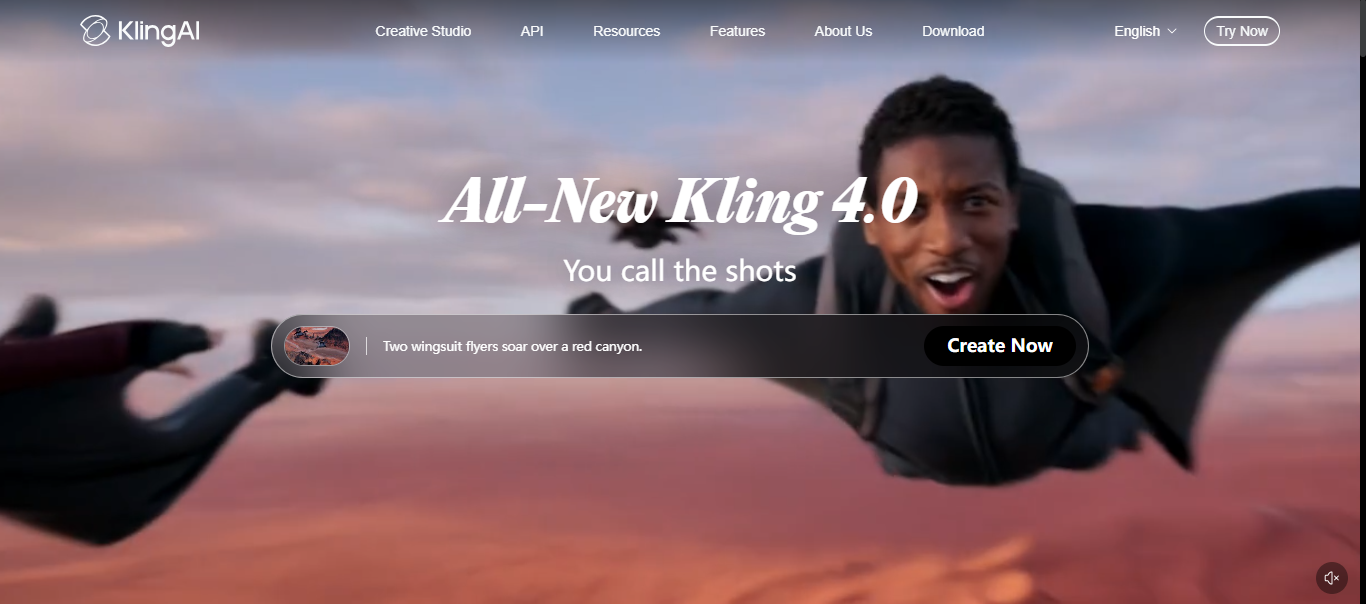
Kling AI is the best pick for solo creators and small studios who need high-resolution AI video at a price that does not require a corporate budget. Its native 4K output and per-character voice binding put it ahead of Runway on raw generation capability, but Runway's timeline editor and post-production tooling are more developed for iterative editing work. If you need avatar-led talking-head videos rather than generative scene creation, HeyGen is the more direct fit.
What is Kling AI?
Kling AI is the video and image generation platform from Kuaishou Technology, launched in June 2024 and run from Beijing with a Singapore entity for global users. Its current video model, Kling VIDEO 3.0, generates clips from 3 to 15 seconds at up to 1080p in Standard and Pro modes and in a 4K mode, with native audio, up to six storyboard cuts, an Elements system that keeps a character consistent across shots, and camera controls for pan, tilt, zoom, dolly and handheld moves. The 3.0 Omni variant adds per-character voice binding, multi-character dialogue and a video character reference of 3 to 8 seconds. Earlier models (2.6, 2.5 Turbo, O1) remain available with lip sync and motion control from a reference video.
On the image side, Kling IMAGE 3.0 Omni generates up to 4K with multi-reference editing of up to ten images and an image series mode. The web app lives at kling.ai/app with a Canvas for node editing and an agent for scripts, storyboards and multi-round post-production, and the
How we scored Kling AI
Capability scores 23 out of 25: native 4K generation, per-character voice binding, camera controls, and the Elements consistency system are genuinely ahead of most directory competitors, and two Cannes Lions wins plus a 135-minute fully AI-generated feature film are concrete evidence of production-grade output. Ease of use scores 18: the Canvas and agent workflow add real power but also real complexity, and the credit system (per-second billing, expiry, failed-generation consumption) creates meaningful friction for new users. Value scores 19: the $6.99 entry price is competitive, but the promotional-to-renewal price jump (Standard goes from $6.99 to $8.80, Ultra from $127.99 to $159.99) obscures the real ongoing cost, and credits expiring monthly with no rollover penalizes anyone who does not use the full allocation. Delivery scores 19: the platform has verifiable commercial traction and award-winning output, but the free tier's commercial use restriction and watermark, combined with the bait-and-switch feel of first-month versus renewal pricing, are real trust friction points that prevent a higher score.
Pros and cons
What we liked
- Native 4K video generation with per-second credit billing makes resolution costs transparent and controllable.
- Per-character voice binding and multi-character dialogue in the Omni variant is a capability absent from Runway's generation toolset.
- Commercially validated at scale: two Cannes Lions wins in 2026 and a 135-minute fully AI-generated feature film produced entirely on the platform.
Where it falls short
- Credits expire at the end of each monthly billing cycle with no rollover, and failed or rejected generations still consume credits, which penalizes experimentation on lower-tier plans.
- The free Basic tier bars commercial use entirely and adds a watermark, making it genuinely unsuitable for any professional evaluation beyond personal testing.
- Renewal pricing is materially higher than the promotional first-month price: Standard jumps from $6.99 to $8.80 on renewal, Pro from $25.99 to $32.56, and Ultra from $127.99 to $159.99, a pattern that obscures the real ongoing cost.
Key features
Kling AI pricing
Free Basic tier gives 66 credits per day with no commercial use rights and a watermark. Paid plans start at $6.99 for the first month (Standard, 660 credits/month, renews at $8.80), rising to $25.99 first month for Pro (3,000 credits, renews at $32.56), $64.99 for Premier (8,000 credits, renews at $80.96), and $127.99 for Ultra (26,000 credits, renews at $159.99). Annual billing saves roughly 25%. Credits expire monthly and failed generations still consume credits.
| Plan | Price | Who it is for |
|---|---|---|
| Basic (Free) | $0 | 66 credits per day, credits expire in 24 hours, watermark on all outputs, no commercial use rights. |
| Standard | $6.99 | First month promotional price, renews at $8.80/month. 660 credits per month, commercial use, no watermark. Approximately 11 five-second 1080p clips with audio per month. |
| Pro | $25.99 | First month promotional price, renews at $32.56/month. 3,000 credits per month, commercial use, no watermark, priority queue access. |
| Premier | $64.99 | First month promotional price, renews at $80.96/month. 8,000 credits per month, commercial use, no watermark, priority access to new features. |
| Ultra | $127.99 | First month promotional price, renews at $159.99/month. 26,000 credits per month, commercial use, no watermark, beta-test invites and early feature access. No annual billing option. |
Pricing reflects what we saw at time of review (2026-10). Always confirm current pricing on the tool's own site.
Who should use Kling AI?
Kling AI fits creators who are generating original scenes from text or image prompts and need more than a few seconds of output. A solo YouTuber building cinematic b-roll, a small advertising studio producing social content at volume, or a music video director who needs consistent character appearance across cuts will all find the feature set genuinely useful. The 66 daily free credits let anyone test the models before committing, and the $6.99 first-month Standard plan is a low-risk entry point for occasional use.
If your primary need is avatar-based talking-head video, product explainers with a presenter, or instant video translation, HeyGen is built specifically for that workflow and will save you time. If you need a full non-linear editing environment where you cut, trim, and rearrange generated clips on a timeline with transcript-level control, Descript is the better tool. Runway is worth considering if iterative in-browser editing and a more mature post-production layer matter more than raw generation resolution.
Skip it if: Teams needing avatar-based talking-head video or deep post-production editing workflows
Frequently asked questions
Can I use Kling AI for free without a credit card?+
Yes. The Basic tier gives 66 credits per day with no card required. Those credits expire every 24 hours, outputs carry a watermark, and commercial use is not permitted on the free plan.
What does a single video clip actually cost on a paid plan?+
On the Standard plan at renewal ($8.80/month for 660 credits), a five-second 1080p clip with native audio costs roughly $0.80 in credits. A native 4K clip costs significantly more: Kling 3.0 4K image-to-video runs $0.420 per second via the API, so a five-second 4K clip is about $2.10 through that route.
Do unused credits carry over to the next month?+
No. Credits expire at the end of each billing cycle and do not roll over. Failed or rejected generations also consume credits, so experimentation on lower-tier plans can deplete your monthly allowance faster than expected.
Is Kling AI available via API for automated pipelines?+
Yes. Kling offers an API, MCP, and CLI interface. As of October 2026, Kling 3.0 Turbo Standard image-to-video is priced at $0.112 per second and Kling 3.0 Pro image-to-video at $0.140 per second through the official API.
How does Kling AI compare to Runway for video generation quality?+
Kling 3.0 ranks near the top of public quality leaderboards as of 2026, and its native 4K output and per-character voice binding are capabilities Runway does not match natively. Runway's advantage is its editing and post-production toolset, not raw generation.
What is the real monthly price after the first month?+
The promotional first-month prices are lower than renewal rates. Standard renews at $8.80 (not $6.99), Pro at $32.56 (not $25.99), Premier at $80.96 (not $64.99), and Ultra at $159.99 (not $127.99). Annual billing saves roughly 25% off the renewal monthly rate.
More AI Video Tools
See all categoriesGet your tool listed on 300+ directories.
One listing here is a strong start. But the founders who get discovered everywhere are listed everywhere. Our sister site, Free AI Directories, submits your tool to 300+ AI directories for you, every single one by hand, by a real person.
It is a one-time payment of $49, no subscription, and you can follow along as the submissions land. Prefer the slow route? The same site keeps a free list of 450+ directories you can work through yourself.
Get my tool listed on 300+ directoriesOne-time payment, no subscription · 100% human submissions · Free list of 450+ directories included.