
lovideo
An AI video creation tool that turns a text description into a finished MP4 or CapCut project, with a storyboard review step before any
Are you the maker? Claim this listing to keep info, pricing and screenshots current. Verified via your tool's domain email.
lovideo is best suited to casual creators and social media users who want to produce short personal videos, like photo dumps or monthly recaps, without touching a timeline editor. Its storyboard-first flow is genuinely thoughtful, but the tool is still in private testing with no confirmed public launch date, which makes it impossible to evaluate output quality against paid rivals like Runway. Anyone who needs to produce video today should look elsewhere.
What is lovideo?
lovideo is a web-based AI video creation tool that converts a text description into a finished short video. Users describe their idea, select a visual style, review and adjust a storyboard, then export the result as an MP4 or an editable CapCut project file.
The tool targets personal and social video formats, with templates covering photo dumps, monthly recaps, product launches, news clips, holiday tributes, and before-and-after reveals. It offers a free tier with 30 credits at sign-up, and paid plans ranging from $12/month to $79/month for higher credit volumes and additional features.
How we scored lovideo
Capability scores in the low teens because the product is not publicly accessible and output quality cannot be verified; the template library is narrow and skewed entirely toward personal social content, with no evidence of features that Runway or Descript offer for professional or branded video. Ease of use scores higher because the storyboard-first flow and scenario-specific templates suggest a genuinely low-friction design, and the CapCut export is a practical choice for the target audience. Value is weak at this stage: the free tier offers only 30 credits and the $29/month Pro plan cannot be evaluated against what it actually produces, making it hard to justify against established tools with proven output. Delivery scores in single digits because the product is in private testing with no public users, no verifiable output, and no track record; a tool that cannot be used is not delivering on its claims regardless of how well-designed the waitlist page looks.
Pros and cons
What we liked
- Storyboard review before any credit is charged gives users a genuine preview and edit step, reducing wasted spend.
- CapCut project export is a practical differentiator: creators can take the AI-generated draft into a familiar editor without starting from scratch.
- Template library is scenario-specific rather than generic, covering named use cases like 'Then vs Now 2026' and 'Ray Edits CapCut' that match real social video formats.
Where it falls short
- The product is still in private testing with a waitlist as of November 2026, meaning no one outside the test group can use it, verify output quality, or confirm that the listed pricing reflects the real product.
- No API access is mentioned anywhere in the available product information, which rules out any developer or automation use case entirely.
- The template library is almost entirely personal and social content; there is no indication of support for longer-form, branded, or enterprise video formats that tools like Runway or Descript handle.
Key features
lovideo pricing
Free tier with 30 credits at sign-up; paid plans at $12/month (Starter), $29/month (Pro), and $79/month (Studio), plus credit packs available separately.
| Plan | Price | Who it is for |
|---|---|---|
| Free | $0 | 30 credits at sign-up. Allows users to try the core workflow at no cost within the credit limit. |
| Starter | $12/month | Paid entry tier with a higher credit allocation than the free plan. Exact monthly credit count not confirmed in available pricing page text. |
| Pro | $29/month | Mid-tier plan. Exact feature and credit details not fully listed in available pricing page text. |
| Studio | $79/month | Top subscription tier. Exact feature and credit details not fully listed in available pricing page text. Credit packs are also available as a separate purchase option. |
Pricing reflects what we saw at time of review (2026-11). Always confirm current pricing on the tool's own site.
Who should use lovideo?
lovideo is aimed at individual creators who produce personal social content regularly: someone assembling a monthly photo dump, a family recap video, or a holiday tribute from their camera roll. The storyboard-first model suits people who want to see a plan before committing, and the CapCut export makes it practical for anyone already in that editing ecosystem.
Anyone who needs video output today, at professional quality, or with fine-grained control over motion and timing should look elsewhere. Runway is the stronger choice for creators who need generative video with real editing depth and a tool they can actually access and test right now. CaptionBolt is a better fit if the core need is polishing existing footage with captions rather than generating new video from scratch.
Skip it if: Teams or professionals who need video output they can evaluate and use right now
Tags
Frequently asked questions
Can I use lovideo right now?+
No. As of November 2026, lovideo is in private testing. You can join the waitlist on the homepage and will be emailed when early access opens.
How much does lovideo cost?+
There is a free tier with 30 credits at sign-up. Paid plans are $12/month (Starter), $29/month (Pro), and $79/month (Studio). Credit packs are also available for purchase separately.
What file formats does lovideo export?+
lovideo exports finished videos as MP4 files or as editable CapCut project files, depending on which option you choose at export.
Do I get charged if I do not like the storyboard?+
No. According to the product page, nothing is charged until you confirm the storyboard. You can edit or abandon it before any credit is spent.
Can I use my own photos and videos?+
Yes. The tool lets you upload your own photos, clips, and music to personalize the video, rather than relying entirely on AI-generated content.
Does lovideo support landscape or square video formats?+
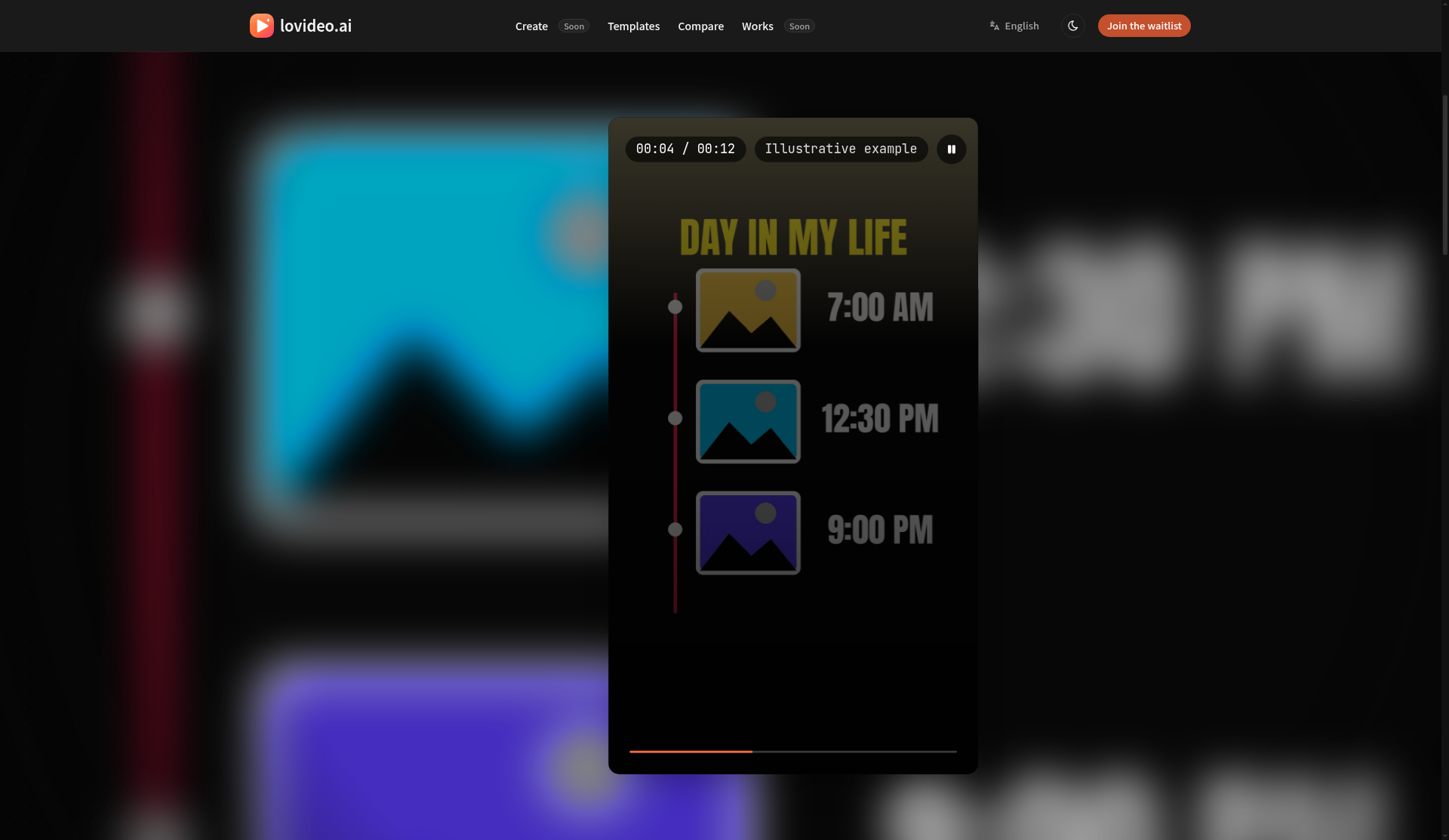
The illustrative examples shown on the homepage use a 9:16 vertical format. Whether other aspect ratios are supported is not confirmed in the available product information.
More AI Video Tools
See all categoriesGet your tool listed on 300+ directories.
One listing here is a strong start. But the founders who get discovered everywhere are listed everywhere. Our sister site, Free AI Directories, submits your tool to 300+ AI directories for you, every single one by hand, by a real person.
It is a one-time payment of $49, no subscription, and you can follow along as the submissions land. Prefer the slow route? The same site keeps a free list of 450+ directories you can work through yourself.
Get my tool listed on 300+ directoriesOne-time payment, no subscription · 100% human submissions · Free list of 450+ directories included.