
Questro
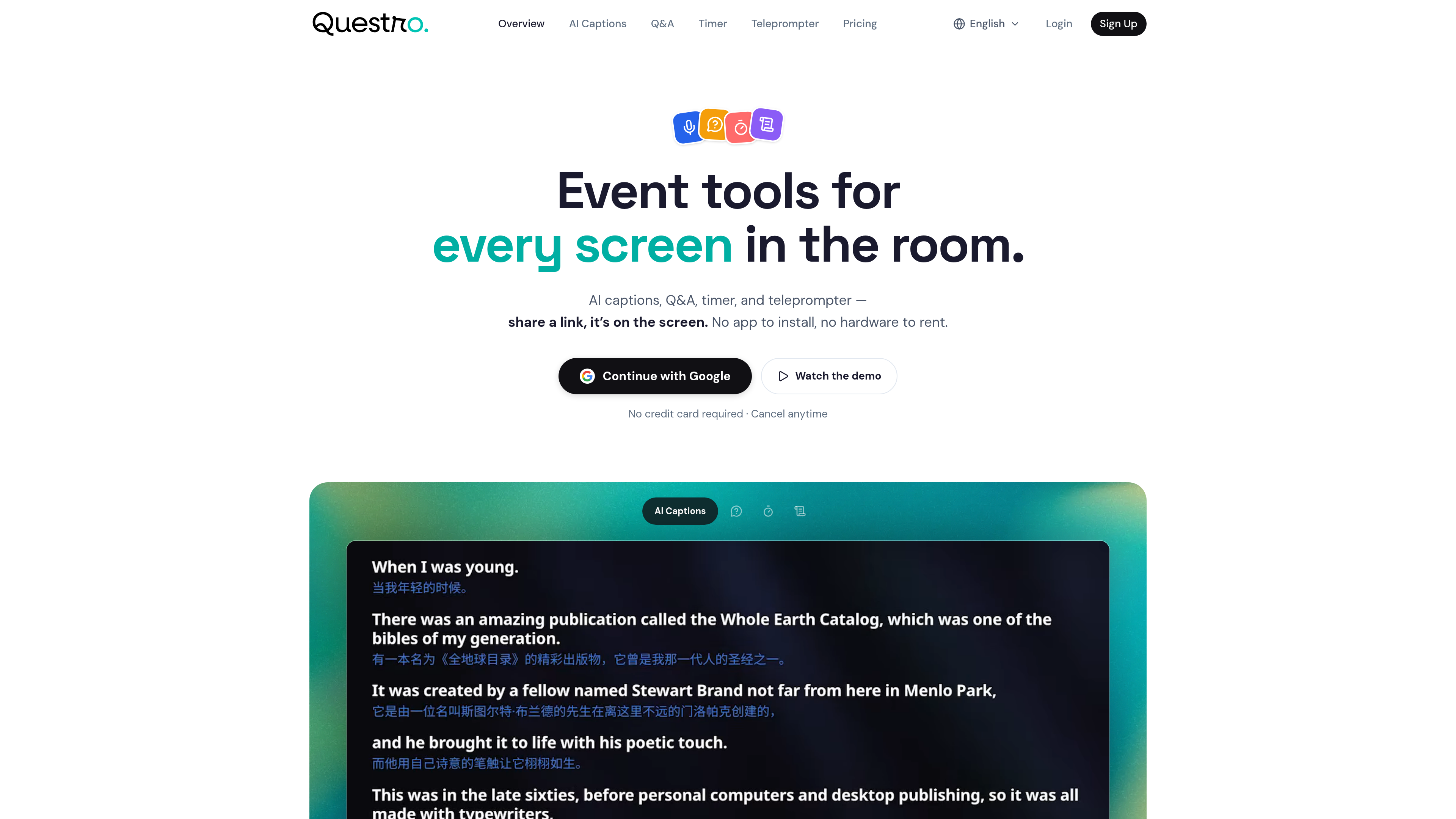
Browser-based live event toolkit combining stage timer, moderated Q&A, teleprompter, and AI captions in one workspace. No install required.
Are you the maker? Claim this listing to keep info, pricing and screenshots current. Verified via your tool's domain email.
Questro is the right pick for a small event team that wants one browser tab to handle timing, audience Q&A, speaker scripts, and AI captions without installing anything. Compared to dedicated tools like Stagetimer, it trades production depth and AV integrations for the convenience of having everything in one place. Teams running large-scale productions that need API access, NDI output, or deep AV integrations should look elsewhere.
What is Questro?
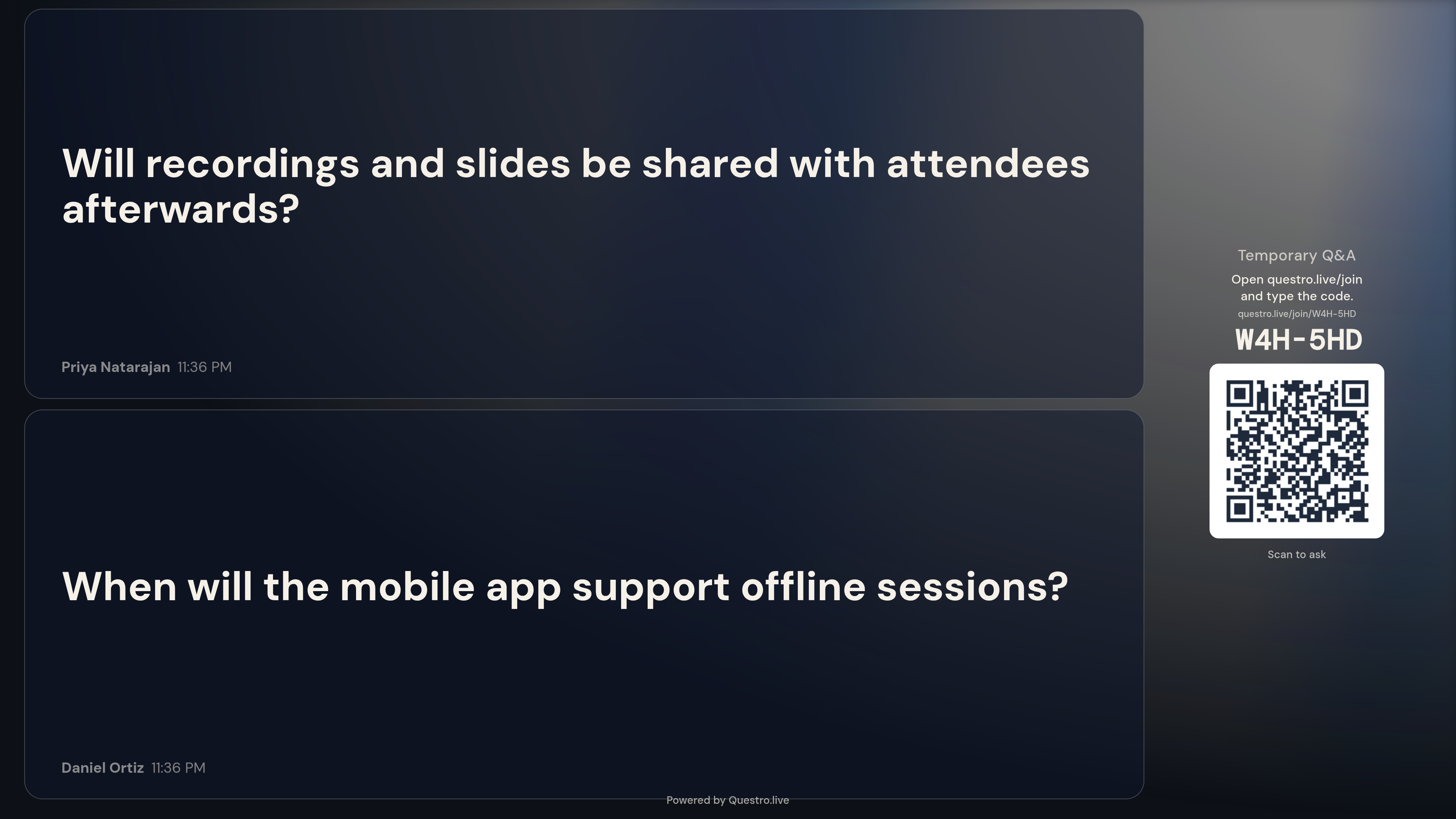
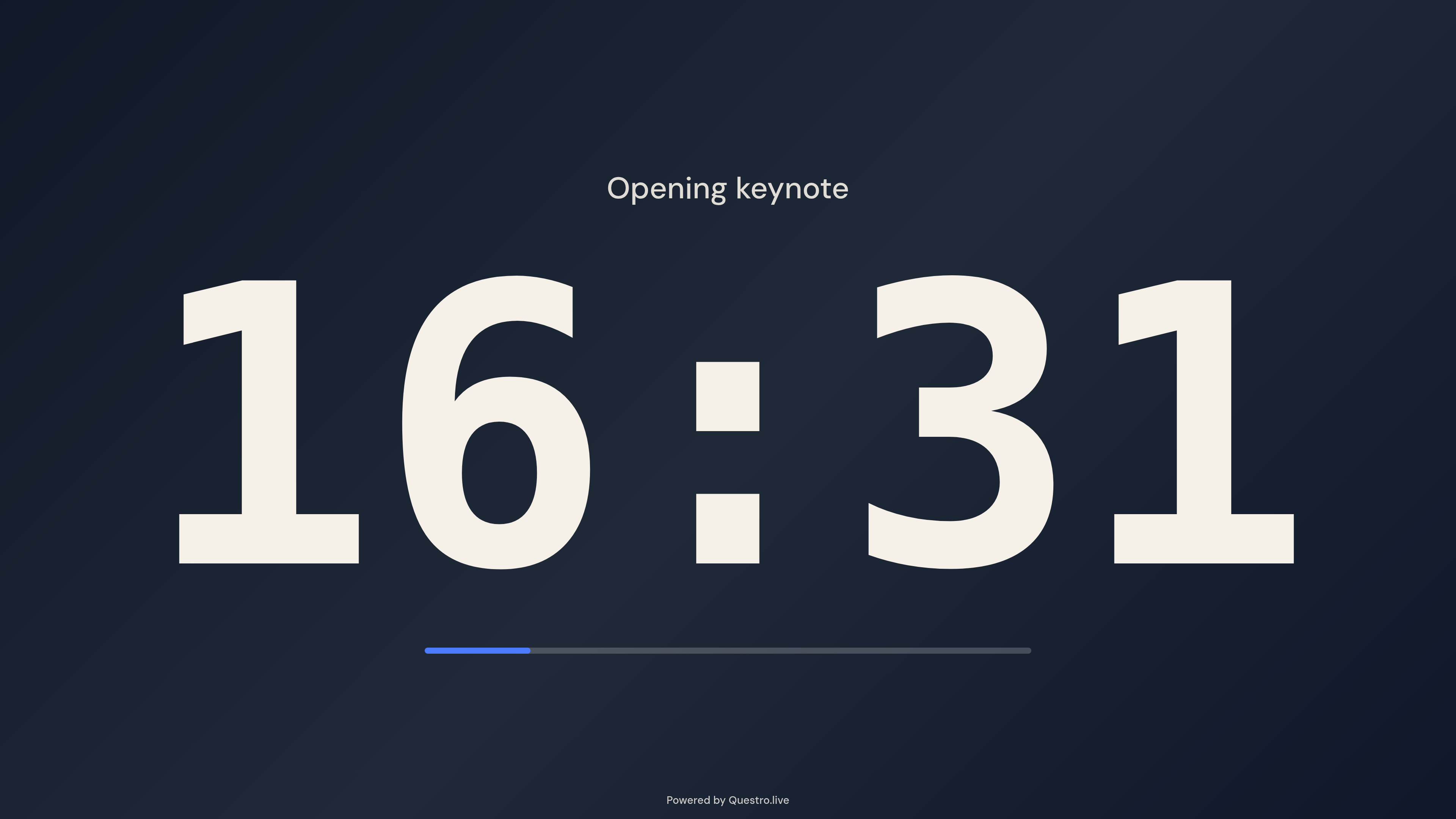
Questro is a browser-based live event toolkit. One workspace holds a stage timer, moderated audience Q&A (attendees ask from their phones, no app; moderators approve questions before they reach the screen), a teleprompter with remote controls, and AI live captions with real-time translation (18 source languages, 69 target languages). Nothing to install; works on laptops, tablets, phones and venue screens. Free plan; Pro from $15/month; $99 one-time 7-Day Event Pass. Built by Interframe Pte. Ltd., Singapore.
How we scored Questro
Capability scores 17 because Questro genuinely bundles four useful live event tools, but it has no API, no NDI output, no offline mode, and no AV integration, gaps that dedicated competitors like Stagetimer fill. Ease of use scores 21 because the browser-only, no-install approach with separate public and private links is a genuinely clean operational model that reduces setup friction. Value scores 19 because the $99 one-time Event Pass is a fair and unusual pricing option for infrequent producers, and the free tier is real rather than token, though the 15-minute AI Captions cap and the guest control link paywall limit its practical usefulness without paying. Delivery scores 11 because no independent user reviews or third-party sentiment data could be found for this tool, making it impossible to verify that the stated features perform as described at scale; the score reflects that uncertainty rather than a confirmed trust problem, and the human editor should surface any reviews before this publishes.
Pros and cons
What we liked
- Four live event tools in one browser workspace with no install, reducing the tool-switching that typically happens on event day
- The $99 one-time 7-Day Event Pass gives occasional event producers 10 AI Captions hours and unlimited Q&A without locking them into a monthly subscription
- AI captions cover 18 source languages and 69 target languages, which is a meaningful range for multilingual conferences and international town halls
Where it falls short
- No API, NDI output, Stream Deck or Companion integration, or desktop app, which rules Questro out for any production team that needs AV system integration or offline reliability
- Guest control links, a basic operational need for any multi-operator event, are locked behind the paid tier, so the free plan cannot realistically simulate a real event workflow
- AI Captions quota is consumed the moment an interpreter recording session starts, not when captions are actually displayed, meaning accidental session starts eat into a limited monthly or event-pass budget
Key features
Questro pricing
Free plan always available with 15 AI Captions minutes and up to 50 Q&A questions. Pro is $19/month or $15/month billed annually ($180/year) with 2 AI Captions hours per month and unlimited Q&A. A one-time $99 7-Day Event Pass covers a single event with 10 AI Captions hours and unlimited Q&A, no subscription required.
| Plan | Price | Who it is for |
|---|---|---|
| Free | Free | Unlimited events and projects, up to 50 Q&A questions per event, 15 AI Captions minutes. Guest control links are not included. Timer and Teleprompter available as free temporary sessions. |
| Pro (Monthly) | $19/mo | 2 AI Captions hours per month, unlimited Q&A questions, guest control links, and all Pro features. Cancel anytime; access continues until end of billing period. |
| Pro (Yearly) | $15/mo | Same as Pro Monthly but billed annually at $180/year. Saves $48 per year versus monthly billing. |
| 7-Day Event Pass | $99 | One-time purchase for a single event. Enables Pro features for 7 days, includes 10 AI Captions hours and unlimited Q&A questions. Does not renew automatically. |
Pricing reflects what we saw at time of review (2026-10). Always confirm current pricing on the tool's own site.
Who should use Questro?
Questro fits a small event production team, say two to five people running a corporate conference, internal all-hands, or panel discussion, who currently juggle separate browser tabs or apps for timing, Q&A, and captions. The $99 7-Day Event Pass is particularly well-suited to a freelance AV operator or event coordinator who runs a handful of events per year and cannot justify a monthly subscription. The free plan works for someone testing the workflow before committing, though the 15-minute AI Captions limit and 50-question Q&A cap mean it is not usable for a real event without upgrading.
Teams that should look elsewhere: if you need production-grade timing with NDI output, API control, or Stream Deck integration, Stagetimer (not in this directory) is the more capable dedicated tool. Within this directory, Notion AI is a better fit if your primary need is drafting event rundowns, speaker briefs, or post-event summaries rather than live on-stage control. EveryTool4U covers general productivity utilities but has nothing specific to live event production.
Skip it if: Large productions requiring AV integrations, NDI output, API access, or per-room connection scaling
Frequently asked questions
Can I use Questro for a single event without subscribing monthly?+
Yes. The $99 7-Day Event Pass is a one-time purchase that enables Pro features for one event over seven days, including 10 AI Captions hours and unlimited Q&A. It does not renew.
Does the free plan work for a real live event?+
Only partially. The free plan caps AI Captions at 15 minutes and Q&A at 50 questions, and it excludes guest control links. For most real events, those limits are too tight and you would need at least the $99 Event Pass.
Do attendees need to install an app to submit Q&A questions?+
No. Attendees submit questions from any phone browser using a public link. No app download or account is required on their end.
How is the AI Captions quota consumed?+
Usage starts when an interpreter recording session begins, not when captions appear on screen. The remaining balance is visible in Settings, but accidental session starts will consume quota.
What languages does AI live captions support?+
Questro supports 18 source languages and 69 target languages for real-time caption translation.
Is there an API or desktop app for production integrations?+
No. Questro is browser-only with no published API, no desktop app, and no NDI or Stream Deck integration. Teams that need those capabilities will need a different tool.
More AI Productivity Tools
See all categoriesGet your tool listed on 300+ directories.
One listing here is a strong start. But the founders who get discovered everywhere are listed everywhere. Our sister site, Free AI Directories, submits your tool to 300+ AI directories for you, every single one by hand, by a real person.
It is a one-time payment of $49, no subscription, and you can follow along as the submissions land. Prefer the slow route? The same site keeps a free list of 450+ directories you can work through yourself.
Get my tool listed on 300+ directoriesOne-time payment, no subscription · 100% human submissions · Free list of 450+ directories included.