
Text to GIF
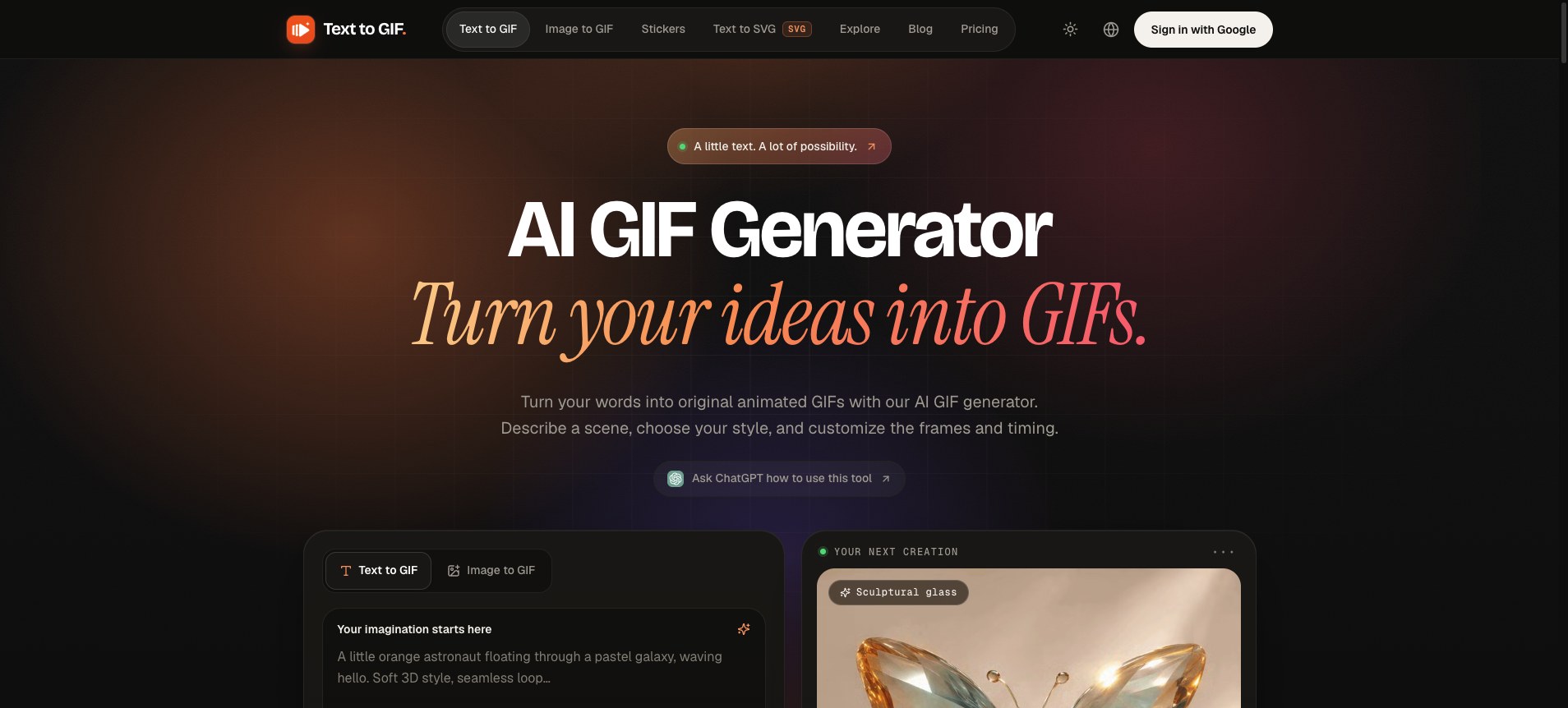
Browser-based AI tool that generates animated GIFs from text prompts, with controls for resolution, frames, and output format.
Are you the maker? Claim this listing to keep info, pricing and screenshots current. Verified via your tool's domain email.
Text to GIF is the clearest choice for solo creators who want animated GIFs from a text prompt without committing to a monthly subscription. Its pay-once credit model and upfront cost display are genuinely buyer-friendly, but the tool has no free tier and no API, which puts it behind broader platforms like Leonardo.Ai for teams or developers. If you need static image generation at scale or want to work inside an existing creative pipeline, look elsewhere.
What is Text to GIF?
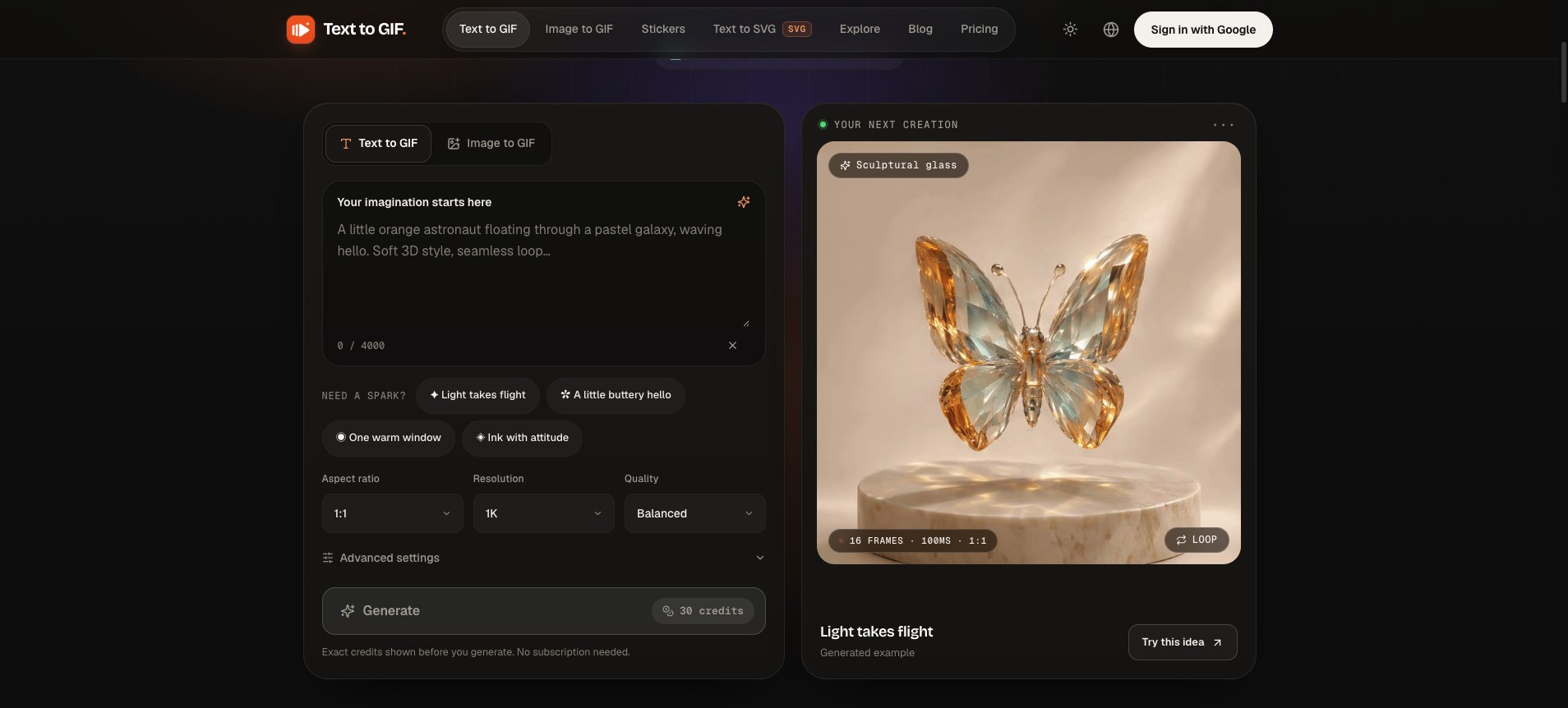
Text to GIF is a browser-based AI generator that turns a written prompt into an original animated GIF in seconds. Describe the subject, visual style and motion, then pick one of 15 aspect ratios, a resolution tier (1K, 2K or 4K) and a quality level. Advanced settings add control over output format, complexity, frame count (2-16 frames) and frame delay (20-2,000 ms), so you can tune a seamless loop, a reaction GIF or an animated sticker. The same workspace animates existing photos into GIFs, builds coordinated character sticker packs and generates SVG, PNG, WebP and JPG files. No design skills or starting video are required: sign in, review the credit quote, generate, preview and download the original GIF. Credits are bought once in non-expiring packs with no subscription, and failed generations are refunded automatically. Available in English, Traditional Chinese and Japanese.
How we scored Text to GIF
Capability scores 18 because the GIF-specific controls (15 aspect ratios, 2 to 16 frames, 4K resolution, five output formats) are genuinely deeper than what general image generators offer for animation, but the absence of any API and the lack of video output keep it well below a platform like Leonardo.Ai. Ease of use scores 20 because the upfront credit quote, browser-only access with no install, and straightforward settings panel reduce friction meaningfully. Value scores 16 because the $10 Starter pack buys only roughly 14 balanced 9-frame GIFs at the 30-credit rate, and there is no free tier to evaluate the output quality before spending; the Studio pack improves the per-credit rate but the entry cost is still real. Delivery scores 14 because the tool launched very recently, user sentiment data is essentially absent, and the credit-not-cash refund policy on failures is a softer guarantee than it first appears.
Pros and cons
What we liked
- Credits never expire and the exact cost is shown before every generation, so there are no billing surprises.
- Five output formats (GIF, PNG, WebP, JPG, SVG) share one credit pool, making the tool useful beyond animated GIFs alone.
- Resolution up to 4K and 15 aspect ratios give more output control than most dedicated GIF tools in this price range.
Where it falls short
- No free tier and no trial credits mean every new user must spend at least $10 before seeing a single output, which is a real barrier for evaluation.
- The Starter pack's 440 credits go quickly at higher settings: a balanced 1K GIF with 9 frames costs 30 credits, so $10 buys roughly 14 of those before the pack is exhausted.
- No API, no team workspace, and no bulk generation pipeline exist at any price point, which is a specific gap compared to Leonardo.Ai and Midjourney.
Key features
Text to GIF pricing
Three one-time credit packs: Starter at $10 for 440 credits, Creator at $20 for 2,220 credits, Studio at $50 for 7,770 credits. Credits never expire. A draft 1K still image starts at 10 credits; a balanced 1K GIF with 9 frames costs 30 credits. No subscription option exists. Failed generations are refunded in credits, not cash.
| Plan | Price | Who it is for |
|---|---|---|
| Starter | $10 | 440 credits, one-time purchase. Covers all five output formats and all quality and resolution options. Credits never expire. A balanced 1K GIF with 9 frames costs 30 credits, yielding roughly 14 such GIFs per pack. |
| Creator | $20 | 2,220 credits, one-time purchase. Same feature access as Starter. Roughly 74 balanced 1K 9-frame GIFs per pack at the 30-credit rate. |
| Studio | $50 | 7,770 credits, one-time purchase. Same feature access as Starter and Creator. Best per-credit rate of the three packs at approximately $0.0064 per credit. |
Pricing reflects what we saw at time of review (2026-11). Always confirm current pricing on the tool's own site.
Who should use Text to GIF?
Social media managers and content creators who produce reaction GIFs, animated stickers, or looping visuals on a sporadic schedule will get the most from this tool. The pay-once model suits someone who needs a burst of GIFs for a campaign and then goes quiet for two months; credits sitting unused do not cost anything extra.
Anyone who needs a free trial before committing money should skip this tool entirely. Developers who want to automate GIF generation via API, or teams that need shared workspaces and usage dashboards, will also hit a wall fast. For those use cases, Leonardo.Ai offers a token-based plan with broader API access and team features that Text to GIF does not provide.
Skip it if: Developers or teams needing API access, bulk generation, or static-image-only workflows
Text to GIF alternatives
Frequently asked questions
Is there a free trial or free tier?+
No. Text to GIF has no free tier and no trial credits. The minimum spend is $10 for the Starter pack of 440 credits.
How many GIFs does each credit pack produce?+
It depends on your settings. A draft 1K still image starts at 10 credits; a balanced 1K GIF with 9 frames costs 30 credits. At that rate, the $10 Starter pack (440 credits) yields roughly 14 such GIFs, the $20 Creator pack (2,220 credits) yields roughly 74, and the $50 Studio pack (7,770 credits) yields roughly 259.
Do credits expire if I do not use them?+
No. All three credit packs are explicitly non-expiring, so unused credits carry over indefinitely.
What happens if a generation fails?+
Credits for confirmed failed generations are returned automatically. This is a credit refund, not a cash refund.
Can I use Text to GIF on mobile?+
Yes. The tool runs in any modern browser on both desktop and mobile; there is no dedicated app required.
Does Text to GIF support languages other than English?+
Yes. The interface is available in English, Traditional Chinese, and Japanese.
More AI Image Generators tools
See all categoriesGet your tool listed on 300+ directories.
One listing here is a strong start. But the founders who get discovered everywhere are listed everywhere. Our sister site, Free AI Directories, submits your tool to 300+ AI directories for you, every single one by hand, by a real person.
It is a one-time payment of $49, no subscription, and you can follow along as the submissions land. Prefer the slow route? The same site keeps a free list of 450+ directories you can work through yourself.
Get my tool listed on 300+ directoriesOne-time payment, no subscription · 100% human submissions · Free list of 450+ directories included.