
Text to Video
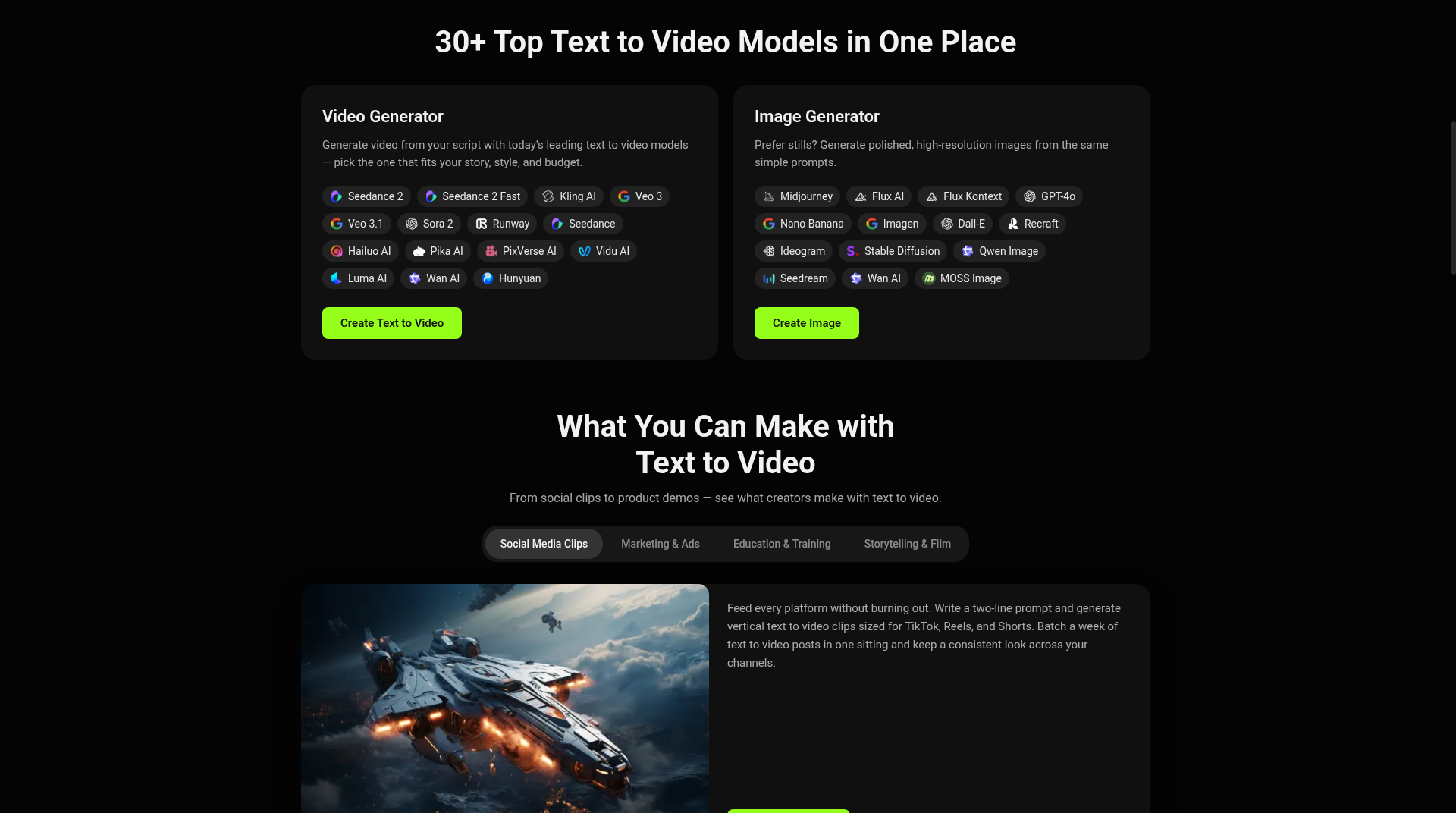
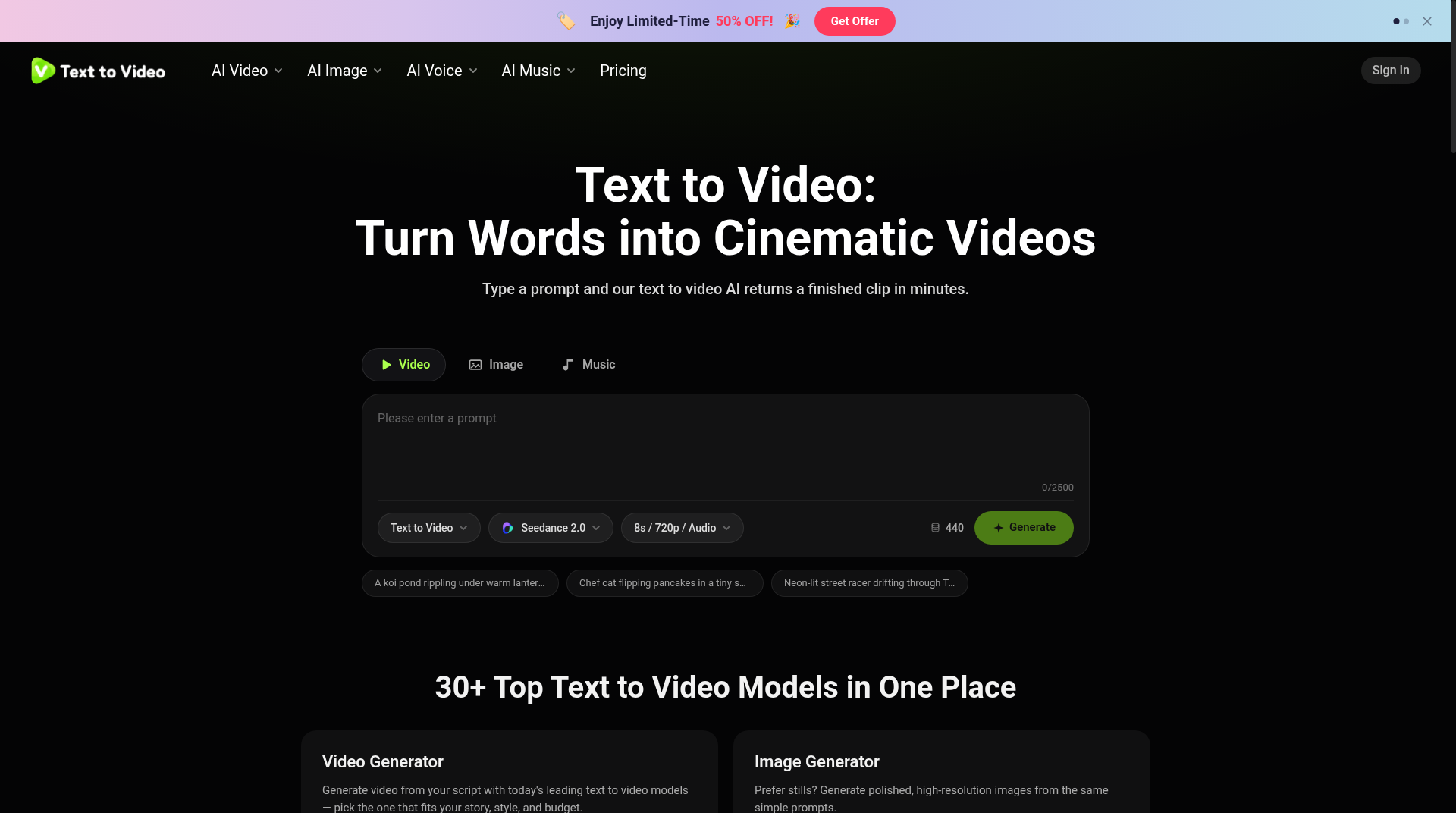
A multi-model AI video studio at texttovideo.com that turns text prompts into clips using 30+ models including Sora, Veo, and Kling.
Are you the maker? Claim this listing to keep info, pricing and screenshots current. Verified via your tool's domain email.
Text to Video suits solo creators and marketers who want to test a prompt across many AI models without committing to a single vendor's ecosystem. The credit-based pricing is fair at the Lite tier but the platform is thin on post-generation editing, where Runway and Descript both pull ahead. Teams that need timeline editing, transcript-based cuts, or avatar-quality polish should look elsewhere.
What is Text to Video?
Text to Video by DeepOasis, LLC helps you go from script or idea to AI-generated video in minutes. Free to try at texttovideo.com.
How we scored Text to Video
Capability scores 18 because access to 30-plus named models (Sora 2, Veo 3.1, Kling, Pika) from one credit balance is a genuine differentiator, but the complete absence of post-generation editing tools is a real gap that both Runway and Descript fill. Ease of use scores 18 because the browser-only, prompt-first interface has low onboarding friction and the Chrome extension adds convenience, though the undisclosed free credit amount creates friction at the very first step. Value scores 17 because the Lite plan at $14.95/month for up to 400 watermark-free videos is competitive, but the Max plan at $69/month with a sliding credit scale and the opaque credit-pack pricing make total cost hard to predict. Delivery scores 13 because the platform launched publicly in late October 2026 with almost no independent user review history, the legal entity discrepancy between DeepOasis LLC and Waffo USA Inc. on the pricing page is unresolved, and the free tier's watermark and undisclosed credit limit are mild bait-and-switch signals that reduce confidence in what the free experience actually delivers.
Pros and cons
What we liked
- Access to 30-plus AI video models (Sora 2, Veo 3.1, Kling, Pika, Seedance, and others) from a single credit balance, letting you compare outputs without multiple subscriptions.
- Unusually broad toolset for one subscription: text-to-video, image-to-video, video-to-video, AI avatars, lip sync in 17-plus languages, voice cloning, and AI music generation all share the same plan.
- Lite plan at $14.95/month covers up to 400 videos per month with no watermarks and private content, which is competitive for high-volume short-form creators.
Where it falls short
- No post-generation editing tools: once a clip is generated there is no timeline, trim, or transcript-based cut available on the platform, a gap that Runway and Descript both fill.
- The platform launched publicly in late October 2026, so there is almost no independent user review history to verify output consistency, uptime reliability, or support quality at scale.
- Free tier outputs carry a watermark and the site does not disclose exactly how many free starter credits are included, making it hard to evaluate the free experience before signing up.
Key features
Text to Video pricing
Freemium. Free tier includes starter credits with watermarked output. Paid plans: Lite at $14.95/month (2,000 credits, up to 400 videos/month), Pro at $29.95/month (5,000 credits, up to 1,000 videos/month), Max at $69/month (12,000 credits, up to 2,400 videos/month). Annual billing saves up to 50%. Credit packs also available for one-off purchases.
| Plan | Price | Who it is for |
|---|---|---|
| Free | Free | Starter credits to try the platform. Outputs carry a watermark. Exact credit amount not disclosed on the pricing page. |
| Lite | $14.95/mo | 2,000 credits/month, up to 400 videos/month, up to 1,000 images/month, 2 parallel tasks, all AI tools (video, image, voice, music), no watermarks, private content, copy protection, priority support. Annual billing available at $179.40/year. |
| Pro | $29.95/mo | 5,000 credits/month, up to 1,000 videos/month, up to 2,500 images/month, 5 parallel tasks, all AI tools, no watermarks, private content, copy protection, priority support, 20% lower cost per credit versus Lite. Annual billing available at $359.40/year. |
| Max | $69/mo | 12,000 credits/month (slideable to higher volumes), up to 2,400 videos/month, up to 6,000 images/month, 10 parallel tasks, all AI tools, fastest generation speed, priority queue, no watermarks, private content, copy protection, priority support, 34% lower cost per credit versus Lite. Annual billing available at $828/year. |
| Credit Packs | Varies | One-off credit purchases that feed the same balance as subscriptions. Exact pack sizes and prices not fully disclosed in the pricing page text. |
Pricing reflects what we saw at time of review (2026-10). Always confirm current pricing on the tool's own site.
Who should use Text to Video?
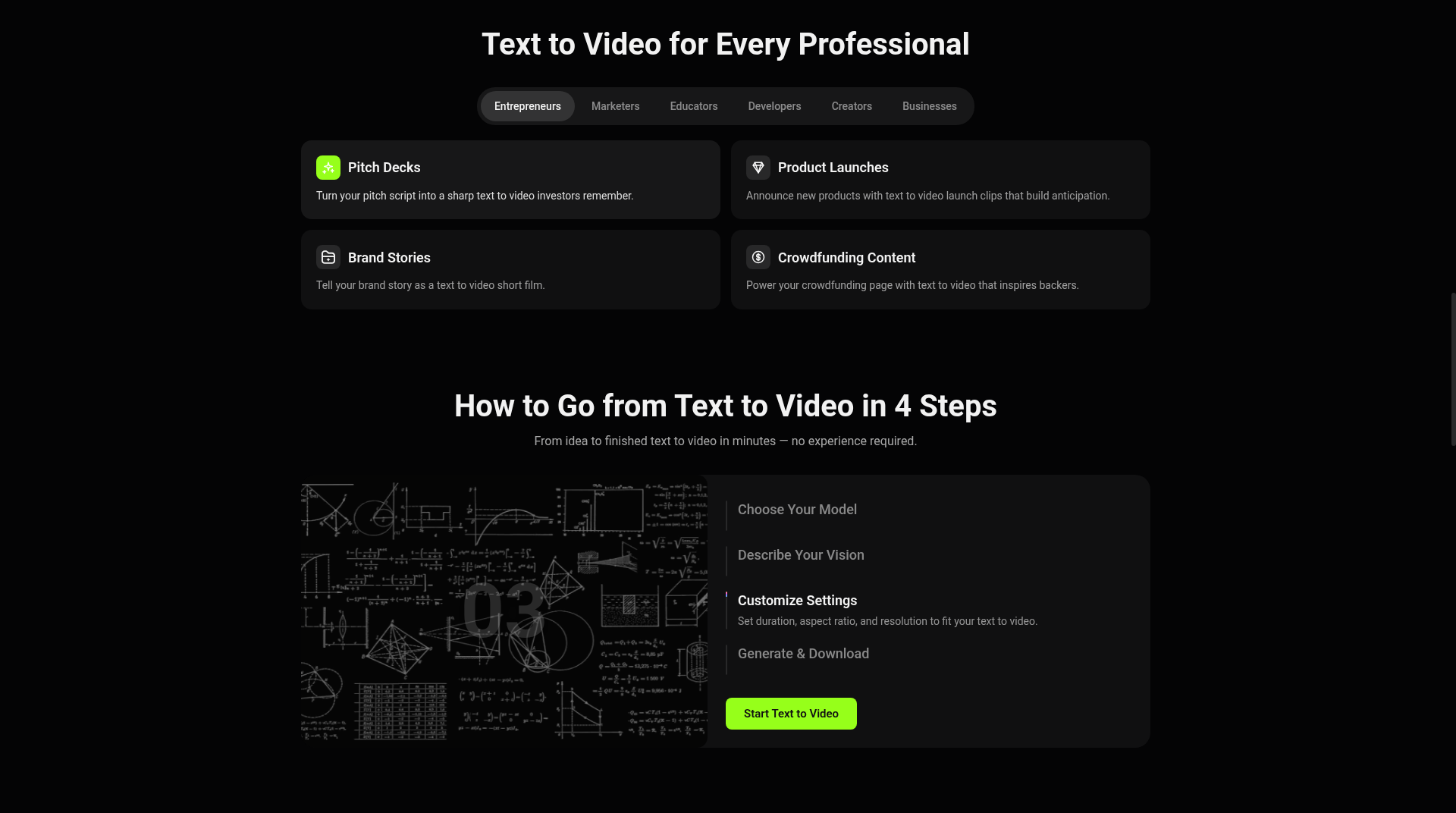
A solo content creator or small marketing team that needs to produce short promotional clips, product teasers, or explainer videos quickly will find the multi-model approach genuinely useful. Being able to run one prompt through Sora, Kling, and Veo in the same session and compare outputs saves the time of managing three separate subscriptions. The Lite plan at $14.95/month, which allows up to 400 videos per month, is a reasonable entry point for someone publishing regularly to social channels.
Anyone who needs to edit footage after generation, cut on a transcript, or produce polished talking-head content with fine-grained control should look elsewhere. Runway is the stronger pick for creators who need a proper browser-based editing timeline alongside generation. Descript is the right choice if transcript-based editing and podcast-style video production are the priority. HeyGen beats this platform specifically for avatar quality and video translation workflows.
Skip it if: Teams needing timeline editing, transcript-based cuts, or deep post-production
Tags
Frequently asked questions
How many AI models can I access on the platform?+
The platform gives access to 30-plus AI video models including Sora 2, Veo 3.1, Kling, Hailuo, Pika, Runway, and Seedance 2.0. All are accessible from the same prompt interface and draw from the same credit balance.
Does the free tier include watermarks?+
Yes. Free-tier video exports carry a watermark. Watermark-free output requires a paid plan starting at $14.95/month (Lite).
Can I use generated videos commercially?+
Commercial rights are included with paid plans. The free tier does not cover commercial use.
How much does one video cost in credits?+
Credit cost per video varies by model, duration, and resolution. The pricing page does not publish a fixed per-video credit rate, but the Lite plan's 2,000 credits allow up to 400 videos per month, implying roughly 5 credits per standard video at that tier.
Do credits expire?+
The pricing page lists credit expiry as a FAQ topic but does not display the answer in the extracted page text. This should be confirmed directly on the pricing page before purchase.
Is there a Chrome extension?+
Yes, a Chrome extension is listed as an available platform alongside the main web app.
More AI Video Tools
See all categoriesGet your tool listed on 300+ directories.
One listing here is a strong start. But the founders who get discovered everywhere are listed everywhere. Our sister site, Free AI Directories, submits your tool to 300+ AI directories for you, every single one by hand, by a real person.
It is a one-time payment of $49, no subscription, and you can follow along as the submissions land. Prefer the slow route? The same site keeps a free list of 450+ directories you can work through yourself.
Get my tool listed on 300+ directoriesOne-time payment, no subscription · 100% human submissions · Free list of 450+ directories included.