ToText
iOS voice recorder that turns recordings into searchable transcripts, AI summaries, and action items across 60 languages, no account needed.
Are you the maker? Claim this listing to keep info, pricing and screenshots current. Verified via your tool's domain email.
ToText is the right pick for iPhone users who want private, on-device voice notes with AI summaries and no sign-up friction. It cannot capture Zoom or Google Meet audio directly, which rules it out for anyone whose main use case is meeting transcription. Teams, Android users, and anyone needing a browser-based workflow should look elsewhere.
What is ToText?
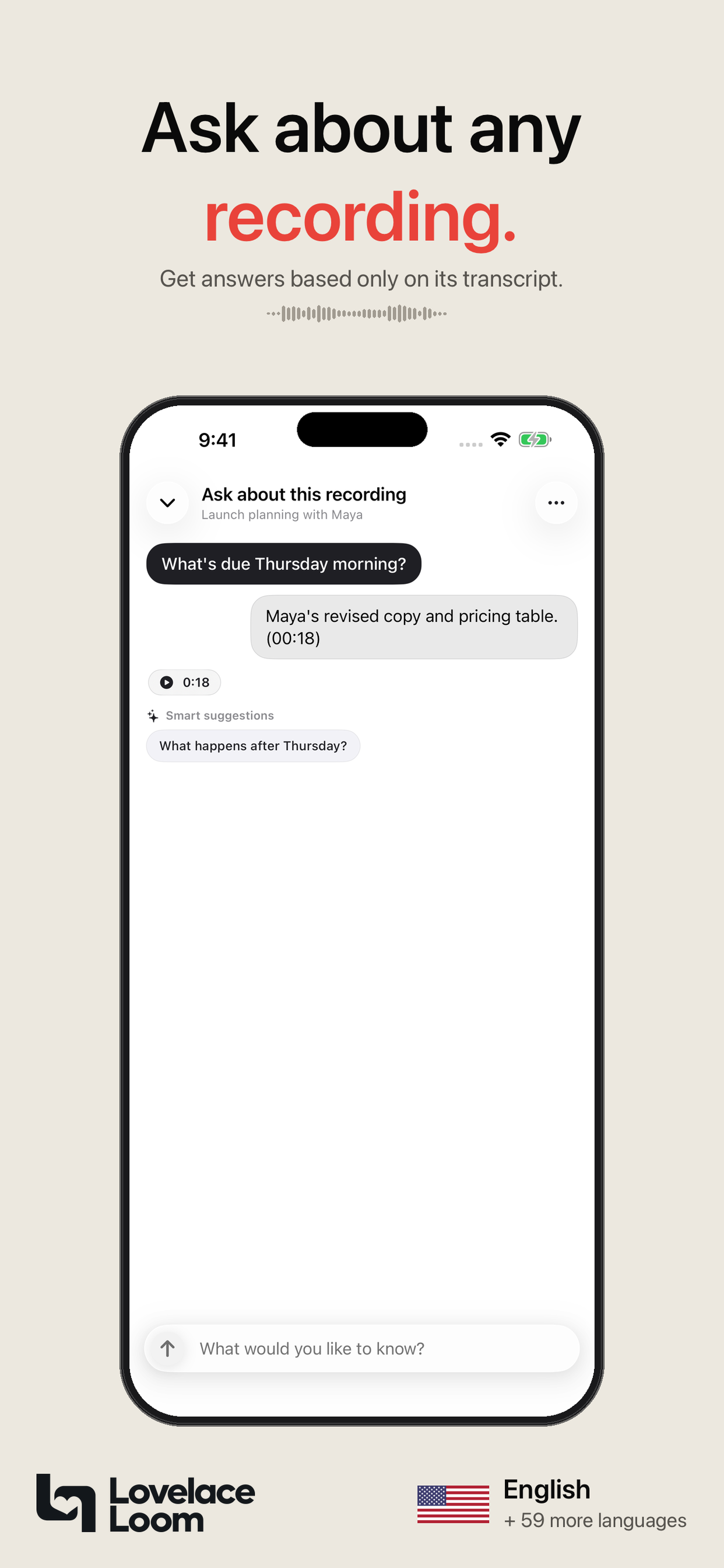
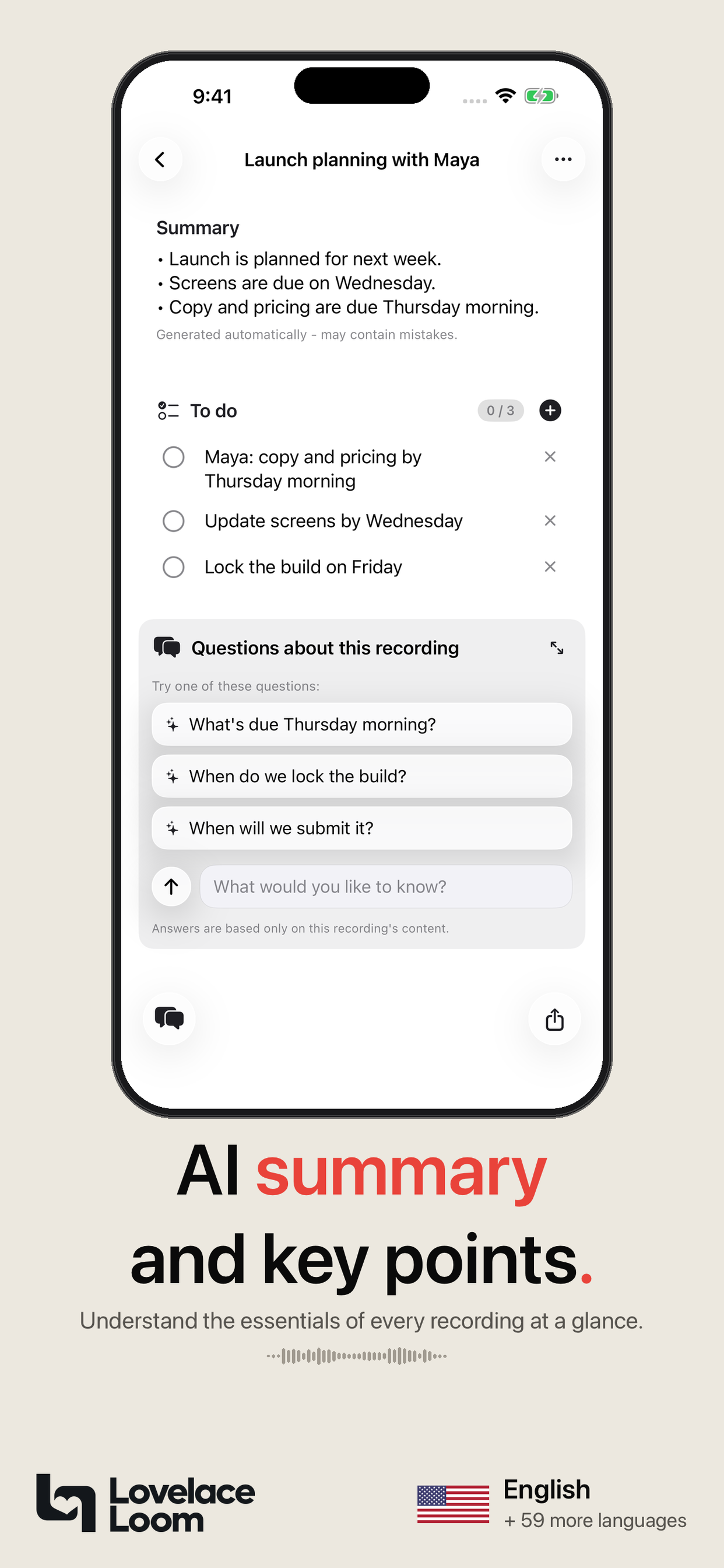
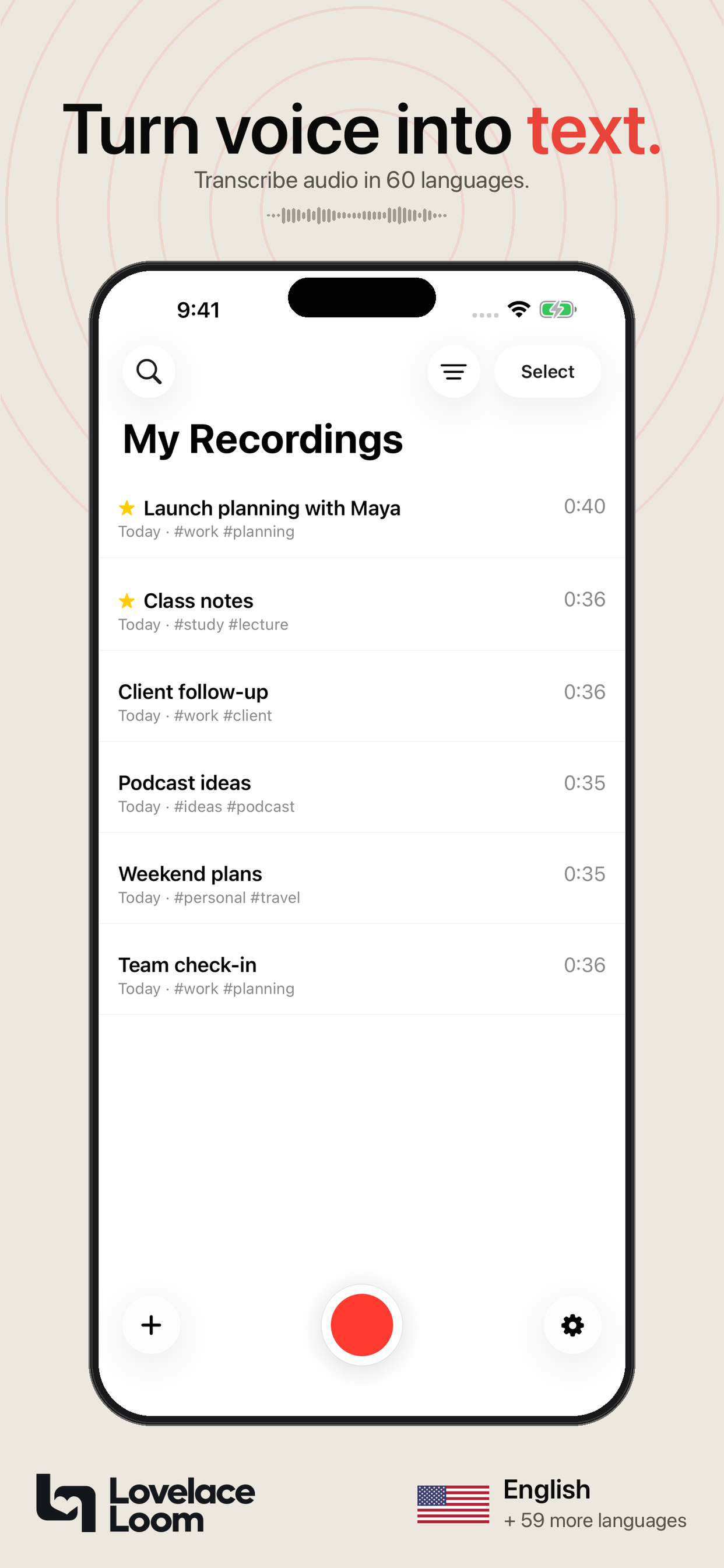
ToText is an iOS voice recorder and transcription app developed by Lovelace Loom, a two-person independent studio. It records audio through the device microphone or accepts imported audio files, then produces a searchable transcript, an AI-generated summary, action items, and a Q&A interface that answers questions based on the transcript. The app supports transcription in 60 languages, allows a primary and secondary language per recording, and requires no account or email address to use. Recordings and generated text are stored on-device with optional iCloud sync.
The app is designed for individual users on iPhone and iPad who capture meetings, lectures, interviews, or personal voice memos and need to retrieve specific details without replaying recordings. It does not support direct capture of system audio from Zoom, Google Meet, or phone calls. Exports are available as PDF or plain text. The free tier includes 60 transcription minutes per month.
How we scored ToText
Capability scores 18 because the core transcription-plus-summary loop is well-designed and the 60-language support is genuinely broad, but the hard inability to capture system audio from Zoom or Google Meet is a significant functional gap that most competing transcription tools do not share, and the Q&A feature degrades on long recordings. Ease of use scores 21 because the no-account, no-email onboarding is among the lowest-friction entry points in the category, and the workflow from record to summary is straightforward. Value scores 16 because 60 free minutes per month is a reasonable starter allowance, but paid tier prices could not be confirmed at review time, making it impossible to assess whether the upgrade is fairly priced; the score reflects that uncertainty rather than assuming favorable pricing. Delivery scores 11 because ToText is an indie two-person studio app with limited public track record, no confirmed social presence, and the privacy claims in the GitHub PR were self-submitted by an affiliated party, all of which reduce confidence that the product delivers consistently at scale.
Pros and cons
What we liked
- No account or email required to start: 60 free transcription minutes per month are available immediately on download, with no sign-up gate.
- Strong privacy architecture for an AI app: recordings stay on-device with optional iCloud sync, and the app ships with no third-party analytics SDKs.
- Dual-language recording support lets you set a primary and secondary language, useful for bilingual interviews or code-switching conversations across 60 supported languages.
Where it falls short
- Cannot capture system audio from Zoom, Google Meet, or phone calls, which is a hard architectural limit, not a missing feature that a future update could easily add.
- iOS only with no Android, web, or desktop client, so a single-platform constraint locks out a large share of potential users from day one.
- For very long recordings, the Q&A feature answers only from the most recent portion of the transcript, which means early content in a lengthy session can be effectively invisible to the AI.
Key features
ToText pricing
60 free transcription minutes per month with no account required. Paid tier names and prices were not visible in the pre-fetched pricing page content (the page was truncated before listing paid plans). A reviewer should verify current paid plan prices directly on the pricing page before publishing.
| Plan | Price | Who it is for |
|---|---|---|
| Free | Free | 60 transcription minutes per month. No account or email required. Available on download with no purchase needed. |
Pricing reflects what we saw at time of review (2026-09). Always confirm current pricing on the tool's own site.
Who should use ToText?
A solo researcher who records interviews in the field, a student capturing lectures, or a freelancer who takes voice memos between client calls will get real value here. The no-account setup means you can hand the app to someone unfamiliar with transcription tools and they will be recording and reading a summary within two minutes. The Q&A feature is particularly useful for long recordings where you need one specific fact, such as a quoted figure or a commitment someone made, without scrubbing through audio.
Anyone running a team that needs shared transcripts, anyone on Android, and anyone whose primary recordings come from Zoom or Google Meet should skip ToText entirely. For meeting-focused transcription with bot-based capture and team sharing, Tremigos (already in this directory) handles multi-language meeting content and covers the collaboration gap ToText leaves open.
Skip it if: Teams, Android users, or anyone who needs automatic meeting-bot transcription for Zoom or Google Meet.
ToText alternatives
Tags
Frequently asked questions
Do I need to create an account to use ToText?+
No. ToText requires no account and no email address. The free tier gives you 60 transcription minutes per month immediately on download.
Can ToText transcribe my Zoom or Google Meet calls?+
No. ToText cannot join online meetings or capture system audio, phone calls, or audio from Zoom or Google Meet. You would need to record the meeting separately and import the audio file.
Where are my recordings stored?+
Recordings and generated text stay on-device. Optional iCloud sync is available. The app has no third-party analytics SDKs, though audio is sent temporarily to external providers when transcription or AI text generation runs.
What languages does ToText support?+
ToText transcribes speech in 60 languages. You can set a primary language and an optional second language for recordings that mix two languages. The app does not translate transcripts; they remain in the language spoken.
What does the free tier actually include, and what does a paid plan cost?+
The free tier includes 60 transcription minutes per month with no account required. Paid plan names and prices were not confirmed from the pricing page at review time; check lovelaceloom.com/totext/pricing for current figures.
Is ToText available on Android or as a web app?+
No. ToText is available only for iPhone and iPad. There is no Android app, web interface, or desktop client.
More AI Voice, Audio & Music tools
See all categoriesGet your tool listed on 300+ directories.
One listing here is a strong start. But the founders who get discovered everywhere are listed everywhere. Our sister site, Free AI Directories, submits your tool to 300+ AI directories for you, every single one by hand, by a real person.
It is a one-time payment of $49, no subscription, and you can follow along as the submissions land. Prefer the slow route? The same site keeps a free list of 450+ directories you can work through yourself.
Get my tool listed on 300+ directoriesOne-time payment, no subscription · 100% human submissions · Free list of 450+ directories included.