VidDub
Pay-as-you-go AI video translation with burned-in subtitles and optional dubbing, available on web, iOS, and Android.
Are you the maker? Claim this listing to keep info, pricing and screenshots current. Verified via your tool's domain email.
VidDub suits solo creators and educators who need burned-in subtitles fast without a subscription, thanks to its one-time credit packs starting at $3.90. Its language roster of 16 to 18 languages is narrow compared to HeyGen, which covers far more and adds avatar-driven localization. Teams needing voice cloning, lip sync, or API access should look elsewhere.
What is VidDub?
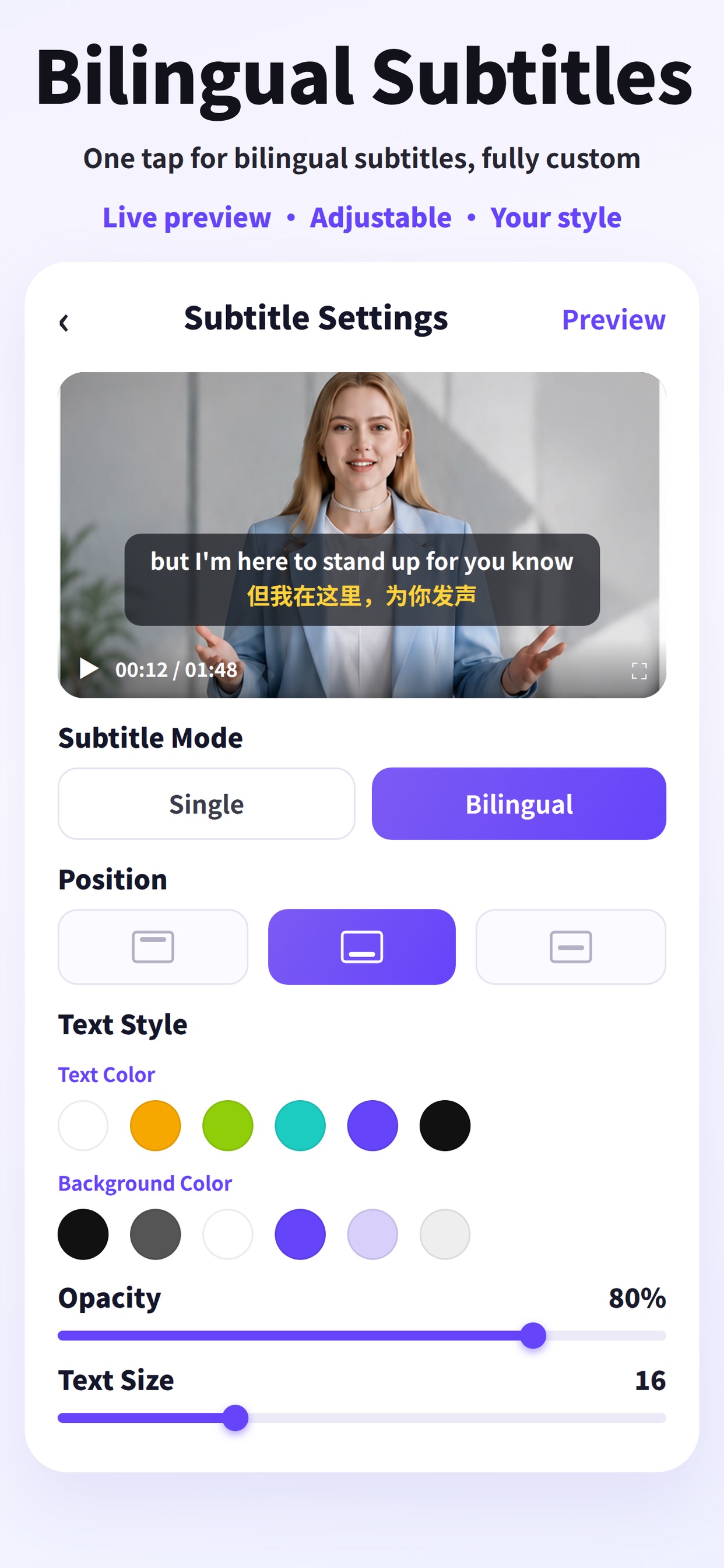
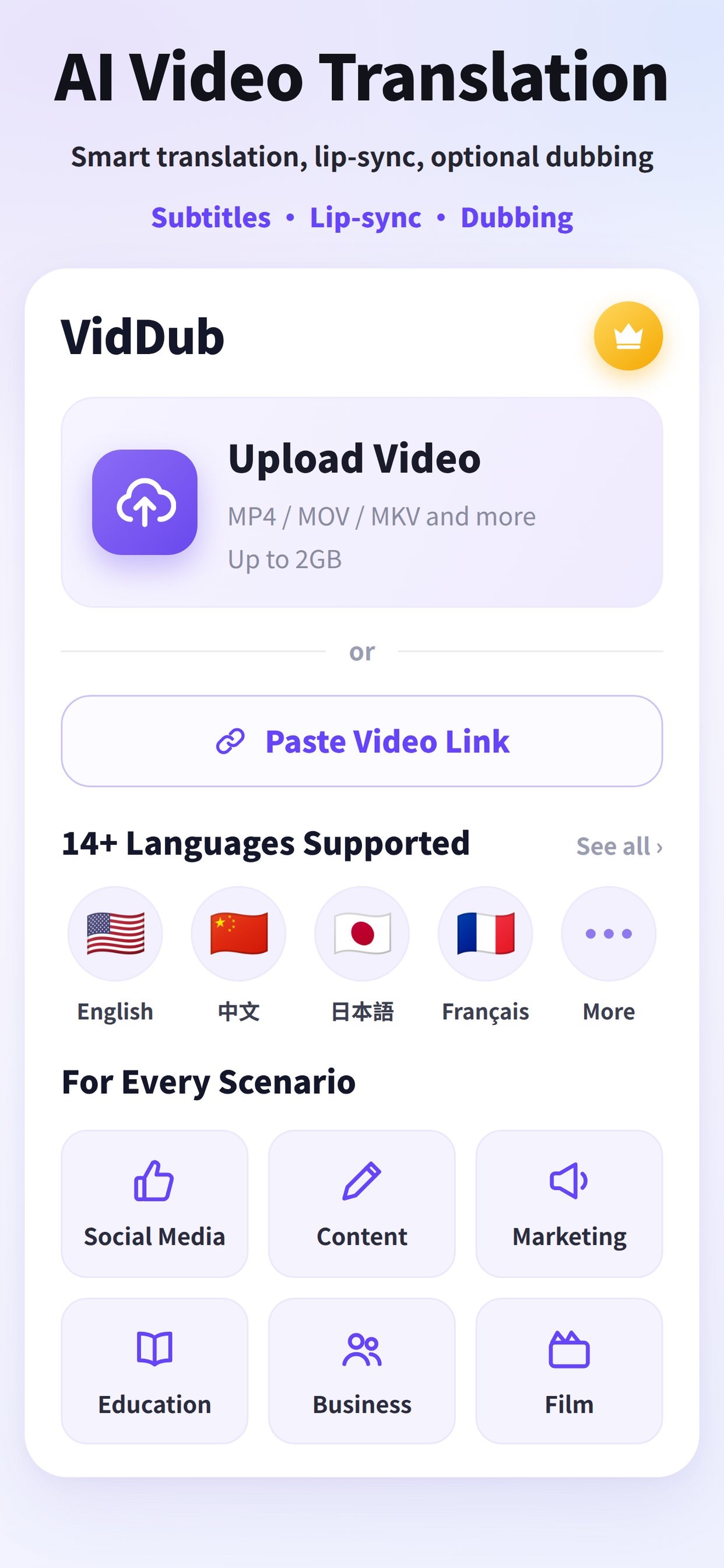
VidDub is an AI-powered video translation and dubbing tool available on the web, iOS, Android, and as a Chrome extension. It translates uploaded videos into synchronized burned-in subtitles, monolingual or bilingual, with optional AI voiceover, and supports subtitle export. Credits are purchased as one-time minute packs on the web or as monthly subscriptions through the mobile app stores.
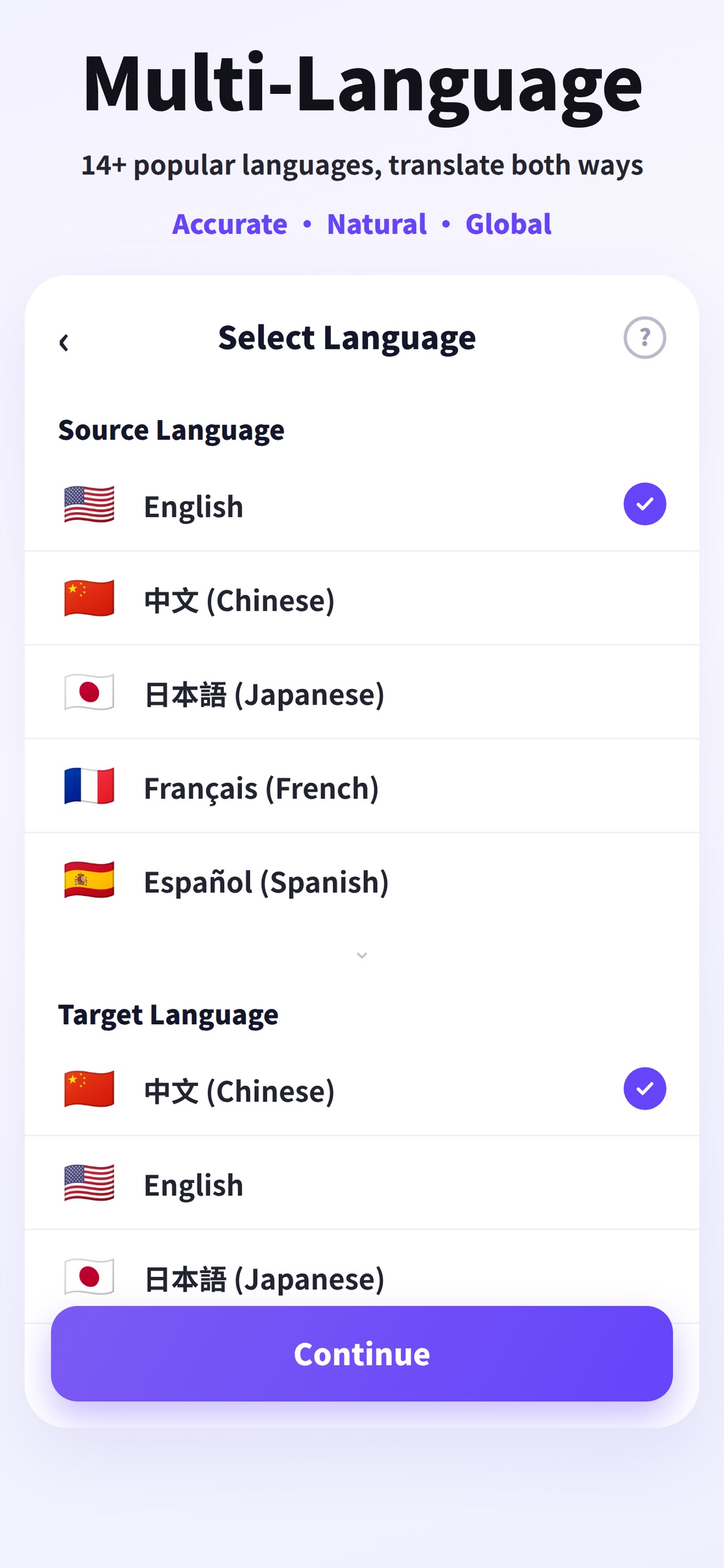
The tool targets content creators, educators, and small marketing teams who need to localize video content without a full production workflow. Supported languages include English, Simplified and Traditional Chinese, Japanese, Russian, Spanish, German, French, Italian, Portuguese, Thai, Vietnamese, Indonesian, Korean, Hindi, and Arabic. Processed outputs are stored on cloud servers for up to 24 hours and then deleted automatically.
How we scored VidDub
Capability lands at 14 because VidDub covers only ~16 languages and lacks voice cloning, lip sync, and API access that named competitors like HeyGen offer at comparable or lower per-minute costs. Ease of use scores 18 because the upload-translate-download flow is genuinely simple and the free preview lowers onboarding friction, but the split between web purchases and mobile-only subscriptions, plus the separate Google/Apple account pools, add real confusion. Value scores 20 because the one-time packs are priced fairly, with the 500-minute pack at $29.90 working out to under $0.06 per minute, and no subscription is required for casual use. Delivery scores 11 because there is almost no third-party review evidence to verify output quality claims, the operator is a Shenzhen-based company with a Gmail contact address rather than a formal support channel, and the fragmented purchase experience (web credits vs. mobile-only subscriptions) creates trust friction that heavier, better-documented tools do not have.
Pros and cons
What we liked
- Pay-as-you-go credit packs with no subscription required, starting at $3.90 for 30 minutes, making it accessible for occasional use.
- Basic AI dubbing is included at no extra charge on top of translation credits, unlike some competitors that bill dubbing separately.
- Processed video outputs are auto-deleted from cloud storage after 24 hours, a concrete privacy commitment not always offered by comparable tools.
Where it falls short
- Google and Apple sign-ins are treated as separate accounts with no credit sharing, meaning a user who signs in differently on web versus mobile loses access to their balance.
- Premium dubbing and monthly subscription plans are only purchasable inside the iOS and Android apps, not on the web, creating a fragmented purchase experience.
- Language support is limited to roughly 16 languages, a narrow roster compared to competitors like HeyGen that cover significantly more locales, and there is no voice cloning or lip sync capability at any tier.
Key features
VidDub pricing
Pay-as-you-go credit packs sold on the web: 30 minutes for $3.90, 60 minutes for $5.90, 200 minutes for $13.90, and 500 minutes for $29.90. Monthly subscription plans (Pro at $4.99/month or $29.99/year for 60 minutes; Max at $8.99/month or $59.90/year for 180 minutes) are sold exclusively through the iOS App Store and Google Play. One free preview per account covers eligible videos up to 10 minutes, playing roughly the first third without spending credits.
| Plan | Price | Who it is for |
|---|---|---|
| 30-Minute Pack | $3.90 | 30 translation minutes, one-time purchase, credits do not reset monthly. Translation is charged per minute of video length, rounded up. |
| 60-Minute Pack | $5.90 | 60 translation minutes, one-time purchase, same carry-over terms as the 30-minute pack. |
| 200-Minute Pack | $13.90 | 200 translation minutes, one-time purchase. Effectively $0.07 per minute. |
| 500-Minute Pack | $29.90 | 500 translation minutes, one-time purchase. Best per-minute rate among the web packs at under $0.06/minute. |
| Pro (Mobile Only) | $4.99/month or $29.99/year | 60 translation minutes per month, renews monthly or annually. Available only through iOS App Store or Google Play, not purchasable on the web. |
| Max (Mobile Only) | $8.99/month or $59.90/year | 180 translation minutes per month, renews monthly or annually. Available only through iOS App Store or Google Play. |
Pricing reflects what we saw at time of review (2026-11). Always confirm current pricing on the tool's own site.
Who should use VidDub?
A solo YouTuber or course creator who publishes in one language and wants to add burned-in subtitles for a second audience is the clearest fit. The pay-as-you-go packs mean you pay only for what you translate, with no monthly commitment, and the free preview lets you check output quality before spending a credit.
Educators producing short multilingual lessons will find the 30-minute pack at $3.90 covers a reasonable batch of content. Anyone who needs voice cloning, frame-accurate lip sync, or API access for automated pipelines should skip VidDub and look at HeyGen instead, which offers avatar-driven video localization and a broader feature set for teams with higher production requirements.
Skip it if: Teams needing voice cloning, lip sync, API access, or broad language coverage beyond ~18 languages.
VidDub alternatives
Tags
Frequently asked questions
Do unused credits expire?+
No. Web credit packs stay on your account until you spend them and are not reset each month. Monthly Pro and Max plan minutes, however, are tied to the subscription cycle.
Can I try VidDub before buying?+
Yes. One free preview per account covers an eligible video up to 10 minutes and shows roughly the first third of the translated output. Downloading the full translated video requires paid credits.
How does billing work for short videos?+
Translation is charged by the length of the video rounded up to the next full minute. A 90-second video costs 2 minutes of credit.
Can I buy a subscription on the website?+
No. The Pro ($4.99/month or $29.99/year) and Max ($8.99/month or $59.90/year) subscription plans are sold exclusively through the iOS App Store and Google Play. The website only sells one-time credit packs.
What happens if I sign in with Google on the web and Apple on my iPhone?+
Google and Apple sign-ins are treated as separate accounts and do not share credits. You need to use the same sign-in method across devices to access the same credit balance.
How many languages does VidDub support?+
The app store listing covers 16 languages including English, Simplified and Traditional Chinese, Japanese, Russian, Spanish, German, French, Italian, Portuguese, Thai, Vietnamese, Indonesian, Korean, Hindi, and Arabic. The submitted description cites 17 source and 18 target languages, which may reflect web-app additions not listed in the app store copy.
More AI Video Tools
See all categoriesGet your tool listed on 300+ directories.
One listing here is a strong start. But the founders who get discovered everywhere are listed everywhere. Our sister site, Free AI Directories, submits your tool to 300+ AI directories for you, every single one by hand, by a real person.
It is a one-time payment of $49, no subscription, and you can follow along as the submissions land. Prefer the slow route? The same site keeps a free list of 450+ directories you can work through yourself.
Get my tool listed on 300+ directoriesOne-time payment, no subscription · 100% human submissions · Free list of 450+ directories included.