
WakeMark
AI-powered X/Twitter bookmark organizer that auto-tags saved tweets and lets you search, chat, and get weekly email digests.
Are you the maker? Claim this listing to keep info, pricing and screenshots current. Verified via your tool's domain email.
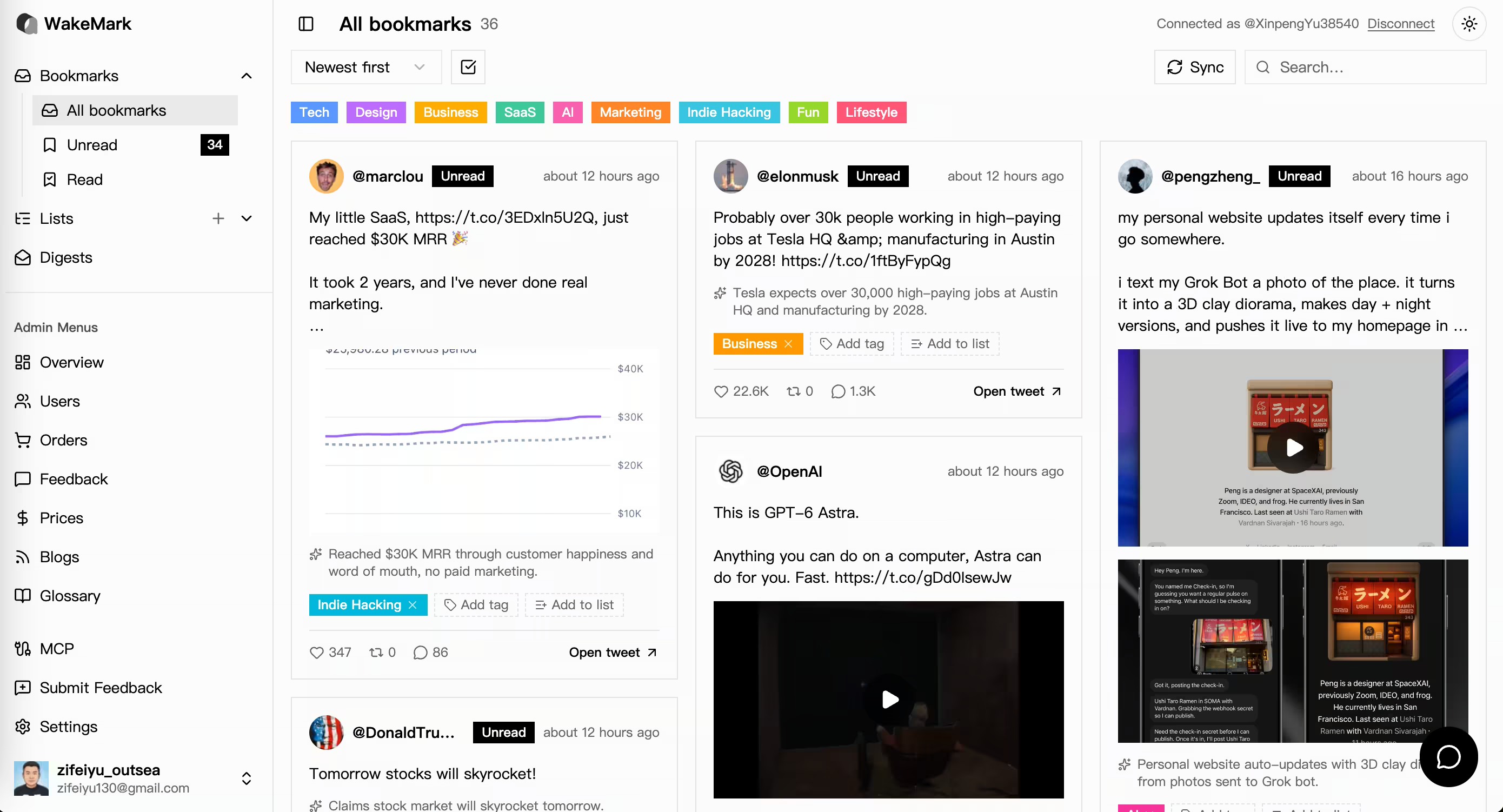
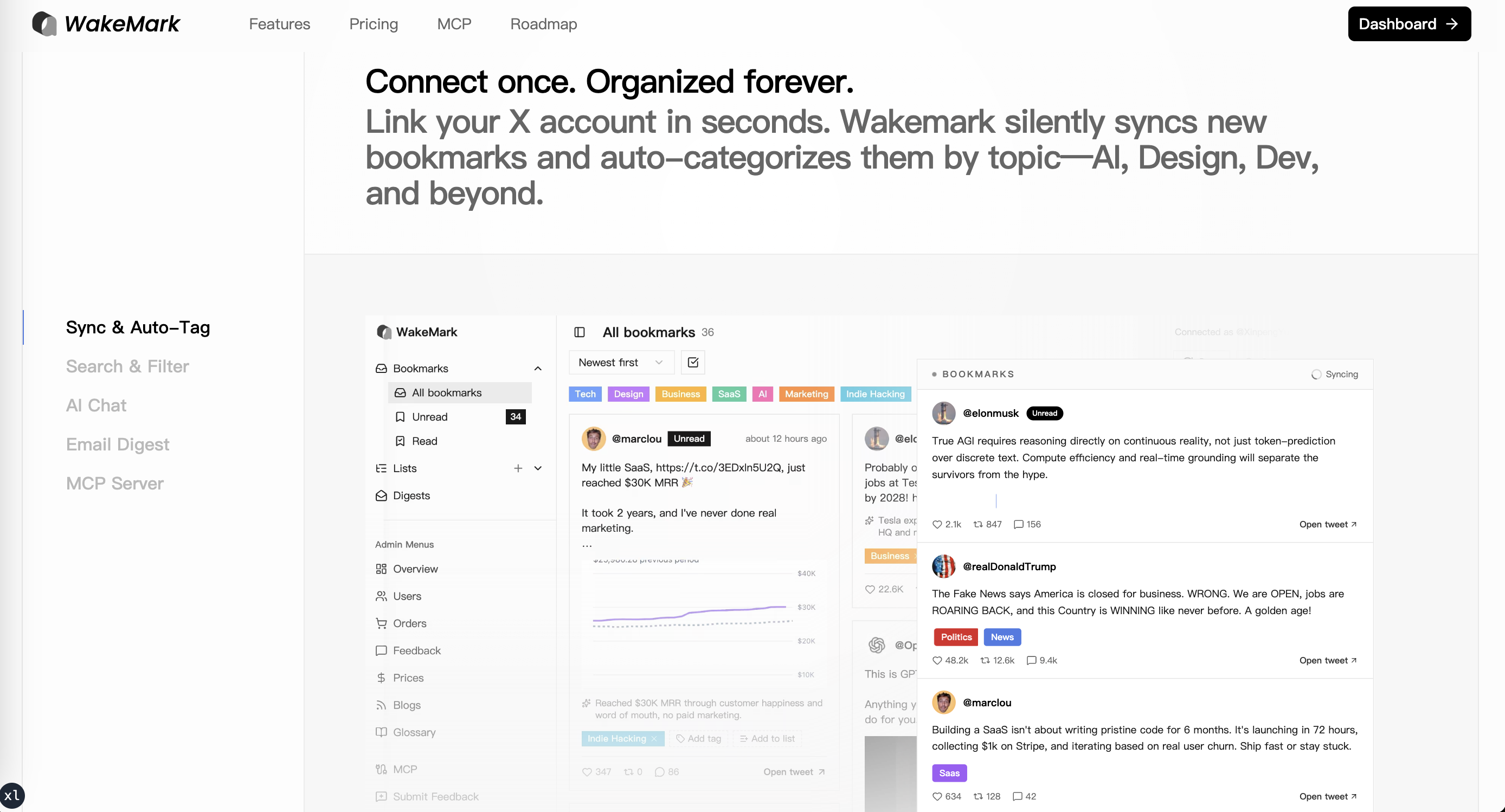
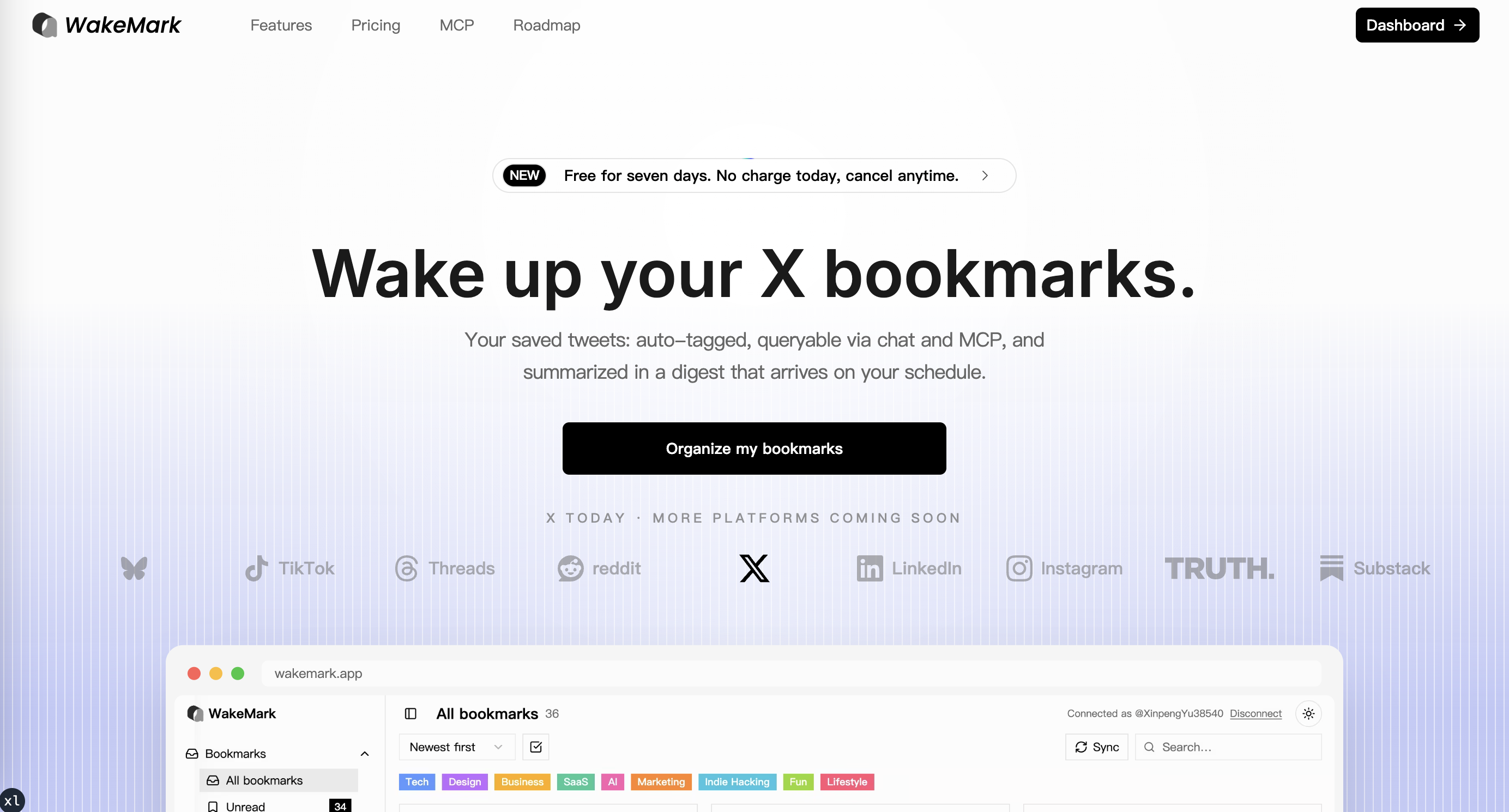
WakeMark fills a real gap for people who save dozens of tweets a week and never find them again, using AI tagging and a chat interface to make that archive actually searchable. Its MCP integration is a differentiator no direct competitor in this directory offers, but the tool is narrow by design and depends entirely on X/Twitter as its data source. Anyone who wants a general-purpose knowledge base that ingests articles, PDFs, and web clips alongside tweets should look at Notion AI instead.
What is WakeMark?
WakeMark is a web application that connects to a user's X (formerly Twitter) account and automatically syncs their bookmarks on a daily schedule. It applies AI-generated tags to each saved tweet, organizes them into lists, and makes the full archive searchable through both keyword search and a conversational chat interface.
The tool also supports MCP (Model Context Protocol) integrations, allowing external AI agents to query the bookmark library directly. A Chrome extension handles bulk import of historical bookmarks that predate the sync connection. Subscribed users receive a weekly email digest every Friday, delivered at a time and time zone they configure, to resurface older saved content.
How we scored WakeMark
Capability scores in the mid-teens because WakeMark does one narrow job (X/Twitter bookmark organization) with a genuinely useful feature set including MCP support, but the daily sync cap of roughly 20 bookmarks per run is a real functional ceiling and the tool has no multi-source ingestion that named competitors like Notion AI offer. Ease of use is limited by the Chrome-extension dependency for historical import and the absence of any documented onboarding path found during review. Value scores low at 10 because no pricing information could be verified at all, making it impossible for a buyer to assess cost, and a tool whose pricing is opaque cannot score well on value regardless of what that price turns out to be. Delivery lands at 13 because the product appears very early-stage with no indexed user reviews, no confirmed support channel, and a public GitHub repo suggesting minimal organizational backing, all of which create real uncertainty about whether the product delivers consistently at scale.
Pros and cons
What we liked
- MCP integration lets external AI agents query your bookmark library directly, a capability absent from every named directory competitor.
- Automatic daily sync pulls up to roughly 20 new bookmarks per run and drains the AI tagging queue without any manual action required.
- Weekly email digests are sent on the user's local Friday at a configurable hour and time zone, making resurface of forgotten saves genuinely scheduled rather than ad hoc.
Where it falls short
- The daily sync is capped at approximately 20 new bookmarks per run (up to 3 pages, stopping when it hits a previously seen tweet), so heavy bookmarkers who save more than that in a day will fall behind.
- Historical bookmark import depends on a Chrome extension rather than the X API, which means Firefox, Safari, and mobile-only users cannot import their archive.
- Pricing is not publicly documented in any indexed source found during this review, making it impossible for a prospective buyer to evaluate cost before signing up.
Key features
Who should use WakeMark?
WakeMark suits the kind of person who uses X/Twitter as a running research feed: journalists bookmarking sources, developers saving technical threads, or investors tracking market commentary. If you have hundreds of unsorted bookmarks and rely on X's native search to find them (which fails badly for bookmarks), the AI tagging and chat interface here solve a real daily frustration.
Skip it if your reading and saving habits span multiple platforms. Someone who clips articles from the web, saves YouTube videos, and occasionally bookmarks tweets needs a tool that ingests all of those sources. Notion AI handles that broader use case and already lives inside a workspace most knowledge workers use daily.
Skip it if: Anyone who needs a multi-source knowledge base or does not use X/Twitter bookmarks.
Tags
Frequently asked questions
How many bookmarks does WakeMark sync per day?+
The daily job pulls at most approximately 20 new X bookmarks per run, checking up to 3 pages and stopping when it encounters a tweet it has already seen. Heavy bookmarkers who save more than that in a single day may not have all new saves processed immediately.
Can I import bookmarks I saved before connecting WakeMark?+
Yes, but only through the Chrome extension. Historical bookmarks are imported via the extension rather than the X API, so this path is not available to Firefox, Safari, or mobile-only users.
What is MCP and why does it matter here?+
MCP stands for Model Context Protocol, a standard that lets external AI agents query a data source directly. WakeMark's MCP integration means tools like Claude or other AI assistants can pull from your bookmark library without you manually copying content across.
When are the weekly email digests sent?+
Digests go out every Friday at or after the hour you set in Settings, adjusted to your configured IANA time zone. Weeks you were unsubscribed are not retroactively filled in.
What does WakeMark cost?+
Pricing could not be verified from any publicly indexed source during this review. The submitted model is FREE_TRIAL, implying a trial period before a paid plan is required, but no tier names or prices were confirmed. Check wakemark.app/pricing directly for current figures.
Does WakeMark work with bookmarks from platforms other than X/Twitter?+
No. WakeMark is built specifically around X/Twitter bookmarks. It does not ingest content from other social platforms, browsers, or reading apps.
More AI Productivity Tools
See all categoriesGet your tool listed on 300+ directories.
One listing here is a strong start. But the founders who get discovered everywhere are listed everywhere. Our sister site, Free AI Directories, submits your tool to 300+ AI directories for you, every single one by hand, by a real person.
It is a one-time payment of $49, no subscription, and you can follow along as the submissions land. Prefer the slow route? The same site keeps a free list of 450+ directories you can work through yourself.
Get my tool listed on 300+ directoriesOne-time payment, no subscription · 100% human submissions · Free list of 450+ directories included.