WAV AI
A freemium AI music studio at wav.ai that turns text or photos into royalty-free songs, with built-in stem splitting, mastering, remixing,
Are you the maker? Claim this listing to keep info, pricing and screenshots current. Verified via your tool's domain email.
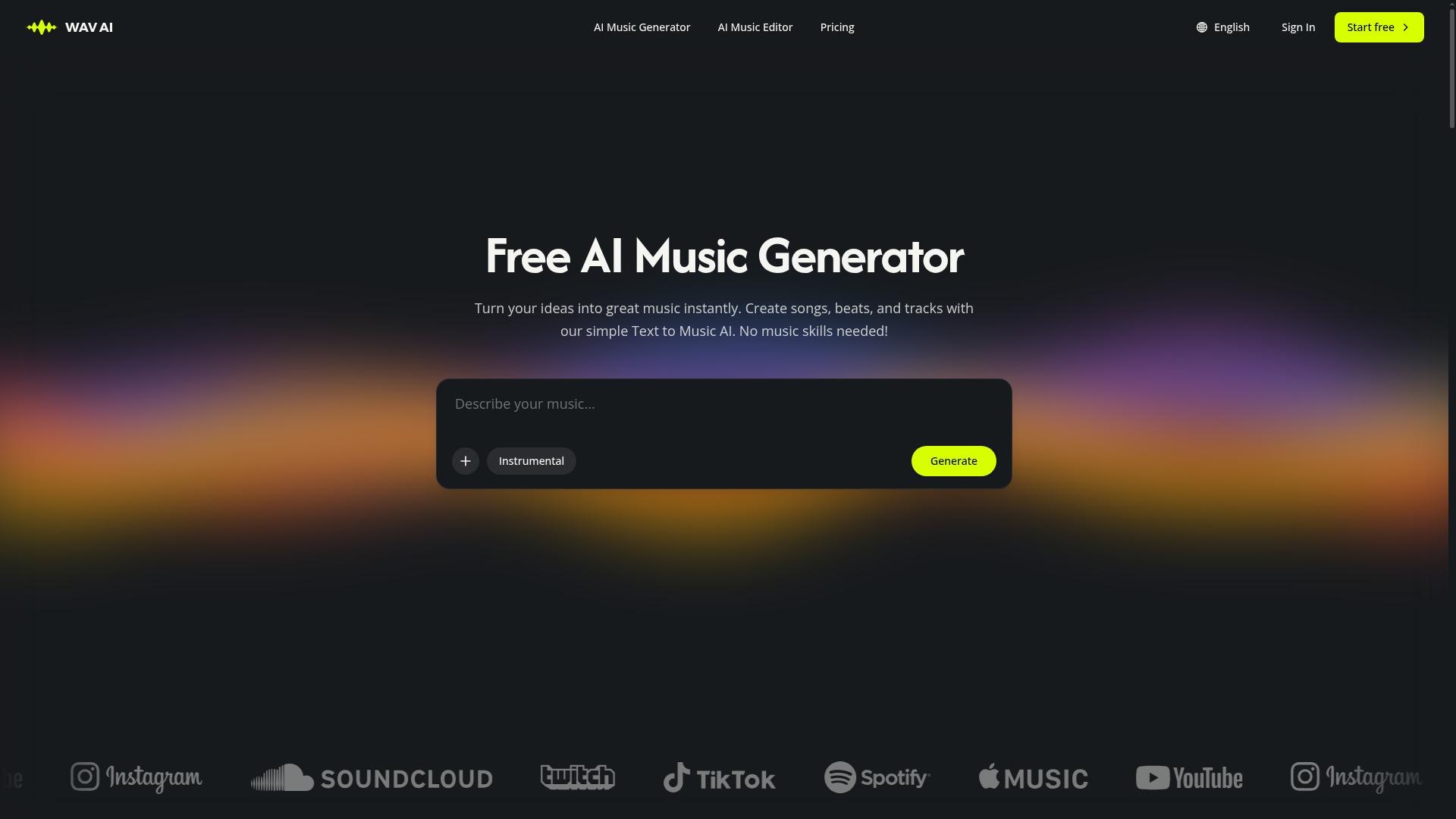
WAV AI suits solo content creators who want one browser tab to handle music generation, stem splitting, mastering, and voice covers without paying per-tool. Its free tier is genuinely thin at only 240 credits and 2 MP3 downloads, and the $4.99/month Starter plan still caps you at 5,400 credits with no offline or API access. If you need professional-grade voice synthesis rather than music generation, ElevenLabs is the stronger choice.
What is WAV AI?
WAV AI is a free AI music generator and multi-tool studio. Text/photo to music; Lyric Studio, Extender, Stem Splitter, Mastering, Remixer, Editor, Voice Cover. Freemium pricing for creators.
How we scored WAV AI
Capability scores 19 because the bundled suite (stem splitter up to 12 tracks, mastering, voice cover, photo-to-music, extend/replace) is genuinely broader than most single-purpose competitors in the directory, though the 8-minute hard cap and absence of an API limit its ceiling. Ease of use scores 18 based on a clean web-only interface with clearly named tools, though the credit system's opacity (no per-action credit cost listed on the pricing page) adds friction for new users. Value scores 17: the $4.99/month Starter is competitive for a solo creator, but the free tier's 2-download limit is so restrictive it barely functions as a trial, and the Professional tier at $119.99/month is steep for what remains a web-only, no-API product. Delivery scores 14 because no substantial independent user sentiment could be found for wav.ai specifically during research, the free plan's near-zero utility raises bait-and-switch concerns, and WAV AI retains a license to use generated content for marketing and training, which is a meaningful trust caveat that buyers should weigh.
Pros and cons
What we liked
- All-in-one editing suite: stem splitting (up to 12 tracks), mastering, remixing, extending, and voice covers are included on every paid plan without extra fees.
- Commercial license with a downloadable certificate ships on all paid tiers, including the $4.99/month Starter, making monetization straightforward for solo creators.
- Generates tracks up to 8 minutes long across all paid plans, which covers most background music use cases for video and podcast without needing the extender tool.
Where it falls short
- The free tier is nearly unusable for evaluation: 240 credits, 24 songs, and only 2 MP3 downloads make it hard to judge output quality before committing to a paid plan.
- No API or developer access is documented at any tier, which rules WAV AI out for any product team wanting to integrate music generation into an app or workflow.
- Music generation is capped at 8 minutes even on the $119.99/month Professional plan; creators needing longer continuous tracks for film scoring or extended ambient content have no upgrade path within the platform.
Key features
WAV AI pricing
Free plan includes 240 AI music credits, 24 songs, 2 lyric generations, and 2 MP3 downloads. Paid plans (billed yearly): Starter at $4.99/month ($59.88/year), Hobby at $20.99/month ($251.88/year), Professional at $119.99/month ($1,439.88/year). Monthly billing is also available at $12.99, $59.99, and $329.99 respectively. All paid tiers include a commercial license, unlimited MP3/WAV/FLAC downloads, stem splitting up to 12 tracks, and priority generation.
| Plan | Price | Who it is for |
|---|---|---|
| Free | Free | 240 AI music credits, 24 AI songs, 2 AI lyric generations, 2 free MP3 downloads. No commercial license. Personal use only. |
| Starter | $4.99/month | Billed yearly at $59.88. 5,400 AI music credits, music up to 8 min, AI voice cover, stem splitter (up to 12 tracks), commercial license, downloadable license certificate, unlimited MP3/WAV/FLAC downloads, priority generation queue, 24/7 email support. |
| Hobby | $20.99/month | Billed yearly at $251.88. 30,000 AI music credits. All Starter features included: commercial license, stem splitter, voice cover, unlimited downloads, priority queue, 24/7 email support. |
| Professional | $119.99/month | Billed yearly at $1,439.88. Unlimited AI music credits. All Hobby features included: commercial license, stem splitter, voice cover, unlimited MP3/WAV/FLAC downloads, priority queue, 24/7 email support. |
Pricing reflects what we saw at time of review (2026-10). Always confirm current pricing on the tool's own site.
Who should use WAV AI?
A solo YouTuber or podcaster who needs a few royalty-free tracks per week and wants to avoid juggling separate tools for generation, mastering, and stem separation will get real value from the Starter or Hobby tiers. The commercial license on every paid plan means the output is safe to monetize without additional paperwork, and the downloadable license certificate is a practical touch for creators who need documentation.
Anyone building a product that needs programmatic music generation should look elsewhere: WAV AI has no documented API. Teams with multiple seats will also find the per-account pricing model expensive at scale. If your primary need is realistic AI voiceover rather than music, ElevenLabs is the better fit, with dedicated voice cloning and text-to-speech depth that WAV AI's voice cover tool does not match. For automatic audio mastering as a standalone need, Waveroom Mastering offers a focused, lower-cost alternative.
Skip it if: Teams needing API access, or anyone whose primary need is voice synthesis rather than music
Frequently asked questions
Does WAV AI have a free plan?+
Yes. The free plan includes 240 AI music credits, enough for 24 songs, but limits you to 2 MP3 downloads and 2 lyric generations. There is no commercial license on the free tier.
What does the commercial license cover?+
Every paid plan includes a commercial license and a downloadable license certificate. This covers use of generated tracks in monetized videos, podcasts, games, and similar commercial projects.
How long can generated tracks be?+
All paid plans support music generation up to 8 minutes per track. The free plan does not specify a different cap, but credit limits effectively restrict output volume.
What audio formats can I download?+
Paid plans support unlimited downloads in MP3, WAV, and FLAC. The free plan allows only 2 MP3 downloads.
Is there an API for developers?+
No API access is documented on the WAV AI pricing page or feature list at any tier. The platform is currently web-only.
How does the stem splitter work and how many stems does it produce?+
The stem splitter is included on all paid plans and separates a track into up to 12 individual stems such as vocals, drums, and bass. It works on both generated and uploaded audio.
More AI Voice, Audio & Music tools
See all categoriesGet your tool listed on 300+ directories.
One listing here is a strong start. But the founders who get discovered everywhere are listed everywhere. Our sister site, Free AI Directories, submits your tool to 300+ AI directories for you, every single one by hand, by a real person.
It is a one-time payment of $49, no subscription, and you can follow along as the submissions land. Prefer the slow route? The same site keeps a free list of 450+ directories you can work through yourself.
Get my tool listed on 300+ directoriesOne-time payment, no subscription · 100% human submissions · Free list of 450+ directories included.