
Willow Voice
AI voice dictation for Mac, Windows, and iPhone that cleans up speech into polished text across any app.
Are you the maker? Claim this listing to keep info, pricing and screenshots current. Verified via your tool's domain email.
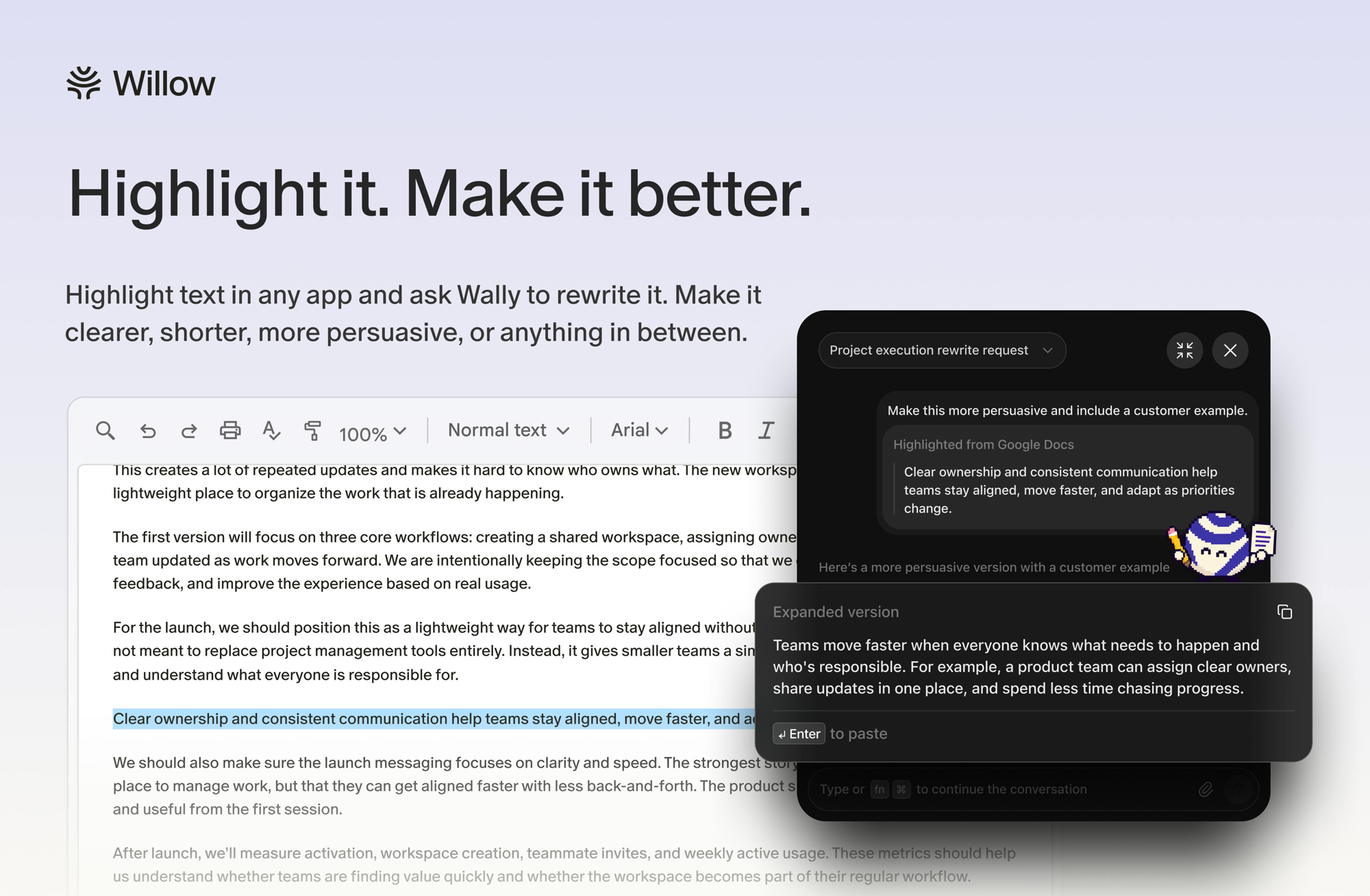
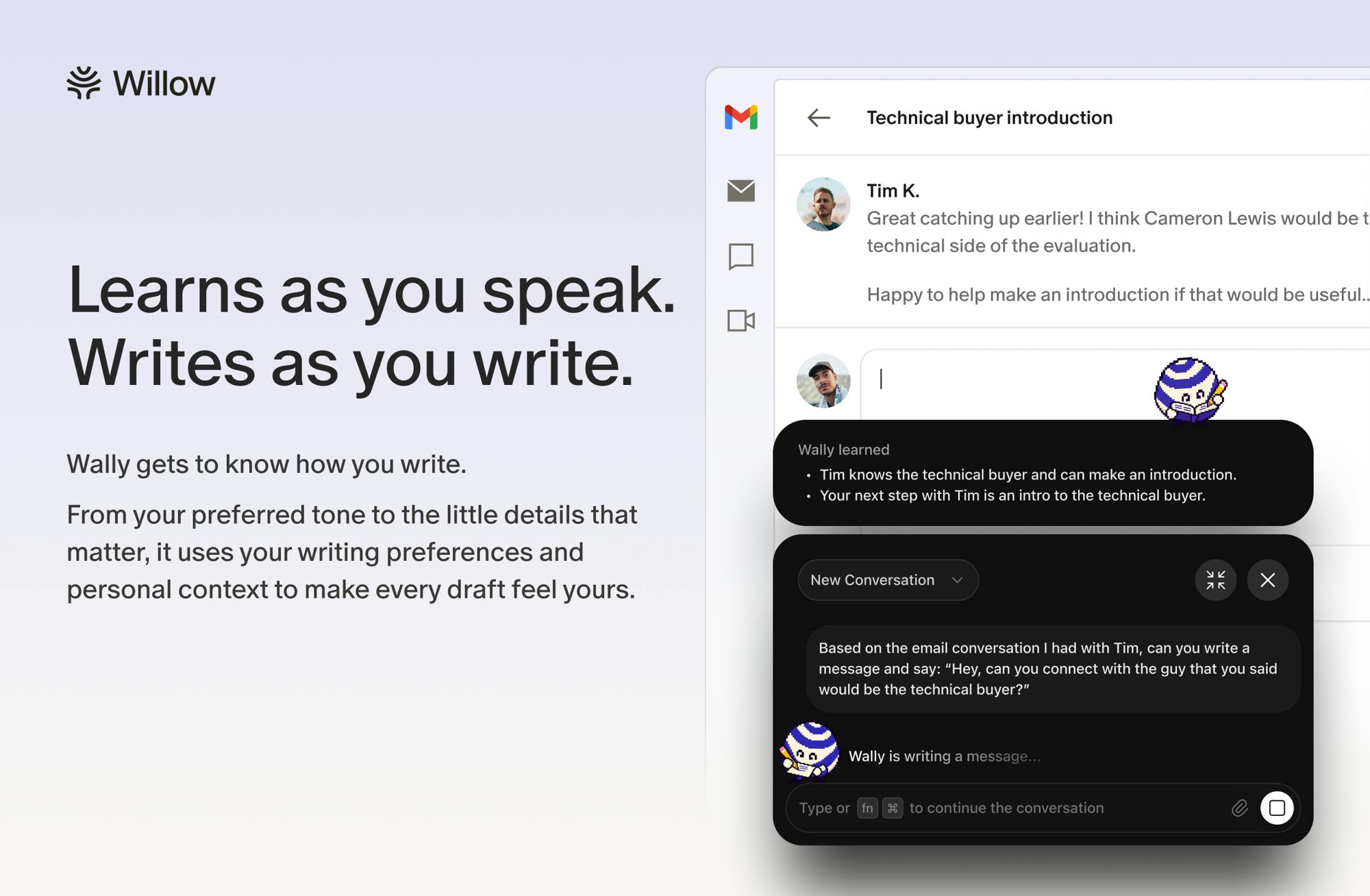
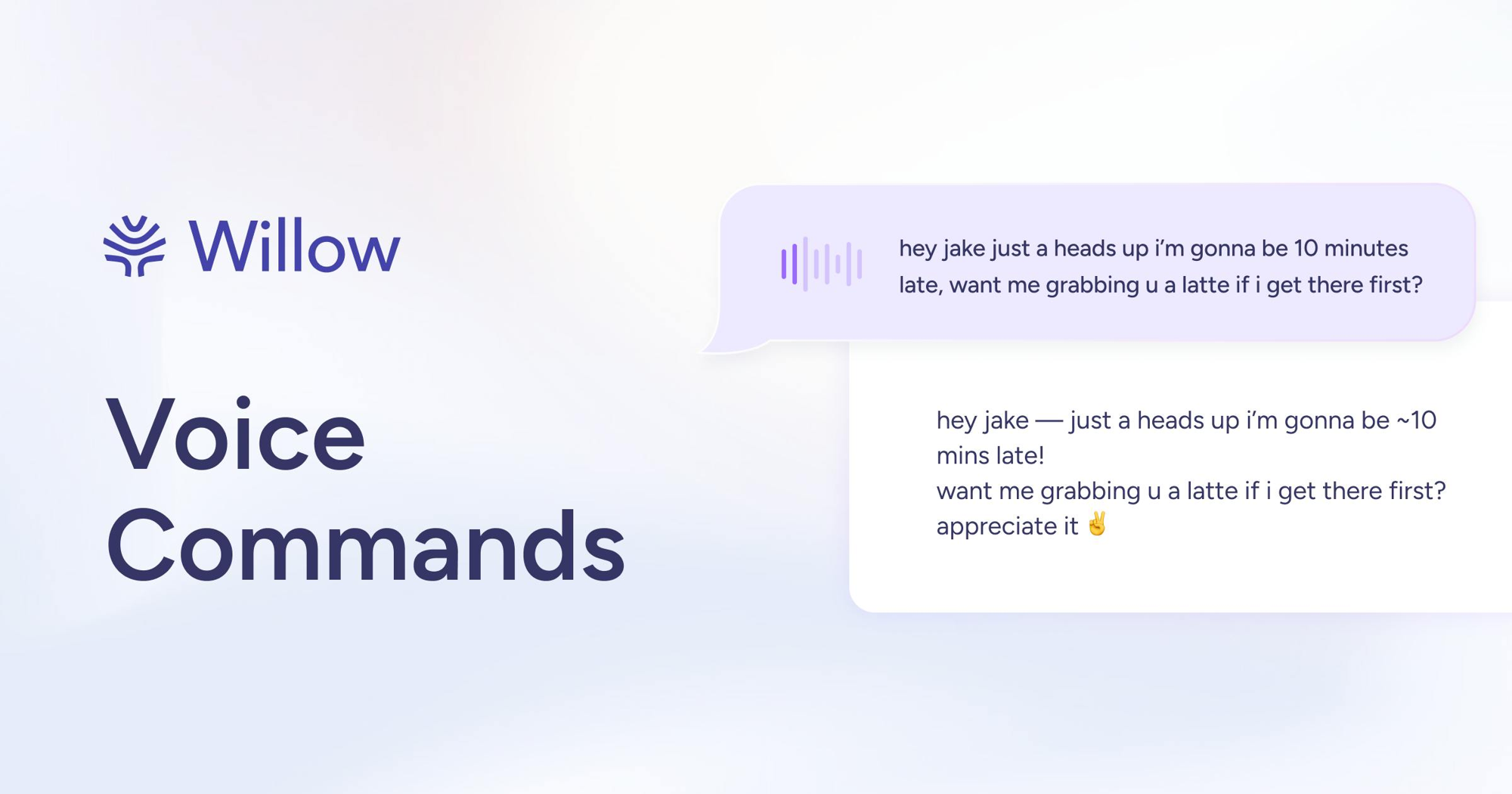
Willow Voice is the strongest cross-platform AI dictation pick for knowledge workers who write constantly across Mac, Windows, and iPhone, thanks to its sub-200ms latency and style memory. The free tier is genuinely limited: 20 Scribe AI-formatting uses per week and the weaker Frontier Mini model, so casual users will hit the ceiling fast. If you need offline-first processing or a one-time payment, look elsewhere.
What is Willow Voice?
Willow Voice is an AI-powered voice dictation application that converts spoken words into formatted, polished text across any app on Mac, Windows, and iOS. It uses a hotkey-triggered interface to capture speech, then applies AI processing to remove filler words, correct punctuation, and match the user's established writing style before inserting text wherever the cursor sits.
The tool offers four plans, from a free tier using the Frontier Mini model to paid Individual, Business, and Enterprise tiers with progressively stronger models, longer session limits, and team management features. It is used by founders, writers, sales professionals, and support teams who want to reduce time spent typing without switching to a dedicated dictation environment.
How we scored Willow Voice
Capability scores well because cross-platform native support (Mac, Windows, iOS), sub-200ms latency, style memory, and context-aware Scribe formatting are genuine differentiators over single-platform rivals. Ease of use is strong given the hotkey-anywhere design and no-credit-card free tier, though the Windows client has noted rough edges. Value takes a real hit: $15/month with no lifetime option and a free tier that caps the tool's core AI feature at 20 uses per week means most users will feel the paywall quickly, and $35/month for Business is steep for small teams. Delivery is held back by the fact that accuracy claims come primarily from Willow's own marketing content, third-party reviewers flag non-English and technical vocabulary gaps, and the tool is less than two years old with limited independent verification of its headline numbers.
Pros and cons
What we liked
- Runs natively on Mac, Windows, and iOS with a single account, covering more platforms than most direct competitors like Wispr Flow, which is Mac-only.
- Sub-200ms processing latency and a claimed 98%+ accuracy rate make real-time dictation feel responsive rather than laggy.
- Business and Enterprise tiers include SOC 2 Type II compliance, HIPAA controls, and enforced zero data retention, making team deployment in regulated industries viable.
Where it falls short
- The free plan caps Scribe AI-formatting at 20 uses per week and restricts users to the weaker Frontier Mini model, which means the tool's core differentiator is largely paywalled from day one.
- Subscription-only pricing with no lifetime or one-time option means a three-year Pro commitment runs about $432 at the annual rate, with no exit to a perpetual license.
- Third-party reviewers flag lower accuracy on non-English languages and technical vocabulary, a real gap for multilingual teams or specialized fields like medicine or law.
Key features
Willow Voice pricing
Free plan (Frontier Mini model, 20 Scribe uses/week, no credit card required); Pro at $15/month or $12/month billed annually ($144/year); Business at $35/month or $28/month billed annually ($336/year); Enterprise at custom pricing.
| Plan | Price | Who it is for |
|---|---|---|
| Free | $0 | Unlimited dictation using the Frontier Mini model, 20 Scribe AI-formatting uses per week, no credit card required. Session length is limited. |
| Pro | $15/mo | Frontier Pro model, unlimited Scribe AI-formatting, longer dictation sessions, style memory. Billed annually at $12/month ($144/year). |
| Business | $35/mo | Everything in Pro plus enforced privacy mode (zero data retention), SOC 2 Type II, HIPAA controls, shared team dictionary, and admin management. Billed annually at $28/month ($336/year). |
| Enterprise | Custom | Invoice and PO billing, SSO/SAML, MSA and DPA agreements, dedicated support. Contact sales for pricing. |
Pricing reflects what we saw at time of review (2026-10). Always confirm current pricing on the tool's own site.
Who should use Willow Voice?
Willow fits professionals who produce high volumes of written output daily: founders drafting investor updates, support reps working through ticket queues, or writers who think faster than they type. The cross-platform support is the key draw; if your workflow spans a Mac at the office and a Windows machine at home, Willow is one of the few AI dictation tools that follows you without losing your style memory or custom vocabulary.
Teams of three or more who need consistent terminology across members will find the Business tier's shared dictionary and admin controls genuinely useful. Solo users on a tight budget, however, should think carefully: $15/month is steep if you only dictate occasionally, and the free plan's 20 Scribe uses per week will frustrate anyone who relies on AI formatting daily. If you primarily work inside Notion and want AI writing assistance baked into your existing workspace rather than a separate dictation layer, Notion AI is the more integrated choice.
Skip it if: Users who need offline-only or one-time-purchase dictation
Frequently asked questions
What does the free plan actually include?+
The free plan gives you unlimited dictation using the Frontier Mini model and 20 Scribe AI-formatting uses per week, with no credit card required. Session length is capped, and the stronger Frontier Pro model is not available.
How much does Willow Voice Pro cost?+
Pro is $15 per user per month billed monthly, or $12 per month billed annually, which works out to $144 per year.
Does Willow Voice work on Windows?+
Yes. Willow runs natively on Mac, Windows, and iOS, which distinguishes it from competitors like Wispr Flow that are Mac-only. Offline mode on Windows has been noted as limited compared to the Mac client.
Is there a lifetime or one-time purchase option?+
No. Willow Voice is subscription-only in 2026. There is no lifetime plan listed on the pricing page.
What compliance certifications does Willow offer for teams?+
The Business tier includes SOC 2 Type II and HIPAA controls with enforced zero data retention. Enterprise adds SSO/SAML, MSA, and DPA agreements.
How accurate is Willow Voice?+
The company claims 98%+ accuracy with approximately 200ms processing latency. Third-party reviewers note accuracy drops on non-English languages and specialized technical vocabulary.
More AI Productivity Tools
See all categoriesGet your tool listed on 300+ directories.
One listing here is a strong start. But the founders who get discovered everywhere are listed everywhere. Our sister site, Free AI Directories, submits your tool to 300+ AI directories for you, every single one by hand, by a real person.
It is a one-time payment of $49, no subscription, and you can follow along as the submissions land. Prefer the slow route? The same site keeps a free list of 450+ directories you can work through yourself.
Get my tool listed on 300+ directoriesOne-time payment, no subscription · 100% human submissions · Free list of 450+ directories included.