ZMS Kling 4.0
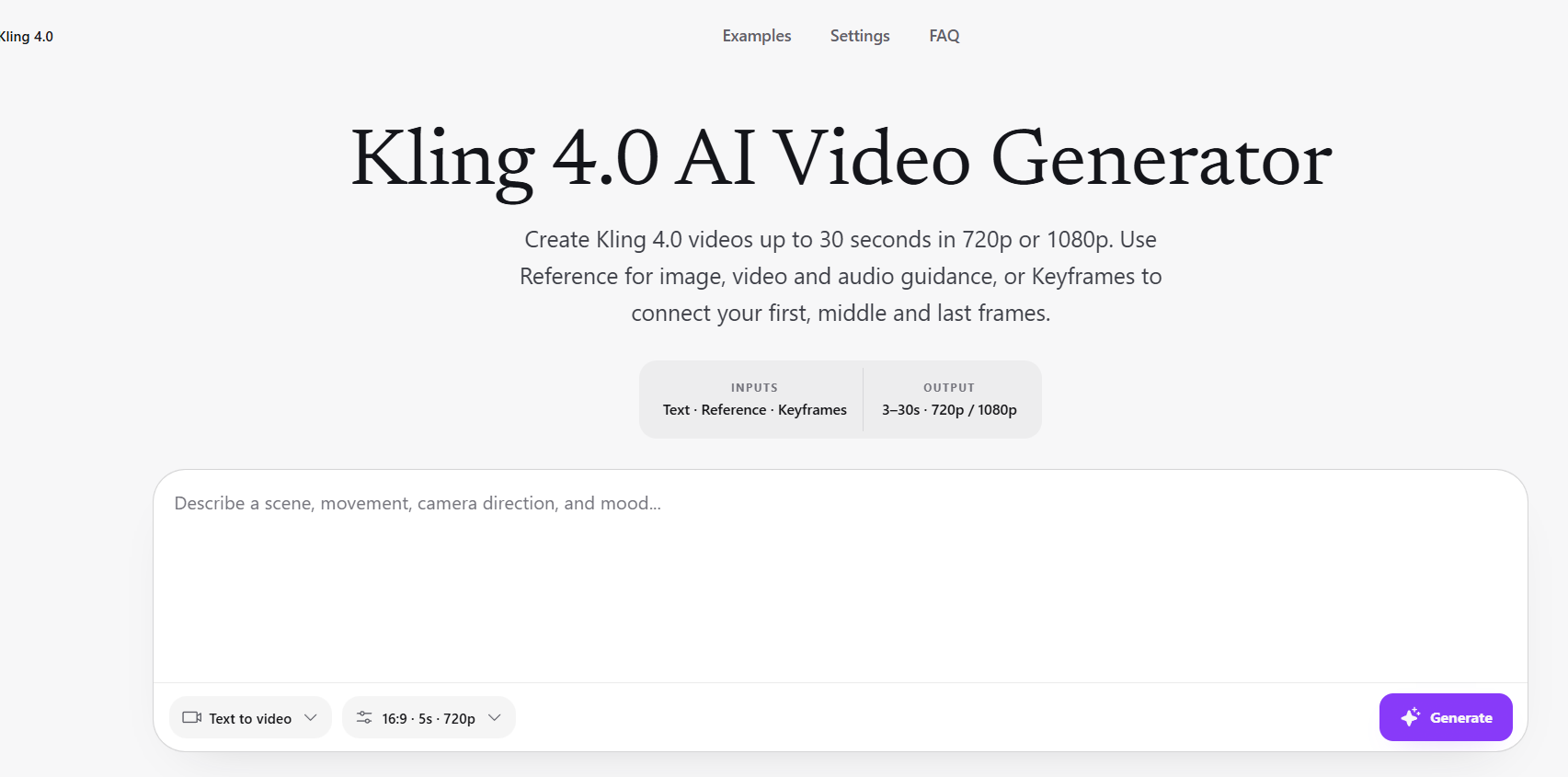
A browser-based wrapper for Kling 4.0 video generation, offering text, reference, and keyframe inputs with clips up to 30 seconds at 1080p.
Are you the maker? Claim this listing to keep info, pricing and screenshots current. Verified via your tool's domain email.
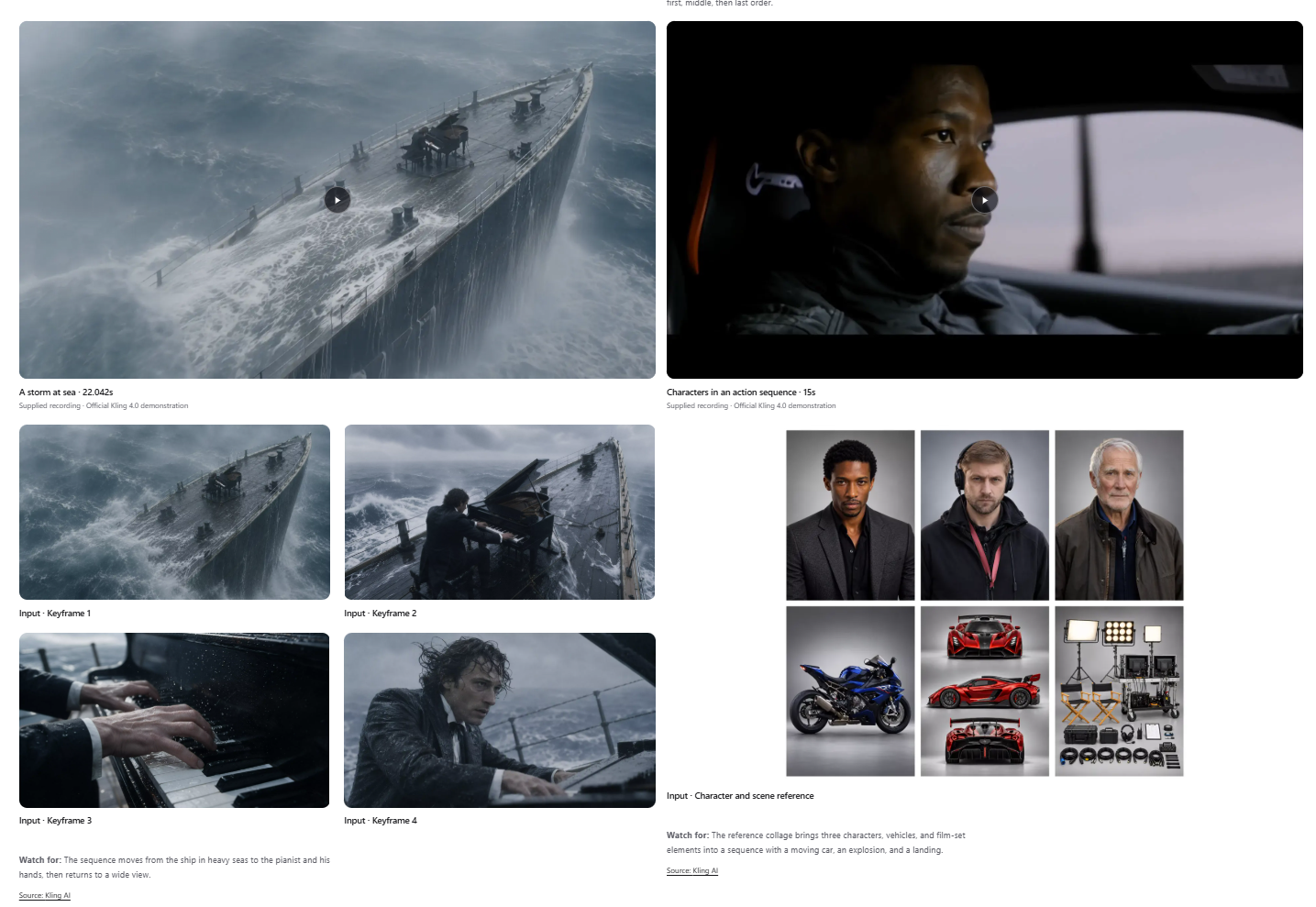
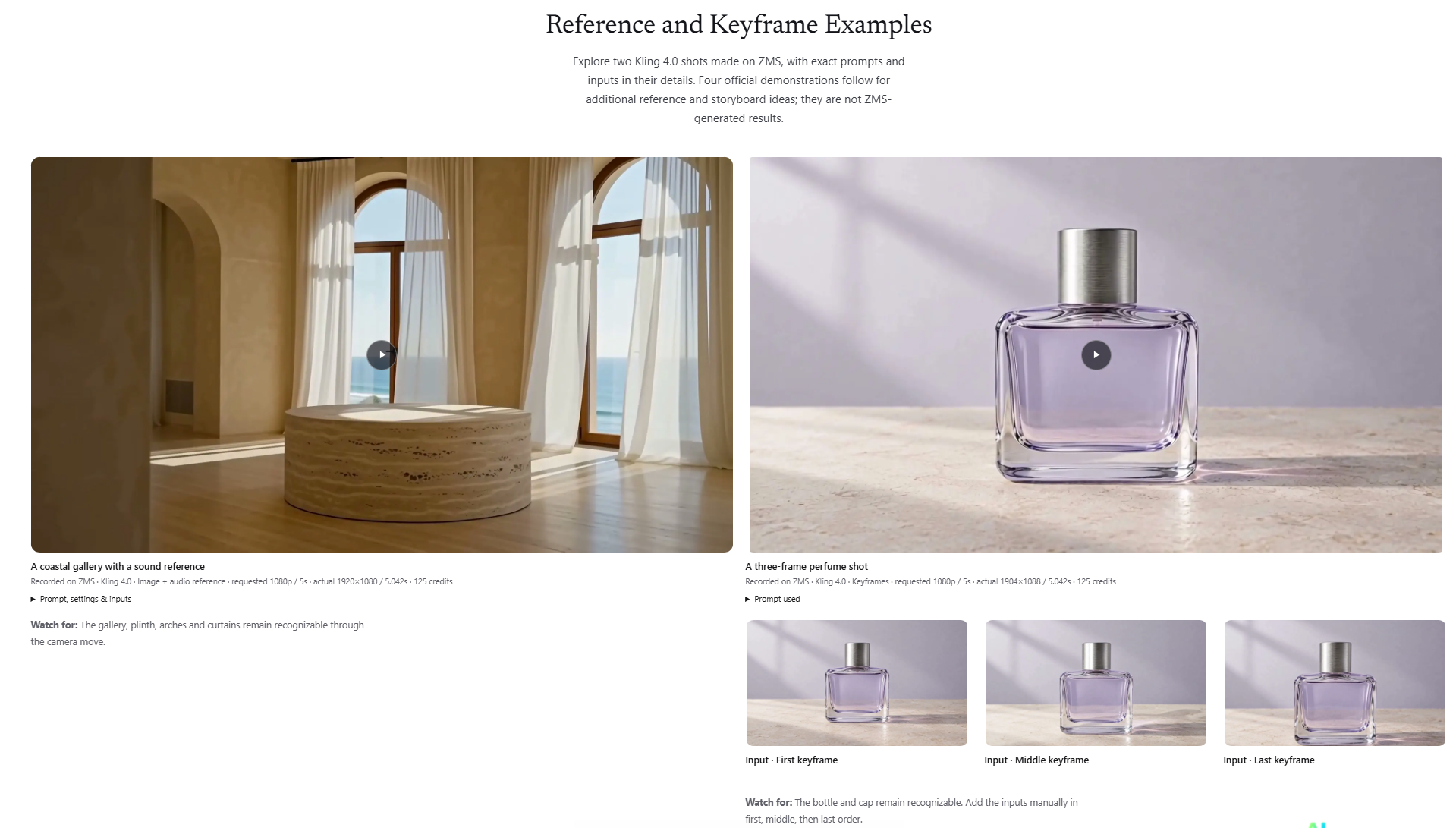
ZMS Kling 4.0 suits creators who want a clean browser interface for Kling's most capable model without managing API keys, especially for keyframe-planned or multi-reference shots. The per-credit cost on ZMS runs higher than on Kling.ai directly, and the platform is a reseller layer rather than the model owner, so feature rollouts depend on Kling upstream. Anyone who generates video at volume should price-compare ZMS against Kling.ai's own plans before committing.
What is ZMS Kling 4.0?
ZMS AI is a browser-based platform that provides access to multiple AI video and image generation models through a single interface. The Kling 4.0 tool on ZMS generates clips from 3 to 30 seconds at 720p or 1080p, accepting text prompts, mixed media references (image, video, and audio), or ordered keyframes as inputs.
The platform is used by individual creators and small production teams who want to test visual concepts, plan storyboard sequences, or produce short social media footage without managing API credentials. ZMS hosts Kling 4.0 alongside other models including MiniMax H3, Google Veo 3.1, Seedance, and Wan, allowing users to compare outputs across models from the same workspace.
How we scored ZMS Kling 4.0
Capability scores 17 because the keyframe and multi-reference controls are genuinely useful and the 30-second 1080p ceiling is competitive, but two of the most-promoted features (10-bit HDR and 2-minute extension) were still marked coming soon at launch, and the tool has no editing, captioning, or post-generation workflow that Runway provides. Ease of use scores 19 because the browser-only interface removes API friction entirely and the input modes are clearly separated, though the platform's multi-model breadth adds navigation overhead. Value scores 12 because ZMS's documented per-second credit cost at 1080p is roughly 67% higher than Kling.ai's own published rate for the same model, and the Mini plan at $29.90/month yields only about four 30-second 1080p clips, making it poor value for any meaningful production volume. Delivery scores 14 because ZMS is a reseller layer dependent on Kling upstream for feature rollouts, several advertised features were not yet available at launch, and the social presence and company transparency could not be verified, adding trust uncertainty for a new buyer.
Pros and cons
What we liked
- Keyframe workflow lets you pin opening, middle, and ending frames so Kling 4.0 connects specific visual moments, a control not available in basic text-to-video tools.
- Multi-model workspace means you can run Kling 4.0 alongside MiniMax H3, Veo 3.1, Seedance, and Wan in the same browser session without separate logins.
- Supports up to 30-second clips at 1080p with combined image, video, and audio reference inputs in a single generation, covering more complex shot planning than shorter-clip-only tools.
Where it falls short
- ZMS adds a per-credit markup over Kling.ai's own rates: the documented 5-second 1080p example costs 125 credits on ZMS, implying roughly 25 credits per second, compared to Kling.ai's published 15 credits per second at 1080p.
- No developer API is available through ZMS for Kling 4.0, and Kling's own API for the 4.0 model was listed as coming soon as of October 2026, making automated or pipeline-based workflows impossible at this tier.
- Several of Kling 4.0's most-promoted features, including 10-bit HDR output and video extension up to two minutes, were marked as coming soon at launch and had no published release date as of November 2026.
Key features
ZMS Kling 4.0 pricing
ZMS uses a credit system. The pre-fetched product page confirms 125 credits for a 5-second 1080p clip (roughly 25 credits per second). Kling 4.0 on ZMS costs approximately 15 credits per second at 720p and 25 credits per second at 1080p based on the documented example. Tier names and monthly prices from the ZMS pricing page were not fully visible in the pre-fetched content; third-party sources citing a related ZMS/kling4.tv pricing page list four tiers: Mini ($29.90/month, 3,000 credits), Standard ($59.90/month, 6,600 credits), Plus ($119.90/month, 14,400 credits), and Pro ($199.90/month, 26,000 credits), with annual billing reducing those to $14.90, $29.90, $59.90, and $99.90 per month respectively. A freemium entry point is listed in the submitted pricing model, but the product page does not describe a free tier explicitly.
| Plan | Price | Who it is for |
|---|---|---|
| Mini | $29.90/mo | 3,000 credits per month. Annual billing reduces this to $14.90/month equivalent. Covers approximately 24 five-second 1080p clips at the documented 125-credit rate. |
| Standard | $59.90/mo | 6,600 credits per month. Annual billing reduces this to $29.90/month equivalent. Covers approximately 52 five-second 1080p clips. |
| Plus | $119.90/mo | 14,400 credits per month. Annual billing reduces this to $59.90/month equivalent. |
| Pro | $199.90/mo | 26,000 credits per month. Annual billing reduces this to $99.90/month equivalent. Highest credit volume tier listed. |
Pricing reflects what we saw at time of review (2026-11). Always confirm current pricing on the tool's own site.
Who should use ZMS Kling 4.0?
ZMS Kling 4.0 fits a solo video creator or small creative team that wants to experiment with Kling's keyframe and multi-reference controls through a browser, without setting up API access or juggling separate accounts for each model. The unified workspace is genuinely useful if you are already comparing Kling outputs against MiniMax or Veo 3 in the same session.
If your priority is cost per clip at volume, or you need a developer API, go directly to Kling.ai's own plans, where the Standard tier starts at $8.80 per month and the per-second credit rate at 1080p is lower than what ZMS's documented example implies. For creators who need editing, captioning, or transcript-based workflows on top of generation, Runway offers a more complete production environment and is a stronger fit.
Skip it if: High-volume producers or developers who need API access and the lowest per-credit cost.
ZMS Kling 4.0 alternatives
Tags
Frequently asked questions
How much does a 30-second 1080p clip cost on ZMS Kling 4.0?+
Based on the documented example of 125 credits for a 5-second 1080p clip, a 30-second 1080p clip would cost approximately 750 credits. On the Mini plan ($29.90/month, 3,000 credits), that is roughly four 30-second clips per month.
Is there a free tier on ZMS for Kling 4.0?+
The ZMS product page does not describe a free tier for Kling 4.0 generation. The submitted pricing model is listed as freemium, but no free credit allowance or free generation limit is documented on the page.
What is the difference between Reference mode and Keyframe mode?+
Reference mode lets you supply image, video, and audio files that guide appearance, motion, and sound without fixing specific moments in time. Keyframe mode requires a first image and lets you pin middle and ending frames so the model connects those specific compositions in sequence.
Does ZMS Kling 4.0 support 4K output?+
No. The ZMS page lists 720p and 1080p as the available output settings. Kling 4.0's advertised 4K and 10-bit HDR output were marked as coming soon at launch and had no published release date as of November 2026.
Can I access Kling 4.0 through an API on ZMS?+
No API access is offered through ZMS for Kling 4.0. Kling's own developer API for the 4.0 model was listed as coming soon as of October 2026, with no launch date announced.
How does ZMS pricing compare to using Kling.ai directly?+
Kling.ai's Standard plan starts at $8.80 per month for 660 credits, with Kling 4.0 costing 15 credits per second at 1080p. ZMS's documented example implies roughly 25 credits per second at 1080p, making ZMS meaningfully more expensive per clip for equivalent output.
More AI Video Tools
See all categoriesGet your tool listed on 300+ directories.
One listing here is a strong start. But the founders who get discovered everywhere are listed everywhere. Our sister site, Free AI Directories, submits your tool to 300+ AI directories for you, every single one by hand, by a real person.
It is a one-time payment of $49, no subscription, and you can follow along as the submissions land. Prefer the slow route? The same site keeps a free list of 450+ directories you can work through yourself.
Get my tool listed on 300+ directoriesOne-time payment, no subscription · 100% human submissions · Free list of 450+ directories included.