AI Agent Software: 10 Tools Worth Comparing
A curated guide to AI agent software, covering developer frameworks, low-code platforms, pricing models, and how to pick the right fit for your team.
What if the best AI agent software for a team isn't the most autonomous one, but the one it can control, audit, and afford to run? That question cuts through most vendor claims. A polished demo proves an agent can answer. It doesn't prove the agent can finish work safely inside real systems.
This guide groups ten options by buyer type instead of treating them as interchangeable. Developer frameworks suit custom builds. Cloud platforms suit teams that need runtime, identity, and observability. Business suites fit data that already lives in a CRM or productivity stack. Low-code builders fit teams that want a workflow running without a full engineering project. Complexity and cost differ sharply across those groups.
Scale explains the rush, and also the risk of buying too fast. Grand View Research estimates in its global enterprise AI agents market data that the segment generated approximately US$3.671 billion in revenue in 2025 and projects growth to about US$83.399 billion by 2033. That's a projection, not a guarantee for any single vendor.
Where pricing appears below, it comes from the vendor's site, so readers should check it there before committing. Teams that lack internal build capacity sometimes compare a platform purchase with hiring an AI agent development company. The platform choice still comes first, because it decides who owns permissions, logs, and long-term maintenance.
Table of Contents
- 1. Browse All AI Tools - AI Agents and Automation
- 2. OpenAI Agents API and Agents SDK
- 3. Anthropic Claude Managed Agents
- 4. Microsoft Copilot Studio
- 5. Salesforce Agentforce
- 6. Google Cloud Vertex AI Agent Builder
- 7. Amazon Bedrock AgentCore
- 8. Relevance AI
- 9. CrewAI
- 10. LangGraph
- AI agent software at a glance
- How to Pick the Right Agent Platform for Your Team
1. Browse All AI Tools - AI Agents and Automation
Start with discovery, not a sales call. The AI Tool Seekers AI Agents and Automation category groups agent and workflow tools in one focused list instead of scattering them across generic software directories. Each listing gives buyers a description and an Editor's Score, so the first pass is comparison, not guesswork.
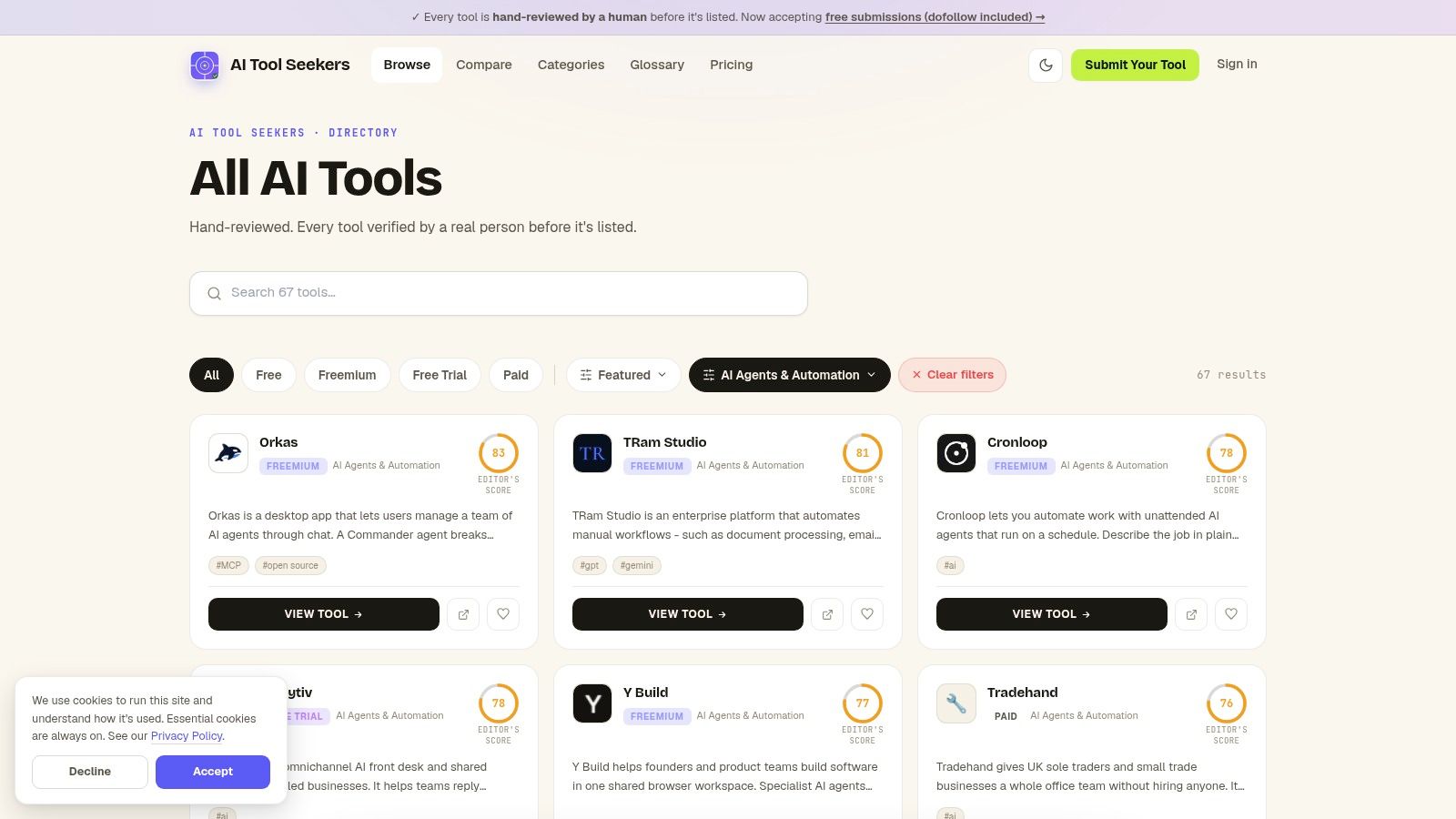
The useful part is the scoring context. Listings are reviewed by people and scored on capability, ease of use, value, and delivery against stated promises. That gives a team more than a name, a logo, and a vendor claim. Shortlist by task, then test fit against budget, skills, data access, and approval rules.
Why This Category Helps
- Focused discovery: AI agent software and automation tools sit in one category, so buyers don't wade through unrelated apps.
- Comparable scores: Editor's Scores give a consistent first screen before deeper vendor checks.
- Use-case examples nearby: Readers who need concrete patterns before picking a tool can work through practical examples of AI agents and then return to the shortlist.
Practical rule: A score narrows the field. It does not prove an agent can finish a messy workflow with bad data, expired credentials, and a failed API call.
Treat the category as step one. It can show the pricing model and editorial view, but it cannot show how a tool behaves inside your permissions, audit trail, and escalation path. Buyers comparing niche options such as Agentone from WebinOne still need to verify integrations, limits, and failure handling on the vendor's own pages.
Reliability should sit near the top of that check. A 2026 G2 survey reported in the G2 AI agents insight report found that 48% preferred agents with guardrails even as production use spread. Ask each vendor for traces, evaluation reports, and clear failure behavior before a shortlist becomes a contract.
2. OpenAI Agents API and Agents SDK
Custom product on the roadmap? OpenAI Agents API and Agents SDK is built for developers who want to embed agents into their own application rather than buy a finished business app. The SDK gives code-level control over models, tools, and control flow. The hosted Agents API gives a more managed path for execution.
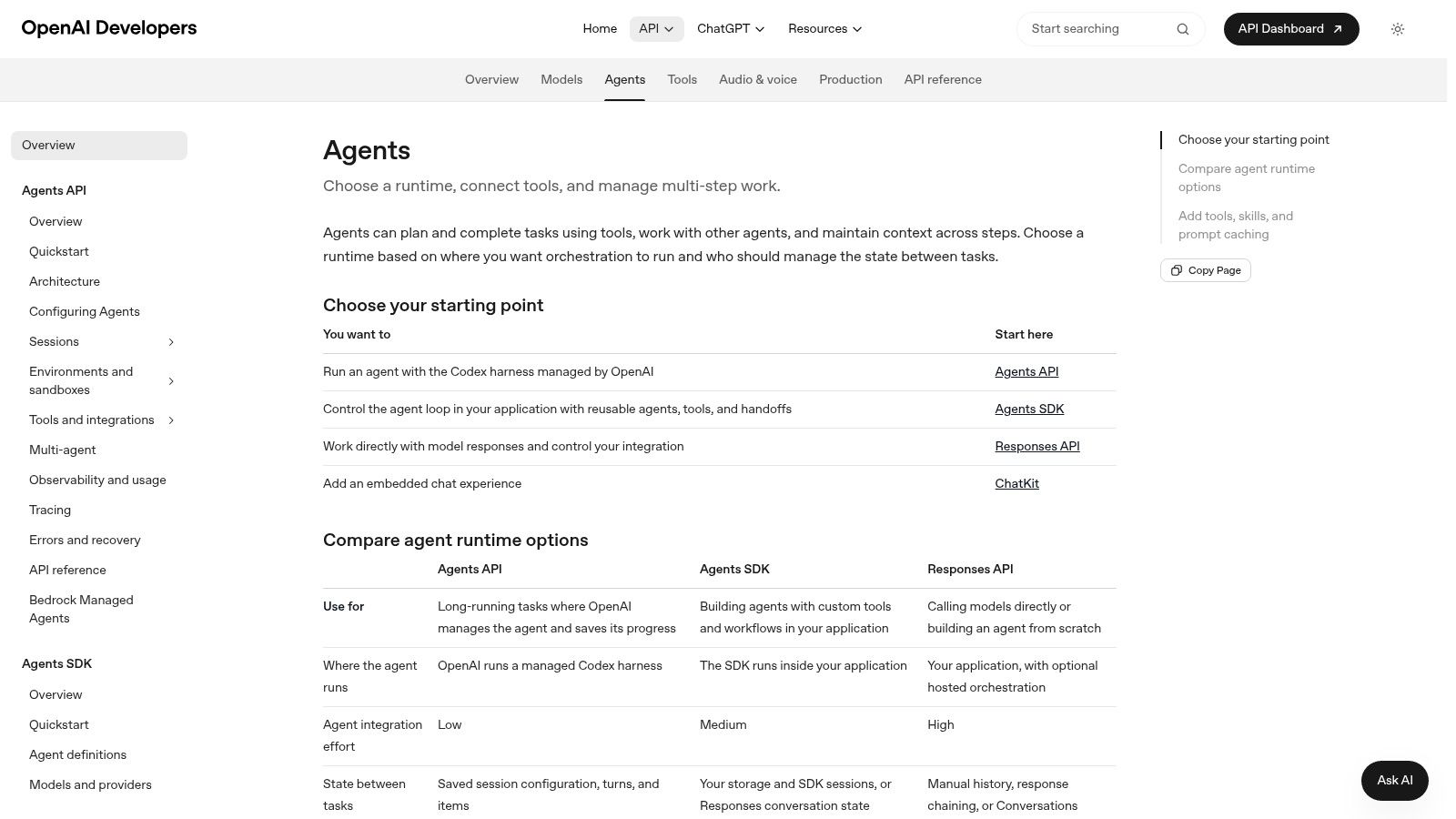
That flexibility has a clear price. The team owns the surrounding product. It must build the interface, permissions, error handling, logging, and human escalation. A prototype can come together fast. A dependable production agent takes longer, because tool calls fail, data arrives incomplete, and users ask for actions the agent shouldn't take alone.
Best Fit and Watch-Outs
- Strength: Code-first creation with tool use, workflow control, and room to tailor behavior to one product.
- Strength: Usage-based charges for models and tools can suit workloads that vary month to month, based on the vendor's site.
- Watch-out: Model and tool usage makes costs harder to predict once traffic grows.
- Watch-out: Nontechnical users won't get a visual builder here. This is developer infrastructure.
IBM's history of the evolution of AI agents notes that Stuart Russell and Peter Norvig described agents in 1995 as systems that operate autonomously, perceive their environment, persist over time, adapt to change, and create and pursue goals. That old definition still sets the bar. Chat alone isn't an agent. Persistence, tools, and goal-directed action are what make this category useful, and harder to run well.
3. Anthropic Claude Managed Agents
Claude Managed Agents targets a different pain point. Some teams can write agent logic but don't want to build and maintain all the infrastructure around it. Anthropic's hosted option covers long-running sessions, execution harnesses, sandboxed environments, scoped permissions, managed credentials, and tracing on the Claude Platform.
Long-running work is where weak infrastructure shows. An agent that research a topic, checks several systems, and drafts an output over an extended session needs state that survives interruptions. It also needs credentials that aren't pasted into prompts and a trace that shows what happened when a step went wrong. Managed sessions and sandboxes address those needs directly.
Readers comparing the underlying model first can check the AI Tool Seekers Claude review for current details before looking at the managed layer. The two decisions aren't the same. Model quality matters, but session handling and permissions decide whether the agent can operate inside a business process.
Permissions deserve special attention. The OWASP AI Agent Security Cheat Sheet recommends granting only the tools required for a task, separating read-only and write permissions, and requesting approval before high-impact or irreversible actions. Scoped permissions aren't a nice extra. They're a core control.
The trade-off is platform commitment. Model use ties to Anthropic's platform, and availability and pricing may depend on platform access and usage, so current terms belong on the vendor's site check. Casual users looking for a general automation app will find this too technical. Development teams building production agents on Claude are the clear audience.
4. Microsoft Copilot Studio
Microsoft Copilot Studio is the low-code entry in this list for organizations already standardized on Microsoft. Teams use visual authoring to create agents, connect them to organizational data and workflows, and publish them to internal or external channels. Power Platform connectors and Microsoft services supply much of the plumbing.
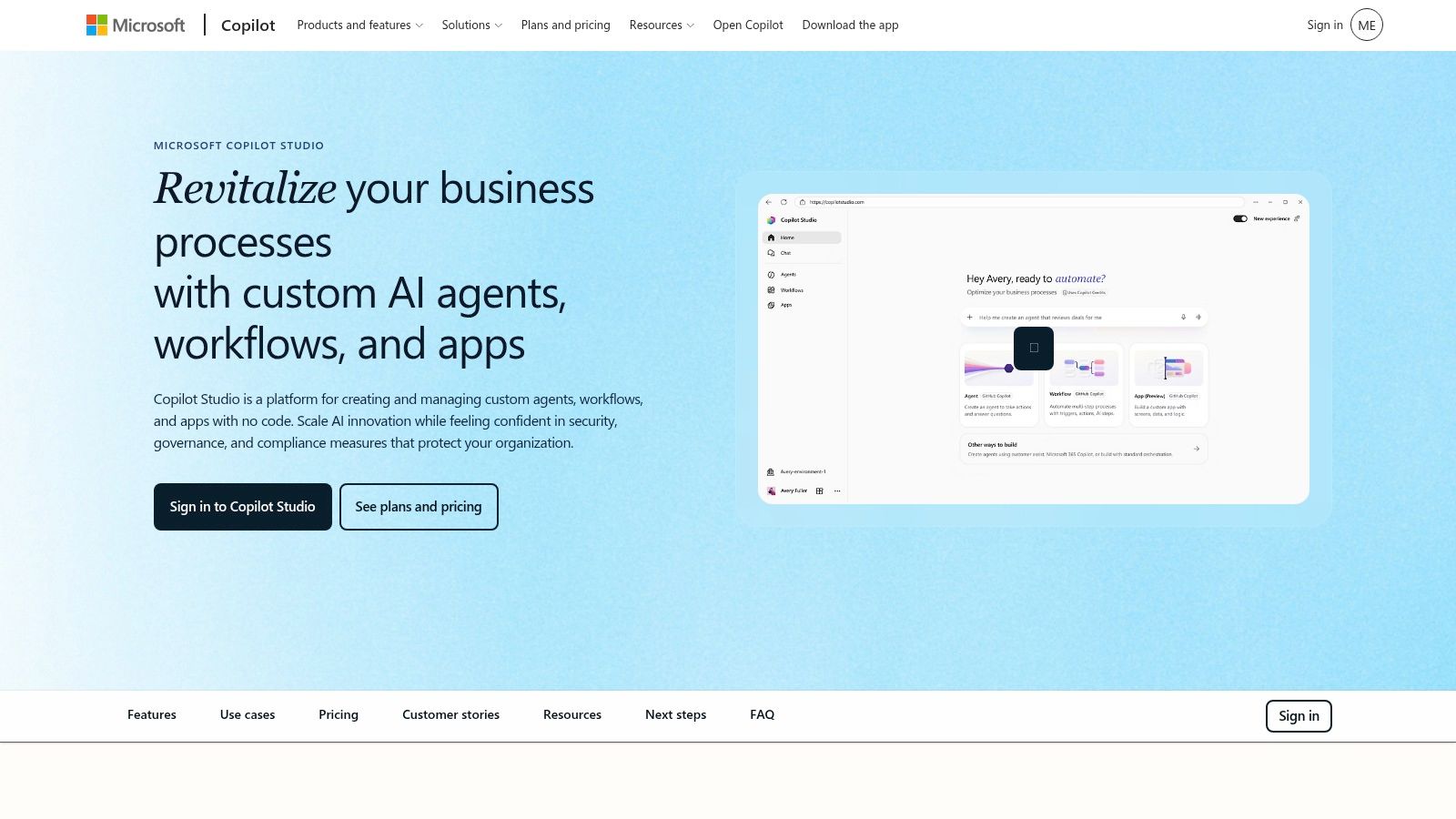
Say an operations team wants an internal agent that answers policy questions and routes requests. If documents, identity, and approvals already sit in Microsoft 365, Copilot Studio keeps the project inside familiar administration. Business users can shape the workflow without writing the full application. IT still controls access through the broader Microsoft ecosystem.
Cost needs homework before any rollout. Microsoft offers credit-based prepaid and pay-as-you-go options, and Azure is required for its agents, according to the vendor's site. Licensing and credit rules take time to understand. Small teams outside the Microsoft stack may spend more effort on configuration than the agent saves.
Governance is the reason many larger organizations accept that complexity. The European Commission's FAQ on navigating the AI Act states that deployers of relevant high-risk AI systems must assign human oversight to one or more people who are sufficiently equipped and enabled to exercise that oversight. A named reviewer without authority to stop an agent doesn't meet the practical point. Copilot Studio fits best where admin controls and ownership are assigned from day one.
5. Salesforce Agentforce
Salesforce Agentforce makes sense under one condition. Customer and operational data already lives in Salesforce. Agentforce Builder and Prompt Builder let teams create agents that use Salesforce data and workflows for customer-facing and employee-facing work, such as service questions, sales follow-up, and internal record tasks.
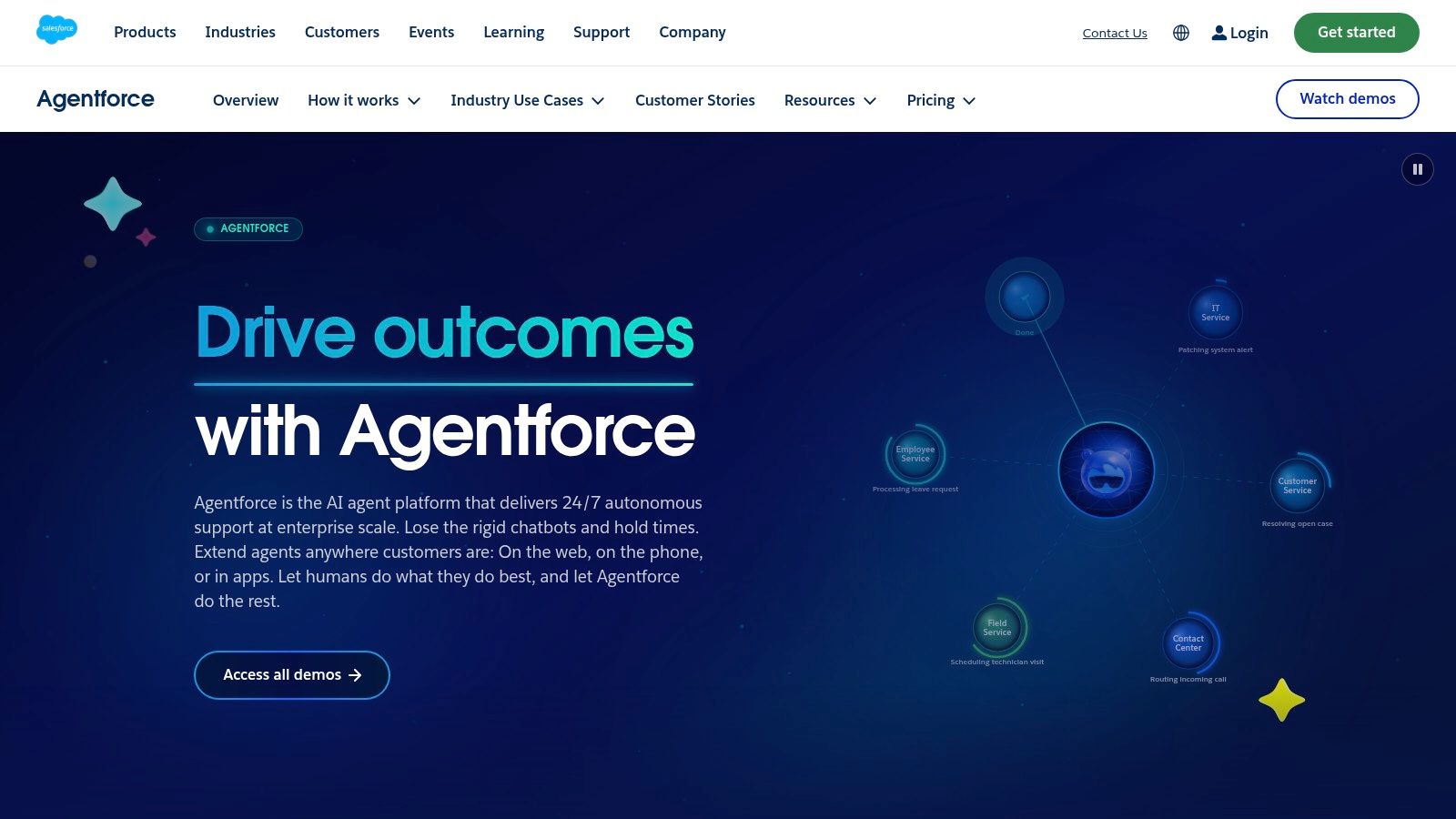
That native access is the advantage. An agent that can read the right account, case, or opportunity record doesn't need a separate data pipeline for every task. Existing CRM processes stay in place. Salesforce Foundations provides a starting point for exploring some capabilities, while other use may involve consumption-based options or licensing, so current terms need checking on the vendor's site.
Where Agentforce Fits and Where It Does Not
- Fits: Sales, service, and operations teams whose records and workflows already run in Salesforce.
- Fits: Organizations that want agents tied to CRM processes rather than generic chat over copied data.
- Does not fit: Companies without Salesforce, because the data advantage disappears.
- Does not fit: Teams that can't forecast consumption. Usage-based charges complicate budgeting.
Teams weighing this against broader automation approaches can compare the model with low-code and no-code automation options before committing to a CRM-native path. Either way, adoption isn't proof of return. PwC's 2025 AI agent survey of 308 US executives found that among organizations using agents, 66% reported measurable productivity gains. Buyers should demand their own baselines for handling time, resolution rate, and error frequency rather than borrow someone else's result.
6. Google Cloud Vertex AI Agent Builder
Technical teams on Google Cloud get a different shape of product with Vertex AI Agent Builder. It's a suite for developing, deploying, and governing agents, with Agent Development Kit and Agent Engine resources for connecting agents to data inside a managed Google Cloud environment. It isn't a single-purpose app. It's cloud infrastructure plus developer tooling.
That depth suits production plans where the agent must sit close to existing cloud data, identity, and services. A team can build, test, and deploy without stitching together a separate runtime for every project. Control is greater than a low-code builder offers. So is the skill requirement.
Configuration is the barrier. Engineers need familiarity with cloud services, resource setup, and cost management. Pricing depends on the components and resources used, according to the vendor's site. A small team that only needs to summarize tickets or draft follow-ups may be buying far more infrastructure than the job requires.
The cheapest agent can become the most expensive option when nobody owns its monitoring, evaluation, and cleanup.
Governance burden grows with that power. The Cloud Security Alliance reported in its enterprise AI security survey that only 5% of organizations used a single agentic platform, while 43% used four or more. A cloud-native platform can reduce sprawl, but only if the team enforces one ownership model. Vertex AI Agent Builder is strongest when Google Cloud is already the standard and the team wants agents treated as governed production systems, not side projects.
7. Amazon Bedrock AgentCore
AWS shops face a naming trap first. Amazon Bedrock AgentCore is the current managed infrastructure for building and operating agents. AWS notes that the older Bedrock Agents Classic product is no longer available to new customers. New projects should evaluate AgentCore, not follow old Classic tutorials.
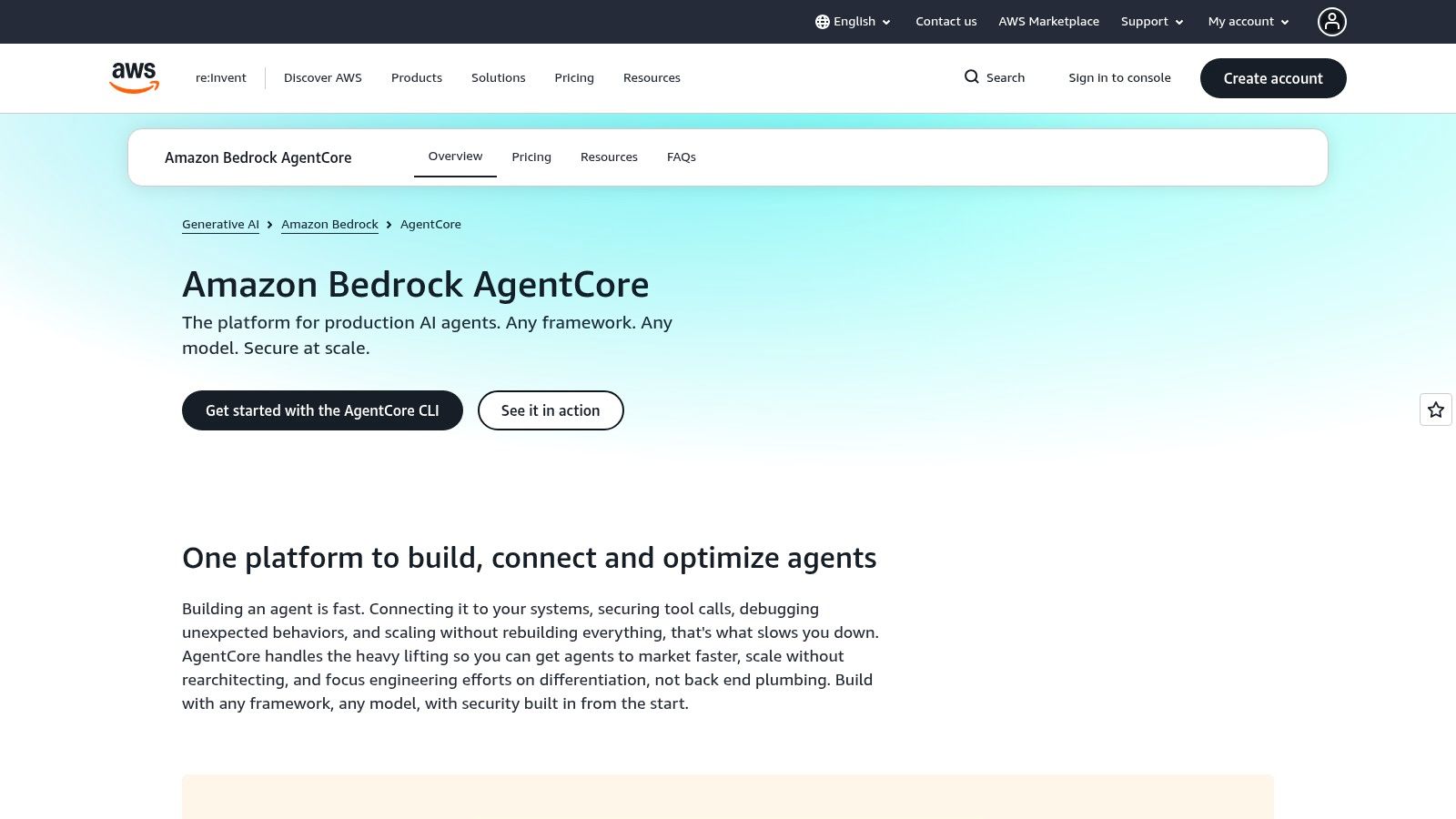
AgentCore breaks the operating layer into parts teams normally have to assemble themselves. Runtime runs the agent. Gateway and identity features connect tools and resources under controlled access. Memory supports continuity across steps. Observability and evaluation help teams inspect behavior and test quality before and after release.
What AWS Teams Gain
- Runtime and memory: Managed services for agents that must persist across multi-step work.
- Gateway and identity: Controlled connections to tools instead of broad, unmanaged access.
- Observability: Visibility into agent activity when a workflow fails or produces a bad result.
- AWS fit: Direct alignment with workloads, permissions, and services already running in AWS.
None of that makes it simple. AWS configuration and cost management can overwhelm a team without cloud discipline. Consumption-based pricing spreads across the components used, so budgeting needs per-service tracking from the vendor's site and billing console. General users won't find a no-code builder here.
Caution about full autonomy is warranted. Gartner reported in its 2025 survey of IT application leaders that 15% said their organizations were considering, piloting, or deploying fully autonomous AI agents. AgentCore gives the controls to move carefully. It doesn't remove the need for approval points.
8. Relevance AI
Not every buyer wants infrastructure. Relevance AI is a low-code and no-code platform for building agents and coordinating them into AI workforces for business tasks. A visual interface, off-the-shelf integrations, custom API connections, and scheduling let operations teams assemble workflows without starting in code.
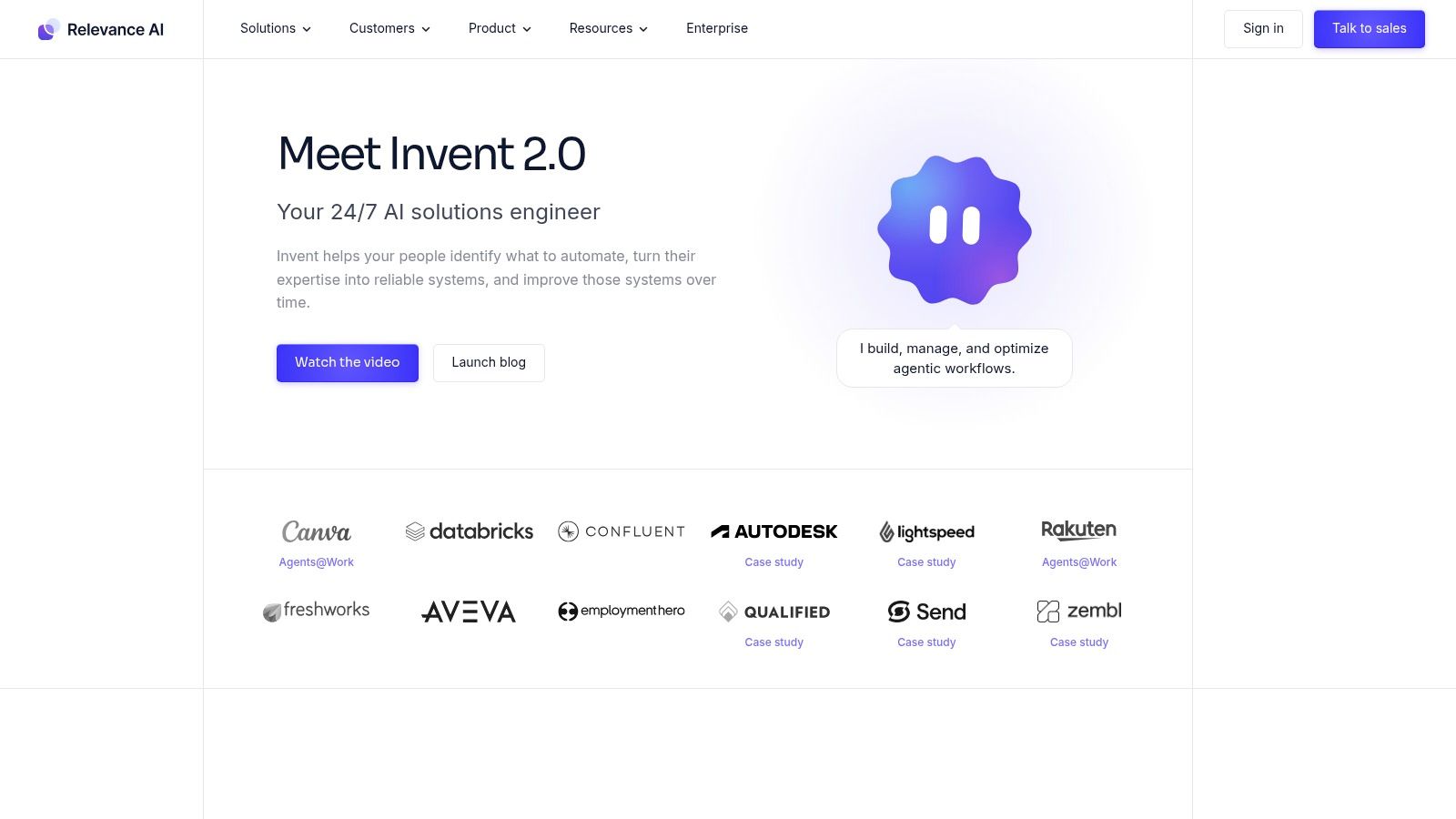
Say a small sales team wants one agent to enrich leads, another to draft outreach, and a person to approve anything sent. Relevance AI is built for that kind of chained work. Multiple agents can handle separate steps, escalate to a person, and keep an activity record. The vendor's site lists a free tier and paid plans, so readers should confirm current action limits and prices there before planning around them.
Action-based billing is the main scaling question. A workflow that looks cheap in a test can consume actions fast once it runs on a schedule across thousands of records. Collaboration and governance features on higher tiers also matter once more than one team builds agents. Map the full workflow, count the steps, then price it.
Production readiness still decides value. A Japanese enterprise survey from Yano Research Institute of 215 organizations already using generative AI found that only 3.3% were actively using AI agents. Low live use amid high interest points to reliability, permission, and recovery gaps. Relevance AI lowers the build barrier. It doesn't remove the need to test tool execution, escalation, and failure recovery before trusting an agent with customer-facing actions.
9. CrewAI
Multi-agent design is the whole point of CrewAI. Developers define role-based agents, assign tasks, and organize them into crews that collaborate on a goal. Work can be built with Python-based code-first workflows or a visual builder, with tools for planning, memory, and agent-to-agent collaboration.
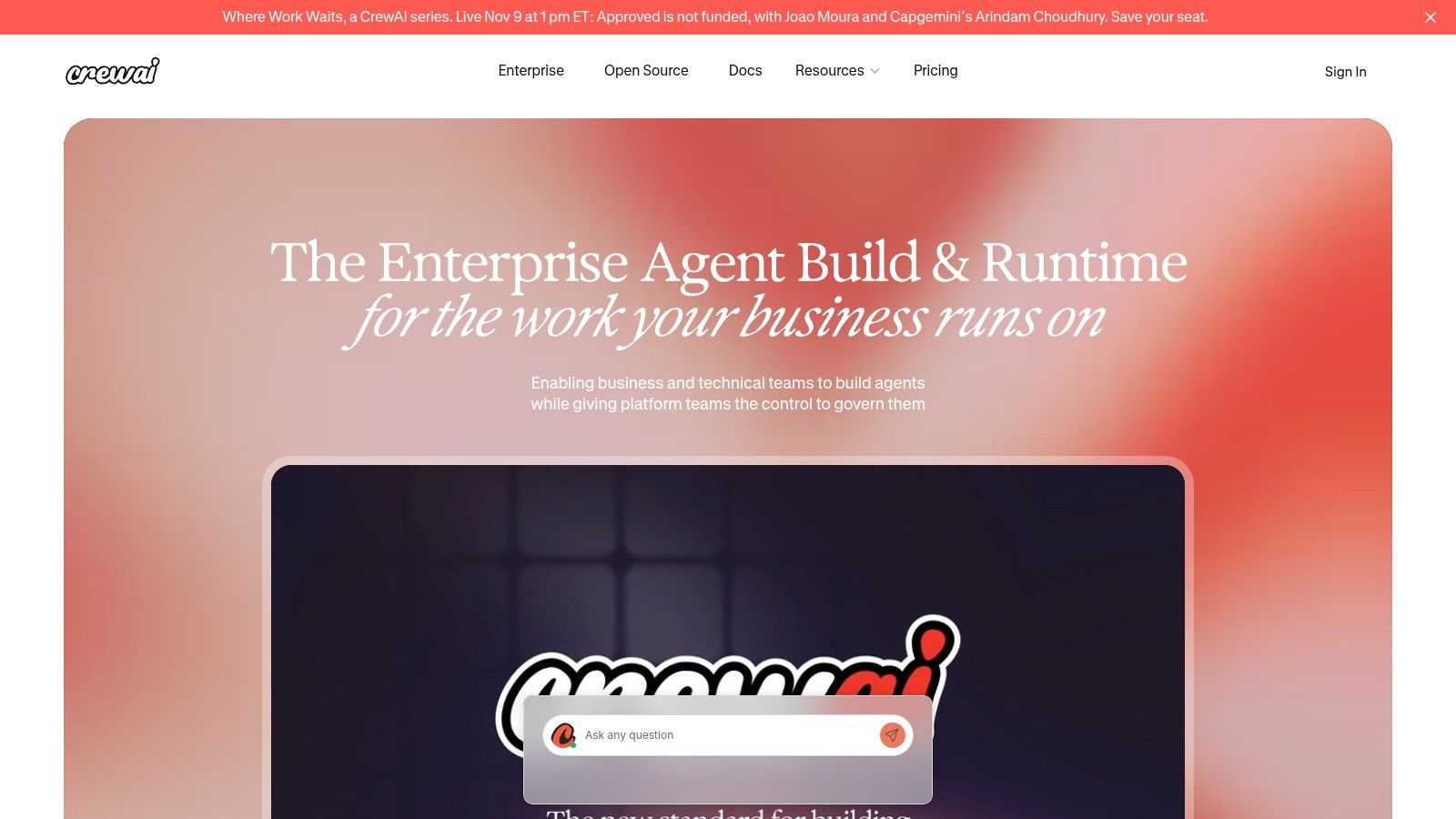
A research workflow shows the appeal. One agent gathers sources. A second checks claims. A third drafts the brief. Splitting roles can make prompts cleaner and give each step a narrower job. The open-source framework is free to use, which lowers the cost of testing whether that structure helps. Enterprise platform and deployment offerings carry separate plans, so current pricing belongs on the vendor's site.
More agents also means more failure points. One agent passes a wrong assumption to the next. Two agents loop. A crew produces a confident output that no single step fully verified. Debugging gets harder because the fault may sit in the handoff, not in one model call. Production deployment and governance may require the commercial platform or extra services the team builds itself.
Design check: Add a second agent only when a role split removes a clear bottleneck. Extra agents that only restate each other's work add cost and confusion.
CrewAI suits developers who want to experiment with coordinated agents and can instrument the result. It suits nontechnical users far less, despite the visual option. Teams should set task-completion tests for the whole crew, not judge each agent alone. A crew that passes unit checks can still fail the final job.
10. LangGraph
Control is the selling point for LangGraph. This open-source framework lets developers define agent workflows with explicit steps, state, and branching. Workflows can pause for human review, retain state across a long task, stream progress, and coordinate multiple agents without hiding the path the work took.
That explicit graph matters when an agent handles consequential work. A support workflow can draft a refund, stop, wait for approval, then continue with the same state intact. A research workflow can branch when sources conflict instead of guessing. Developers keep fine-grained control over behavior, which is exactly what many hosted builders trade away for speed.
LangGraph is MIT-licensed and free, based on the vendor's site. LangSmith is separate. It adds tracing, evaluation, and deployment services with its own pricing, also to be checked on the vendor's site. The framework being free doesn't make the system free to run. The team still owns the application, hosting, monitoring, and maintenance around it.
Regulation rewards that control. The European Commission's AI Act timeline FAQ lists transparency requirements under Article 50 as applying from August 2, 2026. Approval points, retained state, and traceable steps help a team show what an agent did and who approved it. LangGraph fits developers who accept build responsibility in exchange for that auditability. Teams without engineering capacity should pick a managed or low-code option instead.
AI agent software at a glance
The ten options split into four buyer types: developer frameworks, cloud platforms, business suites, and low-code builders. Find the row that matches the team doing the building, then read across.
| Type | Best for | Pricing model | Technical skill needed |
|---|---|---|---|
| AI tool directory: Browse All AI Tools, AI Agents & Automation | Discovering and comparing AI agent and automation tools | Free to browse; tool listings are free, with an optional paid Fast Track add-on that speeds up review without affecting scores or rankings | Low; browsing and comparison |
| Developer API and SDK: OpenAI Agents API and Agents SDK | Developers building custom agents and workflows | Pay-as-you-go for models and tools | High; development work required |
| Managed agent infrastructure: Anthropic Claude Managed Agents | Teams building and operating production agents on Claude | Depends on platform access and usage | High; developer-focused |
| Low-code agent platform: Microsoft Copilot Studio | Organizations using Microsoft 365 and Power Platform | Credit-based prepaid or pay-as-you-go | Low to moderate; Microsoft and Azure setup may be needed |
| CRM agent platform: Salesforce Agentforce | Organizations using Salesforce data and workflows | Free features, consumption-based options, or other licensing | Moderate to high; Salesforce expertise helpful |
| Cloud agent development suite: Google Cloud Vertex AI Agent Builder | Technical teams building production agents on Google Cloud | Usage-based; depends on services and resources used | High; cloud and technical configuration required |
| Managed agent infrastructure: Amazon Bedrock AgentCore | Teams building and operating agents on AWS | Consumption-based across components used | High; AWS configuration required |
| Low-code/no-code agent platform: Relevance AI | Business users automating tasks with agents and integrations | Free tier; paid plans and custom enterprise pricing | Low to moderate |
| Open-source agent framework and platform: CrewAI | Developers orchestrating teams of collaborating agents | Open-source framework is free; platform offerings priced separately | High; code-first use |
| Open-source agent framework: LangGraph | Developers building controlled, stateful agent workflows | Free MIT-licensed framework; LangSmith services priced separately | High; programming required |
How to Pick the Right Agent Platform for Your Team
Start with what the organization already runs. Data location decides more than model preference does. If records, documents, and permissions live in Salesforce, Microsoft 365, Google Cloud, or AWS, the matching platform usually costs less to adopt than a standalone tool because identity and integrations already exist. Moving data to a new agent platform creates sync work, new access rules, and another vendor to govern.
Next, match the tool to the builder. Nontechnical teams should begin with a low-code builder such as Relevance AI or Copilot Studio, then run a trial on one narrow workflow. A trial is not a free plan, and terms change, so confirm current limits on the vendor's site before building on them. Developers who need custom behavior should prototype with LangGraph or CrewAI, or build on a hosted API, before paying for a full platform.
Then price the governed workflow, not the subscription page. Total cost includes model and tool usage, integration maintenance, human review, monitoring, evaluation, and incident response. A low headline price can hide heavy manual oversight. Teams that connect many data sources should also count access design and the work of managing separate credentials per system, and compare that against centralized options such as one API key for every data provider.
A Short Test Before Any Purchase
- Pick one low-risk task: Choose work with a clear owner, a measurable baseline, and no irreversible action.
- Set pass marks first: Record task-completion rate, successful tool calls, error frequency, and handling time before the agent starts.
- Force a failure: Feed missing data and a broken connection, then check whether the agent stops, escalates, and logs what happened.
- Check the audit trail: Confirm that a reviewer can see the inputs, tool calls, approvals, and final action without asking engineering for help.
Compliance planning belongs in that test, not after rollout. The European Commission's guidance for general-purpose AI model providers states that obligations for general-purpose AI models entered into application on August 2, 2025, so teams building on those models need upstream information about capabilities and limits to support their own risk controls. A vendor that cannot explain its model, logging, and incident process is asking the buyer to carry unknown risk.
Before committing, compare each finalist against its Editor's Score and alternatives on AI Tool Seekers, a hand-verified directory where every listing carries Capability, Ease of use, Value, and Delivery sub-scores, and where payment never buys a higher score or ranking. That independent screen narrows the field. The pilot makes the call. Run the small workflow. Measure it against the baseline. Scale only the agents that finish the work, stay inside their permissions, and produce a record a person can defend.
Browse the AI Agents and Automation category, compare Editor's Scores side by side, and check alternatives for every finalist before spending on AI agent software. Visit AI Tool Seekers to build a shortlist based on human-reviewed listings, then take that shortlist into a small, measured pilot with clear approval points.