AI Tool Productivity vs Caddie
AI Tool Productivity vs Caddie: score breakdown
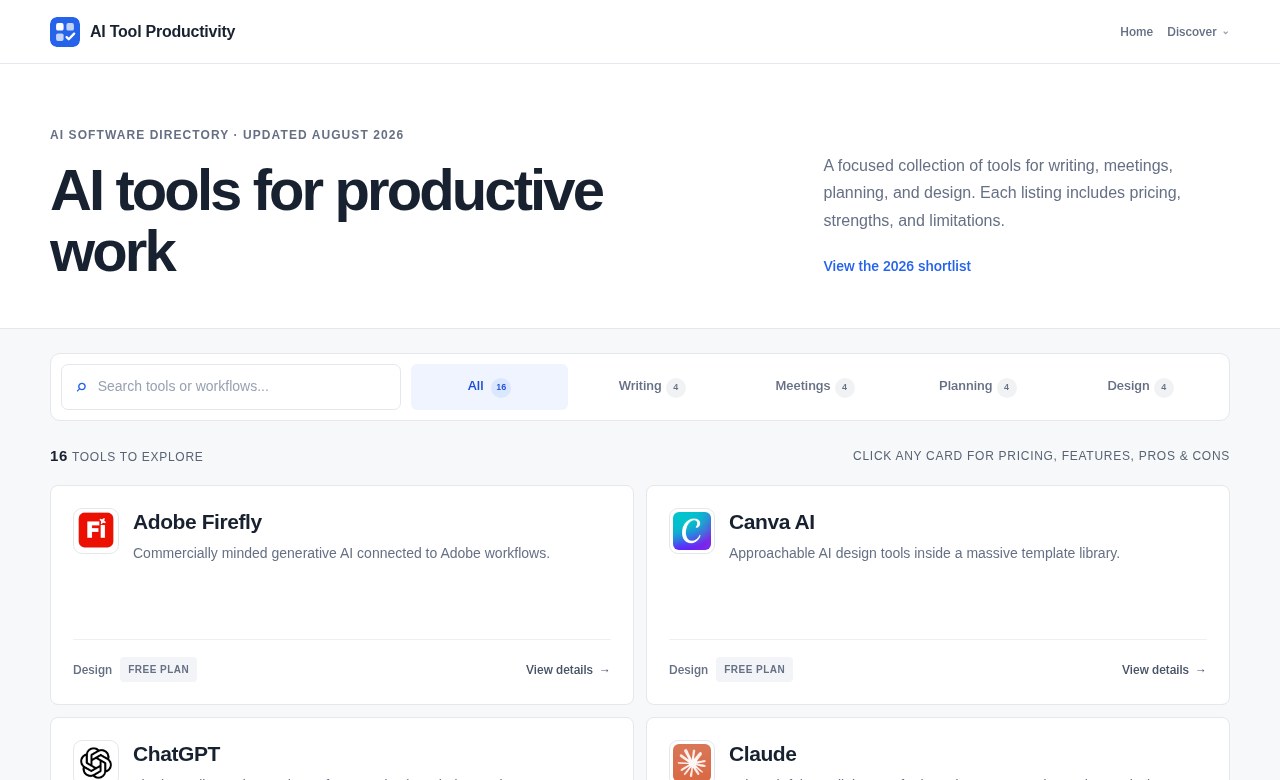
Caddie scores 71/100 against 52/100 for AI Tool Productivity, a 19-point gap. AI Tool Productivity is ahead on Ease of use (20 vs 19); Caddie is ahead on Capability (20 vs 12), Value (22 vs 16) and Delivery (10 vs 4). Each sub-score is out of 25.
Features and platforms
| Feature | AI Tool Productivity | Caddie |
|---|---|---|
| Pricing model | Free | Freemium |
| Free plan | Yes | Yes |
| Platforms | Web | Mac (Apple silicon, macOS 13.3+); web browser for notes and tasks only; agents, meetings, and dictation require the Mac app. iPhone access mentioned for personal AI agent. |
| Best for | Casual browsers who want a quick, pre-filtered shortlist of mainstream AI productivity tools | Mac-native solo professionals who want notes, tasks, meetings, and dictation in one place |
| Skip if | Researchers or buyers who need more than 16 tools or coverage beyond the four listed categories | Windows or Linux users, Intel Mac owners, and teams needing a cross-platform or browser-first workflow |
Cost and usage limits
AI Tool Productivity has a free plan. Caddie has a free plan; paid plans start at $10/mo (Individual (post-beta)).
Prices from each vendor's pricing page. AI Tool Productivity checked November 2026 · Caddie checked October 2026
Pros and cons
AI Tool Productivity
- Completely free with no account required, no paywalled listings, and no upsell path cluttering the experience.
- Model guides go beyond a plain directory by explaining recent AI releases, including practical details like Gemini Omni 1.2 Flash's $0.07-per-second video pricing, in plain language.
- Each of the 16 listings includes an explicit pricing model label (free plan or paid) alongside strengths and limitations, so a visitor can filter by budget at a glance.
- The catalog is capped at 16 tools across exactly four categories, which means entire domains, including coding assistants, voice tools, and image generators, have zero representation. No other directory in this space imposes such a hard ceiling.
- All 16 tools are already household names. The directory adds no discovery value for anyone trying to find newer or more specialized alternatives to the obvious choices.
- The weekly new-tool ranking and yearly shortlist imply ongoing curation, but with only 16 slots in the main directory, it is unclear how or whether the core listing actually rotates to reflect new entrants.
Caddie
- Bot-free, on-device meeting recording means no bot joins your calls and audio is not streamed to a third-party server mid-meeting, a genuine architectural advantage over Otter and Fireflies.
- System-wide fn-key dictation works in any app, and Caddie's self-published accuracy leaderboard places it ahead of Wispr Flow and Kivi, the two most-used Mac dictation tools.
- The MCP server exposes notes and tasks to Claude, ChatGPT, and other AI agents, letting external tools act on your personal knowledge base without manual copy-paste.
- Locked to Apple silicon Macs for the full feature set; dictation and meeting recording additionally require macOS 26, which cuts out a large share of even Apple silicon owners who have not yet upgraded.
- The accuracy benchmark that underpins the dictation claim is self-published on the Caddie website, not independently verified, so buyers cannot confirm the #1 ranking from a neutral source.
- Teams pricing is not publicly listed; 'talk to us' is the only path to a per-seat figure, which makes budget planning impossible without a sales conversation.
Our verdict
AI Tool Productivity verdict
Best for someone who wants a fast, opinionated shortlist of mainstream AI tools without wading through a bloated aggregator. The catalog tops out at 16 tools across four categories, which makes it easy to scan but means anything outside writing, meetings, planning, or design simply is not here. If you need breadth, FutureStoreAI covers a far wider range of tool types in a single destination.
Read full AI Tool Productivity review →Caddie verdict
Caddie is best for Mac-first solo professionals who want one app to replace Notion, Granola, Calendly, and Wispr Flow without juggling subscriptions. Its dictation accuracy claim (self-reported #1 ahead of Wispr Flow and Kivi) and bot-free meeting recording are genuinely differentiated, but the tool is Mac-only and Apple silicon-only, which immediately rules out most teams. Anyone on Windows, Linux, or Intel Mac should look elsewhere; Notion AI is the closest directory alternative for cross-platform note and task work.
Read full Caddie review →