
AI Line Art
A credit-based web tool that converts text prompts or photos into line-art illustrations across styles like sketch, woodcut, and minimalist.
Are you the maker? Claim this listing to keep info, pricing and screenshots current. Verified via your tool's domain email.
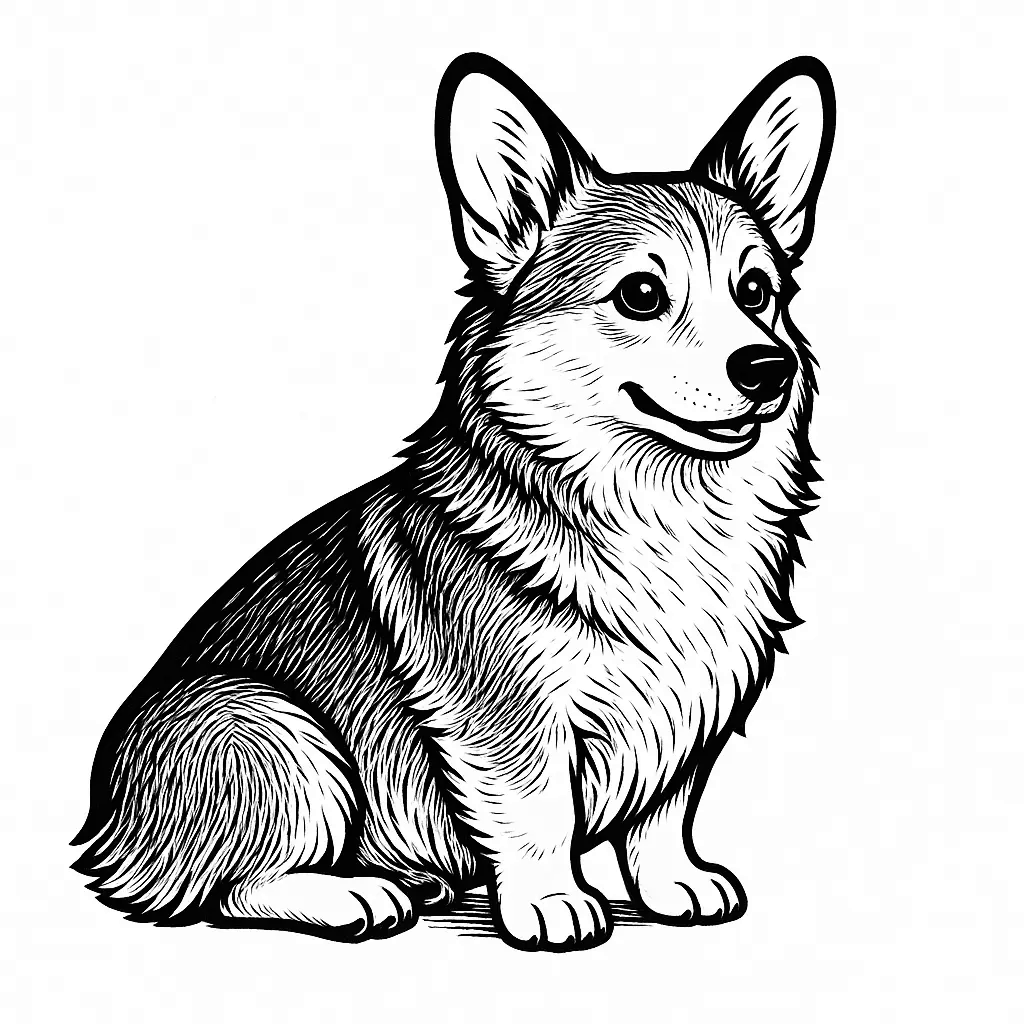
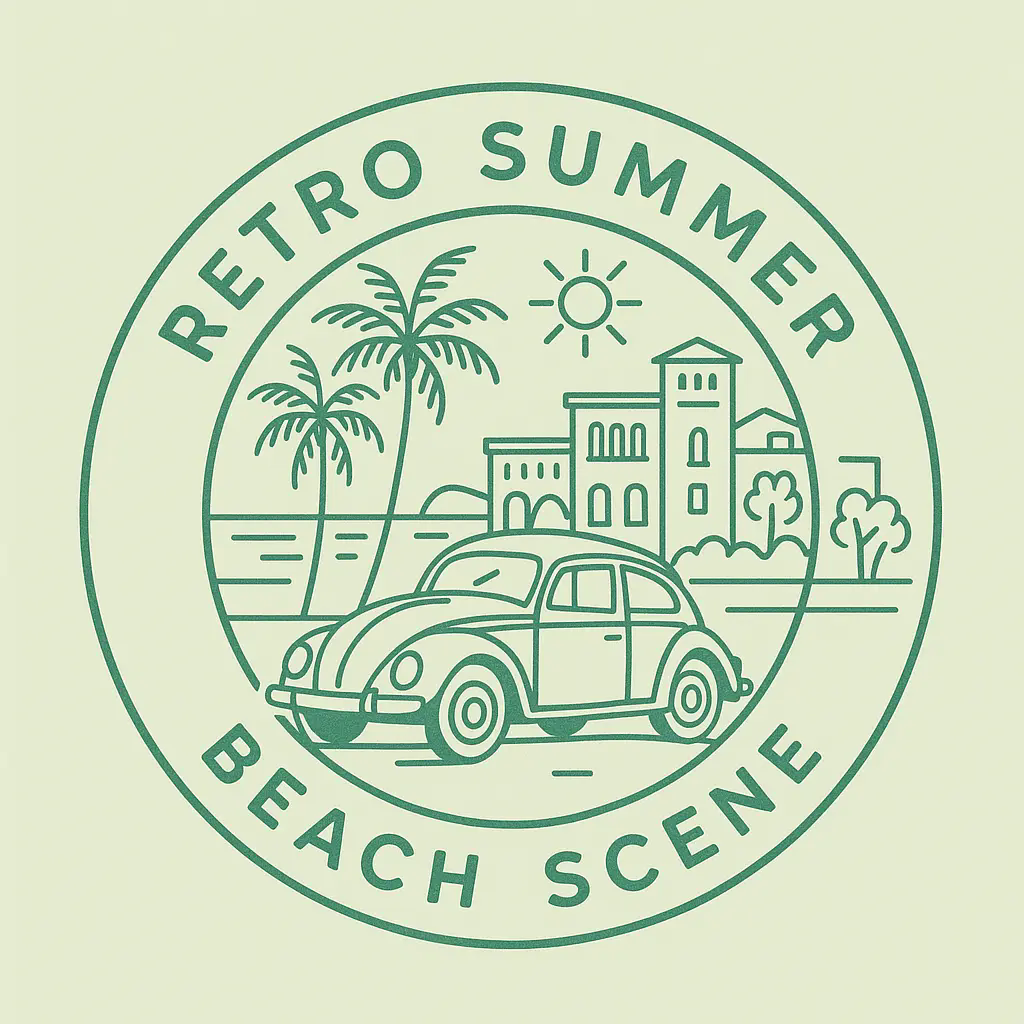
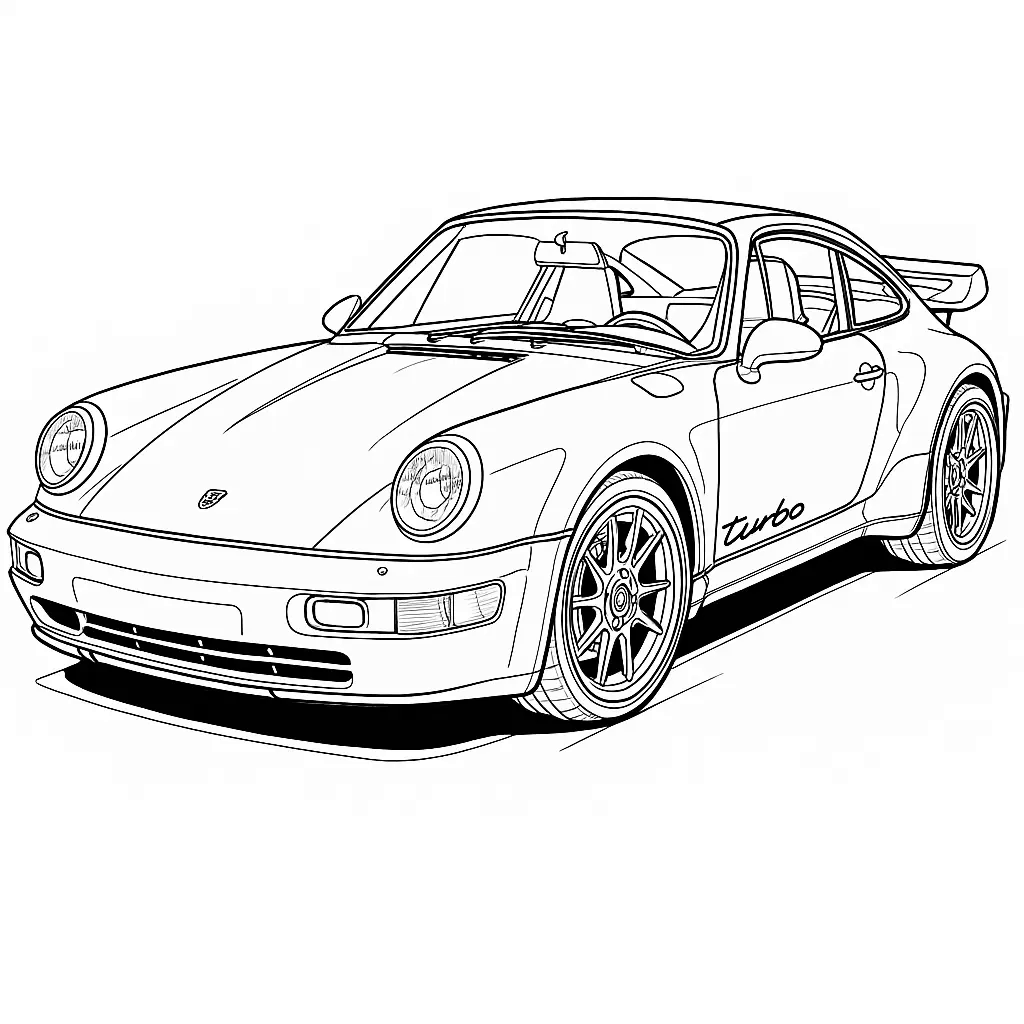
AI Line Art is the clearest choice for someone who specifically needs line-art output, not general AI image generation, and wants a dedicated tool rather than a feature buried inside a broader platform. The free tier gives exactly one credit per day, which is barely enough to evaluate quality, and API access is locked behind the $59.99/month Business plan. If you need general AI image generation or design layout tools rather than pure line-art, Canva's Magic Studio covers far more ground for a similar price.
What is AI Line Art?
AI Line Art generates clean line-art illustrations from text prompts or uploaded photos. Use it for design drafts, tattoo references, logos, coloring pages, and social graphics. Freemium - try core generation without a big upfront commitment.
How we scored AI Line Art
Capability scores well for a focused tool: multiple named style modes, SVG export, up to 4K resolution, and dedicated sub-tools for coloring pages, sketch simplification, and colorization give it real depth within its narrow lane. Ease of use is high because the workflow is genuinely simple and the web-plus-Chrome-extension setup has low friction. Value takes a significant hit because the free tier offers only 1 credit per day with no Pro model access, making it nearly impossible to evaluate the product before paying, and the Business plan at $119.99/month is the only way to get API access. Delivery scores low because this is a solo bootstrapped product with no disclosed funding or SLA, the 7-day refund window closes the moment any credit is spent, and the 'priority' support tier only kicks in at $35.99/month. The combination of a thin free tier and a high API paywall makes the value proposition weak for the most common buyer.
Pros and cons
What we liked
- Dedicated line-art focus with named style modes (sketch, woodcut, watercolor, minimalist, 3D, manga) rather than a generic prompt-to-image engine with a style toggle.
- SVG export available on all paid tiers, which is genuinely useful for tattoo stencils, logo work, and anything heading into a vector editor.
- Annual billing cuts prices by 50%, bringing the Pro plan to $17.99/month for 500 credits, and unused credits roll over month to month.
Where it falls short
- The free tier gives exactly one credit per day with no rollover, watermarked output, and standard-model-only access. That is not enough to evaluate the Pro model quality before committing to a paid plan, and the site explicitly states there is no free trial.
- API access is gated entirely behind the Business plan at $119.99/month ($59.99/month annual). Developers or small studios wanting to integrate line-art generation into their own tools have no mid-tier option.
- This is a solo-built bootstrapped product with no disclosed funding, a small team, and a support tier that only reaches 'Priority' at the Pro level and 'Dedicated' at Business. Buyers who need SLA-backed support or long-term product stability guarantees have no evidence to rely on.
Key features
AI Line Art pricing
Four tiers: Free (1 credit/day, watermarked, standard model); Basic at $11.99/month ($5.99/month on annual billing, 100 credits); Pro at $35.99/month ($17.99/month annual, 500 credits); Business at $119.99/month ($59.99/month annual, 2,000 credits with API access). Annual billing saves 50%. A 7-day money-back guarantee applies if no credits have been spent. No free trial beyond the daily single credit.
| Plan | Price | Who it is for |
|---|---|---|
| Free | Free | 1 credit per day, standard AI model, 1K resolution, PNG output only, watermarked exports, ad-supported, personal use only, no private generation, slow generation queue. |
| Basic | $11.99/month | 100 credits per month, Pro model access, high-quality output, 1K/2K/4K resolution, PNG/JPG/WEBP/SVG formats, 2x batch generation, fast generation, no watermarks, private generation, 30-day cloud storage, no ads, commercial usage rights. Annual price: $5.99/month. |
| Pro | $35.99/month | 500 credits per month, Pro model access, highest-quality output, 1K/2K/4K resolution, all formats, 4x batch generation, priority fast generation, no watermarks, private generation, forever cloud storage, priority support, no ads, commercial usage rights. Annual price: $17.99/month. |
| Business | $119.99/month | 2,000 credits per month, Pro model access, highest-quality output, 1K/2K/4K resolution, all formats, 8x batch generation, fastest generation, no watermarks, private generation, unlimited cloud storage, dedicated account manager, API access, no ads, commercial usage rights. Annual price: $59.99/month. |
Pricing reflects what we saw at time of review (2026-10). Always confirm current pricing on the tool's own site.
Who should use AI Line Art?
Tattoo artists who need to present clean line-art concepts to clients will get the most direct value here. The same applies to coloring-book creators, children's illustrators, and anyone producing logo sketches or minimalist social graphics who wants a dedicated tool rather than a general image generator. The SVG export on paid plans is a practical advantage for anyone whose workflow ends in a vector editor.
Skip AI Line Art if you need API access without committing to $59.99/month, or if your work spans layout, typography, and publishing alongside image generation. Canva, already in our directory, covers that broader design workflow and includes AI image generation as part of its platform. If your need is spatial creative work combining image, vector, and audio tools in one canvas, Plnty is the better fit.
Skip it if: Teams needing API access on a budget, or anyone wanting general-purpose AI image generation.
Tags
Frequently asked questions
How many images can I generate on the free plan?+
The free plan gives 1 credit per day, which produces 1 image per day. There is no free trial and no rollover of unused daily credits.
Does AI Line Art offer a free trial?+
No. The pricing page explicitly states there is no free trial. The free tier with 1 daily credit is the only no-cost way to test the tool, and it only accesses the standard model, not the Pro model used on paid plans.
What file formats can I download?+
Free users get PNG only. All paid tiers (Basic, Pro, Business) support PNG, JPG, WEBP, and SVG. SVG export is significant for anyone taking output into a vector editor or cutting machine.
Is API access available?+
API access is only included in the Business plan, which costs $119.99/month (or $59.99/month on annual billing). There is no API access on the Free, Basic, or Pro tiers.
What is the refund policy?+
A 7-day money-back guarantee applies, but only if you have not spent any credits. Once credits are used, refunds are not available. Contact hello@ailineart.com to request one.
Can I use generated images commercially?+
Commercial usage rights are included on all paid plans (Basic, Pro, Business). The free tier does not include commercial rights.
More AI Design & Art tools
See all categoriesGet your tool listed on 300+ directories.
One listing here is a strong start. But the founders who get discovered everywhere are listed everywhere. Our sister site, Free AI Directories, submits your tool to 300+ AI directories for you, every single one by hand, by a real person.
It is a one-time payment of $49, no subscription, and you can follow along as the submissions land. Prefer the slow route? The same site keeps a free list of 450+ directories you can work through yourself.
Get my tool listed on 300+ directoriesOne-time payment, no subscription · 100% human submissions · Free list of 450+ directories included.