ArtCraft Suite
An unofficial community guide to 13 free, open-source Rust apps that replace Adobe and Office tools, plus an AI image and video studio.
Are you the maker? Claim this listing to keep info, pricing and screenshots current. Verified via your tool's domain email.
Best for developers and cost-conscious creatives who want a genuinely free, open-source escape from Adobe subscriptions and are willing to work with software that is still maturing. The Crafting Apps lag behind Canva in polish and behind Plnty in AI-native creative depth. Anyone who needs production-ready tools today should look elsewhere while these apps finish development.
What is ArtCraft Suite?
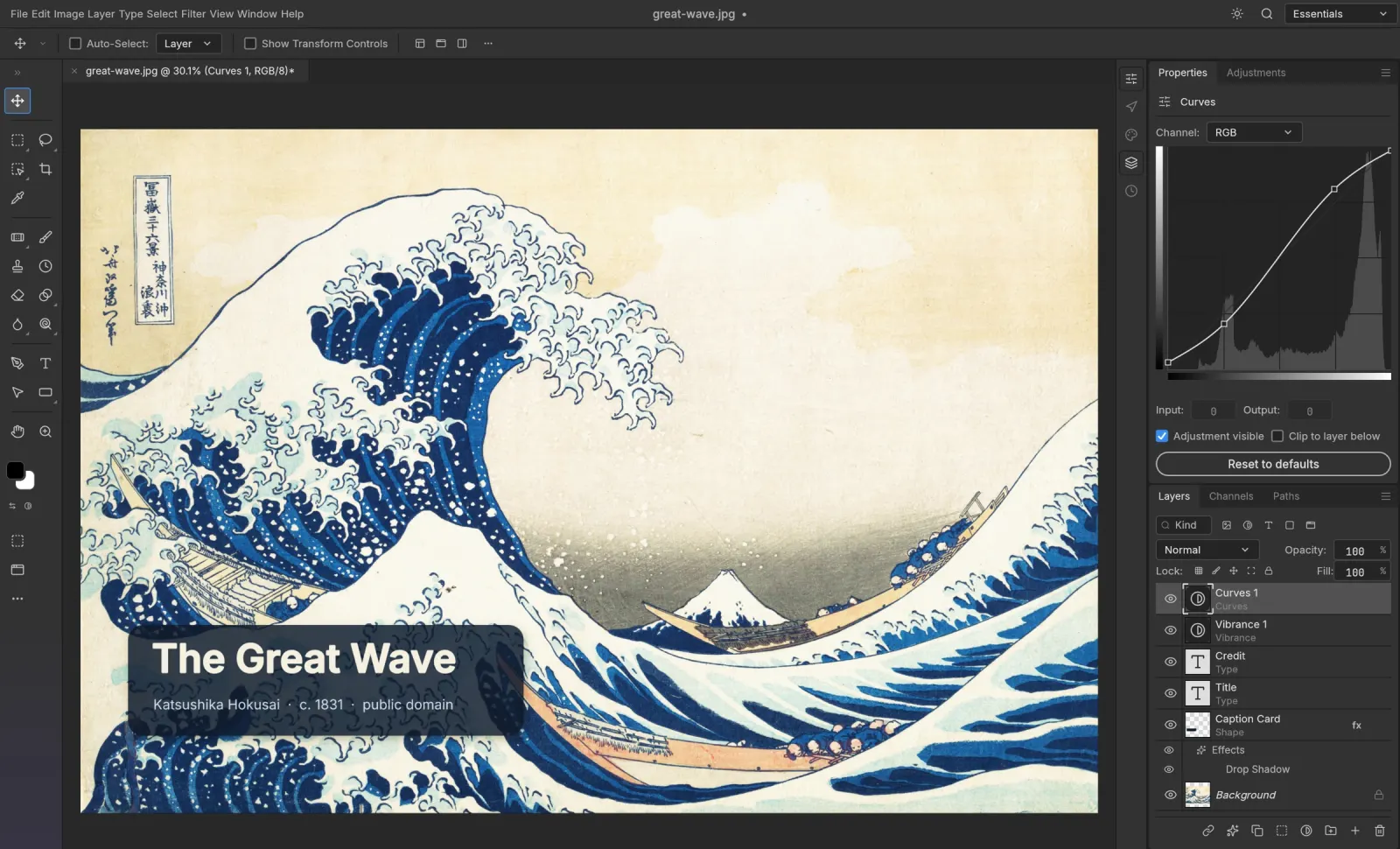
ArtCraft Suite is an unofficial community guide to the ArtCraft Crafting Apps: 13 free, open-source (MIT/Apache-2.0) Rust apps that replace Photoshop, Illustrator, Premiere, Lightroom, Acrobat, InDesign, Figma and more, plus ArtCraft AI, an open-source AI image and video studio. Launch WebAssembly builds right in your browser with nothing uploaded, read comparisons and download guides, in 8 languages.
How we scored ArtCraft Suite
Capability scores 19 because the breadth of 13 apps covering the full Adobe and Office stack is genuinely impressive, and ArtCraft AI's 3D scene compositing before generation is a real differentiator over prompt-only tools, but most Crafting Apps are confirmed early alpha, which limits what the suite can actually deliver against named competitors like Canva or Plnty today. Ease of use scores 16 because the WebAssembly browser builds are frictionless to open, but the site is an unofficial community guide with no official support, the all-in-one launcher is macOS-only, and alpha-stage apps carry inherent UX unpredictability. Value scores 22 because the apps are genuinely free under open-source licenses with no subscription required, and the AI credit pricing at $10/month for 1,000 credits is competitive for the model access provided. Delivery scores 11 because the tool being reviewed is an unofficial community guide rather than the official product, most apps are in early alpha per multiple independent sources, and the gap between the suite's stated feature parity with Adobe and its actual production readiness is substantial enough to be a real trust issue for buyers.
Pros and cons
What we liked
- Thirteen apps covering the full Adobe and Office stack, all free and MIT/Apache-2.0 licensed with no subscription, telemetry, or account required to run them in the browser.
- ArtCraft AI's 3D scene blocking and character posing before generation is a concrete workflow advantage over prompt-only tools, with access to 60-plus current models including Seedance 2.5 and Kling.
- WebAssembly builds run entirely client-side in the browser with nothing uploaded, making this one of the few creative suites that is genuinely private by architecture rather than by policy.
Where it falls short
- Most Crafting Apps are confirmed early alpha or still in active development, meaning they are not reliable replacements for production workflows despite covering the full Adobe feature list on paper.
- artcraftsuite.org is an unofficial community guide, not the official ArtCraft product, so documentation can lag behind the actual app releases and there is no official support channel through this site.
- The all-in-one launcher is currently macOS-first, leaving Windows and Linux users to manage individual app downloads rather than a unified installer.
Key features
ArtCraft Suite pricing
All 13 Crafting Apps are free to download and run in the browser with no account required. ArtCraft AI generation uses credits: Basic is $10/month for 1,000 credits, Pro is $35/month for 3,750 credits, Max is $60/month for 6,600 credits, and Enterprise is custom-priced. Annual billing drops those to roughly $8, $28, and $48 per month respectively. The apps themselves cost nothing; you only pay if you use hosted AI generation.
| Plan | Price | Who it is for |
|---|---|---|
| Free (Apps) | Free | All 13 Crafting Apps to download or run in the browser. No account, no subscription, no telemetry. No hosted AI generation credits included; bring your own compute or third-party API keys. |
| Basic | $10/mo | 1,000 AI generation credits per month (1 credit = $0.01). Roughly 250 Nano Banana images or about 63 seconds of Seedance video. Annual billing reduces this to $8/mo ($96/year). |
| Pro | $35/mo | 3,750 AI generation credits per month. Annual billing reduces this to $28/mo ($336/year). Listed as the most popular plan. |
| Max | $60/mo | 6,600 AI generation credits per month. Annual billing reduces this to $48/mo ($576/year). Listed as best value per credit. |
| Enterprise | Custom | Bespoke credit allocation, secure model hosting, support SLAs, and custom integrations. Pricing on request. |
Pricing reflects what we saw at time of review (2026-10). Always confirm current pricing on the tool's own site.
Who should use ArtCraft Suite?
Photographers, designers, and video editors who are actively looking to leave Adobe Creative Cloud and want to test free alternatives without committing to a new paid subscription. The browser-based WebAssembly builds make it easy to try PhotoCraft or FilmCraft on a lunch break without installing anything. Developers interested in Rust-based creative tooling or who want to contribute to or fork an MIT-licensed project will find the open codebase directly useful. Indie filmmakers and AI artists who want 3D scene control before generating video, rather than pure prompt-to-output tools, will find ArtCraft AI's compositing approach genuinely different from most competitors.
Anyone who needs a stable, production-ready tool today should not rely on these apps as a primary workflow. Most Crafting Apps are still in early alpha. For polished, immediately usable design work, Canva offers a mature, well-documented platform with a strong free tier and far fewer rough edges. For AI-native creative work with broader tool coverage, Plnty's spatial canvas with 150-plus purpose-built tools is a more finished option.
Skip it if: Teams needing production-ready, stable creative tools right now
Frequently asked questions
Is ArtCraft Suite the official ArtCraft website?+
No. artcraftsuite.org is an unofficial community guide. The official ArtCraft site is getartcraft.com, and the source code is hosted at github.com/storytold. The community guide links to both for every download.
Are the Crafting Apps actually free, or is there a catch?+
The apps themselves are genuinely free under MIT or Apache-2.0 licenses with no subscription, no telemetry, and no account required. The only paid component is hosted AI generation in ArtCraft AI, which costs credits at $0.01 each. You can skip credits entirely by bringing your own compute or third-party API keys.
How much do AI generation credits cost?+
Credits cost $0.01 each. The Basic plan is $10/month for 1,000 credits, Pro is $35/month for 3,750 credits, and Max is $60/month for 6,600 credits. Annual billing drops those to roughly $8, $28, and $48 per month. Credits are refunded if a generation fails.
Can I use the apps without installing anything?+
Yes. Every Crafting App compiles to WebAssembly and runs directly in a browser tab. Nothing is uploaded to a server. You can open PhotoCraft, FilmCraft, or any of the other 13 apps instantly from the site.
Are the apps ready for professional use?+
Most are not yet. Multiple independent sources confirm that the majority of Crafting Apps are in early alpha or active development as of October 2026. PhotoCraft and LightCraft are the most cited as usable for real work, but the suite as a whole is not a drop-in replacement for a professional Adobe workflow.
Which AI models does ArtCraft AI support?+
ArtCraft AI supports over 60 models including Seedance 2.5 (4 to 30 second clips at up to 1080p), Nano Banana, GPT Image, Kling, Veo, and Sora. You can also connect your own compute or existing third-party subscriptions instead of buying credits.
More AI Design & Art tools
See all categoriesGet your tool listed on 300+ directories.
One listing here is a strong start. But the founders who get discovered everywhere are listed everywhere. Our sister site, Free AI Directories, submits your tool to 300+ AI directories for you, every single one by hand, by a real person.
It is a one-time payment of $49, no subscription, and you can follow along as the submissions land. Prefer the slow route? The same site keeps a free list of 450+ directories you can work through yourself.
Get my tool listed on 300+ directoriesOne-time payment, no subscription · 100% human submissions · Free list of 450+ directories included.