
Bgbye
AI background remover with a credit-based editor for product photos, portraits, and social creatives.
Are you the maker? Claim this listing to keep info, pricing and screenshots current. Verified via your tool's domain email.
Bgbye is a solid pick for e-commerce sellers and social media creators who need occasional or high-volume background removal without committing to a full design platform. Its pay-as-you-go option at $3.00 for 3 credits keeps entry costs low, but the free tier is genuinely thin: one guest image plus one sign-in credit is barely a trial. Teams or individuals who need AI generation, batch editing, or ZIP downloads will have to pay, and the per-credit cost on the smallest subscription tier ($0.225 per credit at $9/month for 40 credits) is steep compared to what you get.
What is Bgbye?
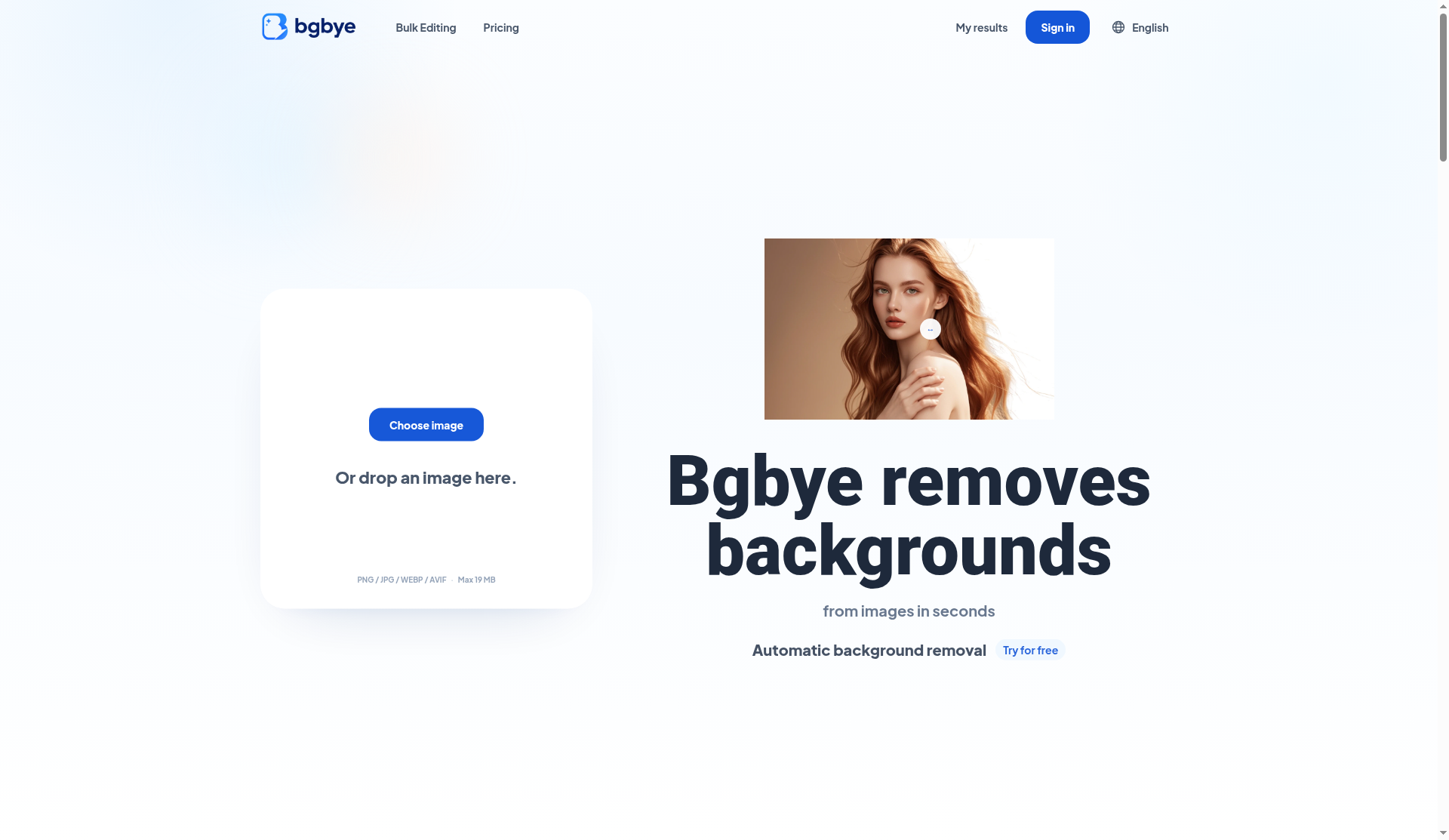
Bgbye is a web-based AI image editor centered on background removal. It accepts PNG, JPG, WebP, and AVIF uploads up to 19MB, processes the cutout automatically, and lets users preview edge quality before downloading a transparent PNG or WebP. Beyond removal, the tool includes edge refinement, color and light adjustments, shadow and blur controls, crop and resize, text overlays, AI background generation, and outpainting-style image expansion.
The service runs on a credit model with three tiers: a free guest pass for one image, a monthly subscription starting at $9/month for 40 credits, and one-time pay-as-you-go packs from $3.00 for 3 credits. Bulk editing and batch ZIP downloads require an active paid balance. The platform is aimed at e-commerce sellers, social media content creators, and designers who need clean product cutouts without installing desktop software.
How we scored Bgbye
Capability scores 17 because Bgbye does more than a pure remover (AI generation, expansion, edge refinement, bulk editing) but lacks video support on the current product and has no vector, brand kit, or template depth that named competitors like Canva offer. Ease of use scores 21 because the upload-preview-download flow is genuinely frictionless, no installation is needed, and the free guest pass requires no card. Value scores 15 because the free tier is a single image, the pay-as-you-go base rate is $1.00 per credit for just 3 credits, and the entry subscription at $9/month yields only 40 credits that do not roll over, making the cost per processed image high for anyone with moderate volume. Delivery scores 15 because the tool appears to do what it claims for basic removal, but the free tier is so thin it borders on a bait-and-switch (the submitted pricing model was listed as FREE when the product is clearly FREEMIUM), and several third-party listings carry outdated or conflicting information about features like video support, suggesting the product has changed significantly without clear public communication.
Pros and cons
What we liked
- Pay-as-you-go credits ($3.00 for 3 credits, valid 24 months) let occasional users pay only for what they use with no subscription lock-in.
- Paid plans include AI background generation and outpainting-style image expansion, features that go beyond what most standalone removers offer.
- Bulk editing with batch ZIP download is available on both paid tiers, making it practical for e-commerce sellers processing multiple product images at once.
Where it falls short
- The free tier is effectively a demo: one guest removal plus one sign-in credit, with AI background generation, bulk editing, and ZIP downloads all gated behind a paid plan.
- Subscription credits do not roll over month to month, so a seller with uneven monthly volume loses unused credits even on the $9/month base plan.
- No video background removal is present on the current bgbye.art product, despite some third-party listings referencing an older version of the tool at a different domain (bgbye.fyrean.com) that included video support.
Key features
Bgbye pricing
Free tier gives one guest background removal plus one extra credit after sign-in, no card required. Subscription starts at $9/month (40 credits, $0.225 per credit) with larger monthly bundles up to 75,000 credits. Pay-as-you-go starts at $3.00 one-time for 3 credits ($1.00 per credit); packs scale up to 8,000 credits. Pay-as-you-go credits are valid for 24 months. Unused subscription credits do not roll over.
| Plan | Price | Who it is for |
|---|---|---|
| Free | $0 | One background removal as a guest, plus one extra credit after sign-in. No card required. Includes edge refinement, color/light/shadow/blur adjustments, crop, resize, text, and template tools. Does not include AI background generation, image expansion, bulk editing, or ZIP downloads. |
| Subscription | $9.00/month | Starts at 40 credits/month at $0.225 per credit. Scales up to 75,000 credits/month. Includes all Free features plus AI background generation, image expansion, bulk editing, batch ZIP downloads, and monthly credit refresh. Unused credits do not roll over. Billed monthly with automatic renewal. |
| Pay as you go | $3.00 one-time | Starts at 3 credits for $3.00 ($1.00 per credit). Scales up to 8,000 credits per pack. Credits valid for 24 months. Includes all Subscription features except monthly credit refresh. No automatic renewal. |
Pricing reflects what we saw at time of review (2026-10). Always confirm current pricing on the tool's own site.
Who should use Bgbye?
Bgbye fits an e-commerce seller who photographs products on a cluttered background and needs clean white or transparent cutouts before uploading to a marketplace. The pay-as-you-go option at $3.00 for 3 credits suits someone with occasional needs; the $9/month subscription makes sense for anyone processing dozens of product images per month. Social media creators who want to swap backgrounds or add AI-generated scenes behind portraits will find the generation and expansion features useful once they are on a paid plan.
If you need a full design environment with templates, brand kits, and social post layouts built in, Canva (already in this directory) covers that ground far more completely and includes background removal as one feature among many. If your workflow is primarily about finding visual inspiration or working across image, video, and vector in one canvas, Plnty is a better fit.
Skip it if: Users who need a full design workflow or video background removal
Frequently asked questions
Can I try Bgbye without entering a credit card?+
Yes. You can remove the background from one image as a guest with no account or payment required. Sign in for one additional free credit. No card is needed at either step.
What is the difference between the Subscription and Pay as you go plans?+
The Subscription refreshes credits each month starting at $9/month for 40 credits, but unused credits expire at the end of the billing period. Pay as you go is a one-time purchase starting at $3.00 for 3 credits, with no renewal and a 24-month validity window. Both plans enable bulk editing, AI background generation, and ZIP downloads.
Does Bgbye support video background removal?+
The current bgbye.art product does not list video background removal as a feature. Some older third-party listings reference a prior version of the tool at a different domain that included video; that capability does not appear on the current pricing or features page.
What file formats and sizes does Bgbye accept?+
Bgbye accepts PNG, JPG, WebP, and AVIF files up to 19MB per image.
Do subscription credits roll over if I do not use them all?+
No. Subscription credits refresh each month and unused credits from the previous month are lost. Pay-as-you-go credits are not subject to this limit and remain valid for 24 months.
Can I download a transparent PNG on the free plan?+
Yes. The free plan includes PNG, JPG, and WebP downloads. Choosing a transparent background and exporting as PNG or WebP works on all plans; JPG fills transparent areas with white.
More AI Design & Art tools
See all categoriesGet your tool listed on 300+ directories.
One listing here is a strong start. But the founders who get discovered everywhere are listed everywhere. Our sister site, Free AI Directories, submits your tool to 300+ AI directories for you, every single one by hand, by a real person.
It is a one-time payment of $49, no subscription, and you can follow along as the submissions land. Prefer the slow route? The same site keeps a free list of 450+ directories you can work through yourself.
Get my tool listed on 300+ directoriesOne-time payment, no subscription · 100% human submissions · Free list of 450+ directories included.