Concrete Calculator
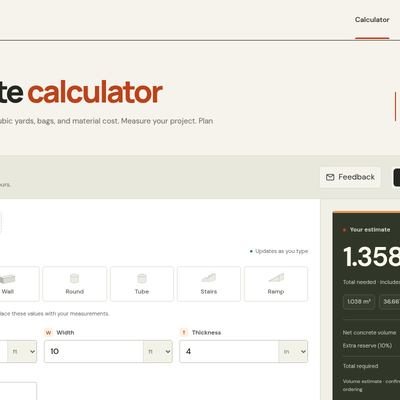
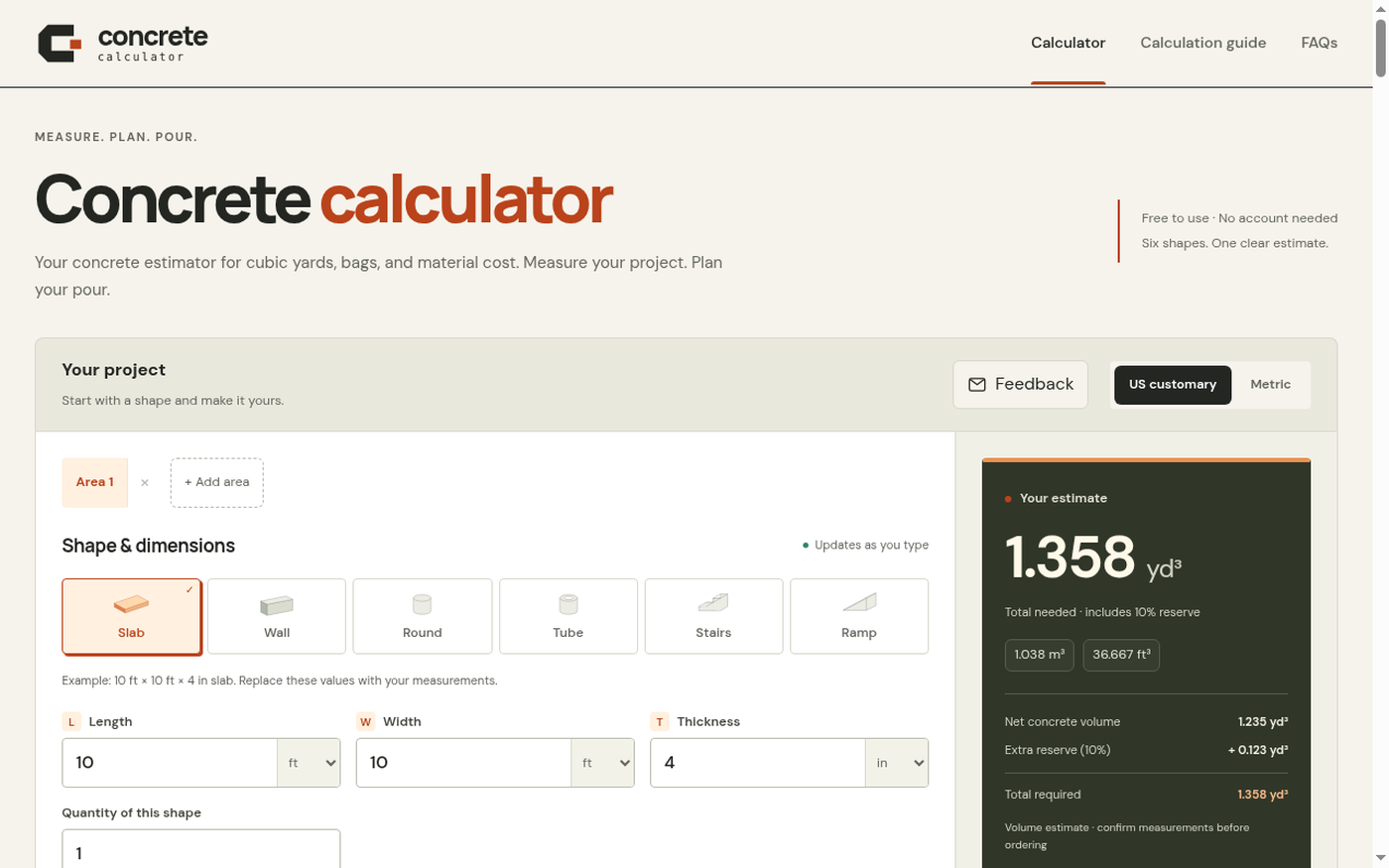
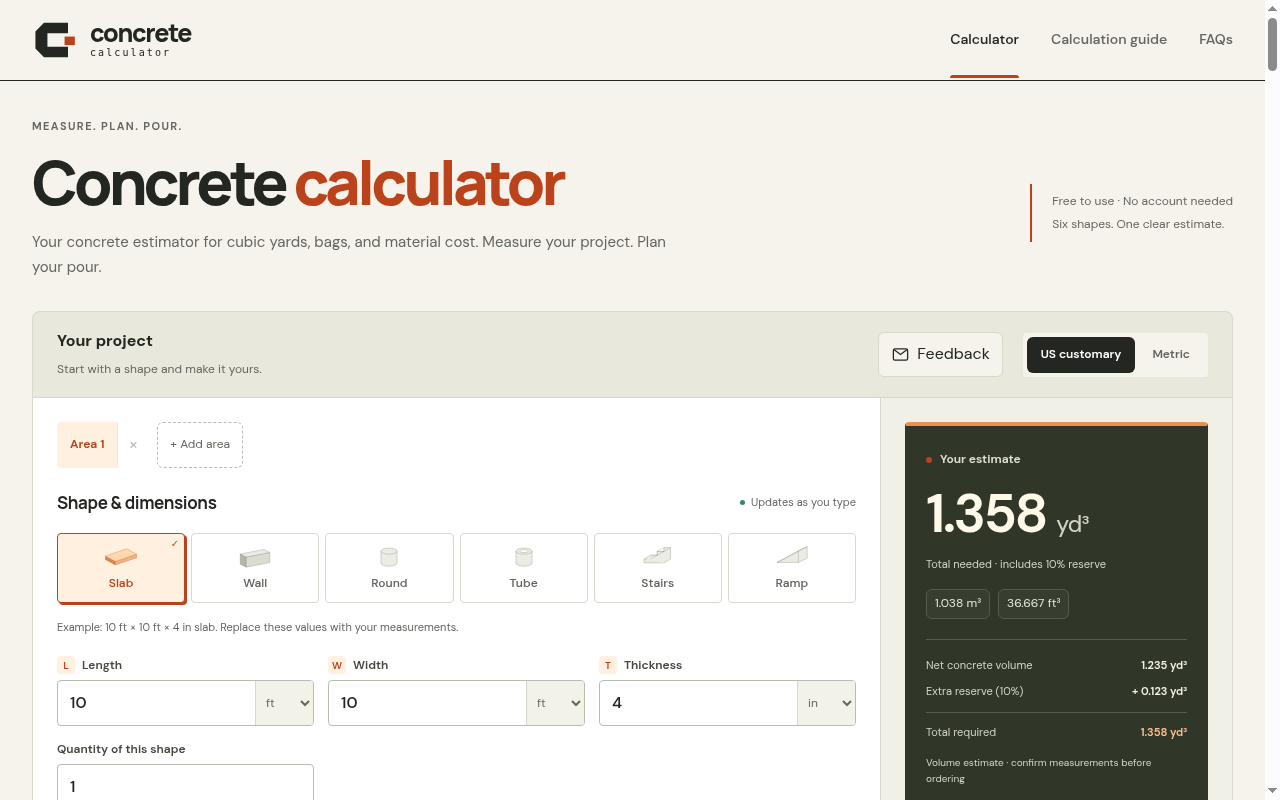
A free, no-account browser tool that estimates concrete volume, bag counts, and material cost across six project shapes.
Are you the maker? Claim this listing to keep info, pricing and screenshots current. Verified via your tool's domain email.
The best fit for a DIYer or small contractor who needs a fast, honest volume estimate before calling a supplier, with no registration friction. It does geometry well and shows its math step by step, but it is not an AI tool in any meaningful sense and sits in the wrong directory category. Anyone needing structural guidance, rebar estimates, or labor cost breakdowns should look elsewhere.
What is Concrete Calculator?
Estimates finished concrete volume, bags, and optional material costs for slabs, footings, walls, columns, stairs, and ramps. Geometry estimates only-not structural design.
How we scored Concrete Calculator
Ease of use is the genuine strength: the interface updates live, the 3D preview is a real differentiator among free concrete calculators, and the step-by-step calculation guide is more transparent than most competitors. Value scores well because the tool is completely free with no account friction and no upsell. Capability is limited to geometry only, with no labor costs, no rebar guidance, and no built-in pricing data, putting it behind tools like concretecalculate.com that include ACI 318-aligned reinforcement estimates. Delivery is scored at 0 because this tool is submitted and categorized as an AI Productivity Tool but contains no AI whatsoever, which is a fundamental mismatch between what the listing claims and what the product actually delivers. That is a category-level misrepresentation, not a minor caveat.
Pros and cons
What we liked
- Fully free with no account required and no hidden upgrade path: the complete feature set is available to anyone who opens the page.
- Step-by-step calculation guide shows every unit conversion and intermediate formula to 12 significant digits, making it easy to verify or audit the result.
- Multi-area support with a single configurable reserve percentage lets you combine a slab, a footing, and a column into one order total in a single session.
Where it falls short
- Categorized as an AI tool but contains no AI whatsoever: it is pure geometry, which means buyers arriving from an AI directory will find a capable but entirely conventional calculator.
- Material cost estimation is manual-entry only with no built-in pricing data: you must already know your local price per bag or per cubic yard before the cost field does anything useful.
- No labor, delivery, pumping, or finishing cost support: the estimate covers material volume only, so a contractor building a real quote still needs a separate tool for the rest of the budget.
Key features
Who should use Concrete Calculator?
A homeowner pouring a backyard patio or a set of steps will get real value here. The multi-area support means you can add a walkway and a footing in the same session and get one combined order number, which is exactly the kind of thing that saves a second trip to the supplier. Small contractors who want a quick sanity check on a volume estimate before quoting a job will also find it useful, particularly because the calculation guide shows the math rather than just a black-box number.
Anyone who needs more than geometry should look elsewhere. If you need rebar estimates aligned with ACI 318, labor cost breakdowns, or regional ready-mix pricing, EveryTool4U in our directory covers a broader set of construction and productivity utilities in a single free browser-based toolkit. If the goal is AI-assisted productivity work rather than concrete estimation specifically, Notion AI is a better fit for that category entirely.
Skip it if: Anyone needing structural design, labor cost estimates, or rebar guidance
Concrete Calculator alternatives
Frequently asked questions
Is there a paid plan or any cost to use Concrete Calculator?+
No. The tool is entirely free with no account required and no paid tier. Every feature, including multi-area sessions, bag counts, and the cost estimator, is available without signing up.
How many shapes does it support?+
Six: slab and footing, wall, column, round tube, stairs, and ramp. Each has its own dimension fields and a live 3D preview.
Does it include labor or delivery costs?+
No. The cost estimator covers material only (bags or ready-mix volume). Labor, delivery, pumping, and tax are explicitly excluded and must be estimated separately.
Which bag sizes does it calculate?+
It references QUIKRETE No.1101 in 40 lb, 50 lb, 60 lb, 80 lb, and 90 lb sizes, plus a custom product field where you enter your own yield per bag.
Can I share my estimate with a contractor or supplier?+
Yes. The tool generates a shareable link that includes your measurements and any prices entered. No account is needed for either the sender or the recipient.
Does this tool use AI?+
No. It is a geometry calculator. Inputs go through standard volume formulas with unit conversions; there is no machine learning model or AI inference involved.
More AI Productivity Tools
See all categoriesGet your tool listed on 300+ directories.
One listing here is a strong start. But the founders who get discovered everywhere are listed everywhere. Our sister site, Free AI Directories, submits your tool to 300+ AI directories for you, every single one by hand, by a real person.
It is a one-time payment of $49, no subscription, and you can follow along as the submissions land. Prefer the slow route? The same site keeps a free list of 450+ directories you can work through yourself.
Get my tool listed on 300+ directoriesOne-time payment, no subscription · 100% human submissions · Free list of 450+ directories included.